
Rewind time just a few short years, and you would hear countless voices telling you why the Office inkjet didn't make sense. Ink was too expensive, the printers were too slow, it wasn't a technology that businesses could rely on. Inkjet was fine for photographic work or printing at home, but the Office? No. Not likely.
This wasn't true then, and it's definitely not true now. Inkjet technology has moved on radically. Using HP's PageWide technology, which packs 40,000 nozzles on a stationary printhead that spans the whole width of the page, HP's OfficeJet X Series printers are delivering up to double the speed of comparable laser printers for half the running costs. The game has changed. Instead of thinking about the costs of using ink in the office, businesses should now be thinking about the costs of not using ink. By sticking with the tried-and-tested option, companies could be spending more money than they need to, adding needlessly to their environmental impact and missing out on business opportunities.
Speed
Time matters to every business. Minutes spent standing around a printer or waiting for a colleague's job to run is time that could be better spent elsewhere. The cost of wasted time might be small and hard to calculate, but it has a nasty way of mounting up.
Now, it's true that laser printers used to be faster, but inkjets now hold the speed crown. Thanks to a HP PageWide printhead that remains static while paper moves rapidly and precisely underneath, HP's fastest OfficeJet Enterprise X585 series printers can print monochrome and colour pages at speeds of up to 75 pages per minute (ppm). That's far in excess of any comparable laser printer and double the speed of many premium business models. Inkjets are now fast, efficient and keep your business working at maximum capacity. Ignore ink, and you're ignoring a technology that could save you and your colleagues time and money.
Environmental Impact
If you're serious about your corporate and social responsibilities, then ink is the only way to go. The problem with laser printing is that it requires a lot of heat and energy, not only for the laser and the whole feed mechanism, but for the fuser that bonds the particles of toner to the paper. This needs to be kept hot during printing, often at temperatures in excess of 200 degrees. Throw in emissions, imaging drums and engines that might not last the lifespan of a printer, not to mention the size of toner cartridges and packaging, and laser printing just can't compare with inkjets in terms of environmental costs.
In fact, an OfficeJet Pro X or Enterprise X series printer use up to 84 per cent less energy than some equivalent laser printers, and can consume less than half the energy of running an 18W light bulb over a year. Inkjets also generate 94 per cent less supply and packaging waste over a year than equivalent lasers. In fact, by switching to an OfficeJet X Series printer, you could reduce the carbon footprint of your printing by up to 55 per cent. A recent study by IDC and HP showed that you could save the equivalent of 189 litres of petrol over 100,000 pages. Ignore ink, and you're pouring it down the drain.
Quality and Colour
Some organisations feel that only laser printers can produce high-quality prints, but inkjet printers are fully capable of delivering crisp text, sharp graphics and rich, black output. Using pigment inks, HP's OfficeJet Pro X and Enterprise X models also produce prints that are water and smear-resistant, so wiping with a finger or marking with a highlighter won't result in some ugly, discolored mess. Inkjet printers can produce bright, vibrant colours even on plain paper, so whether you're producing colour reports or proofing marketing materials, you'll be impressed with the results. For proposals, reports, memos, forms and fact sheets, a dash or splash of vivid colour might help make information clearer or a point more persuasive, and at a lower cost than laser prints. Opt for ink, and you'll be able to make more use of colour, without blowing your budgets.
Reliability and TCO
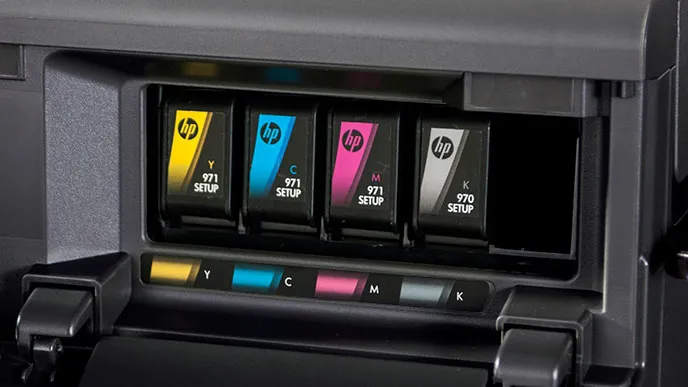
Reliability and low Total Cost of Ownership (TCO) have moved from being a weakness for inkjet printers to a strength, with HP's OfficeJet Pro X and Enterprise X printers trouncing many laser rivals on what was seen as home ground. For a start, PageWide technology is a win in reliability terms. With no moving printhead there are fewer moving parts, and an optical detection system works constantly, checking the volume, speed and trajectory of hundreds of ink drops every second to ensure that each nozzle is working perfectly. While that's happening a built-in service station which lasts the lifetime of the printer is cleaning, wiping and protecting every one.
The ink itself is changing too. Each HP ink formulation takes three to five years to develop and goes through over 1,000 prototypes before the final formula is set. The result? Inks that produce the crispest blacks and brightest colours, but also ensure smooth, clog-free operation.
To find out more about HP Original Ink, see what HP's expert Inkologist, Thom Brown has to say.
Together with a robust paper handling mechanism, the HP PageWide head and HP Original Inks help HP's printers sustain duty cycles of up to 6,000 pages per month. A test by the independent Buyers Laboratory found that the HP OfficeJet Enterprise X585dn could print more than 200,000 pages without a single failure.
There's more. You can manage HP's OfficeJet Pro X and Enterprise X printers with the same JetAdmin tools used to manage laser printers, and high yield cartridges, capable of printing up to 10,000 monochrome pages and 6,600 colour, mean fewer trips to the printer to install new ink. If your existing printers can't match this performance, you're spending more time and money than you need to keep them running. That's a cost and a burden that your business could well do without.
Purchase Costs
Generally speaking, inkjets cost less to buy than lasers and this is as true of office inkjets as it is of consumer models. Take a good look at the price of a workgroup-ready OfficeJet Pro X476dw multifunction printer, which runs at speeds of 55ppm, works with established print and management tools and can handle workloads of up to 4,200 pages per month. Now try and find a laser printer with an equivalent spec and the same sort of price tag. It won't be easy. HP's OfficeJet Pro X and Enterprise X printers can repeat this trick up and down the range.
Running Costs
Perceived wisdom on inkjet printers used to be that the money you saved on the purchase cost would be lost on the higher ongoing printing costs, with sizable interest. That's no longer the case, and by ignoring ink in the office you could easily be shelling out more than you need to for every page. In tests, HP OfficeJet Pro X and Enterprise X printers have been up to 50 per cent cheaper than comparable laser printers on cost-per-page, with high yield cartridges keeping black and white prints to less than 1p and colour prints to approximately 5p. When many office lasers run at twice that cost per page or more you might be throwing away a penny with every mono print or 5p with every colour page. That adds up to the kind of sum that makes uncomfortable reading at the end of year.
Sticking with what you know might not be saving your business money, but costing it dearly. In short, it's time to stop asking whether it's time to look at inkjet printers and start asking why you haven't moved already.
Find out more about the HP OfficeJet Pro X range of printers.

-
 Veeam launches new global program for sovereign service providers
News The initiative introduces a new competency to help customers identify local providers with the expertise to address data sovereignty requirements
-
 Dell says sort out your infrastructure or risk scuppering AI production projects
News A new Dell report warns that projects are being delayed by infrastructure, regulatory, and security concerns


-
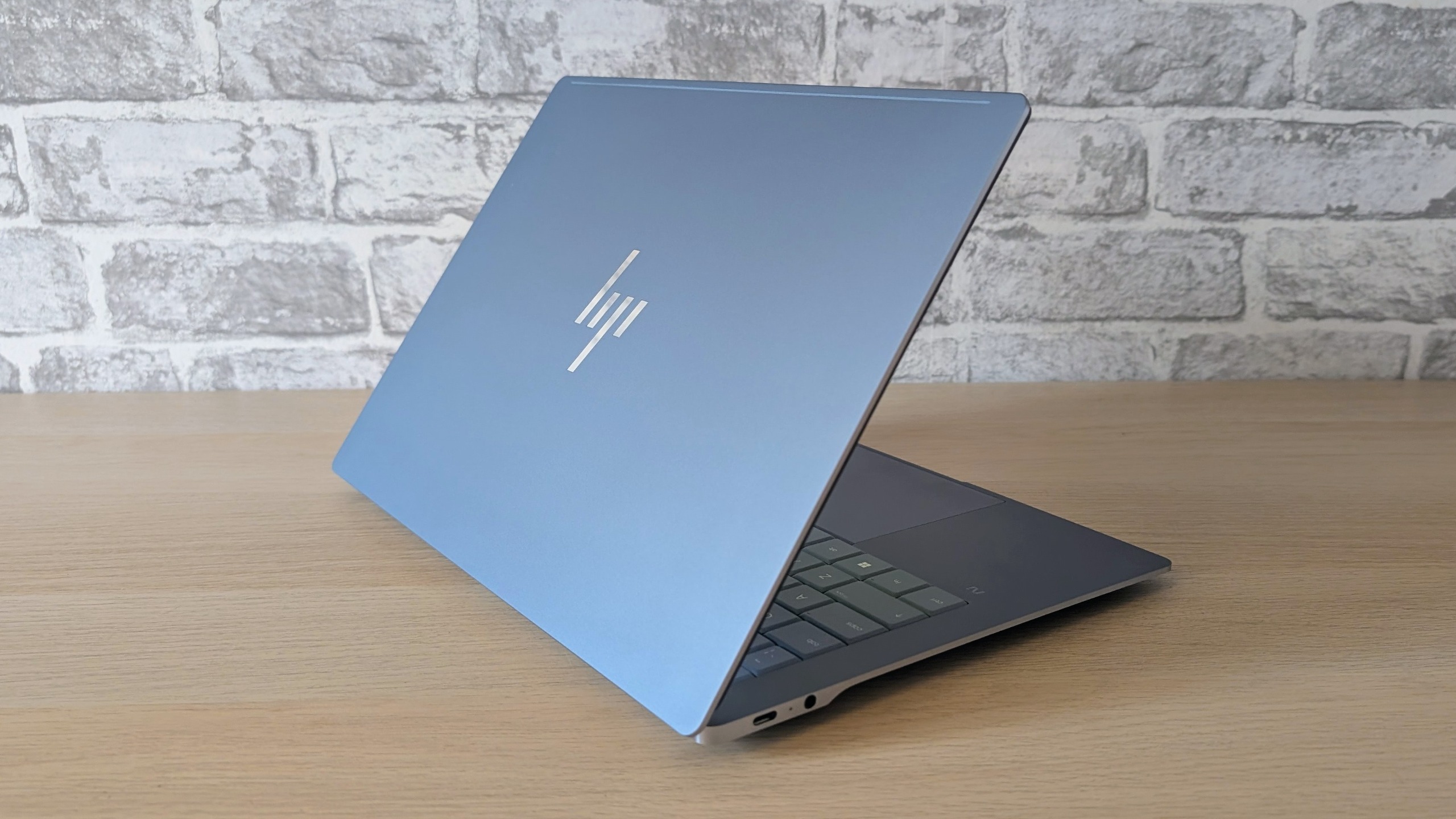 All hail the HP OmniBook Ultra 14 – the battery life king of compact laptops
Reviews As a versatile and capable daily driver, HP's cheapest Snapdragon X2-powered compact OmniBook Ultra takes some beating
-
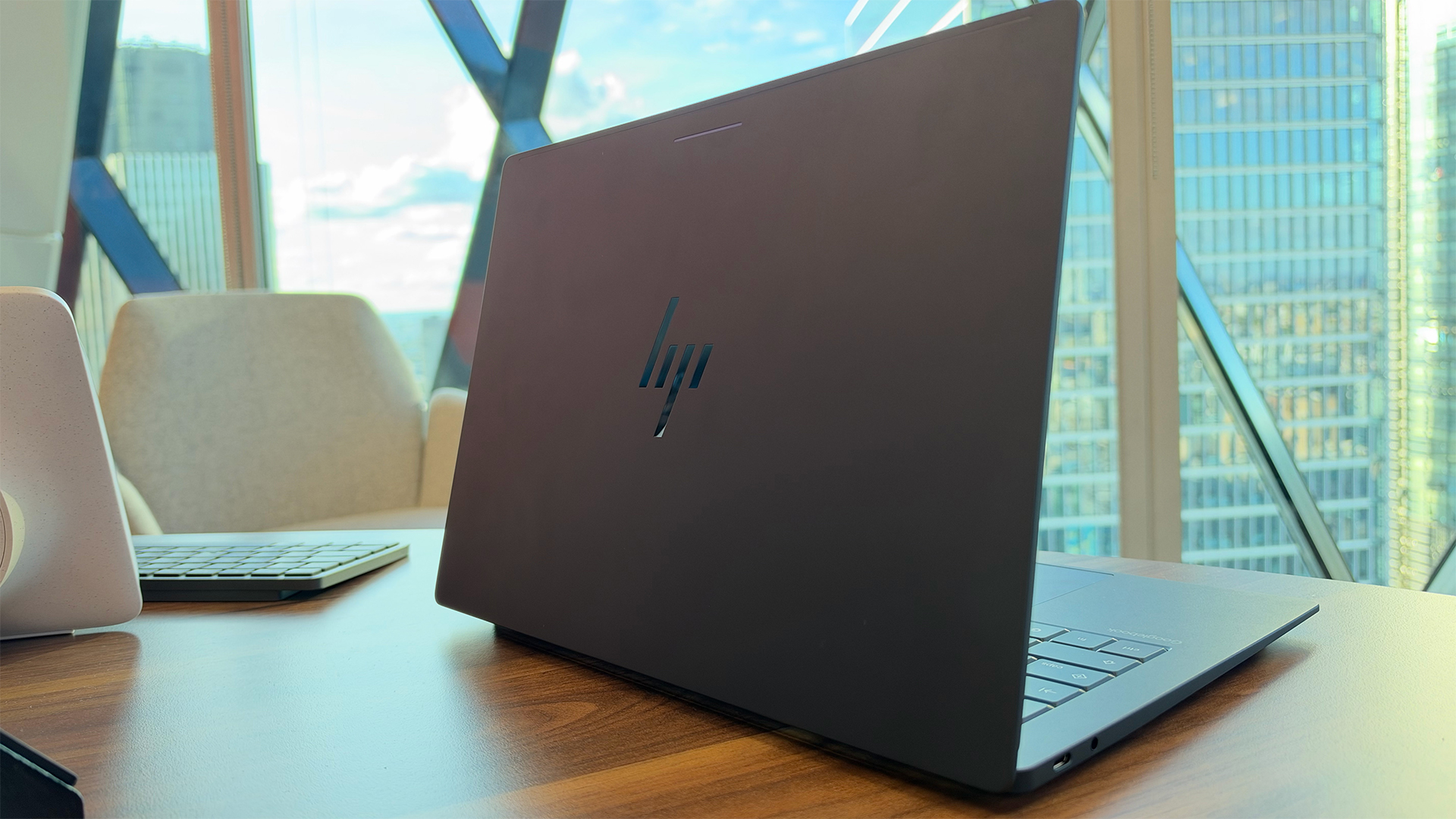 Googlebook: Everything you need to know about the new Gemini-powered laptop range – including pricing, performance specs, and release dates
News A new class of Gemini-powered laptops is here with the aim of fusing Android and Chrome
-
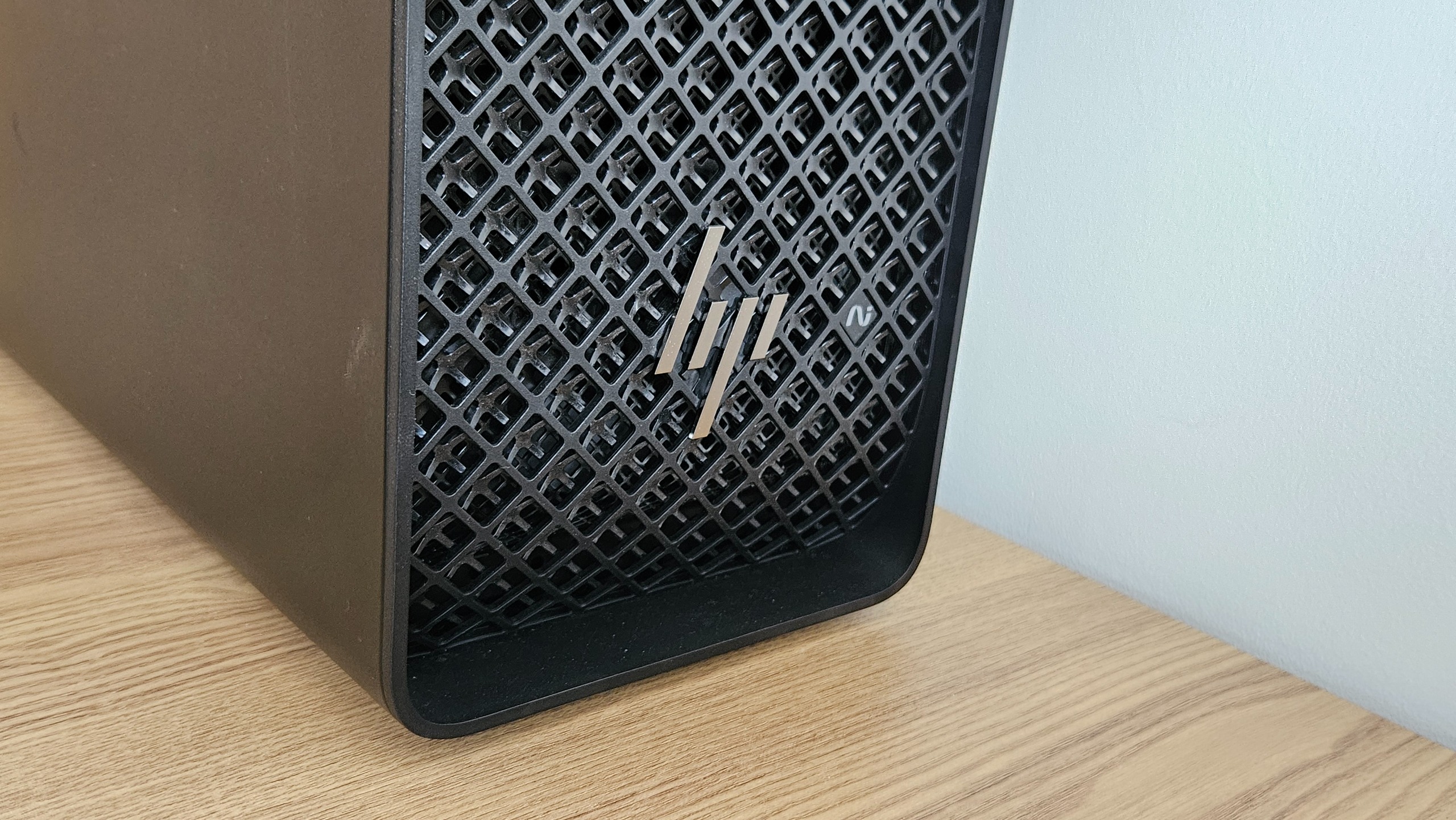 The HP Z4 G6i Workstation is a breathtaking colossus that will bring data center-grade performance to your desktop
Reviews This foray into the overcharged desktop workstation is an absolute triumph, despite the frankly ridiculous price tag
-
 Your AI strategy has a paper problem
Sponsored How multifunction, AI-enabled printers earn their place at the table
-
 The memory shortage is hitting PC sales hard, but vendor revenues are still growing at the expense of consumers
News AI-driven component shortages are hurting PC sales, but device vendors are recording solid revenue growth
-
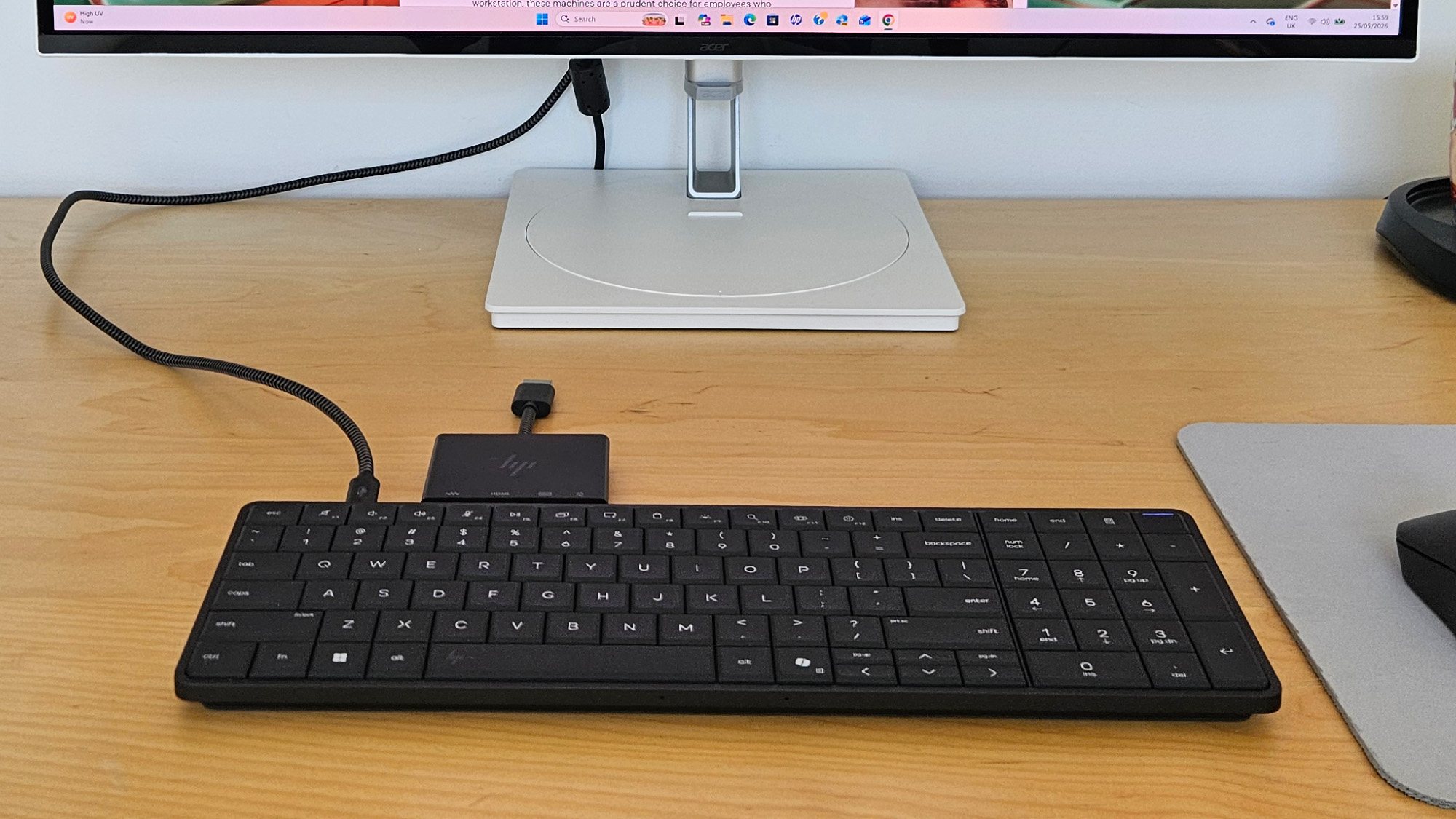 The HP EliteBoard G1a is an elegant and innovative device that blueprints a new form of mobile working
Reviews This year's most unusual enterprise device is a smart keyboard that threatens to disrupt the way you work
-
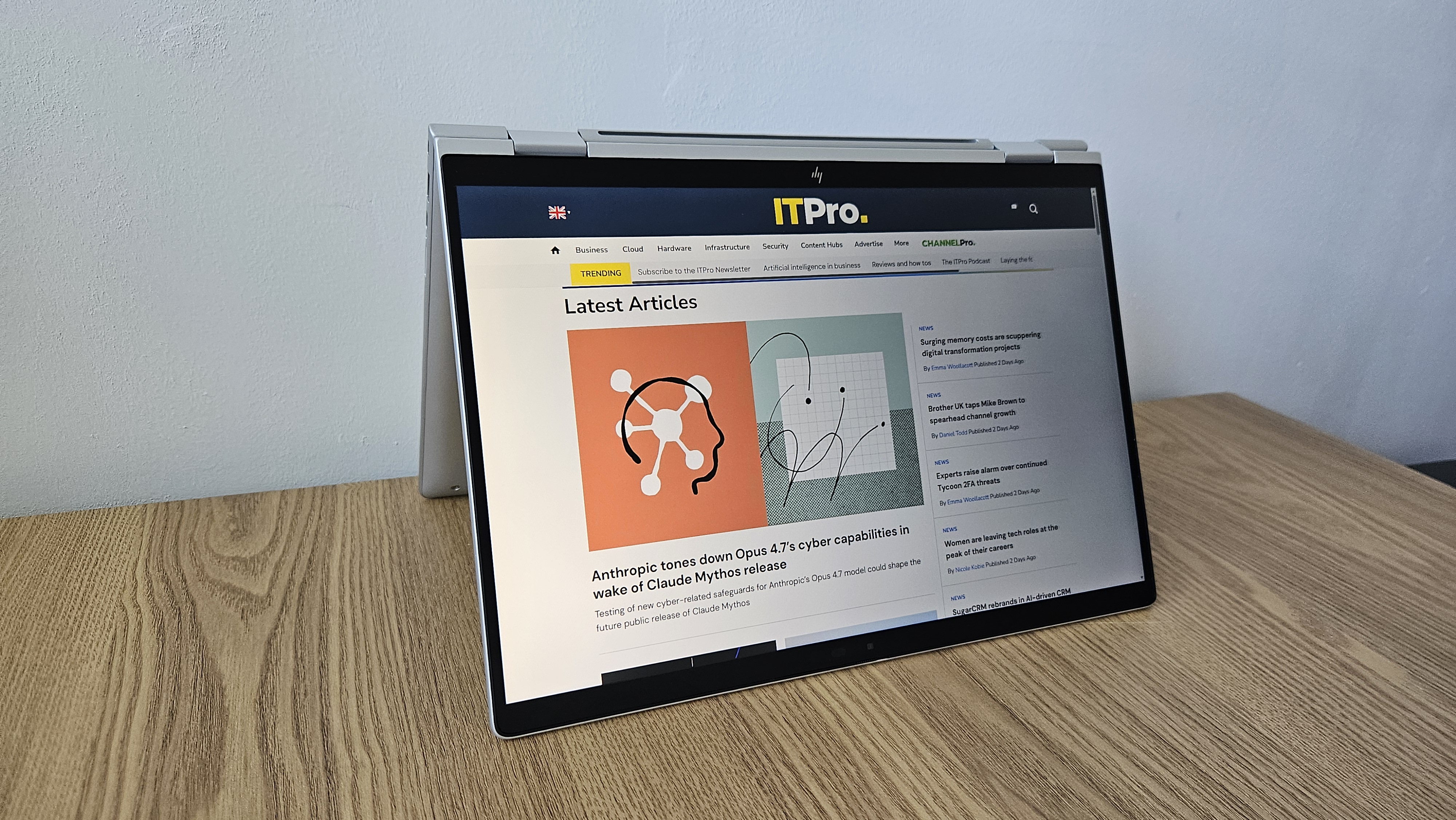 The HP EliteBook X Flip G1i offers peace of mind to paranoid professionals who crave mobile working
Reviews Looking past the lack of a multi-core roar in its Lunar Lake chip, there's very little to complain about in this mobile and security-centric hybrid machine
-
 The HP EliteBook 8 G1a 16 is a portable 16-inch machine that'll keep your sensitive data under lockdown – but there's a catch
Reviews This simple and stylish 16in AMD-powered machine can help you work with peace of mind in the office or on the move, so long as you don't need to run many heavy-duty workloads


