
The identity awareness blade is also new and is used to link user names to systems, so security policies can be applied to user identities regardless of where they log in from. Setup is also wizard driven and you can define AD authentication and use captive portals for guest workers or visitors.
For monitoring and reporting, Check Point uses a central log server that all other appliances send their data to. For standalone deployments this means the appliance will be handling these duties as well.

The SmartView Monitor provides views of activities in real time with traffic graphs for areas such as the top services, destinations, sources and tunnels. Viewing the system counters allows you to keep an eye on processor and memory usage, firewall activity, packet size distributions and so on.
Policy activity for each security blade can be viewed from SmartEvent. The latest v75.20 version of SmartConsole provides a freshly designed interface which includes real time views, graphs and timelines so you can easily see threat trends and anomalies.
You can't view activity for the anti-spam blade in SmartEvent and will need to use the SmartReporter tool for this. SmartReporter provides an extensive selection of reports which can have a range of filters applied and be scheduled to run regularly and emailed to selected recipients.
We did come across some problems though, as the only available anti-spam report is hidden in the Express report section and can only look back over the previous 14 days. We also found some of the URL filtering reports wouldn't generate any data and suspect they still only work with Check Point's older legacy blade.
Check Point's new 2210 appliance has a lot of sophisticated security features for the price. They're not the easiest to deploy and manage, but Check Point's software blades are a great idea as they allow you to customise the appliance precisely to your requirements.
Verdict
Check Point’s SmartConsole management and monitoring tools are geared up towards handling multiple appliances and this makes the 2210 best suited to remote office deployment or offered as a managed security solution. SMBs will find the appliance offers a very impressive range of features that perform well for the price, but as a standalone product it’s not the easiest to deploy and manage.
Chassis: Desktop Memory: 2GB RAM Network: 6 x Gigabit Ethernet Storage: 250GB SATA hard disk Ports: 2 x USB2, RJ-45 console Management: Web browser, CLI, SmartConsole Software: SmartDashboard, SmartEvent, SmartProvisioning, SmartReporter, SmartUpdate, SmartView Monitor, SmartView Tracker

-
 ‘This is a massive change’: PagerDuty wants to supercharge incident response with a new SRE agent and command center
News The new Paige agent from PagerDuty will act as a digital assistant for teams battling incidents
-
 ‘Organizations need to help developers grow alongside the technology’: Dejected devs lament career prospects amid AI advances
News A new survey has found that AI is fundamentally changing the developer role and many are getting anxious
-
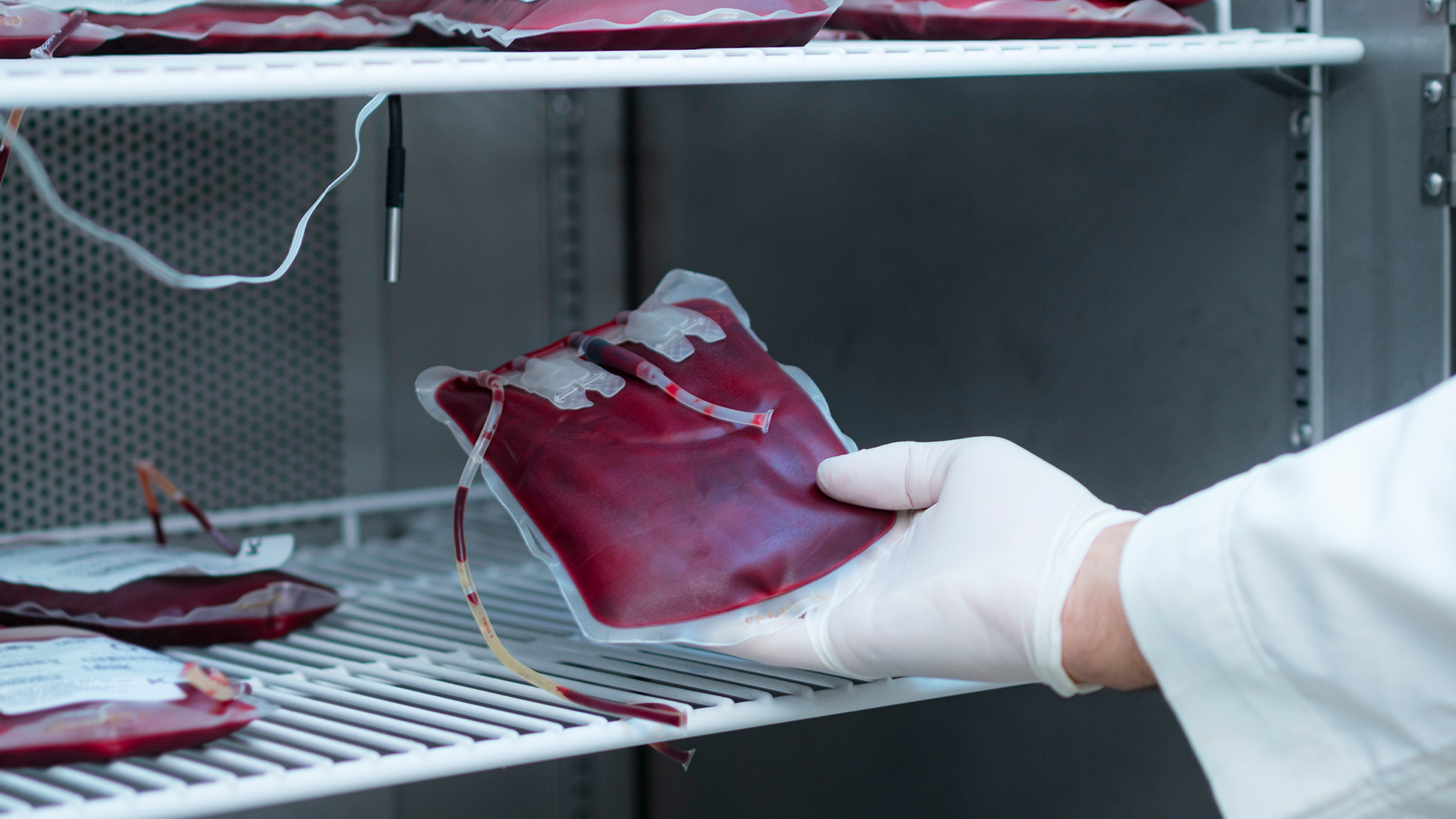 French blood service hit by cyber attack threatening to turn stocks into “black pudding”
News The attack on cold rooms at Coolworld happened the same night as attacks on fridges in Benelux and Sweden


