Sponsor Content Created With

Know your Microsoft 365 data, trust your recovery
How contextual intelligence helps IT teams reduce ROT, protect sensitive content, and govern AI access


A vibrant Microsoft 365 estate is the working memory of the business, where employees create, share, and refine information every day. Protecting it requires reliable backup, but productive management also depends on knowing what data exists and why it matters.
The resilience challenge now extends beyond recovering from disasters and ransomware to governing everyday changes made by an organization’s own AI agents at machine speed. An agent can modify or delete business-critical information before IT teams have time to review its actions. Having a backup is essential, but it is not enough: teams need to know what changed, which data matters, who or what can access it, and whether trusted versions can be recovered. As Copilot and AI adoption expands, that context becomes a prerequisite for moving forward safely—not a task to defer until an incident.
Minimize compliance overhead
An auditor asks where regulated data lives, who can access it, and whether retention rules are being met. The team searches site inventories, permission exports, and policy documents, rebuilding an answer it assembled for the last audit. The immediate problem is not a lack of evidence, but the effort required to connect it and establish whether it is still current.
That work becomes harder as content spreads across SharePoint, OneDrive, Teams, and Exchange. A sensitivity label alone does not show whether access is appropriate, retention is being enforced, or the data is protected. Good practice is to maintain reusable evidence that connects those questions, rather than treating each audit as a new discovery exercise. Start with one regulated data category and:
- Map where it lives, who owns it, and which human and nonhuman identities can access it. Review broad sharing and inherited permissions alongside classification.
- Document the applicable retention requirements, their trigger dates, and any legal holds. Check whether actual handling matches policy; age alone is not authority to delete.
- Record protection status, evidence sources, review dates, and an owner for each unresolved exception. Refresh the evidence when content, access, or policy changes.
The practical test is whether another administrator can answer the auditor’s questions from maintained records without reconstructing the estate, and do so in a timely manner. Begin with a representative site, validate the evidence with compliance and data owners, and expand the approach once the process is repeatable. With current, validated evidence readily available, teams can respond to auditors quickly and accurately without pulling staff away from their normal workflows for another round of evidence gathering.
Indeed, time previously spent digging, surveying and exporting audit-related data turns into continuous intelligence and evidence on demand. Teams stay compliant with a fraction of the effort, with verification available upon demand.
Adopting Copilot and AI agents safely
A Copilot rollout reaches risk review and stalls: years of broadly shared documents have left the team unsure which sensitive information users might surface. An agent with write access raises another question: what happens if it modifies or deletes important files faster than administrators can review those changes? If an agent does those things, rollback to the previous state should be quick and easy, involving minimal impact and effort.
Indeed, AI is only as safe as the data it can access and the outputs it can create. Ultimately, IT must be able to enable Copilot and agents with confidence, knowing fully what they can access, while preventing oversharing. It’s also vital to undo or correct AI mistakes as they occur, so AI adoption can accelerate instead of stalling out when issues arise.
AI readiness is therefore an access and recovery problem as much as a deployment task. Existing permissions may be valid technically but too broad for the intended workflow, and a new agent’s reach may span several repositories. Before enabling any AI-driven pilot, ask:
- What sensitive or regulated content can the intended users and agents reach? Review inherited permissions, shared links, and access that no longer has a business purpose. Prior cleanup spares forced rejiggering later on.
- Which agents are approved, who owns them, and what can they read, create, modify, or delete? Limit permissions to the workflow’s needs and establish an approval process for changes. Defining, then staying inside guardrails helps fend off trouble before it can occur.
- How will unexpected access or file changes be detected, investigated, and stopped? Assign monitoring and escalation responsibilities before launch. Test those assignments and responsibilities to make sure they work as needed (and intended).
- Are the files an agent can change backed up, and can trusted versions be restored? Test an unwanted change or deletion in a controlled pilot, including any dependent data.
Start with a bounded group and a reviewed data set, not the entire estate. Correct oversharing, define acceptable agent behavior, and test recovery before widening access. Revisit those checks as new agents and workflows appear. The aim is to enable useful AI with clear limits and a tested response, rather than choosing between blanket restrictions and an unchecked rollout. Setting and testing those boundaries before production use lets teams expose gaps under controlled conditions, rather than discover them when an agent crosses a limit with live business data.
Reduce storage costs and ROT
A storage review turns up multiple copies of the same project files, abandoned workspaces, and old exports with no clear owner. The organization pays to retain that content in production and pays again to protect it in backup. Carrying unnecessary data can also lengthen backup and recovery work, leaving teams with more information to process when time matters most.
The difficulty comes from separating redundant, obsolete, and trivial (ROT) data from information that still has legal, operational, or historical value. Last-modified dates and duplicate names are useful clues, not final judgments. A dormant contract may still be required, while similar files may represent distinct approved versions. Build a review queue using several signals:
- Look for exact or near-duplicate content, repeated exports, and copies with no distinct business purpose. Confirm which version is authoritative with the data owner. Prune data holdings accordingly.
- Flag long-inactive files, closed-project workspaces, and content without an accountable owner. Check whether an ongoing process still depends on it. Archive safely in long-term, less expensive storage until status is fully established, then delete what is no longer needed.
- Compare candidates with retention schedules, legal holds, sensitivity, and business requirements before deciding whether to retain, archive, or remove them.
Start with one site or document library and agree on disposition rules with its owner. Use a reviewable archive where policy permits, verify retrieval, and document approvals before removal. Check backup retention separately: deleting a production copy does not necessarily remove its retained backups. Measure the capacity reclaimed and whether the reduced scope improves backup and restore tests, rather than assuming every old file is waste. Build a dynamic model for storage efficiency, while aiming for continuous improvement.
The idea is to tie data space consumption back to storage costs, so organizations need not pay to store and protect data it doesn’t need (or want). Removing ROT lowers storage costs, while backups run leaner, and recovery goes faster.
Drive minimum viable recovery, fast
If the business were hit tomorrow, could the team say which critical data is backed up and where recovery should begin? A successful backup report does not answer which information is needed to resume essential operations, whether its dependencies are protected, or whether it can be restored within the business’s tolerance for disruption.
The hard part is translating technical inventories into business priorities. A minimum viable data set is the information needed to restart an agreed essential service—not simply the smallest collection of files or the largest workload. Define it with service owners, including the records, configurations, permissions, and connected information needed to make the restored service usable.
For each essential service, document the maximum acceptable downtime and data loss, identify its authoritative data and dependencies, and confirm backup coverage and retention. Set a recovery order that reflects those dependencies. Assign decision-makers and record how the team will select a trusted recovery point if recent changes are suspect.
Test that plan with a scoped restore and a business-owner validation: can the service perform its essential tasks, are required permissions intact, and do the restored records agree with dependent systems? Record missing data and sequence failures, then update the recovery plan. That exercise gives the team a defensible starting point under pressure instead of an instruction to restore everything and hope. Keep returning to this exercise at regular intervals to make sure all responsible parties know what to do, when and how, so that recovery objectives will be met.
How Veeam approaches these challenges
The core idea behind Veeam Intelligent ResOps, an add-on for Veeam Data Cloud for Microsoft 365, is connecting data context across production and backup so teams can get their data ready for AI, audits, and incidents. Rather than treating governance and recovery as separate tasks, this approach brings sensitivity, access, lifecycle, and protection status into a shared view of what the organization holds. That context helps teams assess what AI can safely reach, quickly assemble evidence for auditors, reduce storage costs by identifying and minimizing ROT, and identify which trusted data to restore first when an incident occurs. The goal is not simply to provide a recoverable copy, but to make data readiness and response part of everyday operations. You can read more about this process and see how other Veeam customers have achieved these goals, in this October 2026 Veeam press release.
See Microsoft 365 resilience in action
Watch Veeam’s Get Your Microsoft 365 data ready for AI, Audits and Incidents webinar to explore the use cases and see how contextual intelligence can strengthen Microsoft 365 protection. Use the session to assess where ROT, sensitive data, excessive access, or AI-driven changes create uncertainty in your own estate.

-
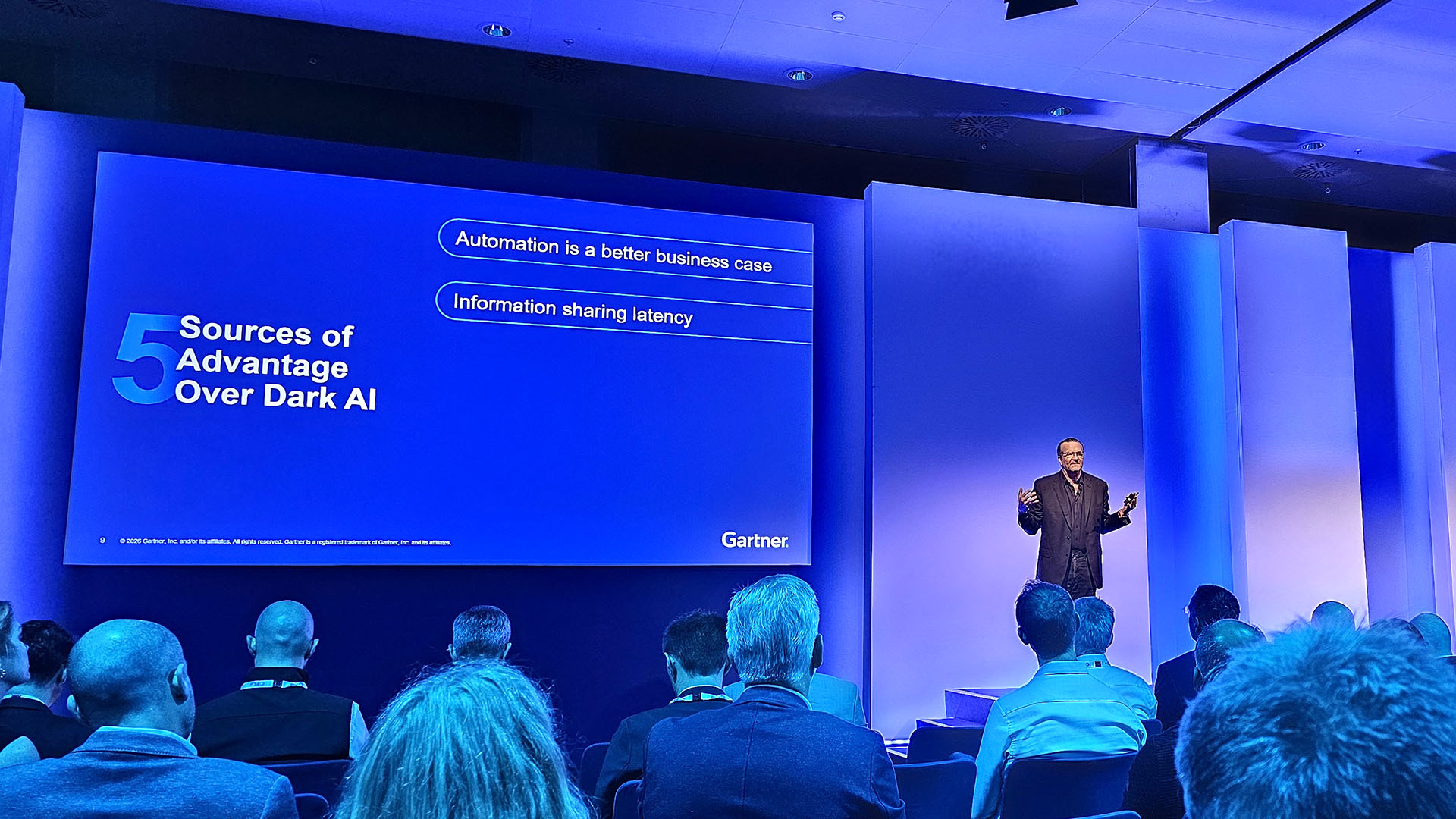 Five ways CISOs can use ‘dark AI’ to their own advantage
In-Depth Vulnerability discovery will explode over the next few years, but CIOs can use AI to beat hackers at their own game
-
 ClickHouse expands enterprise platform with Xata acquisition
News The expanded platform introduces new capabilities across transactional databases, observability, security, and AI engineering


