
For many small businesses, work is no longer confined to one fixed office: a laptop might spend Monday at home, Tuesday at a customer’s office and Wednesday back at headquarters. It’s not just the device that’s moving around though, it’s access to sensitive files and other corporate data as well.
Having that flexibility is valuable – essential even in the age of working from home – but it makes the job of small and medium-sized businesses’ IT teams a lot more complicated. Security needs to follow employees wherever they go, without making every login or new device a headache for staff doing their jobs or IT.
Protecting a mobile workforce in 2026 often means going beyond traditional arrangements like strong passwords and security software, although these remain fundamental. IT teams must also think about how and where credentials are stored, whether hardware and firmware can be trusted, and ways to keep laptops in different locations secure over time.
TL;DR
- Working away from the office means sensitive data and business access will travel with the employee, making device and credential security increasingly important.
- Hardware-backed authentication, supply-chain checks, and BIOS and firmware monitoring can add layers of protection around the device, including beneath the operating system itself.
- Centralized, repeatable device management can help smaller IT teams maintain that security across laptops that may rarely return to the office.
- Dell Pro laptops are built with security and manageability in mind from the ground up, giving small and medium-sized businesses access to enterprise-grade protection without a large IT team.
1. Identify what travels with each worker
Work-issued laptops naturally contain files stored on local drives, but it’s easy to overlook the access they offer to cloud services, internal apps, financial systems, customer records, and other confidential information.
A good security starting point is with an individual worker, not office-wide assumptions. A sales manager, for example, may regularly access CRM data and pricing information, while someone in finance could have much broader access to sensitive records.
Does working away from the office automatically mean more risk?
Not necessarily, although it does change where those protections need to work. When an employee is traveling or working from home, controls normally applied within an office environment need to remain effective.
IT teams should aim to understand what access actually travels with employees and each device, to help them gain a clearer idea of which credentials, applications, and data need the strongest protection.

2. Verify: Can you trust the device being deployed?
A business should verify a device before trusting it with sensitive files. For smaller companies, devices might be shipped directly to employees, leaving IT teams with little opportunity to physically inspect each one before it enters service.
Dell applies secure design principles and supply-chain controls across its commercial PCs, with Secured Component Verification (SCV) available as an optional extra layer of assurance.
SCV uses Dell Trusted Device to compare components inside a computer against records generated and digitally signed during factory assembly, helping confirm that its components match the configuration that left the factory.
IT teams therefore get a trusted starting point before the device begins its journey across homes, offices, customer sites, and elsewhere, rather than having to establish its provenance after something looks off.

3. Protect credentials at the device level
Once IT staff know they can trust a device, the problem moves to establishing that the employee signing in is who they claim to be. Protecting credentials at a hardware level adds an extra layer of security, especially for staff who move from location to location.
TPM 2.0 provides that foundation on modern Windows PCs. With Windows Hello, the TPM 2.0 can generate and protect the private cryptographic key used for authentication, while a PIN, fingerprint, or facial recognition is used to unlock it.
What does ControlVault 3+ add?
Optional ControlVault 3+ pushes that isolation further on supported Dell Pro configurations, using a dedicated security chip separated from the operating system and main memory to protect credentials used for biometric authentication.
Because that additional protection sits behind the authentication process, employees can use familiar biometric sign-in while more of the credential security happens in the background.
4. Monitor the BIOS and firmware for threats
As any IT admin can attest, security does not stop once Windows starts: the BIOS and firmware underneath the operating system are another part of the device that IT teams need to keep an eye on.
Dell Trusted Device (DTD) – formerly Dell BIOS Verification – is designed to provide more visibility at this level. With DTD enabled, its BIOS Verification feature can check BIOS integrity without interrupting the normal boot process, while its BIOS Events & Indicators of Attack feature monitors changes to BIOS attributes that could point to suspicious activity.
Why does BIOS security matter to a small business?
Any compromise below the OS level can be harder for conventional security tools to spot, making this an important extra layer of defense even for small and medium-sized businesses.
DTD can also identify known CVEs affecting BIOS and firmware. If Dell Command Update is installed, administrators can then move directly into updating the affected component, helping turn vulnerability detection into something that can actually be acted on.
For IT teams, having this kind of visibility is useful because those machines may rarely be sitting within arm’s reach of whoever is responsible for securing them.
5. Simplify how your PC are maintained

Keeping just one laptop secure is hard; keeping a whole office full of them secure is a whole different ball game. For smaller IT teams, every new configuration or update package adds to the pile of work to keep devices safe.
Dell has tried to reduce some of that complexity across its latest Dell Pro range. Dell Pro 3, Dell Pro 5, and Dell Pro 7 systems use a single BIOS package per silicon vendor, allowing businesses to run different processor configurations without creating as many separate BIOS update paths for IT to follow.
How much routine maintenance can IT automate?
Businesses using Microsoft Intune can also use Dell Management Portal to bring Dell device management into an existing cloud-based setup, including pushing Dell software and updates across groups of PCs.
For small and medium-sized businesses with a geographically distributed workforce, these tools should make consistency easier; strong security is far easier to maintain when IT does not have to physically touch every laptop.
If you think Dell laptops are the right call for your business, find out more on the Dell website: US readers click here.
-
 Microsoft’s ‘voluntary exit’ offer explained
News The tech giant expects fewer than 30% to take up the offer, but the move shows changes are afoot at Microsoft
-
 Japan has declared a national cyber emergency – what could this mean for enterprise security leaders?
Opinion Could authorities elsewhere take similar steps, and does it change how we respond to cyber incidents?


-
 SPECIAL EDITION: Future-proofing the modern enterprise in an AI-centered world
Sponsored podcast The Global Chief Technology Officer and Chief AI Officer of Dell Technologies, John Roese, discusses the Modern Enterprise Readiness Report and how businesses can close the execution gap.
-
 5 cyber resilience questions every IT leader should ask during Cybersecurity Awareness Month
Sponsored Cybersecurity Awareness Month is a good opportunity for IT leaders to ask a simple question: could my business actually recover from a serious cyberattack?
-
 One platform, four enterprise AI data challenges solved: Inside Dell AI Data Platform
Sponsored Your production AI will only be as good as the data it uses. Here’s how to get your data ready.
-
 Getting ready for production AI – Part 2: How to turn enterprise data into AI-ready pipelines
Sponsored Production AI depends on data pipelines that stay current, governed, and ready for retrieval.
-
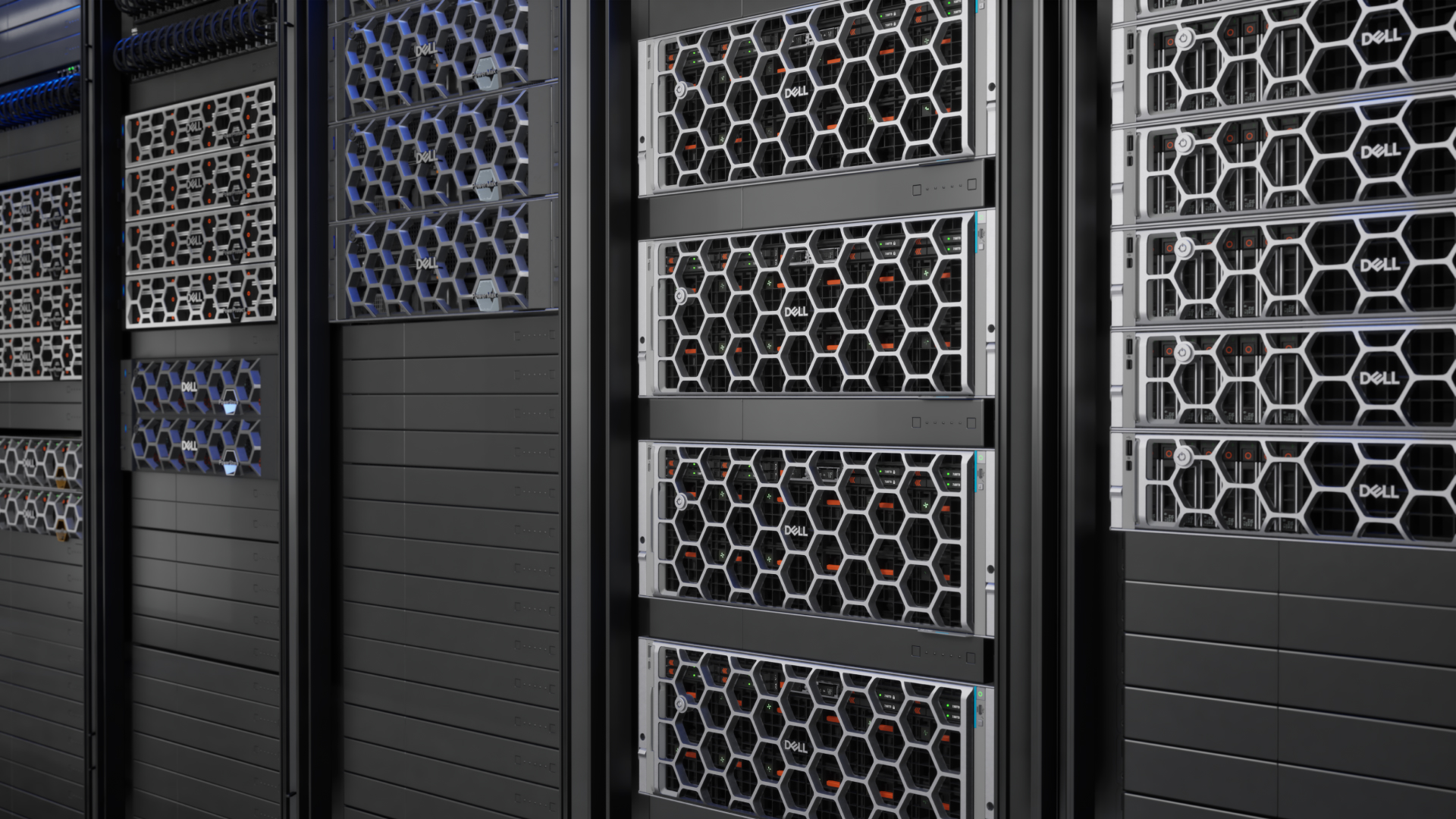 Getting ready for production AI – Part 1: 6 steps to better enterprise data
Sponsored As AI experimentation breaks into full-scale production, the challenge is no longer simply choosing a model or buying more GPUs. IT teams need enterprise data to be usable, governed, and accessible across the AI lifecycle. To address this, the Dell AI Data Platform brings storage engines, data engines, and orchestration together to turn enterprise data into AI outcomes.
-
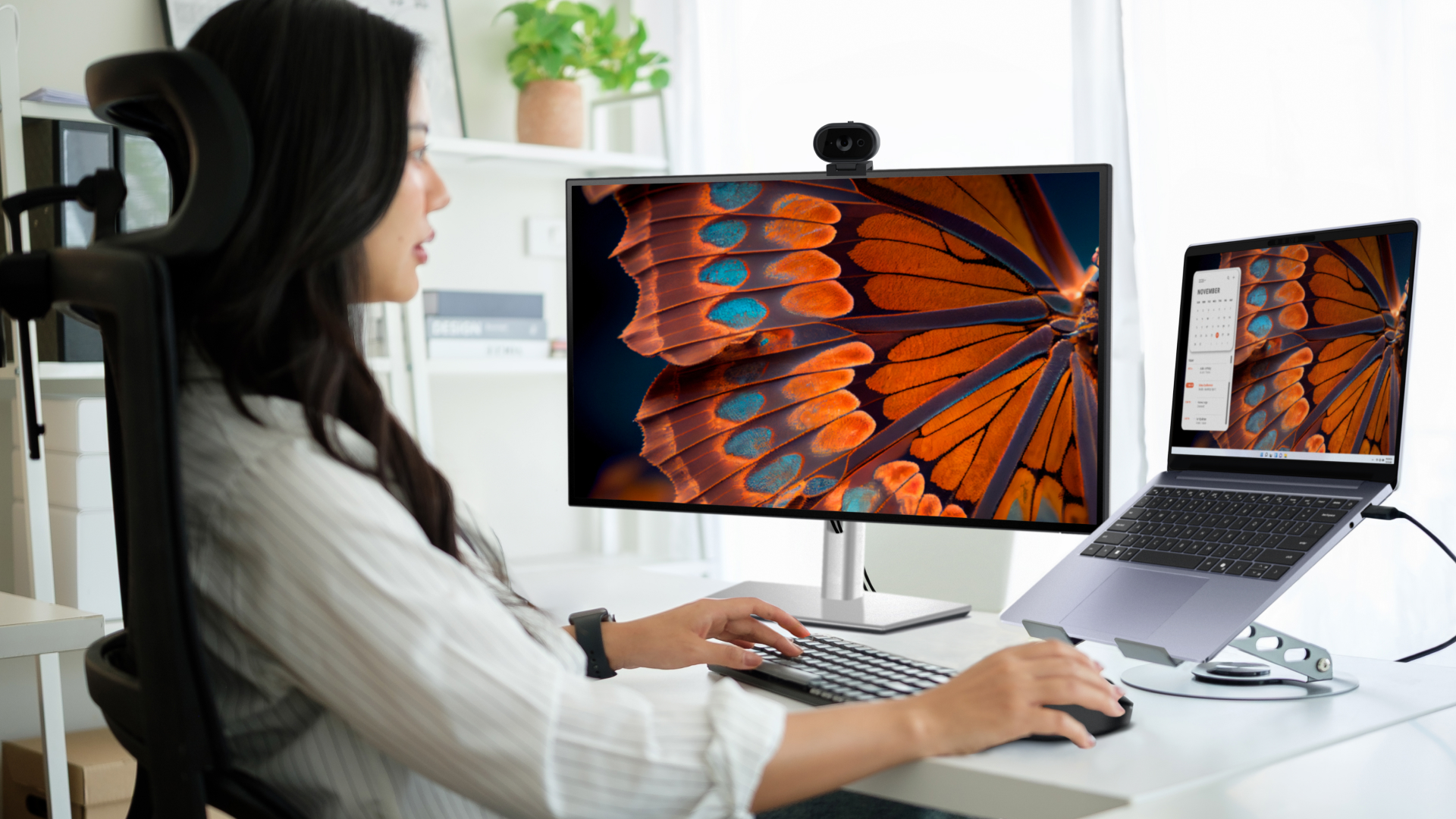 The Dell Pro 7 2-in-1: Your questions answered
Sponsored The Dell Pro 7 family offers both clamshell professional-grade laptops and 2-in-1 options, with a suite of configurable specs and features.
-
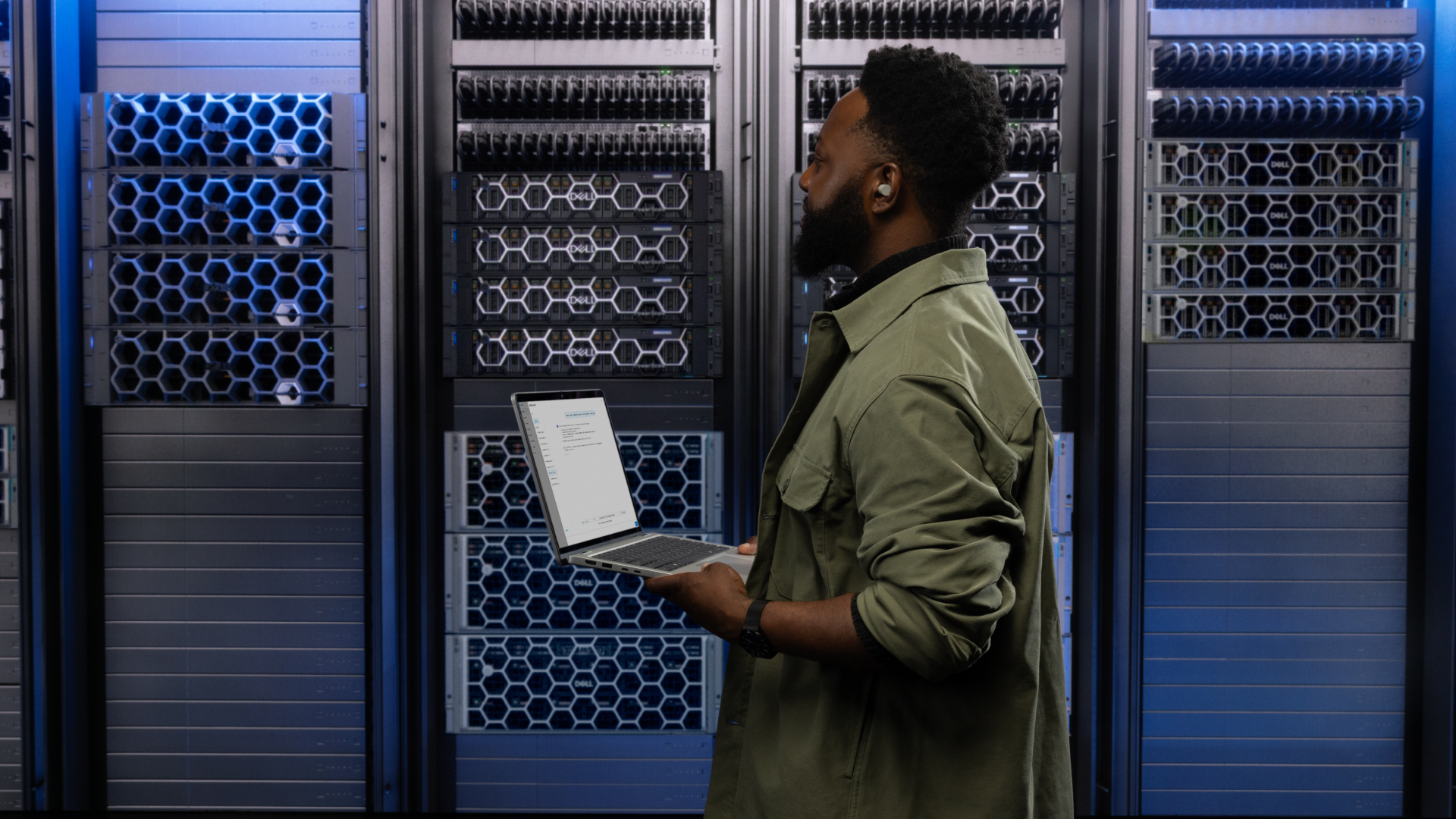 4 ways businesses are using Dell PowerProtect One to go beyond backup and build recovery-ready operations
Sponsored PowerProtect One provides a unified cyber resilience platform. But how can you make full use of its powerful features?
-
 10 reasons to choose the Dell Pro 5 for your business
Sponsored The Dell Pro 5 laptop is a productivity powerhouse, hitting the sweet spot businesses like yours


