

Ransomware has become a persistent threat for businesses, with attackers increasingly targeting the critical systems and backups organizations rely on to keep operations running.
This means keeping copies of important data is no longer enough. IT teams also need to know whether those backups have been compromised before attempting to restore them.
The Dell PowerProtect portfolio helps organizations build end-to-end cyber resilience – securing critical data, detecting threats, and enabling rapid recovery across evolving IT environments.
As part of this portfolio, Dell PowerProtect combines pattern matching, behavioral analysis, and system configuration checks to identify suspicious activity and help businesses recover with confidence
TL;DR
- Ransomware attackers increasingly target backups, potentially compromising the data businesses need to restore their systems after an attack
- Dell PowerProtect Data Manager uses three detection techniques – pattern matching, behavioral analysis, and system configuration checks – to identify suspicious activity and potential security weaknesses
- Built-in anomaly detection helps IT teams investigate suspicious activity, examine backup copies, and identify more trustworthy recovery points before restoring critical systems
- With centralized visibility and AI-assisted guidance, administrators can investigate problems more efficiently and reduce the risk of restoring compromised data
Why does ransomware detection in backups matter?
A backup isn't safe just because it has been successfully completed. A scheduled backup can preserve data from a system that's already been compromised, potentially leaving IT teams with a copy that could reintroduce the threat during recovery.
According to Dell’s Cyber Resilience Insights report, 83% of IT decision-makers believe attackers are increasingly targeting backups during ransomware attacks.
Identifying suspicious activity before attempting a restore is therefore essential to getting business operations back on track.

1. Pattern matching flags known ransomware indicators
One of the most straightforward ways to spot ransomware in backup data is to look for known warning signs, such as suspicious filenames or file extensions.
Dell PowerProtect Data Manager uses pattern matching to compare backup metadata against a library of more than 5,000 known ransomware patterns. By identifying suspicious characteristics, the system can flag potential threats that might otherwise go unnoticed until an organization attempts to recover its data.
How does pattern matching work in practice?
Imagine a ransomware attack that encrypts thousands of files and changes their extensions. Even if those files are subsequently backed up, their metadata may contain recognizable indicators of the attack.
Dell PowerProtect can identify these warning signs after a backup completes, allowing administrators to investigate suspicious copies before attempting a restore.
Pattern matching is particularly useful for identifying known ransomware techniques, but it isn't foolproof. New or modified attacks may not match existing patterns, while suspicious metadata doesn't necessarily confirm an infection.
2. Behavioral analysis detects unusual activity
Not every ransomware attack follows a familiar pattern. New variants and changing attack techniques can make it difficult to identify threats using known indicators alone, which is where behavioral analysis becomes particularly useful.
Dell PowerProtect Data Manager uses machine learning to examine backup metadata, looking for unusual activity that could indicate an attack. It analyzes changes over time, highlighting unusual patterns that could warrant further investigation.
What can behavioral analysis reveal?
For example, ransomware might suddenly modify or encrypt thousands of files, creating an unusual spike in activity compared with previous backups.
By examining metadata such as filenames, creation dates, and modification times, Dell PowerProtect Data Manager can flag these anomalies for further investigation once a backup completes. Administrators can then use the platform's anomaly detection dashboard to examine suspicious copies and investigate potential threats.
Anomaly detection is built into Dell PowerProtect Data Manager, runs on-premises, at no additional licensing cost.

3. System configuration analysis identifies potential weaknesses
Ransomware attacks can also exploit weaknesses in how systems are configured. A disabled firewall or poorly configured security setting, for example, could leave an organization more exposed to attackers.
Dell PowerProtect examines Windows system configurations during backups, flagging potential weaknesses such as disabled firewalls and problematic User Account Control settings.
How can configuration analysis help reduce the risk of an attack?
Consider a server where security settings have been temporarily disabled for maintenance and never switched back on. Its backups might continue running successfully, even though the server itself is more vulnerable to attack.
Dell PowerProtect can flag these configuration issues, giving administrators an opportunity to investigate and address them.
Combined with pattern matching and behavioral analysis, these checks provide IT teams with greater visibility into potential threats across their backup environments, helping them strengthen their defenses and prepare for a safer recovery if an attack occurs.
Ransomware detection technique |
What Dell PowerProtect analyzes |
Threats Dell PowerProtect helps identify |
Limitations to consider |
Pattern matching |
Backup metadata checked against a library of known ransomware patterns |
Known ransomware indicators, such as suspicious filenames or file extensions |
New or modified attacks may not match existing patterns |
Behavioral analysis |
Backup metadata over time, using machine learning |
Unusual spikes, such as thousands of files suddenly changing |
Flagged items need investigation, as they may be false positives |
System configuration analysis |
System configurations during backups |
Weaknesses such as disabled firewalls |
Highlights exposure, not infection |

From detection to recovery: What happens when an anomaly is flagged
Beyond identifying suspicious activity, IT teams also need to investigate the warning signs, assess which backups can be trusted, and decide how to restore critical systems safely.
Dell PowerProtect Data Manager brings anomaly alerts together with an anomaly detection dashboard, allowing administrators to:
- Examine individual backup copies to see where suspicious activity began
- Quarantine suspicious data to stop it reaching a restore point
- Investigate potential false positives before ruling a copy out
- Ask the AI assistant to explain detected anomalies and recommend remediation steps
- Verify integrity during restoration, ensuring they can recover with confidence
See how Dell PowerProtect helps your team spot a cyberattack in backup data and restore from a clean copy. US readers click here.
FAQs
Does a flagged anomaly mean a backup is infected?
Not necessarily. Suspicious metadata doesn’t confirm an infection, which is why the investigation step matters. Dell PowerProtect Data Manager lets admins examine individual backup copies, validate anomalies, handle false positives, and quarantine suspicious data before anything is restored. That keeps real threats out of recovery without discarding good backups.
When does ransomware detection run on backup data?
After each backup completes. Dell PowerProtect Data Manager analyzes backup metadata once a job finishes, so administrators can investigate suspicious copies before attempting a restore. Anomaly detection is built into the platform, runs on-premises, and comes at no additional licensing cost. Results appear in the anomaly detection dashboard alongside other alerts.
Why use three detection techniques instead of one?
Each technique catches something the others can miss. Pattern matching identifies known ransomware indicators, behavioral analysis flags unusual activity that doesn’t match a known pattern, and system configuration checks highlight weaknesses such as disabled firewalls. Together, they give IT teams broader visibility into threats across their backup environments.
-
 VM recovery: The race to restore thousands of virtual machines with Dell PowerProtect
Sponsored A major cyberattack can bring an organization's IT infrastructure grinding to a halt, leaving teams facing the daunting task of restoring hundreds (or even thousands) of virtual machines
-
 Boards are worried about data leak mishaps, but unwilling to invest in cyber training
News Report shows leaders are putting spending behind cloud and AI while neglecting security training


-
VM recovery: The race to restore thousands of virtual machines with Dell PowerProtect
Sponsored A major cyberattack can bring an organization's IT infrastructure grinding to a halt, leaving teams facing the daunting task of restoring hundreds (or even thousands) of virtual machines
-
 Cyber resilience 101: what it means and why Dell PowerProtect One is a vital piece of the puzzle
Sponsored Cyber resilience is now a board-level priority, and solutions like Dell PowerProtect One can help make all the difference
-
 Why Microsoft paused Patch Tuesday updates for some Dell devices
News Select devices running Intel Innovation Platform Framework drivers encountered “poor performance”
-
 5 top features of Dell PowerProtect One: The world’s most comprehensive cyber resilience platform
With PowerProtect One, organizations can capitalize on a unified, centralized cyber resilience platform
-
 Why cyber resilience isn’t just a defence mechanism: How to create a secure foundation for innovation, too
Sponsored Investing in a solid enterprise system that incorporates security by design lets you ensure business continuity while encouraging innovation at pace
-
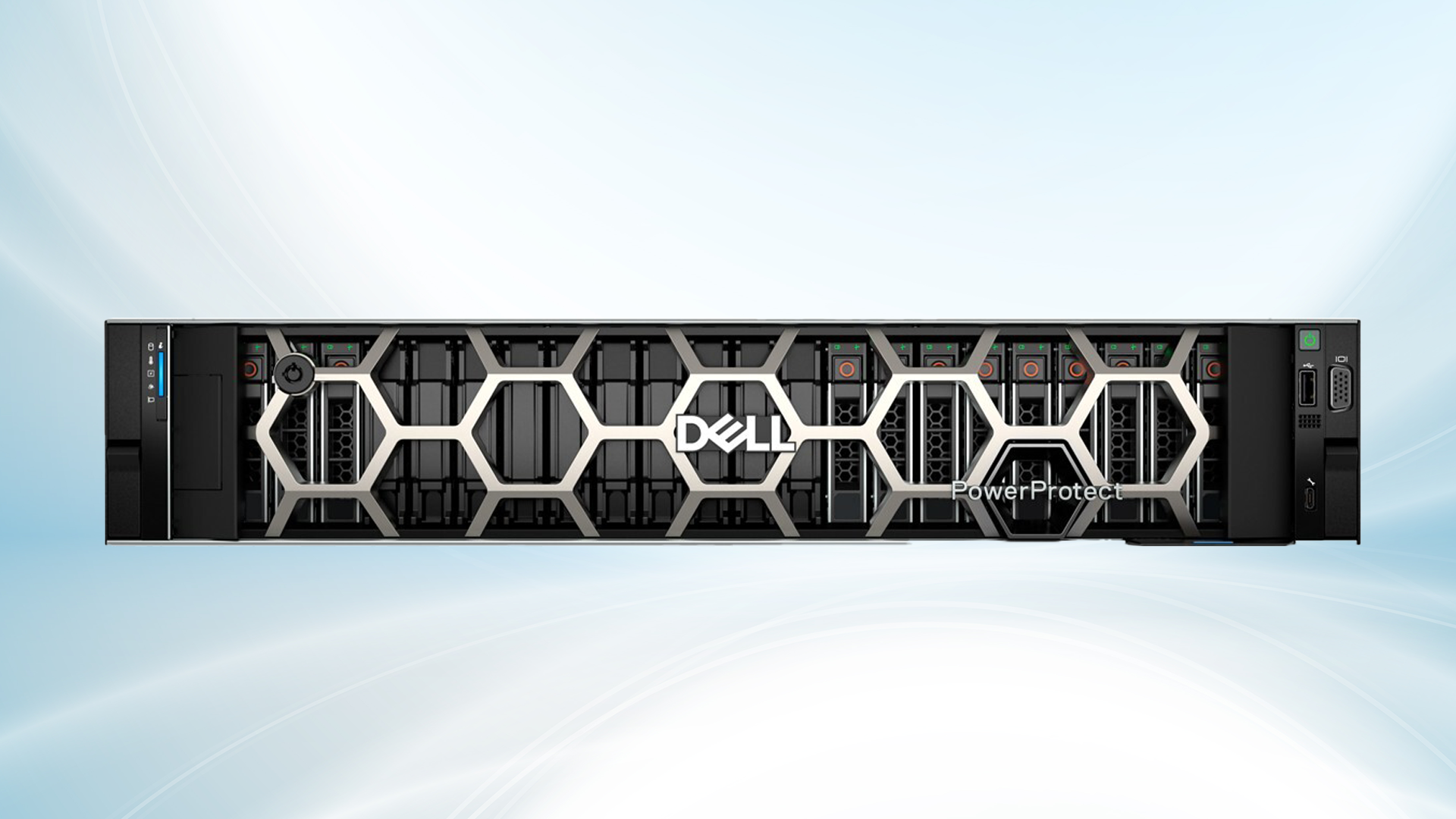 What is Dell PowerProtect?
Dell PowerProtect gives enterprises modern, cyber-resilient backup and recovery capabilities for edge, on-prem, and multi-cloud environments
-
 US cyber resilience insights
-
 Resilient pharmacy care, safeguarding vital health services


