Best mini PCs for businesses
How to pick up one of the best portable computers for your home office or workforce


Plenty of appealing mini PCs have hit the market in recent years, with a broad range of miniature machines available for those who want to tap into powerful and energy-efficient computing, whether that's at home or in the workplace.
Mobile working is changing, and many office spaces are already kitted out with monitors, meaning employees may not need laptops as they did during the peak of hybrid working. Desktop PCs, meanwhile, certainly have their place – but the prospect of a smaller, leaner and more affordable substitute carries a certain appeal. Some machines can match the power of a conventional desktop computer, while massively saving on energy costs, given they tend to be far more power-efficient.
But choosing the best mini PC depends on a huge number of factors, including budget, expectations, and how it'll be used. You can pick up a basic device for under $300 or push the boat out and bag a powerful machine for multimedia work or graphic design, or even consider a supercharged Nvidia DGX Spark system (or similar mini PCs) if you plan on running local AI models. Below, we've rounded up some of the most compelling mini PCs you can deploy either in your home office or as a fleet among the workforce.
What to look for in a mini PC
The best mini PCs massively save on desk space, and the smallest ones can even fit into your pocket. While they're all similar in terms of their dimensions, give or take, there may be massive variations in weight. Which is something you should keep in mind if you're not planning on keeping these devices in one place.
They're also relatively cost-effective, despite there being a handful of pricier devices out there, too. However, the very cheapest options tend to include hardware that's at least two generations behind – so you need to be careful that affordability doesn't contradict the idea of value for money, and you end up picking up machines that aren't suited to the sorts of workloads you plan on running – despite the purported cost savings. Most entry-level processors can hold their own on simple, day-to-day tasks like web browsing or spreadsheets – but you should look out for multi-core performance, which we've highlighted in our testing methodology.
If you're banking on a faster machine that can handle multiple workloads and more complex software, like multimedia applications, then you also need to pair this with plenty of RAM, with a minimum of 8GB (but ideally 16GB or above), as well as hard drive space (and speeds) if you're going to be housing massive quantities of data like images or videos, or even the essential data to run AI models on more advanced systems.
In that vein, it's hard to find mini PCs with dedicated graphics cards without blowing the budget, and you should be wary of limiting factors like throttling or airflow if you're looking on the higher performance end of the spectrum.
Most mini PCs carry a similar aesthetic, but the build quality and design elements can vary wildly. Thankfully, they're quite small and innocuous, but there's every chance you'll pick up a device that stands out like a sore thumb rather than blending into a desk setup as it should. More importantly, functionality is king – and you should decide which peripherals and connectivity options you'll need to use on a daily basis. Most business-focused mini PCs take care of the basics, but the more options you have at your disposal (including less common ports like SD Card reader), the better. The same goes for wireless standards – and you should make sure the mini PC is future-proofed against future standard upgrades.

Apple's own take on the mini PC excels in almost every quarter, with this tiny cube of a computer providing ample power for almost all users. The base M4 model is plenty powerful to run sophisticated multimedia workloads for most users, and the cost is wholly reasonable, but you can also upgrade to a supercharged M4 Pro unit for more intensive daily tasks, especially if you're a software engineer or want to experiment with small-scale AI.
Its performance and overall minimalist design – a classic trait in Apple devices – may suit most users, but so to does its connectivity options, with five USB-C ports including two at the front. Some users may bemoan the lack of USB-A ports or an SD card reader, with users needing to pick up a dongle or use the ports in their monitor. With prices starting at a very reasonable $599 (£599 in the UK), it's a highly competitive machine that also outpaces most of the Windows mini PC market. In summary, it's how all technology should be – useful, elegant, and fantastic value.
Read our full Apple Mac Mini (M4) review here

The Geekom A9 Max packs a massive punch despite its small frame. There are plenty of rivals to contend with, especially the Intel-powered MSI NUC AI+ 2MG, but this alternative, built with an AMD Ryzen AI 300 Series chip, as well as a powerful graphics card and a 50 TOPS NPU, comfortably meets that challenge. The hardware configuration is premium, especially given you can tap into 32GB RAM and a stonking 2TB SSD, but so too is its £999 price tag – making it one of the most expensive devices on the market.
However, it performed excellently in our testing, and its graphics power, in particular, is comfortably ahead of its key Windows rivals. With so many ports, you can also use it as a brilliant little AV or data hub. The machine isn't perfect, however, with niggles including a 2230 SSD slot instead of another 2280 one, and the lack of a second DisplayPort slot. That said, if you don't plan on upgrading what's already an excellent piece of machinery, then you're likely not going to encounter these issues. Overall, it's one of the best mini PCs that money can buy and the best miniature Windows computer out there right now.
Read our full Geekom A9 Max review here

Acemagic has made waves with a series of solid and reliable entry-level and mid-range mini PCs that are shedding market share from some of the bigger players. Much like the Acemagic Vista Mini V1, the Matrix Mini M1 is a highly compact and well-designed device that features a solid, albeit aging, set of components as well as a hefty amount of RAM and SSD storage space for under £400. This makes the device ideal for those who need something a bit more than entry-level without breaking the bank.
It's definitely a little underpowered if you compare it with some of the newest and most advanced mini PCs, but you know what you're getting into, and it still manages to come out with respectable performance scores in our benchmarking. We also really appreciate the connectivity options, as well as the standards used (including USB 4.0 support), despite the lack of an SD Card reader – although it's hardly a deal breaker. Overall, it's a compact, nice-looking, and capable machine that does a bit more than the bare minimum for a near entry-level price.
Read our full AceMagic Matrix Mini M1 review here

The pace of miniaturization is compelling, with AMD, Nvidia, and others engineering AI-focused mini PCs that far outpace most conventional desktops and laptops. The Acer Veriton GN100 is a classic Nvidia DGX Spark mini supercomputer that is engineered for advanced users and AI practitioners who want to experiment with and deploy projects within their organizations. Frankly, there's very little separating the different DGX Spark machines, given they are all made to a similar spec. But Acer's take on this mini PC has an interesting design and very attractive pricing.
Although you can't use Windows 11, the custom Linux distro is highly intuitive and designed to coax even those dabbling in AI for the first time into trying out different programs and projects. With the Grace Blackwell Superchip, there's enough power to handle mid-sized local large language models (LLMs) to great effect, while you can also connect it with another system to double up on power. For businesses striving to take the first steps in their AI journeys, machines like the Acer Veriton GN100 are a brilliant way to get started.
Read our full Acer Veriton GN100 review here
How we test mini PCs
Our rigorous testing methods at ITPro are designed to put each device through its paces and glean how it performs against the expectations we have from the outset, keeping the end user and their expected usage in mind at all times. Whether you're picking up a device to augment your home office workspace or making a huge purchasing decision over a fleet of devices, we know that it's important to get as much information about the device itself, but also what it's like to use it and whether it'll fit the bill for how you plan on using it. We also weigh up whether the device offers value for money – comparing it with counterparts in the field to measure how it stacks up.
For mini PCs, we begin by studying the general design and build quality – highlighting any specific quirks or areas of strength in our appraisal. For instance, we'll remark on the connectivity options, the standards of those options, and the placement of any ports, alongside any features we feel could be missing. Our review will also consider the size and shape of the machine, as well as its weight, comparing this with similarly categorized mini PCs you may also be considering.
Next, we'll use a set of benchmarks to determine the machine's performance levels and general capabilities. These industry-standard tools help us determine how well it can cope under day-to-day load and intensive strain, as well as what kind of user it may be suited to. Our assessments also measure the speed of the storage system (whether that's an SSD or otherwise). We'll use the machine actively as our primary work unit and push it with software like Photoshop or Lightroom too to get a feel for how it copes under load. For specialist machines like workstations or AI-centric hardware, we'll run local AI workloads and see how the machine copes under sustained duress.

-
 How Dr Martens is working with Salesforce to create ‘agentic experiences’ for customers
Case Study Customer satisfaction at Dr Martens was slipping, but agents are helping turn things around as part of a sweeping digital transformation with Salesforce.
-
 Why getting the right data center storage is foundational to successful AI
How AI-ready storage gives you one consistent data foundation from ingestion through inference


-
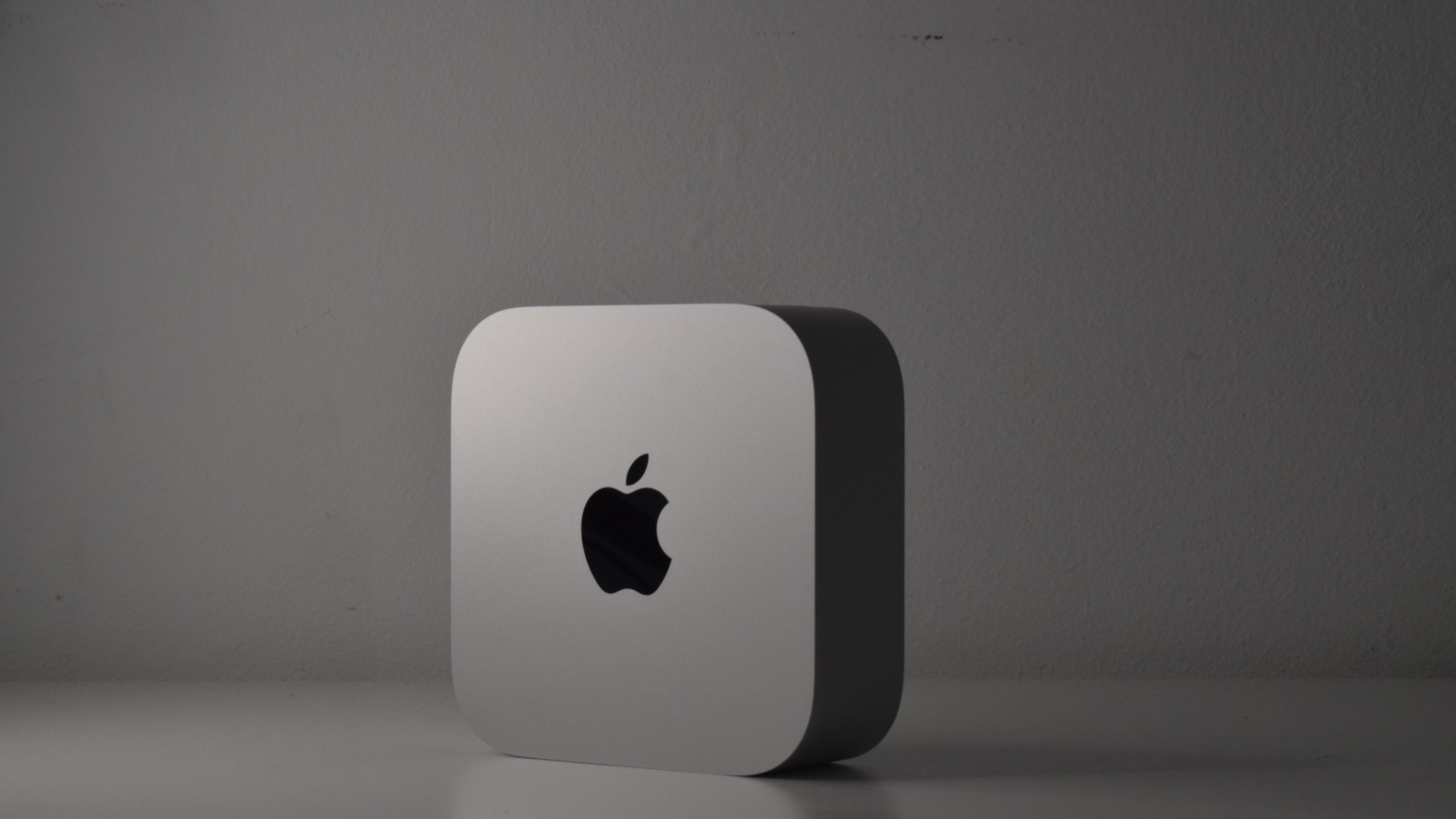 The Apple Mac Mini M4 is an affordable powerhouse that's perfect for any office desk – and it's also utterly adorable
Reviews A changed design, an M4 chip, and more value for money, this is probably the best mini PC available right now
-
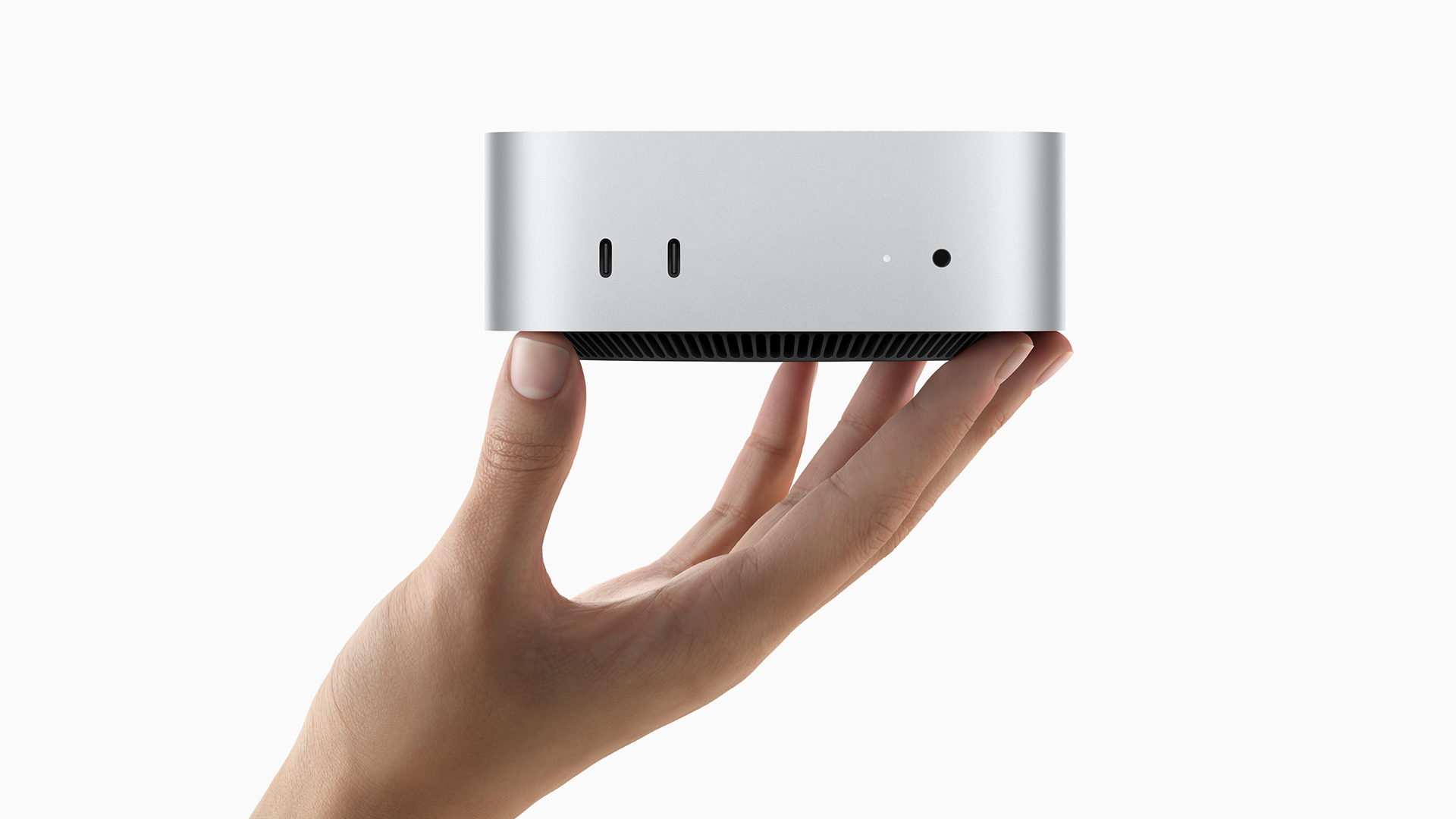 Apple’s ‘carbon neutral’ Mac Mini is small and compact, but packs a mighty punch with the new M4 chips
News With a pint-sized footprint only half the size of its M2 predecessor, the M4 and M4 Pro edition of the Mac Mini promises to bring an unprecedented size-to-performance ratio
-
 Why is Microsoft neglecting the Windows on Arm ecosystem?
In-depth Developer apathy, expensive hardware, and poor performance could signify the end of the platform
-
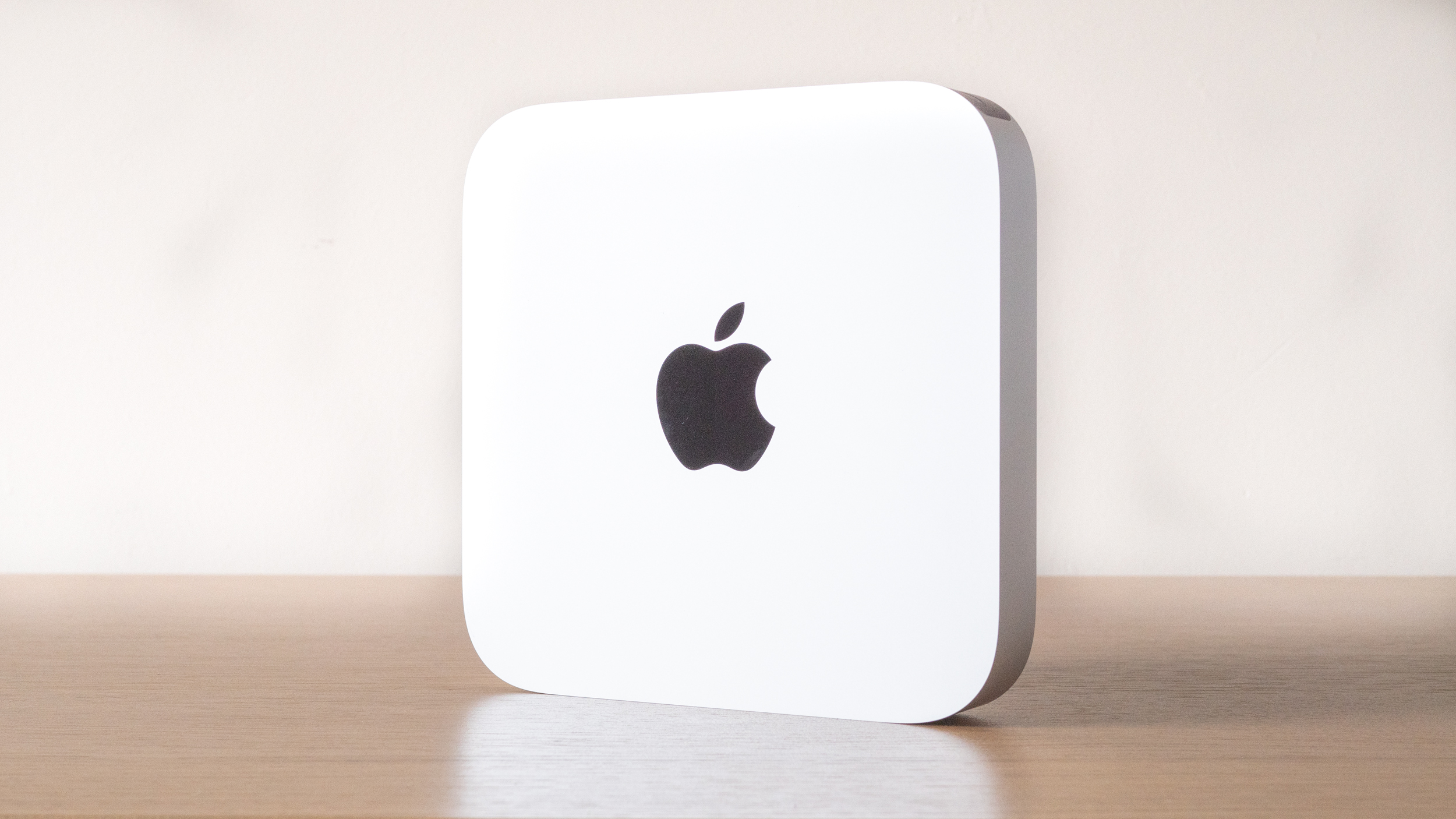
 Apple Mac mini (Apple M1, 2020) review: A miniature marvel
Reviews Considering its size and its price, the M1-powered Mac mini is outstanding – if you’re happy to make the Apple Silicon jump
-
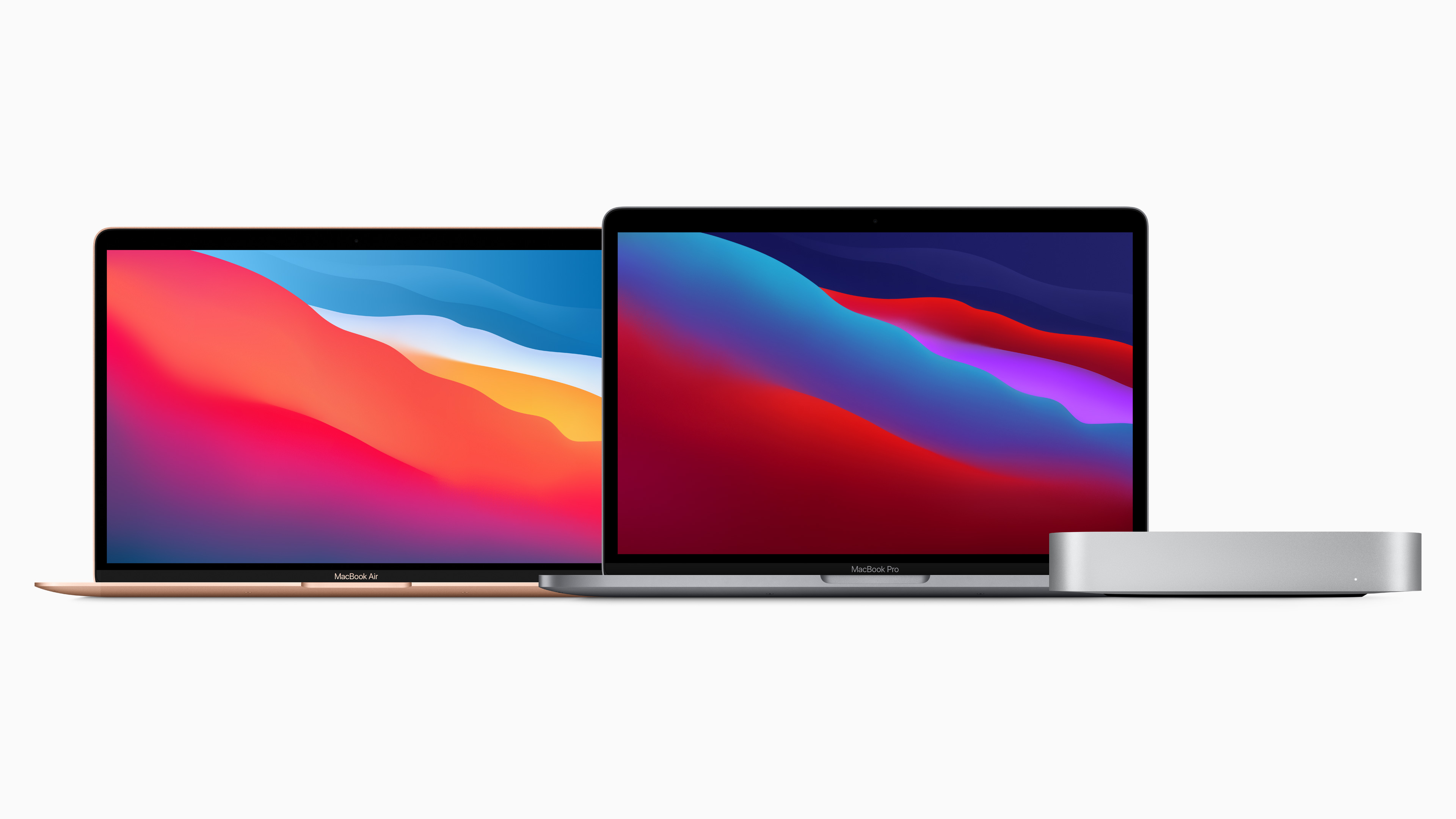 Apple unveils updated Mac lineup powered by its new M1 chip
News The M1 chip is the first-ever personal computer chip built using 5-nanometer process technology
-
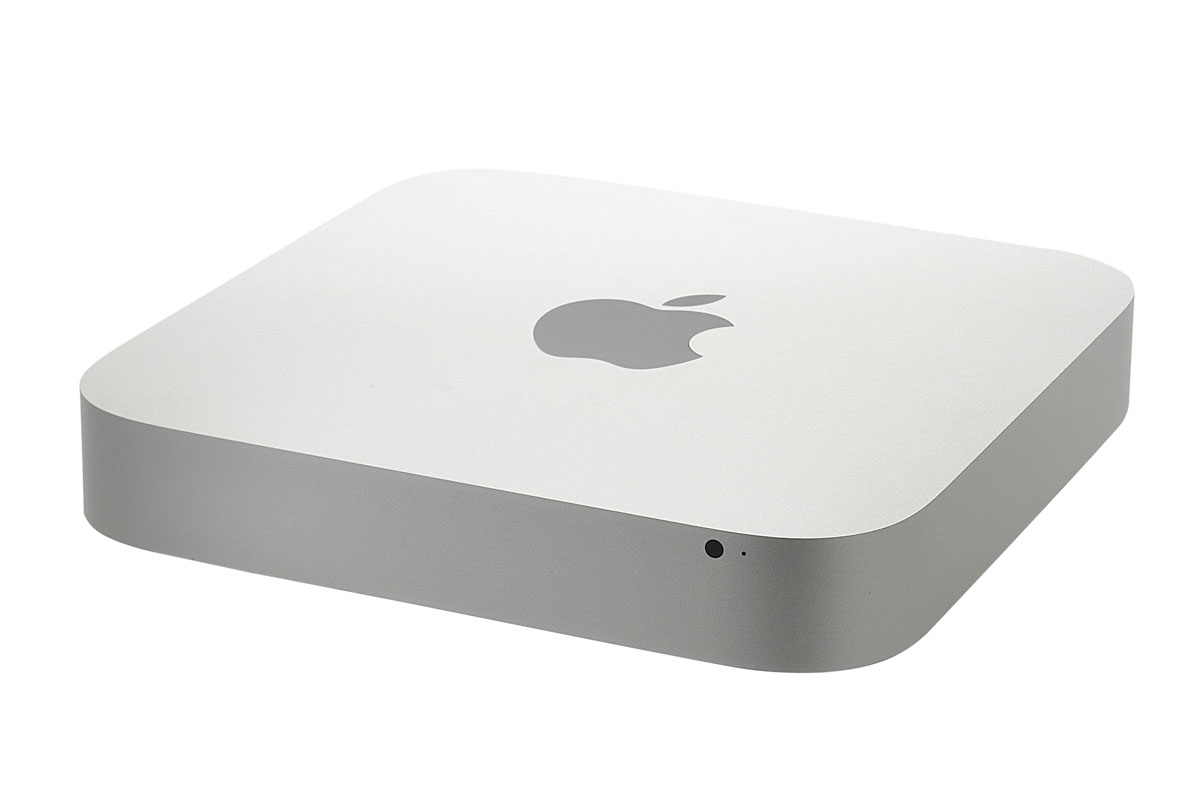 Apple Mac Mini 2.5GHz Mid 2011
Reviews Apple kills off the optical drive in its latest version of the Mac Mini, its smallest and cheapest desktop computer, but there's more to this compact little desktop than meets the eye as Kat Orphanides discovers.
-
 Is Apple going back to its roots?
In-depth Could the relaunch of the Mac Mini mean that Apple has gone a little bit back to basics, wonders Simon Brew?


