
TL;DR
- Dell’s 13in, 14in, and 2-in-1 Pro 7 laptops offer the flexibility for a range of business leaders – from general managers, consultants, and financial directors to HR leads and chief of staff roles – to work on a variety of tasks in the office or remotely
- Access to Microsoft Copilot straight out of the box means the Dell Pro 7 and Pro 5 laptops are set for business leaders looking to embrace AI
- A suite of security features across the hardware and software levels gives business leaders handling sensitive information the peace of mind to work outside of an office environment
- Powerful processor options make the Dell Pro 5 series ideal for business leaders looking to run demanding AI tools and models on-device, even when on the move
- Dell’s Management Portal gives IT teams the scope to securely manage deployed laptops to keep their business leaders up and running and safe from cyber threats, regardless of their location
Choosing a fleet of laptops is one thing, getting the most out of them is another. Both the Dell Pro 7 and Pro 5 laptops offer a mix of specs and form factors that can allow business leaders to work smarter and with more flexibility.
While we could highlight features, such as access to the latest AI-ready Intel and AMD processors, along with a host of other security and productivity features these laptops have, we will use a suite of scenarios to detail how the Dell Pro 7 and Pro 5 laptops can be used by business leaders to help guide a decision on which might be best for you and your workforce
An executive traveling across multiple cities in one week
Picture the scene: you’re a regional executive, general manager or senior sales leader spending a week traveling across multiple cities to conduct customer meetings, internal reviews, and partner conversations. In this case, you’ll want a thin-and-light laptop that’s easy to transport but also has the power to tackle a mix of workloads as you travel.
With access to the latest laptop processors from Intel and AMD, the scope to specify up to 64GB of RAM and up to 2TB of storage space, and a long battery life, all wrapped up in a sleek and sophisticated design, the Dell Pro 7 is up to such a task.
The 13in model particularly offers portability in a sleek package that’ll enable an executive to quickly fine-tune presentations and join any last-minute video calls in an airport lounge or hotel before confidently presenting to clients with the Pro 7 ready to pull up extra information when needed.

Consultants or project leads working across client sites and remote sessions
Much like the first scenario, consultants and project managers can find themselves working away from the office and out in the field, running workshops with customers and inspecting on-site projects. In this scenario having access to a thin-and-light laptop that can handle a mix of tasks is very useful.
The Dell Pro 7 models come into their own here, with their professional design and powerful specs. But the 2-in-1 Dell Pro 7 could be ideal for such workers, with its rotating touchscreen display able to act as a form of portable presentation tool when propped up in a ‘tent’ mode.
When used in a full-tablet mode – supported by Windows 11 – a consultant or project lead can use a stylus (or just their finger) to write notes and annotate designs on the fly, without the need to tap away on the trackpad or keyboard; handy if they are performing a site visit and have no easy place to sit and prop-up a traditional laptop.
A senior manager in back-to-back video meetings
Video meetings are a fact of life in modern companies – from internal check-ins, customer conversations, partner calls, and decision reviews – but poor lighting, weak audio and the need for power, can blunt their quality for business leaders, especially in the face of back-to-back meetings.
The long battery life of the Dell Pro 7, along with its 8MP HDR camera can remove these concerns for leaders and managers, helping ensure they come across clearly on video calls.

Access to Microsoft's Copilot AI means there are smart options to dynamically remove background noise and automatically frame users so their personal presentation on video can look slick and professional.
Finance or operations leaders working through large models on the go
Tapping into AI-based tools to dig up insightful information from large spreadsheets, performance dashboards, and presentation decks can be a boon for finance and operations leaders.
The need to be on the move between meetings or out of the office can often make this a challenging task, however. This is where the Dell Pro 5 laptops can be of assistance.
Designed to be the most scalable of the Dell Pro laptop range, there’s the option to specify a Dell Pro 5 with powerful Intel Series 3 Core Ultra or AMD Ryzen AI Pro processors, with up to 16 cores and 12 cores respectively, and both featuring dedicated neural processing units.
This means the Pro 5 laptops can handle AI-based work on-device, along with handling multitasking, making them strong choices for leaders looking to tap into AI, especially as Pro 5 laptops come running Windows 11 and Microsoft's built-in Copilot AI suite straight out of the box.
The Dell Pro 5 comes in a 14in display size, offering a portable but powerful machine for leaders on the go. While a 16in model offers extra screen space for those who really want a clear view of data analysis without needing to plug in an external monitor and still have a machine that’s easily moved from meeting to meeting.
This flexibility means, for example, a finance leader could leave one review meeting, update an LLM or AI tool with extra information, then walk into their next meeting with the numbers already refreshed. They’d have fresh insights to feed back or act on – all from a laptop rather than a desktop machine.
Carrying out board meetings or customer presentations preparation in constrained spaces
Needing to make last-minute changes to a presentation, say fixing an errant typo or updating it with fresh financial information, can be a pain to do at the best of times. Just before a presentation when a business leader might be commuting or waiting in a lobby can make such a scenario a nightmare.
One solution to such a situation could be the Dell Pro 7, as its thin-and-light design, 14in, 13in or 2-in-1 form factors, means such leaders have a laptop that can be easily pulled out of a bag, booted up and used to tweak presentations, without needing to find a desk or spare meeting room.
Long battery life and display options going up to an OLED panel, plus processor performance when one needs it, means such tweaks and presentation preparation can be done confidently throughout a day of meetings and traveling between locations.
A hybrid leader balancing flexibility with enterprise security
Hybrid working is part of a lot of modern businesses, with people working from home, the office and anywhere in between. For HR leaders, senior managers, or legal teams, there can be a concern of accessing sensitive information outside of an office environment. Yet with either a Dell Pro 5 or Pro 7 laptop fleet, such worries are mitigated.
Both laptop series come with a host of security features, both hardware- and software-based. Security is baked-in at the device level: Dell SafeBIOS and Dell Trusted Device offer deep, BIOS-level visibility. BIOS Verification, for example, uses a cloud-stored image of a verified BIOS to check for any signs of tampering.
A dedicated TPM 2.0 module acts as a secure hardware-based enclave for the storage of Windows BitLocker encryption keys, which means that if a Dell Pro 5 or Pro 7 laptop gets stolen, or its hard drive is removed by a malicious party, the data on it can only be decrypted with access to the right keys.
Options for FIPS-certified biometric security via an optional fingerprint scanner can also be specified on the Dell Pro 5 and Pro 7, with Dell’s ControlVault3+ also providing a secure vault for security codes, biometrics, and passwords, separating them away from the software layer of Windows 11.
For leaders concerned about over-the-shoulder snoopers, an optional Privacy Screen can obscure what’s on-screen unless it’s viewed head-on. A proprietary Kensington Lock port also means Pro 5 and Pro 7 laptop users can secure their laptop to a strong anchor point to prevent snatching by opportunistic thieves.
On top of this, the cloud-based Dell Management Portal gives IT teams the ability to monitor deployed laptops from a centralized dashboard to provide remote support for laptops being used within and outside of an office, as well as standardizing or adjusting security policies and rolling updates across a fleet of laptops.
All this gives business leaders the confidence to access sensitive information securely while working remotely or outside of a normal office environment.

A business leader who needs one device for presenting, creating, and collaborating
The changing demands on business leaders can make it hard to get one device that does it all, but the Dell Pro 7 could be the tool the likes of project and marketing leaders, services directors or transformation executives need.
As mentioned above, the option to have a lot of power and performance in a portable package with a 14in or 13in display makes the Dell Pro 7 a savvy laptop choice for leaders who need to handle diverse workloads; from presenting ideas, reviewing documents, giving feedback, and collaborating with distributed teams, often all within the same day.
All three form factors of the Dell Pro 7 have nearly all the same spec options, so it's up to a business leader to simply decide on which one works best for them; fans of traditional laptops who are always on the move might favour the 13in option, while a 2-in-1 model will appeal to those who want a machine that can pull some tablet duties as well as being a slim-and-light laptop.
Essentially, for a business leader that’s often on the move and wants a blend of performance, portability, flexibility and battery life, the Dell Pro 7 series should be very much on their radar.
If you think Dell laptops are the right call for your business, find out more on the Dell website.


-
 Is your data ready for the AI rush? Questions IT leaders should ask before scaling AI
Sponsored IT leaders face an array of considerations when embarking on an AI initiative, but what areas should they prioritize?
-
 8 reasons the NVIDIA-powered Dell Pro Precision with GB10 could become every AI developer’s favorite tool
Sponsored How Dell Pro Precision with GB10 puts frontier-level AI compute on your desk (and could save you money on token spend)
-
 $3k a day on tokens? Dell’s deskside agentic AI Accelerators will save you money on AI development
Sponsored Enterprises are facing rising AI bills, but it doesn’t have to be that way
-
 Dell Pro 5 or Dell Pro 7? How to choose the right laptop for your employees
Sponsored Office powerhouse or master of mobile working? The choice is yours. Find out if you should buy the Dell Pro 5 or Dell Pro 7 for your business
-
 How the Dell Pro 5 & Dell Pro 7 laptops add a layer of security for better hybrid working
Sponsored Secure your hybrid workforce with Dell Pro laptops, featuring robust silicon-level hardware protection that safeguards critical data below the operating system
-
 5 reasons every AI team needs a deskside agentic AI accelerator like the Dell Pro Max with GB10
Sponsored The Dell Pro Max with GB10 can help enterprises kickstart and scale their agentic AI adoption journey
-
AI on the edge: 5 reasons to add a deskside AI accelerator like the Dell Pro Max with GB10
Sponsored The Dell Pro Max with GB10 series brings high-performance compute straight to your desk
-
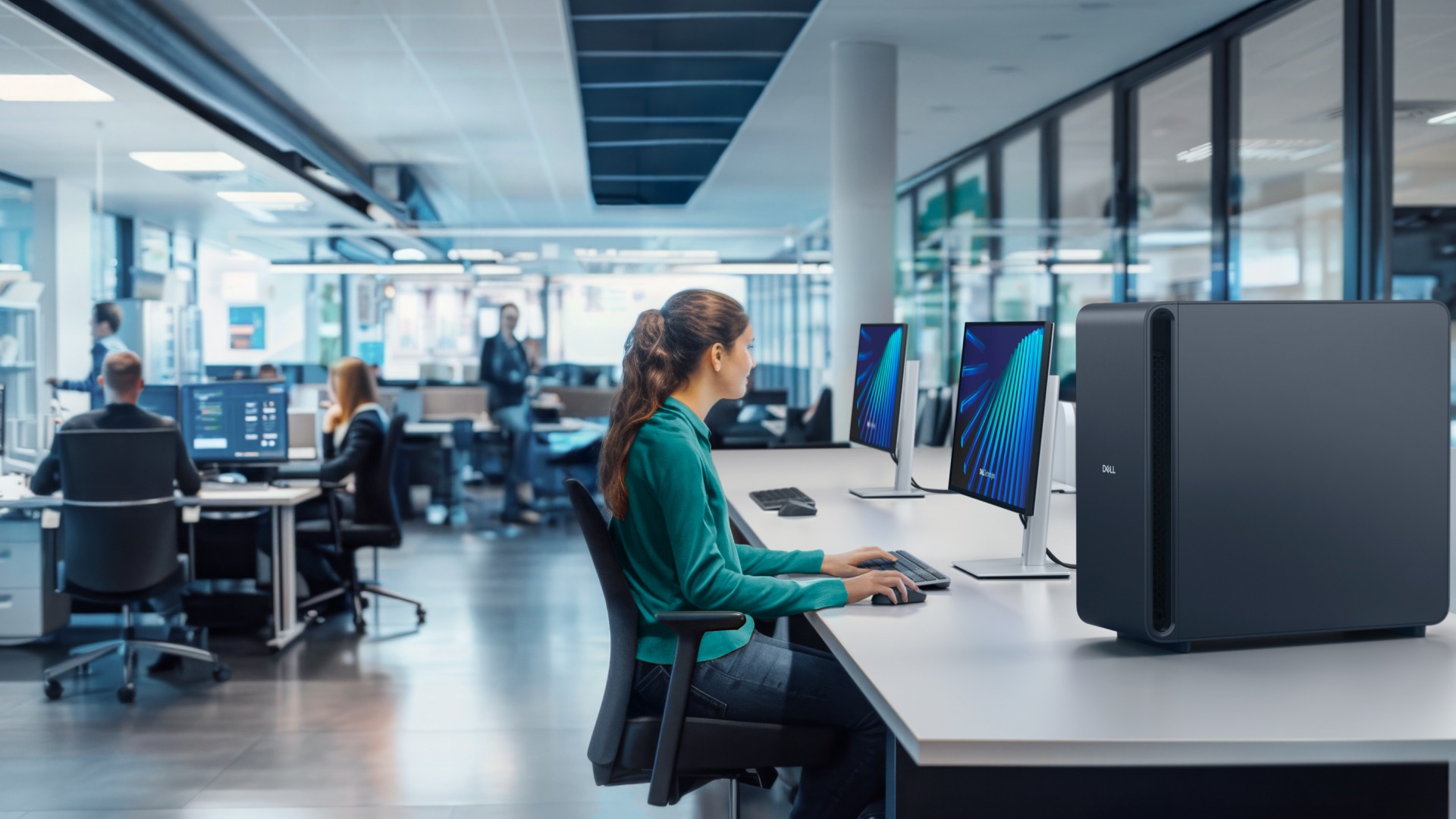 Dell’s NVIDIA-based AI powerhouses compared: The Dell Pro Max with GB10 versus the Dell Pro Max with GB300
Sponsored The Dell Pro Max with GB10 and GB300 workstations are the perfect devices to help supercharge AI innovation


