
The Dell Pro 3 is a durable, reliable business laptop with commercial-grade security and manageability, built to deliver everyday productivity for employees and simplify operations for IT teams.
For small businesses, it offers a practical way to replace an aging laptop fleet, whose slow performance, tired batteries, and limited AI support quietly drain time and growth. Here’s how aging hardware holds a business back, and how the Dell Pro 3 helps fix it.
TL;DR
- An aging laptop fleet can undermine business efficiency and productivity with slow hardware that eats up time finding fixes and workarounds
- Old hardware can’t effectively use modern AI tools and features that can help spearhead growth
- Replacing an ailing laptop fleet with Dell Pro 3 laptops offers an affordable way to inject modernization into your business
- The Dell Pro 3 offers Intel Core and Intel Core Ultra processors, with up to 64GB of DDR5 memory and Copilot+ PC configurations for on-device AI
- The Dell Pro 3 delivers up to 20 hours of battery life*, enough for a working day away from the desk

Chugging computers, hidden inefficiencies
For small business owners, it can be easy to look at a seemingly functional fleet of laptops and be content simply because they’re ticking along. But aging hardware can be a hidden drain on your business.
While older laptops may still run on Windows 11, they’re likely equipped with a processor that’s not really up to the task of handling modern AI workloads and features. Cracks may well begin to show when it comes to more demanding workloads such as multitasking – a major problem when small businesses need their devices to efficiently power a combination of productivity, collaboration, administration, and other workspace tools.
The Dell Pro 3 is built to handle multitasking – from video calls and light creative work, to multiple apps and everyday admin – with Intel Core and Intel Core Ultra processors. Select Intel Core Ultra configurations are Copilot+ PCs, with NPUs rated at 46 to 49 TOPS to power AI experiences and Copilot+ PC features.
The same can be said for RAM. While an older laptop with 4GB of RAM may be functional, when it comes to using modern software or even running multiple tabs or apps, that amount of memory simply isn’t enough to handle multitasking in a fast and smooth fashion. Small businesses with bigger multitasking needs may even feel 8GB isn’t really enough. The Dell Pro 3 offers DDR5 memory of up to 64GB, giving small businesses the capacity to keep video calls, AI-assisted apps, and cloud-based productivity tools running side by side as workloads grow.
How do heat and battery wear affect aging laptops?
The compact cooling nature of laptops also means that, over time, their fans gather dust, and thermal compounds and systems can slowly degrade. This can lead to thermal throttling, slowing a laptop’s performance, or it could simply make the laptop uncomfortably warm to use for a working day. The Dell Pro 3 takes a different approach, with larger, redesigned fans that move more air to keep the laptop cool while running up to 31% quieter than the previous generation, according to Dell.
Batteries age too. Lithium-ion cells slowly lose capacity over time, making it harder for a laptop to hold a charge, and in some cases older laptops are only usable while plugged in. Modern, well-made batteries are safe, but degradation is a common issue as laptops age. A refreshed fleet of Dell Pro 3 laptops, with up to 20 hours of battery life, can handle a working day away from the desk.

What does a slow laptop fleet cost a business?
Together, these challenges can make a business less efficient: time lost waiting for applications to load, or for browsers to chug when joining a video call and checking email at the same time. Over time, and scaled across a workforce, that erodes a business’s smooth operation and potential for growth.
Can aging laptops keep up with AI?
Older hardware can also limit access to new tools, especially AI tools, agents, and models, and small businesses are increasingly using them. According to US Chamber of Commerce research, two-thirds of US small businesses now use AI, up from 58% in 2025, across tools ranging from generative AI chatbots to predictive and agentic AI. Copilot+ PC configurations of the Dell Pro 3 run AI tasks directly on the device.
Small businesses with aging laptops not only risk losing out on efficiency and productivity, but also the opportunity to harness the latest advancements in AI.
Dial in the Dell Pro 3
Dell has a full suite of professional-grade laptops that can be customized to suit a diverse workforce, and the Dell Pro 3 is a natural starting point for modernizing an aging fleet.
Which Dell Pro 3 screen size suits your team?
The latest Dell Pro 3 laptops come in two screen sizes, 14-inch (35.6cm) and 16-inch (40.6cm). The 14-inch Dell Pro 3 suits frequent travelers and employees who move between offices and prefer portability, while the 16-inch Dell Pro 3 suits those who like a larger screen for spreadsheets, dashboards, and scrolling through documents.

How long does the Dell Pro 3 battery last?
For workers often on the move, between locations or simply jumping between meetings and desks, the long battery life of up to 20 hours on the Dell Pro 3 means they can get through a standard working day without hunting for a charger. When a meeting is looming and the battery is low, ExpressCharge Boost can top up the Dell Pro 3 to 35% in 20 minutes, with a compatible adapter.
How does the Dell Pro 3 handle multitasking and AI?
With Intel Core and Intel Core Ultra processors, the Dell Pro 3 has plenty of power for running multiple productivity and collaboration tools at once.
Paired with fast DDR5 memory of up to 64GB, the Dell Pro 3 can handle office multitasking as well as AI tools. For most small businesses, 16GB of memory and a 512GB SSD is a sensible baseline for everyday multitasking across video calls, browser tabs, and cloud-based apps. This Dell Pro 3 variation also meets the memory and storage requirements for a Copilot+ PC.
What storage and connectivity does the Dell Pro 3 offer?
Storage of up to 2TB and optional Wi-Fi 7 keep accessing and transferring business data fast and responsive on the Dell Pro 3.
Add in a range of hardware- and software-level security and device management features, including protection that sits below the operating system, and the Dell Pro 3 gives businesses of all sizes a practical, effective way to modernize from an aging laptop fleet to one that’s ready to bolster efficiency, productivity, and the growth-driving potential of AI.
If you think the Dell Pro 3 is the right call for your business, find out more on the Dell website: US readers click here.
FAQs
When should a small business look to modernize its laptop fleet?
As soon as everyday work starts to slow down. Browsers struggling with multiple tabs, long waits for applications to open, laptops that only last while plugged in, and video calls that stutter are all signs a fleet is due a refresh. Replacing laptops before these problems compound helps protect productivity across the team, and a modern option such as the Dell Pro 3 can bring performance, battery life, and AI features up to date together.
Why choose the Dell Pro 3 for a laptop refresh?
It covers the everyday basics well. Dell Pro 3 laptops combine the latest Intel Core or Intel Core Ultra processors, DDR5 memory of up to 64GB, Copilot+ PC configurations, and up to 20 hours of battery life, along with security and manageability features built for small teams. That makes them a practical fit for a general refresh, for employees who spend their days in email, browsers, video calls, and office apps.
What if my business needs more powerful laptops?
Consider the Dell Pro 5 and Dell Pro 7 (read our write-up here), which offer more powerful specs and professional features for workloads such as heavy technical tasks and graphics rendering. The choice comes down to workload and configuration, so a business can use the Dell Pro 3 for everyday employees and step up to the Dell Pro 5 or Dell Pro 7 for roles that need more power.
*Dell Pro 3 14 tested with Series 3 Intel Core 5 320 CPU, 70Whr battery, WUXGA 500 nits SLP display, 1x16GB memory and 512GB SSD. Based on testing using the Mobile Mark 30 battery life benchmark test in May 2026. For more information about this benchmark test, visit www.bapco.com. Actual battery life may be significantly less than the test results and varies depending on product configuration and use, software, usage, operating conditions, power management settings and other factors. Maximum battery life will decrease with time.
-
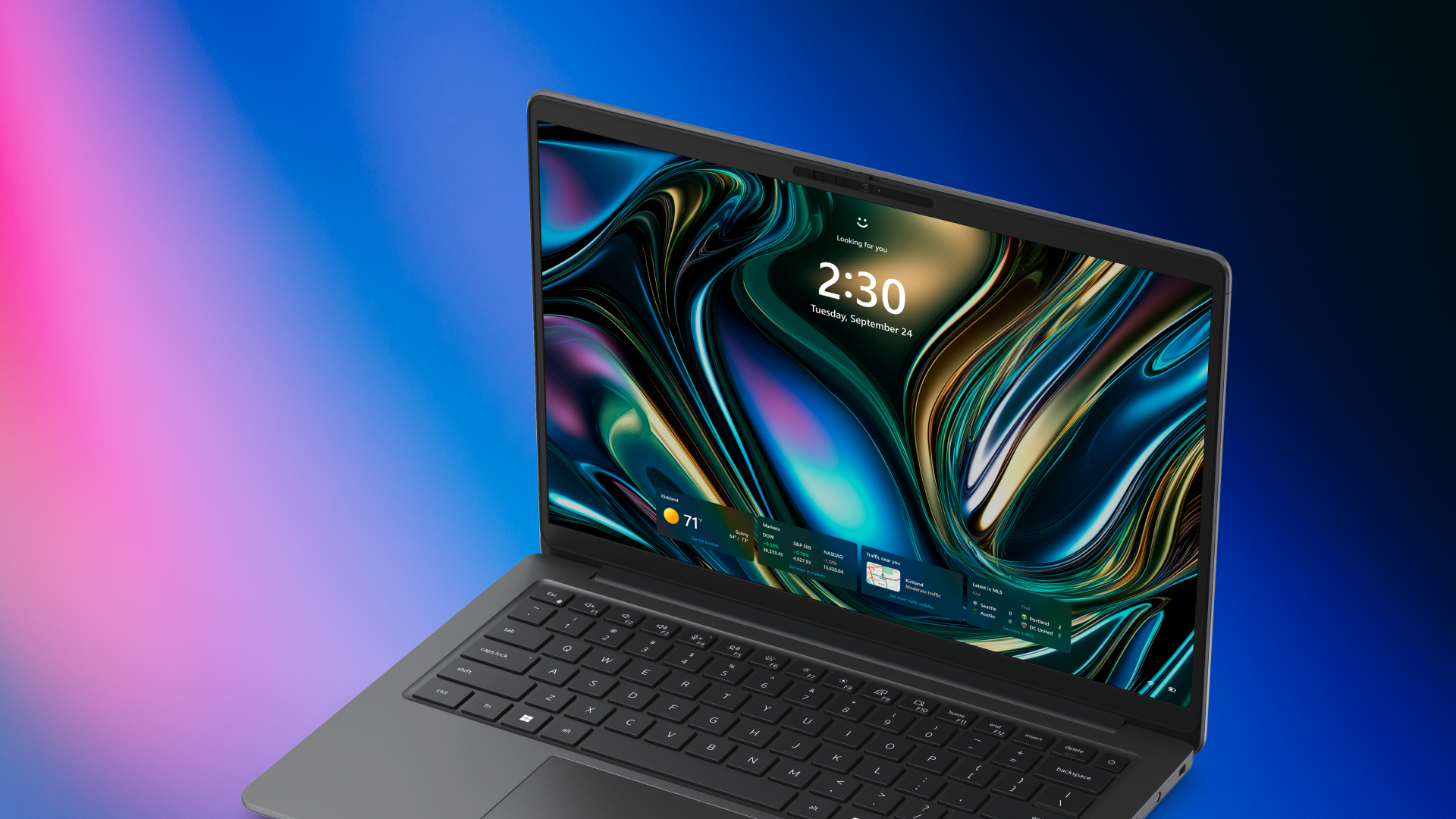 5 features that make the Dell Pro 7 the ultimate travel laptop for business professionals
Sponsored Discover five Dell Pro 7 features for business professionals on the move: lightweight design, privacy display options, premium collaboration tools, battery life, and layered security
-
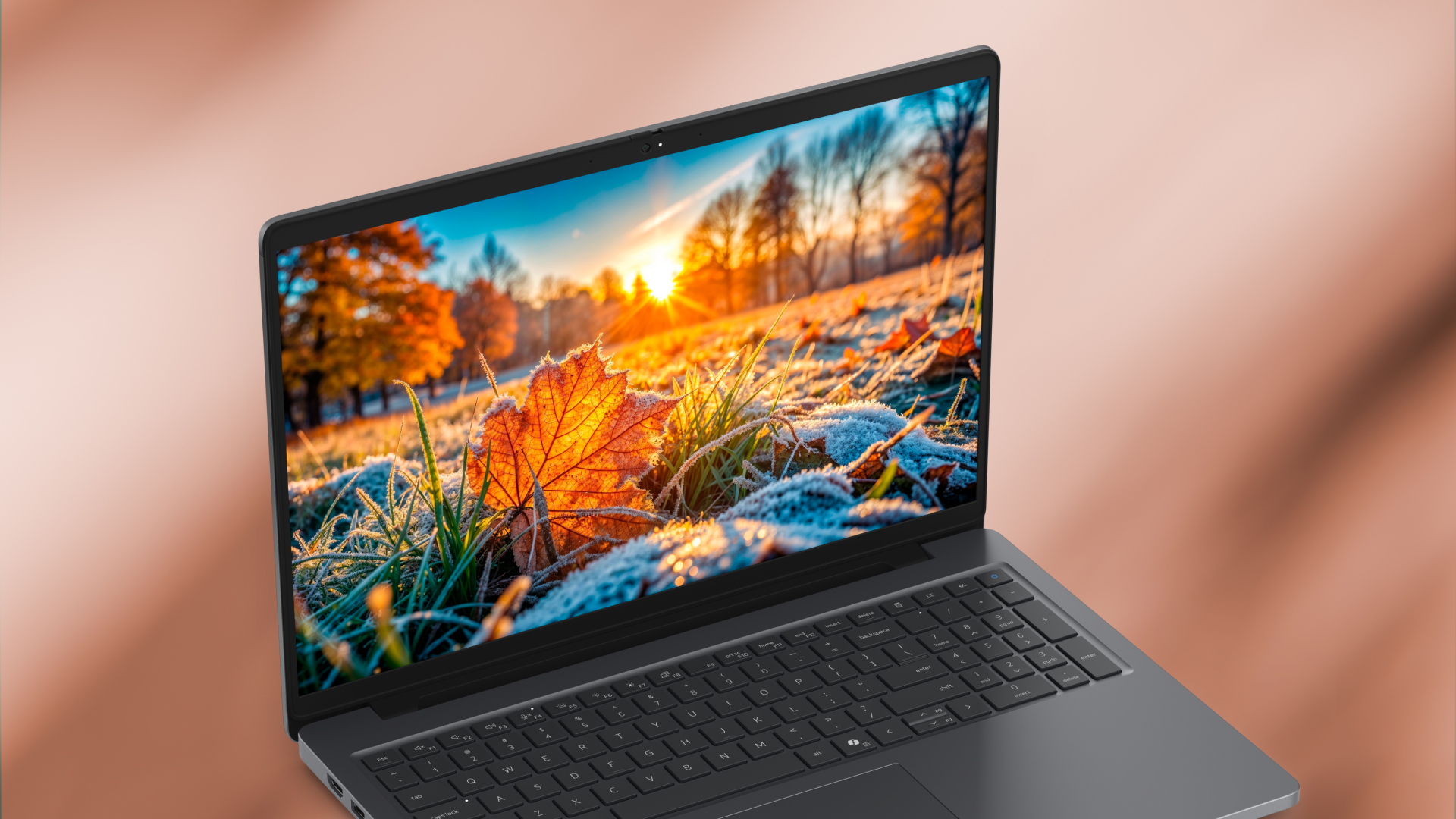 Need high-performance business laptops for heavy workloads? The Dell Pro 5 is a serious contender
Sponsored With powerful new AI PCs hitting the market, enterprises face a crucial decision when opting for new workforce devices


-
5 features that make the Dell Pro 7 the ultimate travel laptop for business professionals
Sponsored Discover five Dell Pro 7 features for business professionals on the move: lightweight design, privacy display options, premium collaboration tools, battery life, and layered security
-
Need high-performance business laptops for heavy workloads? The Dell Pro 5 is a serious contender
Sponsored With powerful new AI PCs hitting the market, enterprises face a crucial decision when opting for new workforce devices
-
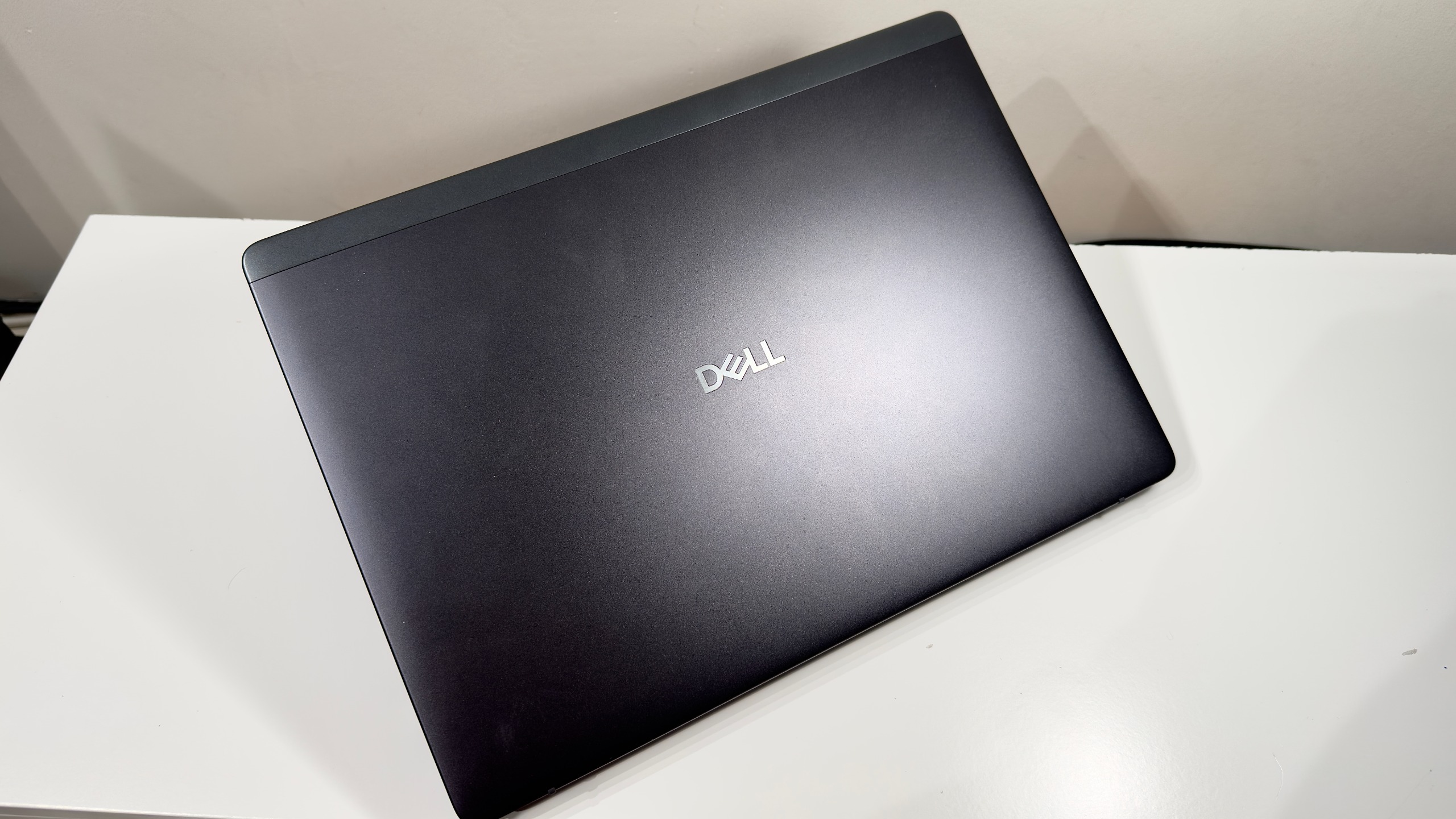 The Dell Pro 5 Series 14 laptop is a welcome return to form – but it's battery life is underwhelming
Reviews A 14in business laptop that's powerful, upgradable, and well-designed from top to bottom
-
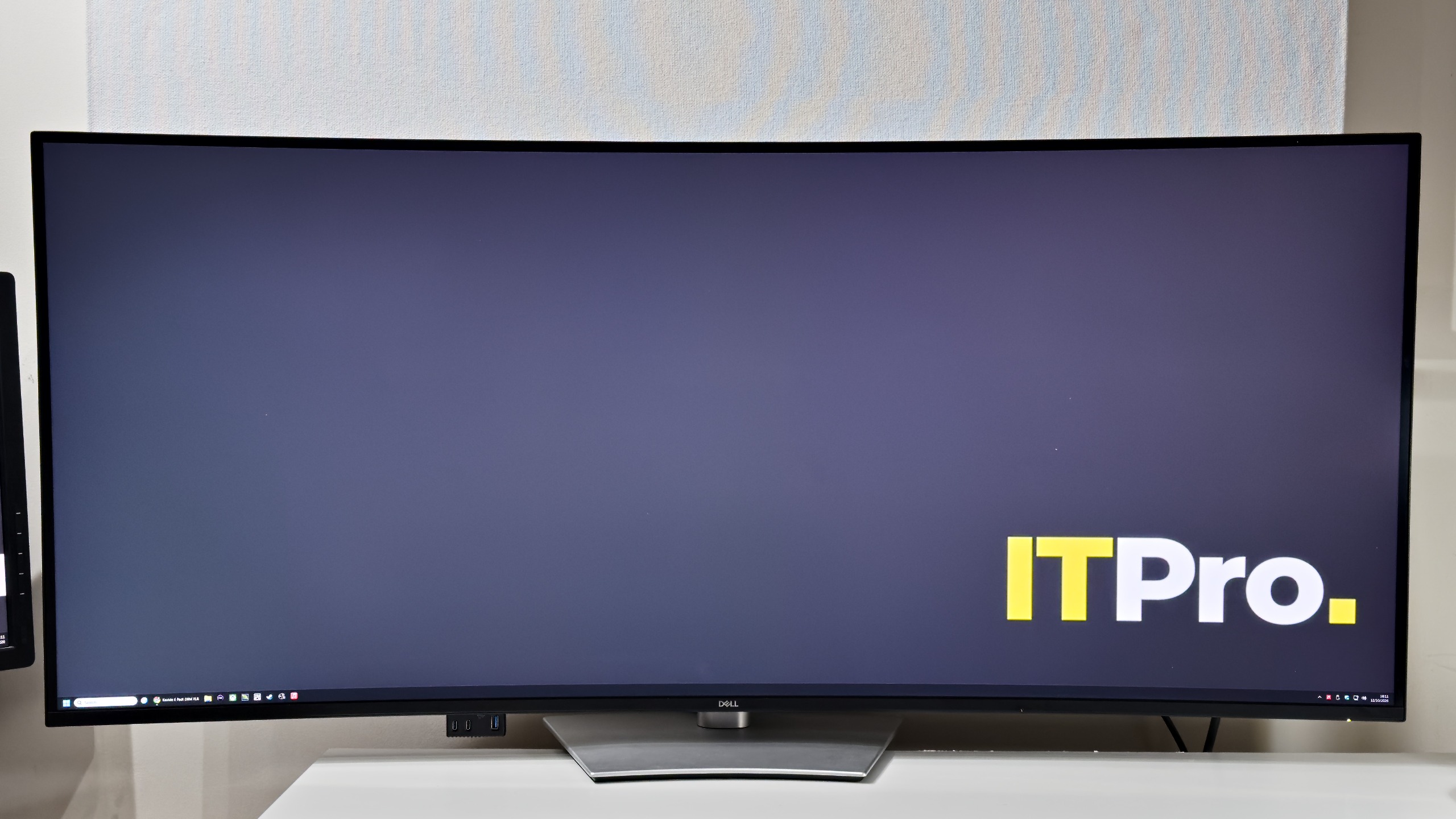 Dell UltraSharp U5226KW review: The perfect ultrawide monitor for power users
Reviews A gargantuan ultrawide monitor perfect for power users and 4K video editing – but image quality pales in comparison to professional panels
-
 Is your data ready for the AI rush? Questions IT leaders should ask before scaling AI
Sponsored IT leaders face an array of considerations when embarking on an AI initiative, but what areas should they prioritize?
-
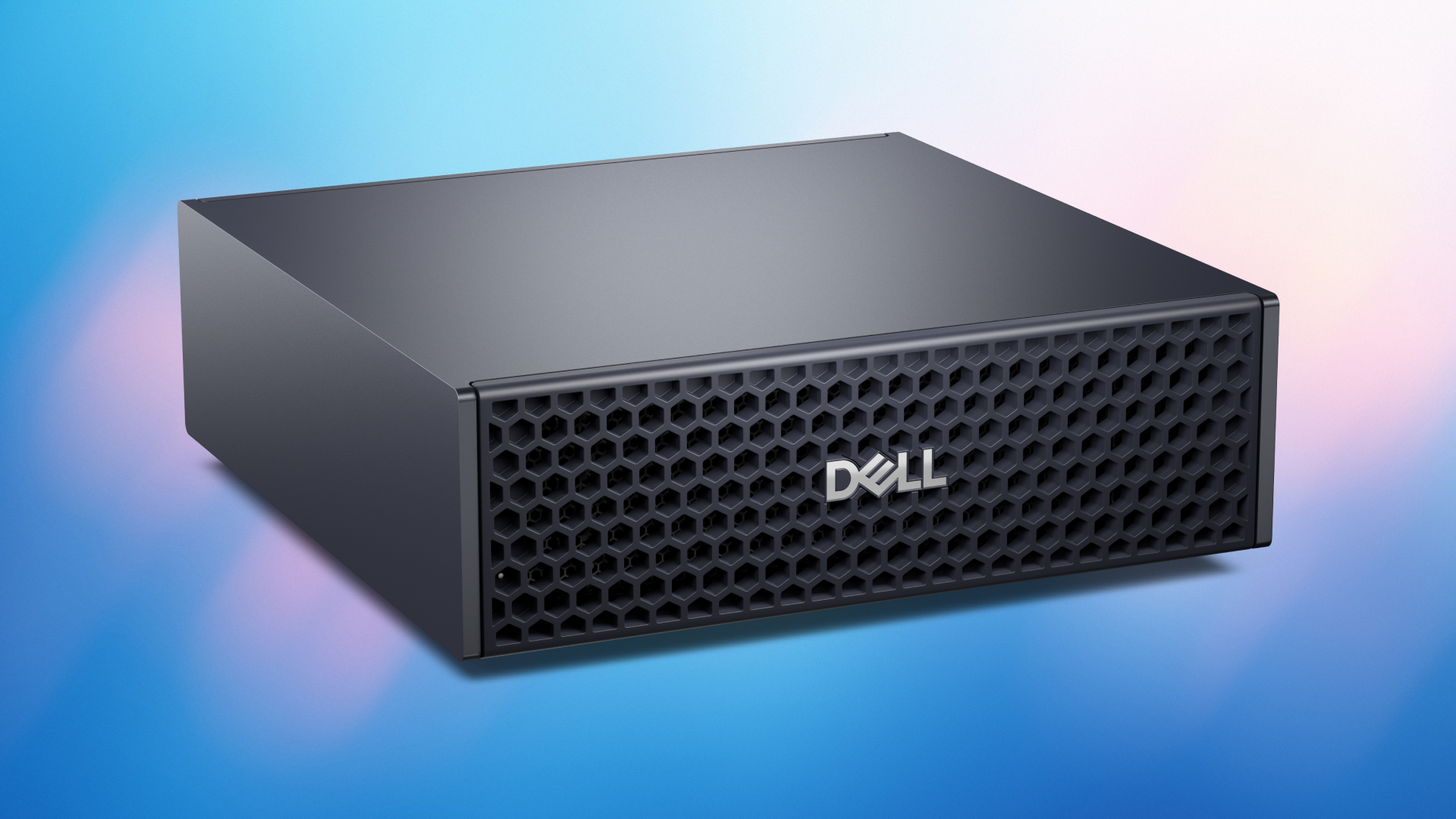 8 reasons the NVIDIA-powered Dell Pro Precision with GB10 could become every AI developer’s favorite tool
Sponsored How Dell Pro Precision with GB10 puts frontier-level AI compute on your desk (and could save you money on token spend)
-
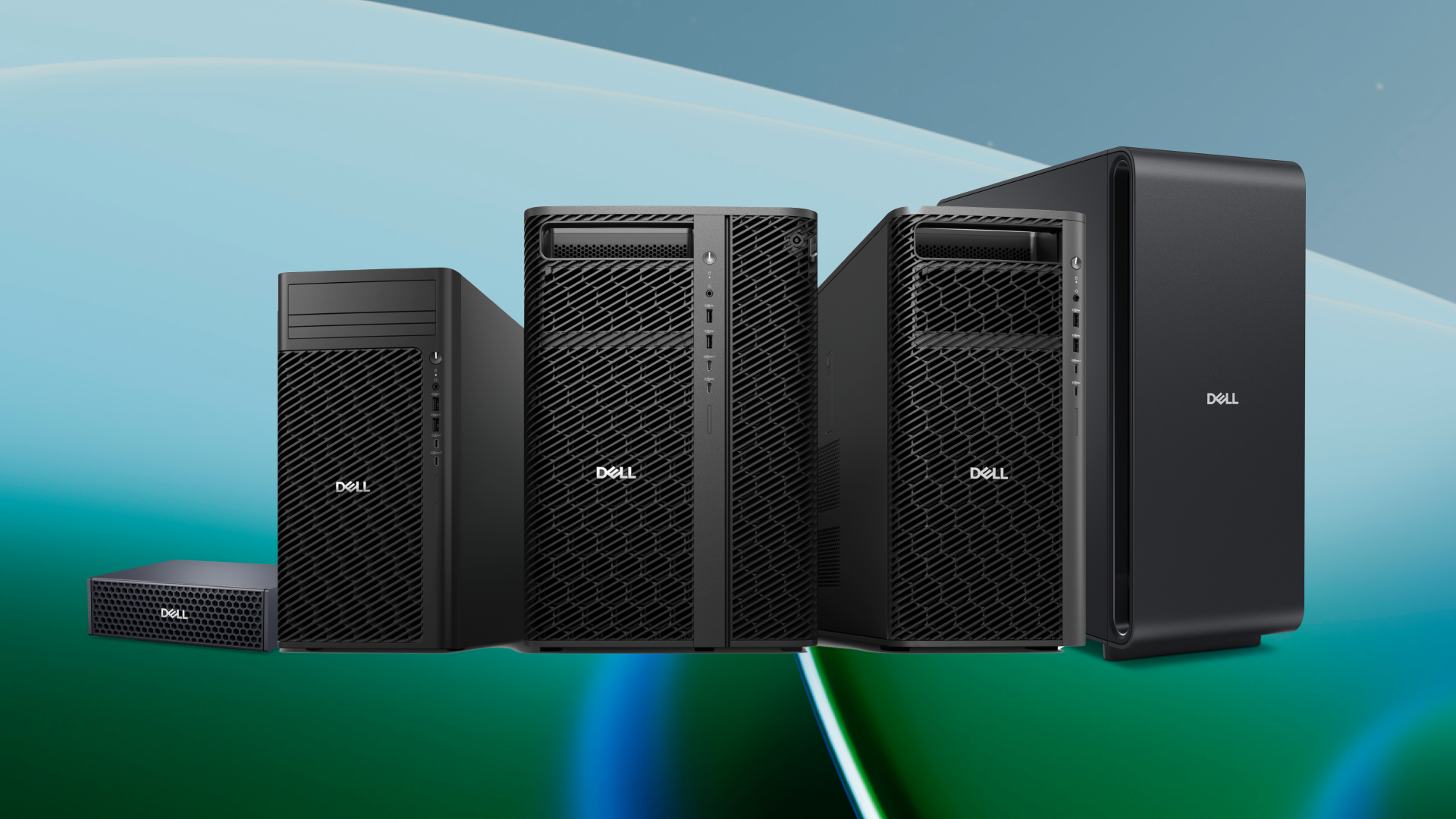 $3k a day on tokens? Dell’s deskside agentic AI Accelerators will save you money on AI development
Sponsored Enterprises are facing rising AI bills, but it doesn’t have to be that way
-
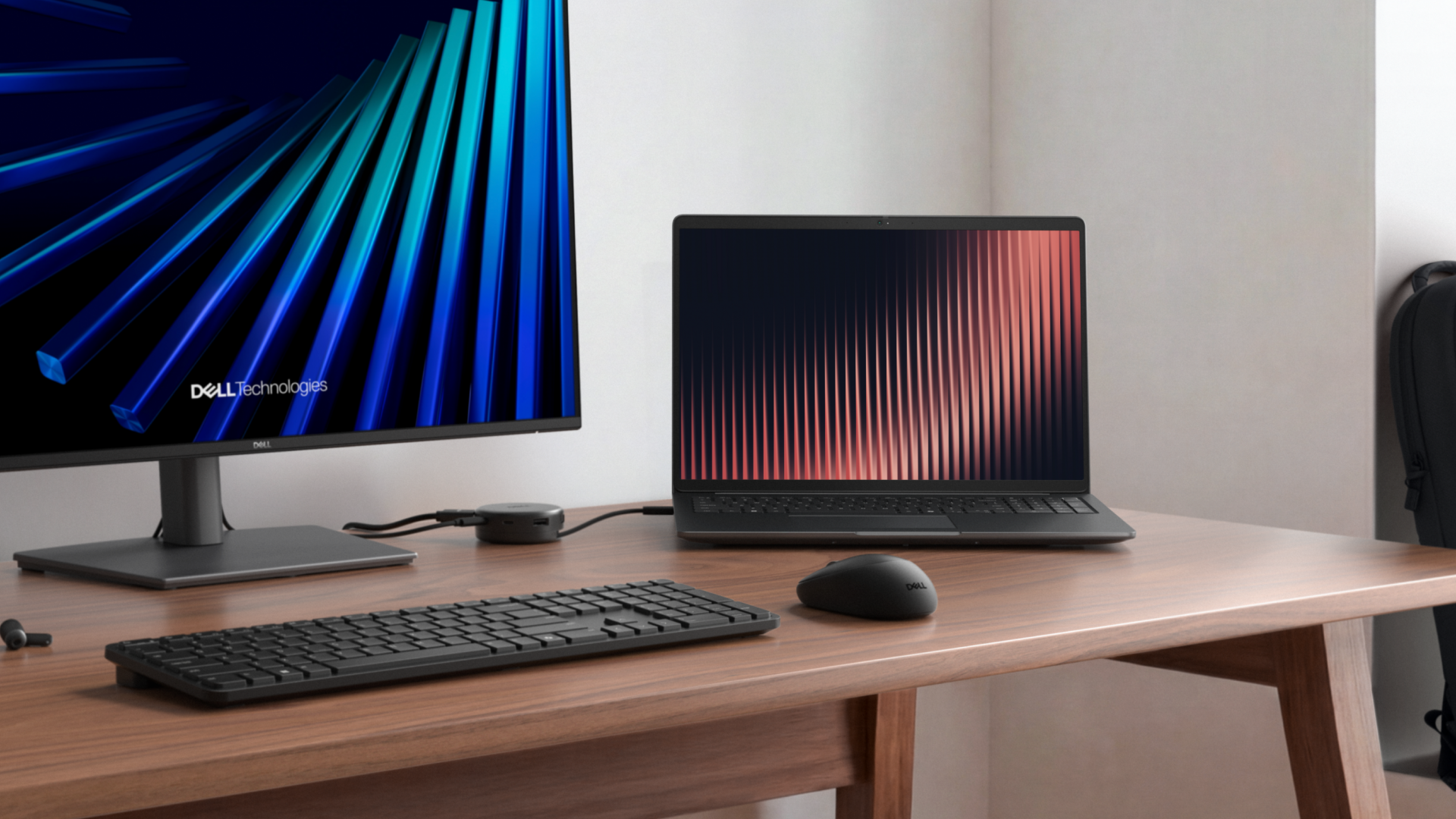 Dell Pro 5 or Dell Pro 7? How to choose the right laptop for your employees
Sponsored Office powerhouse or master of mobile working? The choice is yours. Find out if you should buy the Dell Pro 5 or Dell Pro 7 for your business


