
Remote, in the office, or on the move, the laptop you work on shapes both your productivity and your day-to-day convenience. That means your work laptop must meet several key criteria, and then some. First, it absolutely has to be lightweight and easy to use in a flash – a hefty, clunky device simply won’t cut it.
But it must also offer the performance, battery life, and features that let you work wherever, whenever. A design-led laptop such as the Dell Pro 7 can make a world of difference between arriving at a remote client meeting prepared and ready to present, or scrambling around with unreliable tech that costs you a potential business opportunity.
TL;DR
- A sleek, lightweight design makes the Dell Pro 7 easy to take wherever work does
- Layered security, starting below the operating system, helps keep users protected wherever they work
- Up to 23 hours* of battery life lets the Dell Pro 7 keep pace with a full day of travel
- An HDR + IR camera in FHD or 8MP, plus directional microphones designed to filter out background noise, help the Dell Pro 7 deliver polished calls from public spaces
- An optional FHD+ OLED display and an optional privacy display on the 14-inch Dell Pro 7 support sharp visuals and screen privacy on the move
- Series 3 Intel Core Ultra or AMD Ryzen AI PRO 400 Series processors, up to 64GB of RAM, and up to 2TB of storage help the power and performance of the Dell Pro 7 live up to its premium design

The Dell Pro 7 is designed specifically for business owners, customer-facing roles and professionals constantly on the move: visiting regional offices, collaborating with partners, or engaging with industry stakeholders at events around the world. In other words, the kind of people who can’t afford to compromise when it comes to portability or capability.
The Dell Pro 7 comes with the option of high-performance Series 3 Intel Core Ultra or AMD Ryzen AI PRO 400 Series processors. Combined with up to 64GB of RAM and up to 2TB of storage space, giving the Dell Pro 7 the capabilities to match its premium design.
Of course, there’s more to the Dell Pro 7 than just processing power, with a range of premium features and capabilities at your disposal. Here’s what to expect with the Dell Pro 7 laptop range.
Does the Dell Pro 7 have a lightweight, durable design?
The Dell Pro 7 comes in a range of form factors, including a 13-inch and 14-inch design, as well as a 2-in-1 folding option.
As far as size and weight go, official figures from Dell note the Dell Pro 7 is up to 18% thinner than the previous generation on the 13-inch model, starting at just 16.35mm tall, and up to 17% thinner on the 14-inch model, starting at 16.45mm.
Moreover, the device boasts a magnesium alloy or aluminum chassis designed for durability that also comes in around 9% lighter compared to previous generations.
This makes the Dell Pro 7 a sleek, lightweight laptop, capable of fitting in any carry-on luggage while you’re on the move.

Does the Dell Pro 7 display come with privacy in mind?
The Dell Pro 7 offers users high-quality visuals, coming equipped with an optional FHD+ OLED display, providing crisp resolution.
Notably, workers on the move also face privacy risks. In a coffee shop, airport lounge, or on public transport, prying eyes can easily read sensitive information over their shoulder.
The 14-inch Dell Pro 7 features an optional built-in privacy filter. This prevents others from snooping from the side and provides peace of mind when out in public.
Does the Dell Pro 7 support premium collaboration features?
Business owners and customer-facing staff (really, any busy professional working remotely) rely heavily on video conferencing software to communicate and collaborate. This means that professionals need a high-quality on-camera presence, regardless of where they are at any given time.
Every Dell Pro 7 comes with an HDR + IR camera, available in FHD or a more advanced 8MP option for sharper, more premium video quality. Both support Windows Hello biometric login, so signing in is quick and secure whichever you choose.
Paired with the Dell Pro 7’s directional microphones, which are designed to filter out background noise in public spaces, the camera lets you take a call from a café or an airport lounge and still come across crystal-clear to colleagues and clients.
Can the Dell Pro 7 battery go the distance?
Battery anxiety is an ever-present challenge for professionals working remotely or on the go. Notably, the Dell Pro 7 comes equipped with high-density batteries designed to last up to 23 hours.*
Indeed, according to official Dell figures, the Dell Pro 7 boasts a “compact battery design that is 10% thinner with 24% more power capacity than the prior generation”.
This means users can keep working through long days and dim cabins alike. The mini-LED backlit keyboard on the Dell Pro 7 keeps keys clearly visible without a power outlet and helps conserve power, while the optional Long Life Cycle battery is designed to last up to three years or 1,000 charge cycles, so on-device AI capabilities don’t cost you battery life.
Crucially, sustainability and convenience are also key differentiators with the Dell Pro 7, particularly in terms of repairability. Relying on modular components means that customers can replace batteries in the event of an accident, or to extend the Dell Pro 7’s lifecycle.

Is the Dell Pro 7 secure by design?
Security on the Dell Pro 7 is built in layers, the most important of which sits below the operating system, where threats are often hardest for IT teams to see. The Dell Pro 7 uses SafeBIOS alongside Dell’s Trusted Device service to protect the device below the operating system, helping IT and security teams monitor and detect potential threats.
At the hardware level, optional ControlVault 3+ (CV3+) adds a dedicated security processor to the Dell Pro 7, designed to keep passwords, biometrics, and security codes encrypted. In the event of a compromise or device loss, that gives users another layer of protection and peace of mind.
Finally, privacy protections keep prying eyes away from your Dell Pro 7 screen, and the Kensington Lock port lets users physically anchor the Dell Pro 7 in shared or public spaces.
Explore the Dell Pro 7 and find the configuration that fits your business. US readers click here. AU readers click here.
FAQs
How long does the Dell Pro 7 battery last?
Up to 23 hours, according to Dell, which is enough for long days away from a charger. Dell’s official figures describe a compact battery design that is 10% thinner with 24% more power capacity than the prior generation, and an optional Long Life Cycle battery is designed to last up to three years or 1,000 charge cycles.
How does the Dell Pro 7 protect against threats below the operating system?
It starts below the operating system, using SafeBIOS alongside Dell’s Trusted Device service to protect the device and help IT teams monitor for threats. Optional ControlVault 3+ keeps passwords, biometrics, and security codes encrypted in a dedicated hardware processor, while a Kensington Lock port and privacy features add physical protection.
*Based on internal testing using Mobile Mark 30 benchmark comparing Dell Pro 7 14 2in1 and Dell Pro 14 Plus 2in1, May 2026. Dell Pro 7 14 2in1 was tested with Intel 336H vPro CPU, UMA graphics, 16GB LPDDR5x memory, WUXGA 2in1 Touch Super Low Power display, and 70Whr battery. Dell Pro 14 Plus 2in1 was tested with Intel 235 vPro CPU, UMA graphics, 16GB LPDDR5x memory, WUXGA 2in1 Touch display, and 55Whr battery.
-
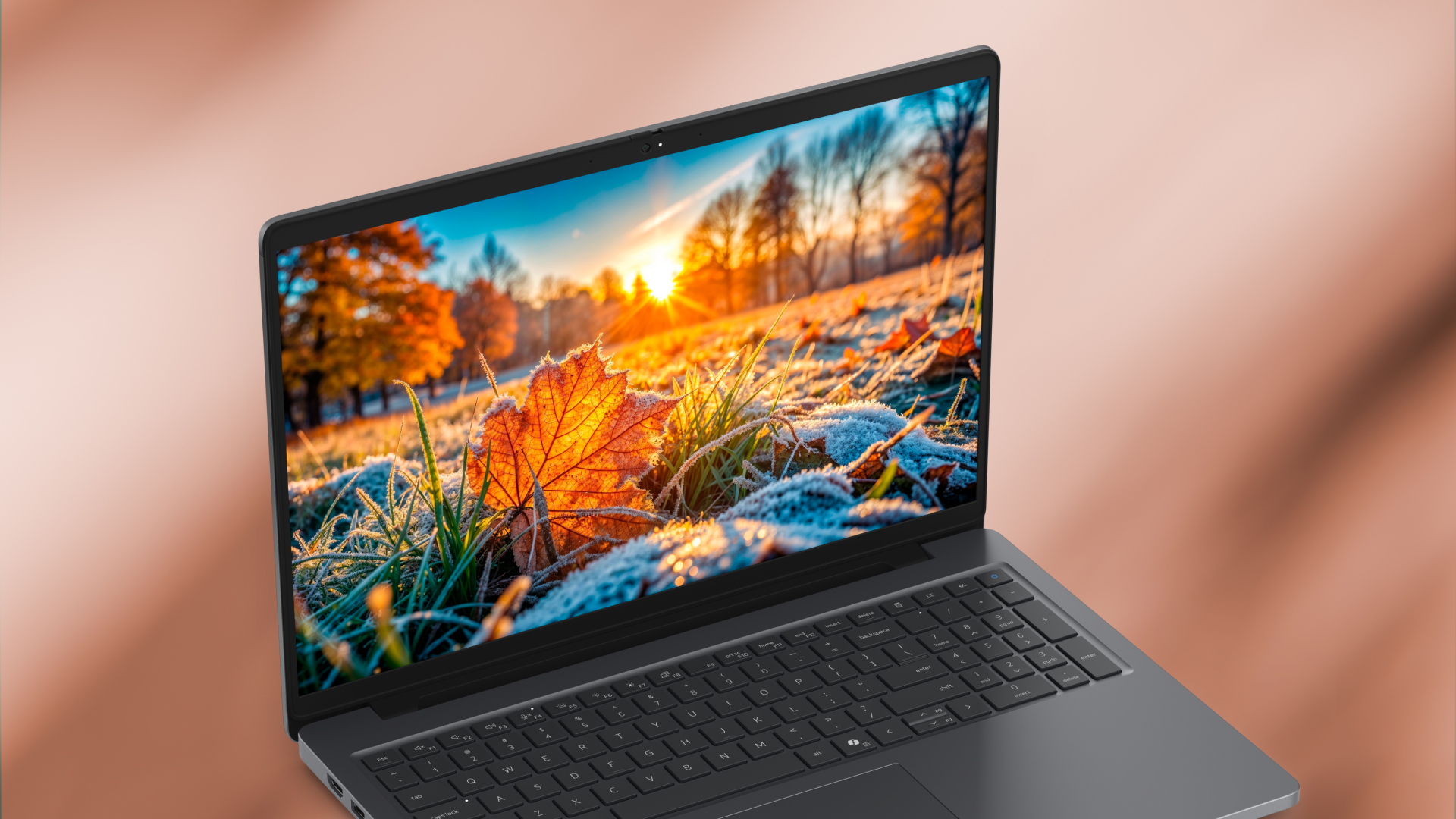 Need high-performance business laptops for heavy workloads? The Dell Pro 5 is a serious contender
Sponsored With powerful new AI PCs hitting the market, enterprises face a crucial decision when opting for new workforce devices
-
 Jensen Huang returns to Nvidia as CEO
News The co-founder and CEO is back in the hotseat


-
Need high-performance business laptops for heavy workloads? The Dell Pro 5 is a serious contender
Sponsored With powerful new AI PCs hitting the market, enterprises face a crucial decision when opting for new workforce devices
-
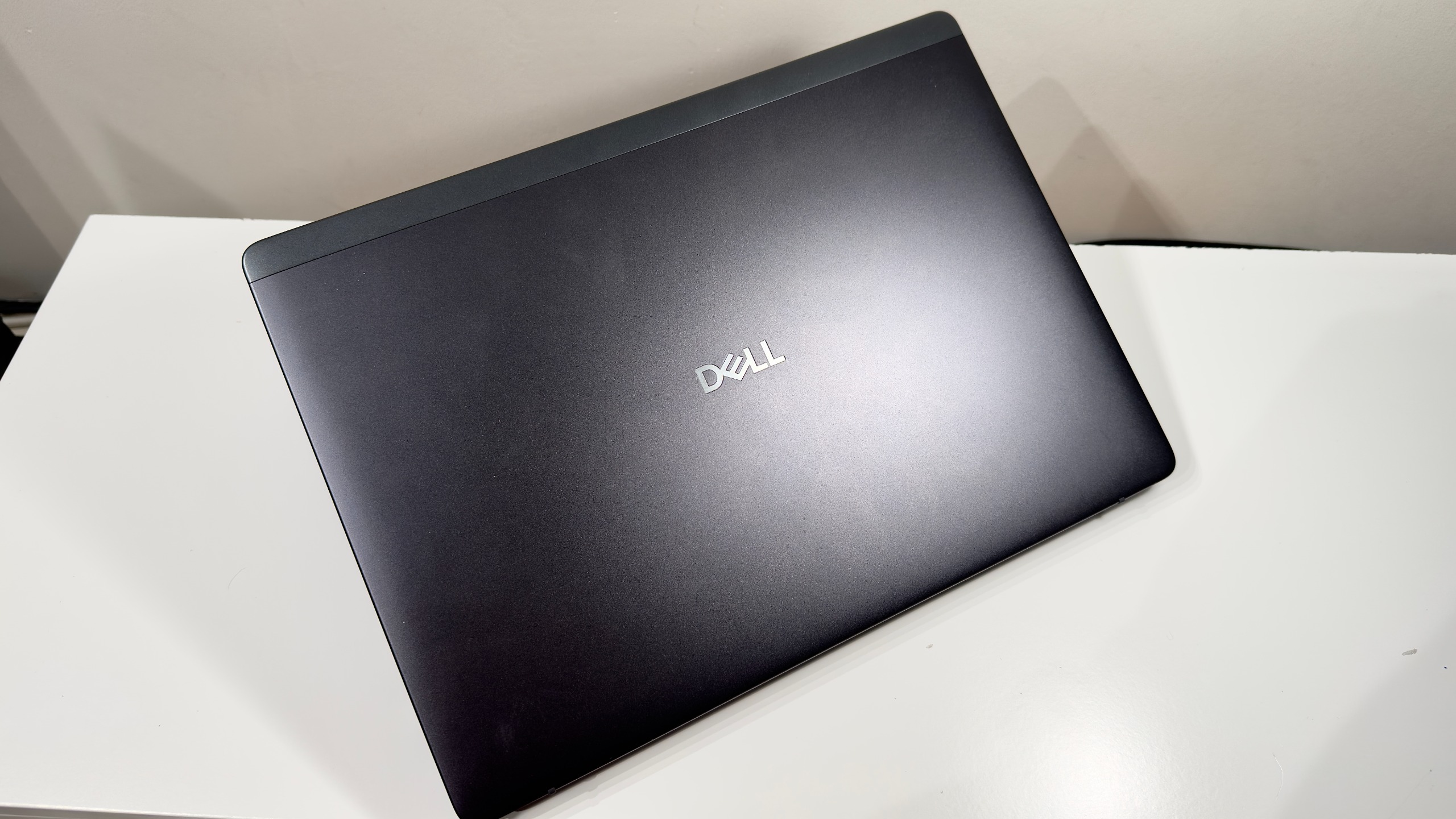 The Dell Pro 5 Series 14 laptop is a welcome return to form – but it's battery life is underwhelming
Reviews A 14in business laptop that's powerful, upgradable, and well-designed from top to bottom
-
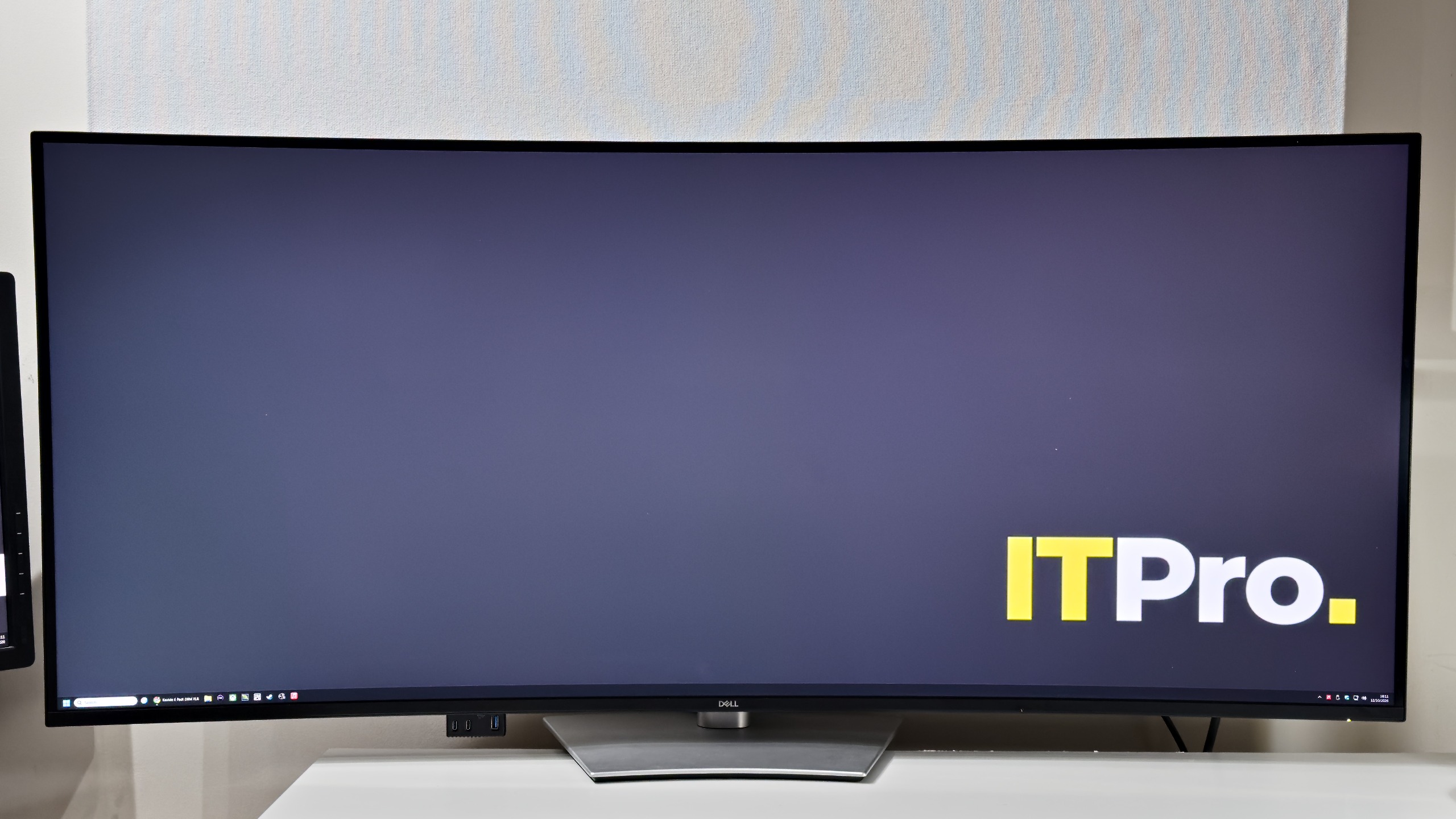 Dell UltraSharp U5226KW review: The perfect ultrawide monitor for power users
Reviews A gargantuan ultrawide monitor perfect for power users and 4K video editing – but image quality pales in comparison to professional panels
-
 Is your data ready for the AI rush? Questions IT leaders should ask before scaling AI
Sponsored IT leaders face an array of considerations when embarking on an AI initiative, but what areas should they prioritize?
-
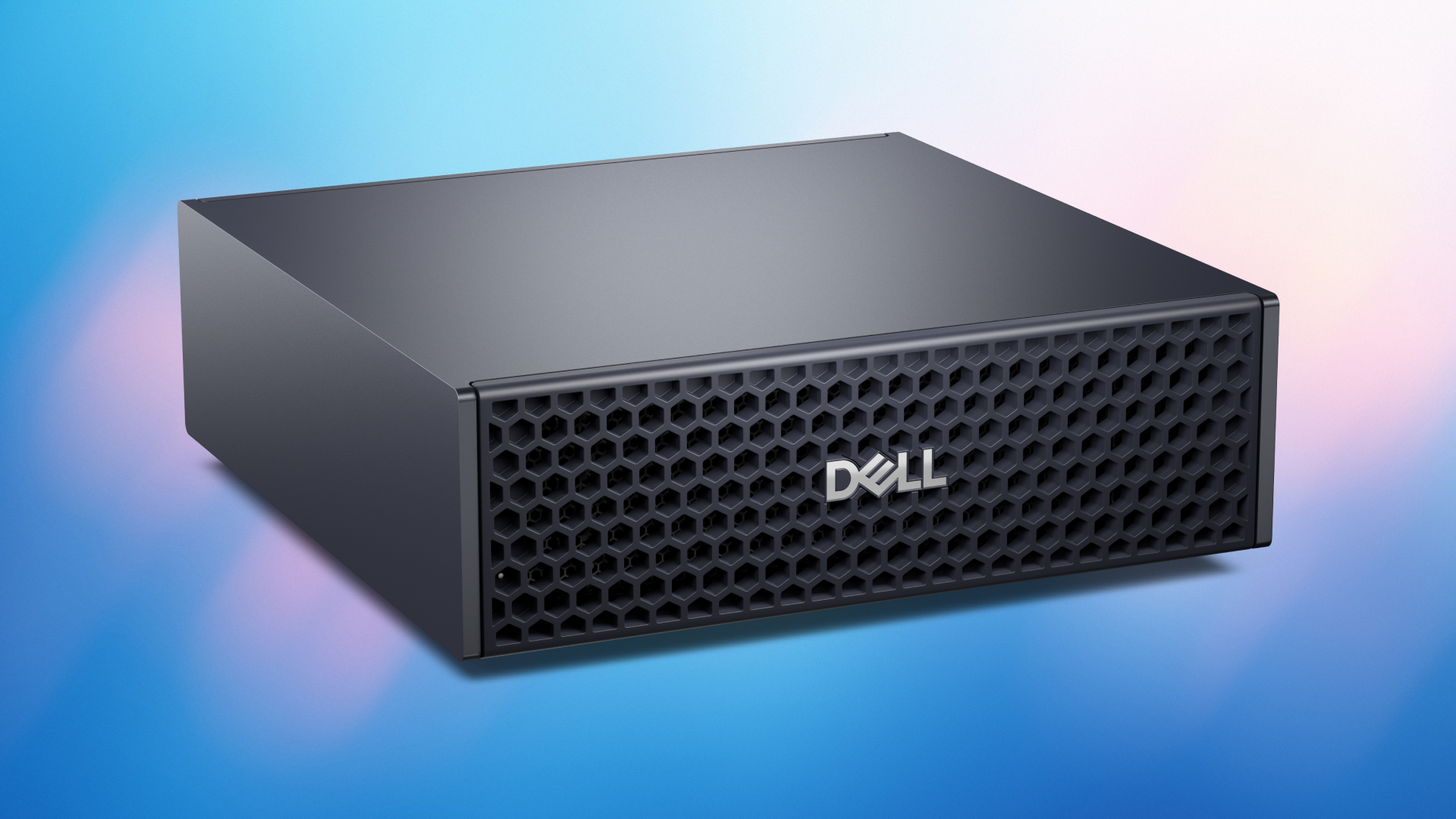 8 reasons the NVIDIA-powered Dell Pro Precision with GB10 could become every AI developer’s favorite tool
Sponsored How Dell Pro Precision with GB10 puts frontier-level AI compute on your desk (and could save you money on token spend)
-
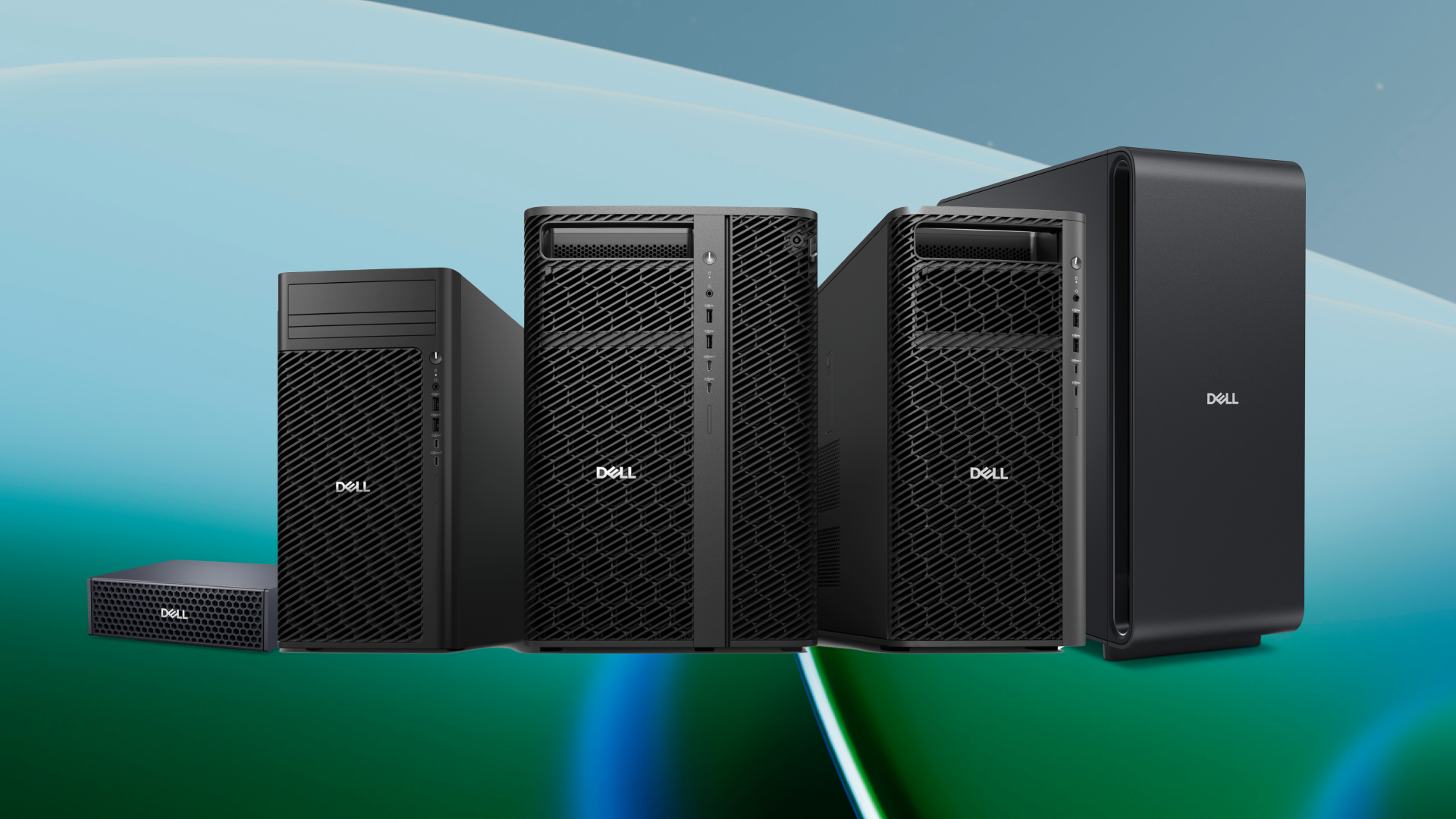 $3k a day on tokens? Dell’s deskside agentic AI Accelerators will save you money on AI development
Sponsored Enterprises are facing rising AI bills, but it doesn’t have to be that way
-
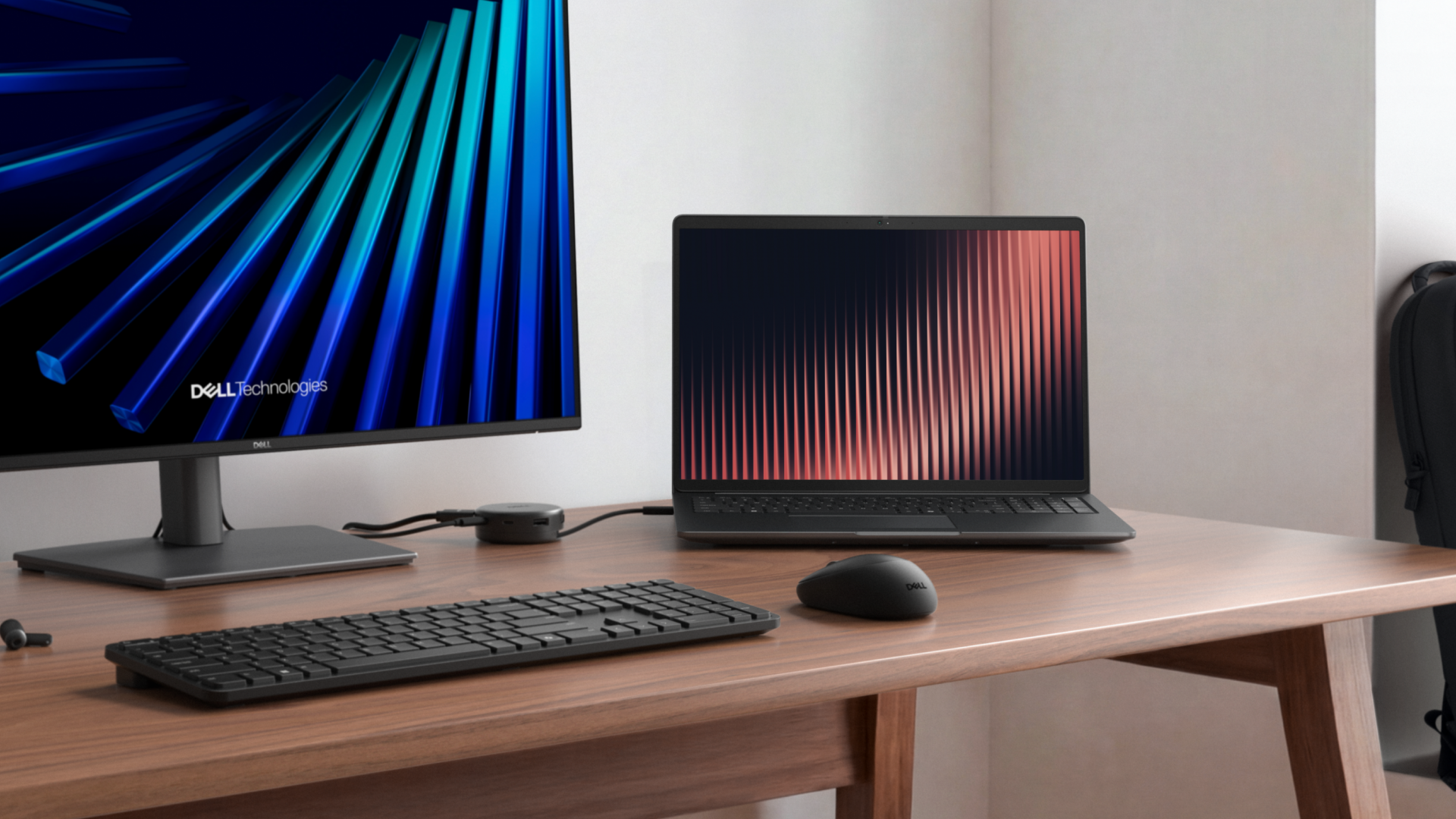 Dell Pro 5 or Dell Pro 7? How to choose the right laptop for your employees
Sponsored Office powerhouse or master of mobile working? The choice is yours. Find out if you should buy the Dell Pro 5 or Dell Pro 7 for your business
-
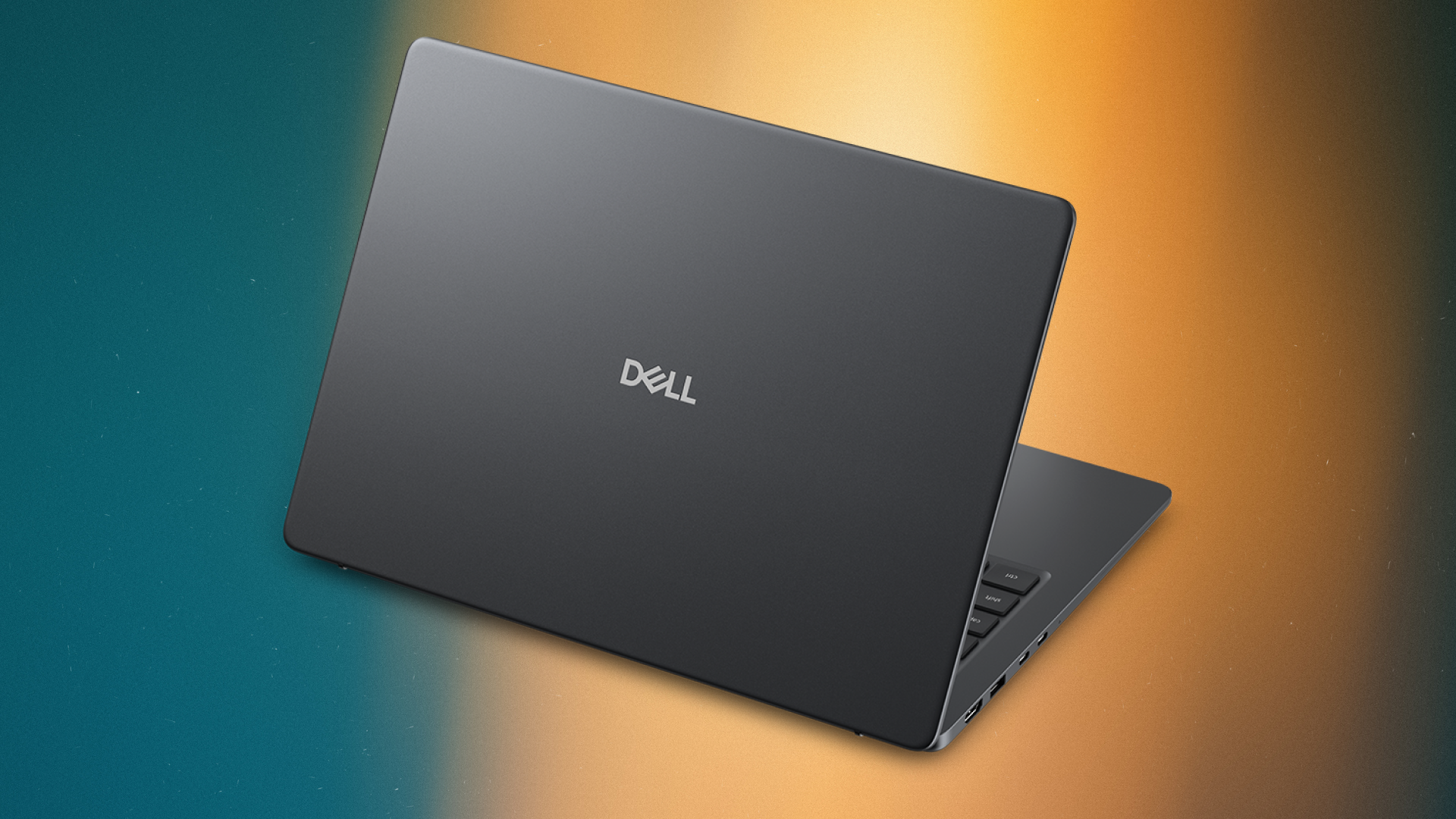 How the Dell Pro 5 & Dell Pro 7 laptops add a layer of security for better hybrid working
Sponsored Secure your hybrid workforce with Dell Pro laptops, featuring robust silicon-level hardware protection that safeguards critical data below the operating system


