
Modern business demands speed, agility, and continuous creativity, making device selection a critical driver of employee performance. To ensure a laptop fleet supports employees rather than slowing them down, IT decision-makers must evaluate devices based on physical work routines, compute demands, and connectivity requirements rather than relying on a single standard-issue specification.
Mapping workforce roles directly to either the highly scalable Dell Pro 5 or the thinnest-in-class, ultra-mobile Dell Pro 7 enables IT leaders to optimize budget allocation while eliminating employee frustration.
TL;DR
- Dell Pro 7 is best for traveling executives or any employee who travels regularly. The Dell Pro 7 is 16.35mm in height, available in 13in/14in form factors (including 2-in-1s), and comes with an optional hardware privacy display, plus an energy-saving Mini-LED backlit keyboard and up to 22 hours of battery life*
- Dell Pro 5 is best for financial analysts, software developers, and operations leads. It features 14in and 16in display options, expandable LPCAMM2 DDR5 memory options up to 64GB, optional Intel Arc graphics, native ports (Thunderbolt 4, USB-A, Ethernet), and 22.8 hours of battery life**
- Both laptops support Copilot+ AI workloads via dedicated NPUs (up to 50 TOPS), ControlVault 3+ hardware credential isolation, 8MP HDR webcams, optional privacy displays, and Windows Hello biometric security
How do mobility features and form factors differ between the Dell Pro 5 and Dell Pro 7?
Selecting the right form factor comes down to physical work routines: the Dell Pro 7 provides ultra-thin, lightweight mobility for traveling roles, while the Dell Pro 5 delivers larger display options, hardwearing aluminum durability, and native docking ports for desk-based hybrid commuters. While both models feature redesigned ultra-thin profiles – delivering up to an 18% height reduction across the portfolio – their physical architectures cater to particular hybrid working styles.
What physical features make the Dell Pro 7 right for traveling roles?
Hyper-mobile professionals such as traveling executives, management consultants, and field sales directors require a lightweight, thin profile that stores easily in transit without adding travel strain. Devices like the Dell Pro 7 deliver a portfolio-thinnest profile (around 16.35mm z-height) in a magnesium alloy or aluminum build that is 10% lighter than prior generations, available in compact 13in and 14in clamshell models as well as flexible 2-in-1 form factors.
Working on the move also introduces visual snooping risks in public spaces like airport terminals, trains, and coffee shops. For on-the-go workers handling sensitive company data, an optional built-in physical privacy display on the 14in Dell Pro 7 instantly restricts side-angle viewing at the touch of a button, removing the need for stick-on filters that degrade screen clarity. The Dell Pro 7 also incorporates an innovative, energy-saving Mini-LED backlit keyboard, allowing professionals to type comfortably in dim transit environments without sacrificing battery longevity.

Why is the Dell Pro 5 better suited to desk-based and commuting hybrid roles?
Desk-based workers and hybrid commuters – such as financial analysts, operations leads, and software developers – prioritize screen real estate, physical durability, and native port access over absolute slimness. The Dell Pro 5 caters to these workflows by offering larger 14in and 16in display choices alongside a comprehensive port selection (including 1Gbps Ethernet, twin Thunderbolt 4 ports, and two Type-A USB 3.2 ports) that allows users to dock directly into workstation peripherals without carrying extra adapters.
These employees split time between home offices and corporate desks, requiring a hard-wearing aluminum exterior that withstands daily commuting and transport between meetings. Supported by high-density battery technology, dynamic Variable Refresh Rate (VRR) displays, and energy-saving Mini-LED backlit keyboards, the Dell Pro 5 enables long unplugged runtimes exceeding 22 hours to keep staff productive throughout extended workdays.
Matching laptop performance to employee workloads prevents compute bottlenecks and overspending
Evaluating performance requires looking beyond raw processor clock speeds to assess how display interaction, memory scaling, local AI acceleration, and graphics processing map directly to daily job functions. Standardizing on a single specification often leads to over-spending on standard office users while under-provisioning technical and creative power users.
How do CPU, memory, and display features support executive multitasking on the Dell Pro 7?
Fluid executive multitasking relies on high-efficiency mobile processors and interactive display options that maintain performance without draining battery life during back-to-back meetings. For busy executives and client-facing leaders who juggle video calls, data dashboards, and heavy presentation decks, the Dell Pro 7 provides high-efficiency Series 3 Intel Core Ultra or AMD Ryzen AI PRO 400 Series processors designed for multi-threaded responsiveness.
Display technology is equally critical during client interactions. The Dell Pro 7 offers high-resolution screen choices alongside 2-in-1 convertible configurations with touch functionality, allowing managers to annotate decks on the fly, capture signatures, and whiteboard during collaborative strategy sessions.
What performance features does the Dell Pro 5 offer for technical and creative power users?
For technical specialists and creative teams, including software developers, data analysts, and visual media producers, hardware limitations directly restrict daily output. The Dell Pro 5 handles these demanding roles with optional next-generation LPCAMM2 DDR5 memory scalable up to 64GB and lightning-fast PCIe Gen5 storage, eliminating memory bottlenecks when compiling complex code or analyzing massive datasets. For media-rich workflows like video editing, graphic design, and live high-definition screen sharing, optional Intel Arc graphics with up to 12 Xe graphics cores significantly speed up rendering and asset compilation times.
Across both technical and creative tasks, integrated Copilot+ Neural Processing Units (NPUs) delivering up to 50 TOPS handle background AI operations like real-time gaze correction and noise suppression, offloading these processes from the primary CPU and GPU to maintain peak system responsiveness during intense compute jobs.
How do the Dell Pro 5 and Dell Pro 7 compare on connectivity, security, and fleet management?
Guaranteeing secure, location-agnostic connectivity, ensuring frictionless sign-ins, and maintaining high-quality video collaboration are essential evaluation pillars for any modern hybrid fleet. While both laptop families share enterprise-grade security and video conferencing hardware, their physical port layouts and serviceability features cater to distinct mobile and desktop operational needs.

What connectivity and security features protect hybrid workers on the Dell Pro 5 and Dell Pro 7?
Both the Dell Pro 5 and Dell Pro 7 safeguard hybrid employees by pairing secure network access options with hardware-isolated biometric security, mitigating data exposure risks whether workers are in transit or stationed at a corporate desk.
For mobile workers, the Dell Pro 7 eliminates dependence on unencrypted public Wi-Fi networks by offering integrated 5G WWAN broadband, ensuring a direct, encrypted cloud connection during travel. Its optional third USB-C port enhances versatility on the move, allowing users to connect power, external storage, and displays natively without relying on unsecured travel hubs.
Conversely, the Dell Pro 5 secures fixed workspace environments through clean docking architectures, combining native physical ports – including dual Thunderbolt 4, USB-A, and Ethernet – with the flexibility for users to power their laptops and drive multi-monitor displays through a single trusted connection.
Regardless of location, both laptop ranges prevent unauthorized endpoint access using hardware-based ControlVault 3+ (CV3+) credential isolation. By storing and processing biometric authentication data – such as Windows Hello fingerprint scans and IR facial recognition – on a dedicated, tamper-resistant security chip separate from the primary OS and RAM, both devices protect corporate credentials against malware and physical breach attempts.
How do collaboration tools and camera features support virtual meetings across the Dell Pro 5 and Dell Pro 7?
Distributed teams structured around daily virtual meetings require high-definition audio and video capabilities that maintain professional presentation during client pitches and internal calls. Both the Dell Pro 5 and Dell Pro 7 come equipped with upgraded 8MP HDR camera sensors that deliver sharp visual clarity in difficult lighting, paired with tuned directional microphones that reduce background noise in open or noisy surroundings. When meetings conclude, the mechanical camera cover and privacy display give employees peace of mind.
How does the architecture of the Dell Pro 5 and Dell Pro 7 impact fleet standardization, serviceability, and lifecycle overhead?
Deploying enterprise endpoints at scale increases management overhead, making fleet consistency and hardware repairability vital evaluation metrics. Standardizing mainstream business units on the Dell Pro 5 significantly streamlines IT operations, as shared platform architecture across 14in and 16in models simplifies driver deployment, OS image creation, and security patch rollouts.
Dell Pro 5 and Dell Pro 7: Key hardware features
Key feature |
Hardware details |
Business benefits |
Form factor |
Ultra-thin chassis architecture, lightweight materials, range of screen sizes. |
Keeps mobile staff energized and client-ready by reducing travel fatigue, while boosting pitch engagement through flexible, interactive presentation modes. |
Display & visual security |
High-resolution displays with Variable Refresh Rate (VRR), available touch interactivity, and optional integrated hardware privacy display. |
Protects sensitive corporate IP and compliance data from visual hacking in public spaces without degrading screen clarity or requiring physical filters. |
Processing, memory & AI acceleration |
High-efficiency Series 3 Intel Core Ultra or AMD Ryzen AI PRO 400 Series processors, optional modular LPCAMM2 DDR5 RAM (up to 64GB), PCIe Gen5 storage, optional Intel Arc graphics (12 Xe cores), and dedicated 50 TOPS Copilot+ NPUs. |
Shortens project delivery cycles and accelerates time-to-market by keeping high-value engineering and creative staff focused on output rather than waiting on system lag. |
Connectivity, docking & power |
Native port arrays (dual Thunderbolt 4, USB-A, Ethernet), optional integrated 5G WWAN, energy-saving Mini-LED keyboards, and 17+ hour battery runtimes. |
Ensures uninterrupted business continuity across hybrid locations, eliminating low-battery anxiety, adapter friction, and the cybersecurity risks of unencrypted public Wi-Fi. |
Biometric security & collaboration |
Dedicated ControlVault 3+ (CV3+) hardware security chip for Windows Hello biometrics, 8MP HDR webcams, tuned directional microphones, and physical privacy display. |
Mitigates data breach liabilities and credential theft at the hardware level while elevating brand reputation during critical virtual meetings through professional audio and video. |
Fleet management & serviceability |
Accessible chassis design with easy-to-service modular components (replaceable LPCAMM2 RAM and fast SSDs), unified BIOS, and remote management frameworks. |
Drives down Total Cost of Ownership (TCO) and eases IT operational strain by enabling rapid on-site repairs, extending device lifecycles, and keeping employee downtime to a minimum. |
The Dell Pro 5 features an accessible chassis design with easy-to-service modular components, including replaceable LPCAMM2 memory modules and M.2 SSDs. This enables internal service teams to perform rapid on-site maintenance and upgrades with minimal user downtime.

Simultaneously, outfitting executive and client-facing teams with the Dell Pro 7 provides the premium aesthetic mobility starting from 16.35mm up to 16.45mm. It also offers elevated collaboration tools required for high-stakes leadership roles, all while sharing the same underlying ControlVault 3+ security, BIOS-level protection, and remote management frameworks as the rest of the fleet. This ensures IT maintains a single, friction-free deployment pipeline across the entire organization.
If you think Dell laptops are the right call for your business, find out more on the Dell website: US readers click here. CA readers click here.
FAQs
Which business roles should be deployed with the Dell Pro 7?
The Dell Pro 7 is tailored for highly mobile roles, such as traveling executives, management consultants, and field sales directors, who require a sub-16.35mm profile, lightweight portability, 2-in-1 touch interactivity, and integrated 5G WWAN connectivity.
Which business roles are best suited for the Dell Pro 5?
The Dell Pro 5 is designed for technical, creative, and desk-based hybrid roles, including software developers, data analysts, and operations leads, that require memory scaling up to 64GB, optional discrete graphics, 16in display options, and native port arrays.
How does memory expansion differ between the two models?
The Dell Pro 5 features optional expandable LPCAMM2 DDR5 RAM scalable up to 64GB with an accessible chassis design, allowing internal IT teams to perform rapid upgrades and prevent bottlenecks during heavy code compilation or data queries.
What docking and peripheral support does the Dell Pro 5 provide for fixed desks?
It includes a native port array with dual Thunderbolt 4 ports, USB-A ports, and 1Gbps Ethernet, which enables a single cable to power the laptop and drive multi-monitor displays without dongles.
What enterprise features are shared across both the Dell Pro 5 and Pro 7 ranges?
Both lines include dedicated 50 TOPS NPUs for local Copilot+ AI, ControlVault 3+ hardware credential isolation, 8MP HDR webcams with physical privacy display, and Windows Hello biometric authentication.
*Based on internal testing using Mobile Mark 30 benchmark comparing Dell Pro 7 14 2in1 and Dell Pro 14 Plus 2in1, May 2026. Dell Pro 7 14 2in1 was tested with Intel 336H vPro CPU, UMA graphics, 16GB LPDDR5x memory, WUXGA 2in1 Touch Super Low Power display, and 70Whr battery. Dell Pro 14 Plus 2in1 was tested with Intel 235 vPro CPU, UMA graphics, 16GB LPDDR5x memory, WUXGA 2in1 Touch display, and 55Whr battery.
** Based on testing using the Mobile Mark 30 battery life benchmark comparing Dell Pro 5 14 and Dell Pro 14 Plus, April 2026. Dell Pro 5 14 was tested with Intel® 336H vPro® CPU, UMA graphics, 32GB LPCAMM2 memory, WUXGA Non-Touch OLED display (dark mode) and 70 Whr battery. Dell Pro 14 Plus was tested with Intel® U5 236V vPro® CPU, UMA graphics, 16GB LPDDR5x memory, WUXGA Non-touch Super Low Power display, and 55Whr battery. For more information about this benchmark test, visit www.bapco.com. Actual battery life may be significantly less than the test results and varies depending on product configuration and use, software, usage, operating conditions, power management settings and other factors. Maximum battery life decreases over time. The stated Watt-hour (Whr) is not an indication of battery life.
-
 How the Dell Pro 5 & Dell Pro 7 laptops add a layer of security for better hybrid working
Sponsored Secure your hybrid workforce with Dell Pro laptops, featuring robust silicon-level hardware protection that safeguards critical data below the operating system
-
 7 things to consider before your next infrastructure refresh
SPONSORED From power efficiency to disaster recovery, these are the things that growing organizations must keep in mind


-
How the Dell Pro 5 & Dell Pro 7 laptops add a layer of security for better hybrid working
Sponsored Secure your hybrid workforce with Dell Pro laptops, featuring robust silicon-level hardware protection that safeguards critical data below the operating system
-
 5 reasons every AI team needs a deskside agentic AI accelerator like the Dell Pro Max with GB10
Sponsored The Dell Pro Max with GB10 can help enterprises kickstart and scale their agentic AI adoption journey
-
 Dell’s NVIDIA-based AI powerhouses compared: The Dell Pro Max with GB10 versus the Dell Pro Max with GB300
Sponsored The Dell Pro Max with GB10 and GB300 workstations are the perfect devices to help supercharge AI innovation
-
 AI on the edge: 5 reasons to add a deskside AI accelerator like the Dell Pro Max with GB10
Sponsored The Dell Pro Max with GB10 series brings high-performance compute straight to your desk
-
 Which form factor? When to choose the Dell Pro 7 in 13in, 14in, or 2-in-1 design
Sponsored The Dell Pro 7 laptop is available in a range of form factors designed to suit different ways of working. Which should you choose?
-
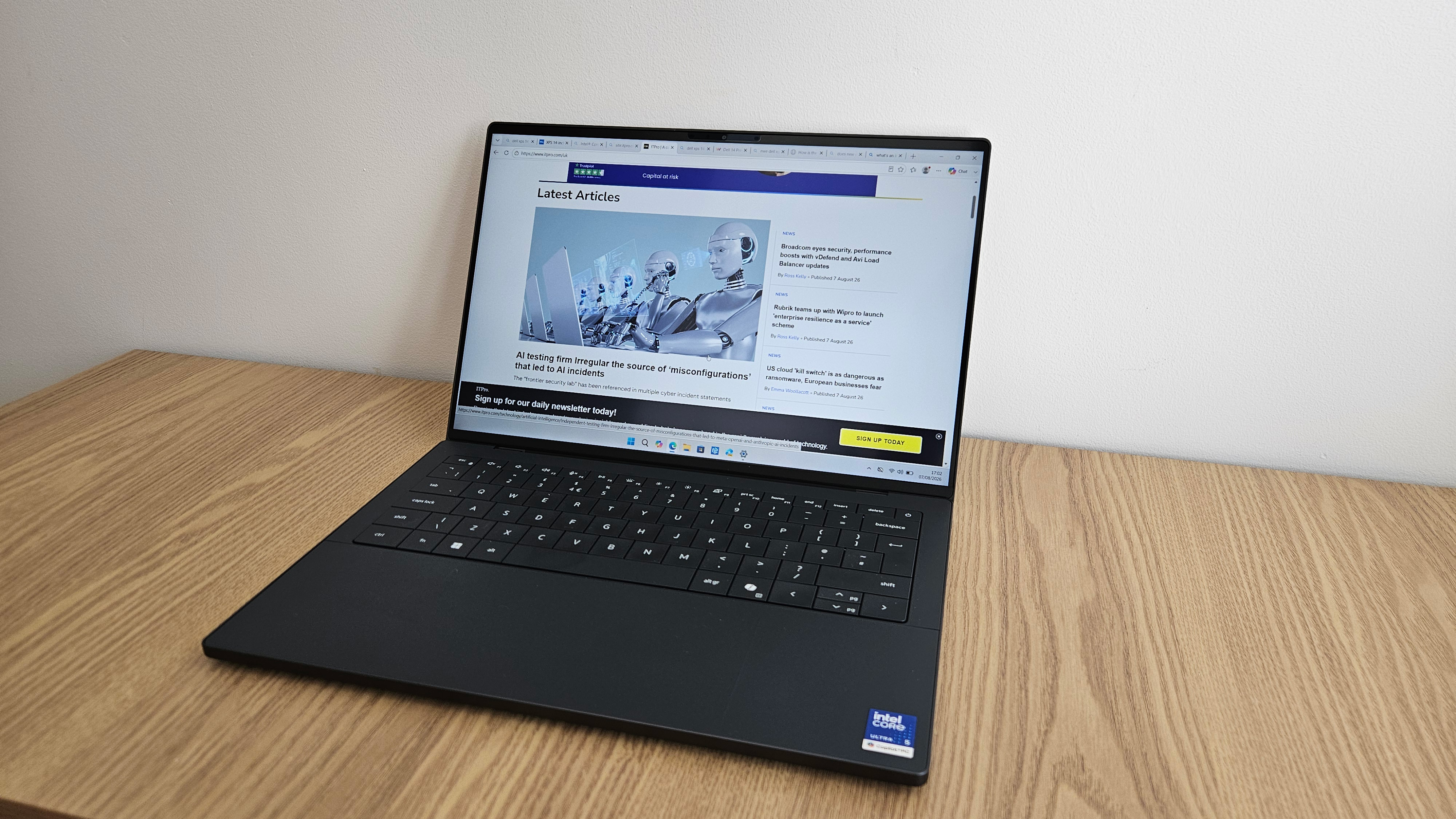 The Dell XPS 14 is back with a vengeance – but is this high-end laptop worth the premium price tag?
Reviews One of the greatest enterprise laptops has been brought in from the cold and makes a solid start to life once again
-
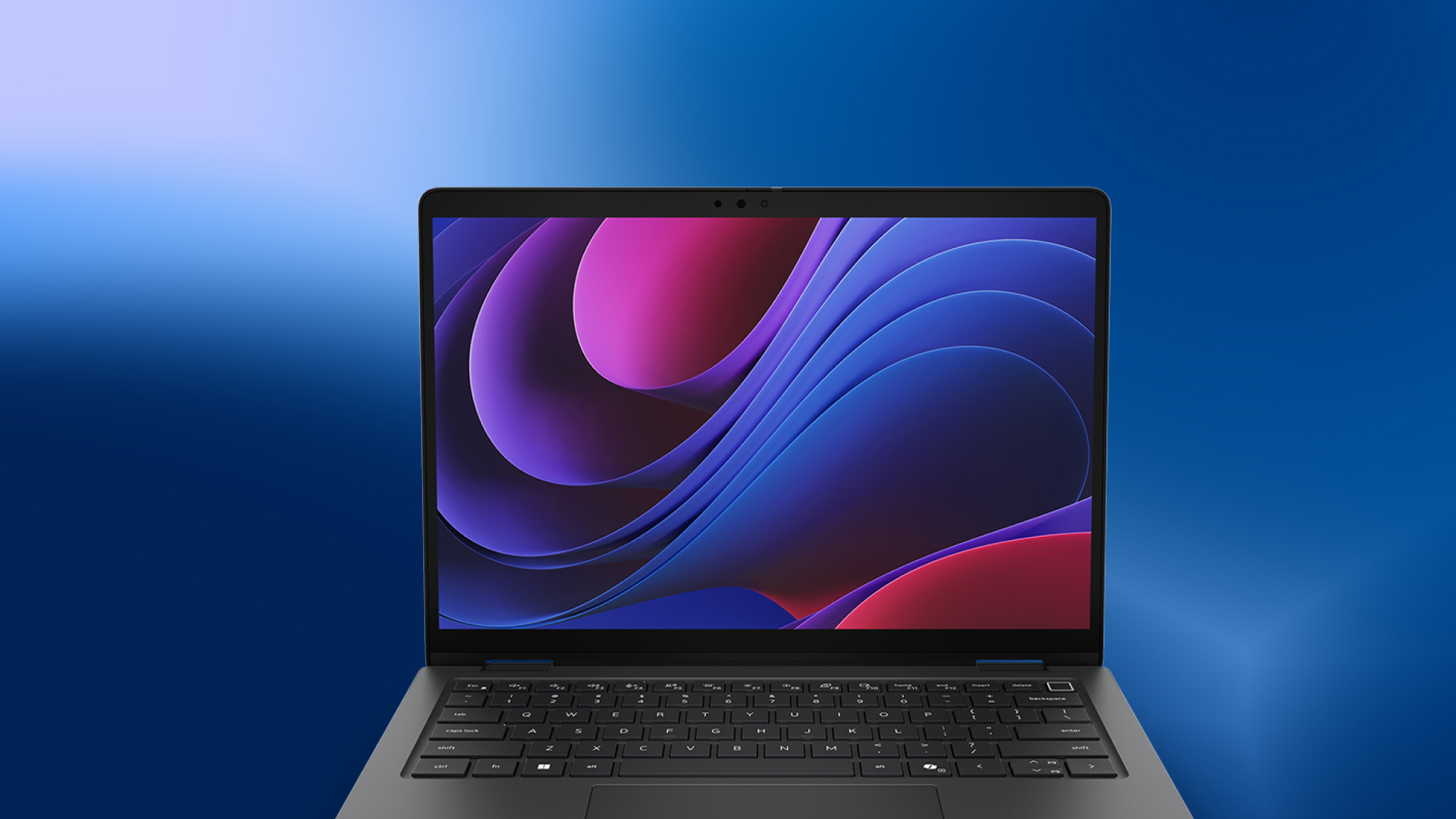 How business leaders are using the Dell Pro 7 and Dell Pro 5
Sponsored Thanks to flexibility and a range of spec options, the Dell Pro 7 and Pro 5 laptops can suit a variety of business leaders across a mix of workplaces
-
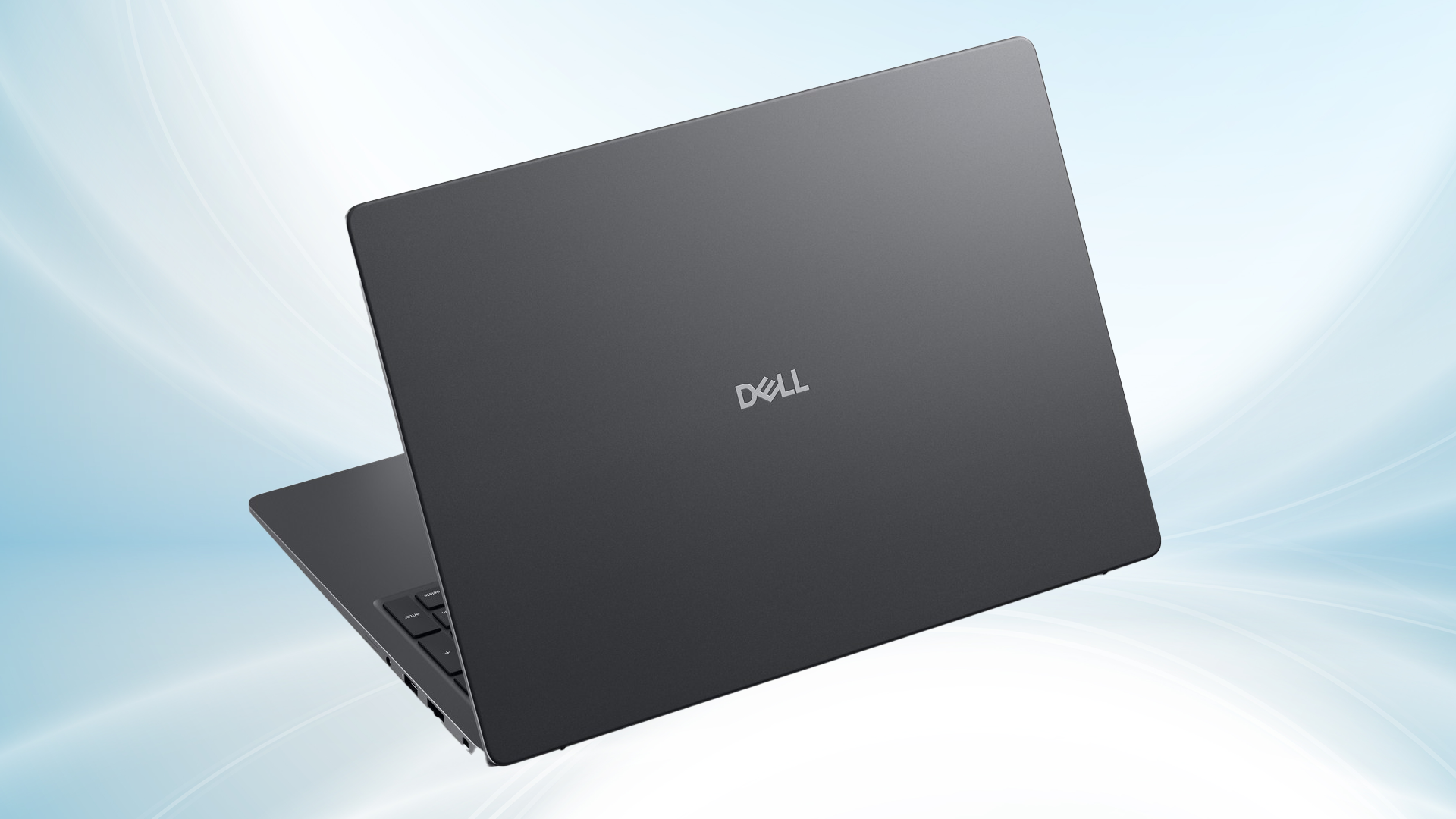 How small businesses can maximize productivity with Dell Pro laptops – even without an IT team
Sponsored Dell Pro 5 and Pro 3 laptops can help a small business embrace productivity growth, hybrid working, and AI, all in a secure fashion without the need for a dedicated IT department


