USB malware threatens Windows
A new USB vulnerability is causing a serious risk for Windows users.
A Windows vulnerability has opened the way for malware on a USB to infect a PC.
Microsoft has released an advisory, confirming the problem lies in the way the system processes shortcut files.
When a special shortcut file (.lnk) is created on a USB or any external storage device, Windows will execute it as soon as the folder containing it is opened. This could be by Windows Explorer or any other file manager within an application.
The vulnerability came to light when Belarusian antivirus vendor VirusBlokAda discovered USB malware designed to exploit the flaw. Arbitrary code can be triggered when a specially encoded shortcut icon is parsed by Windows.
VirusBlokAda confirmed the malware is in the wild and not a theoretical laboratory case.
The only way to workaround the problem is to disable all shortcuts in Windows via Regedit, Microsoft's registry editor. This is not a solution for the feint-hearted and it means shortcuts, a vital part of the Windows environment, will be unusable.
It is also advised that Autorun is disabled for USB devices. Windows 7 has autorun disabled by default but users of other versions will have to turn it off themselves.
Sign up today and you will receive a free copy of our Future Focus 2026 report - the leading resource for IT decision-maker insight on priorities and investment areas in AI, security and more.
The vulnerability, which affects all current versions of Windows, is likely to remain a zero-day problem for a while as a permanent fix could be difficult to devise.
Unfortunately, it will be an ever-present threat for users of Windows SP2 and Windows Server 2003, which have both now ceased to be supported by Microsoft.
-
Microsoft angers admins as April Patch Tuesday delivers password feature without migration guidanceNews Security fixes include a zero day exploited by a ransomware group and seven critical flaws
-
Managing a late migrationOpinion When it comes to moving from Windows 7 to Windows 10, it's better late than never
-
How to set up a Windows 7 emulator for Windows 10Tutorials A complete guide for setting up a Windows 7 emulator for Windows 10 so you don’t lose access to your apps
-
The autopsy of Windows 7In-depth Report of a postmortem examination
-
The IT Pro Podcast: Farewell Windows 7IT Pro Podcast We reflect on the legacy of one of Microsoft's most enduringly popular operating systems
-
Windows 7 ends: what do you do next?In-depth From SMBs to big business and individuals, after 10 years it's time to move on from Windows 7
-
Windows 7 end of life: What to do if you haven't upgraded yetIn-depth Microsoft has now officially moved Windows 7 to end of life, meaning it's no longer a viable business platform
-
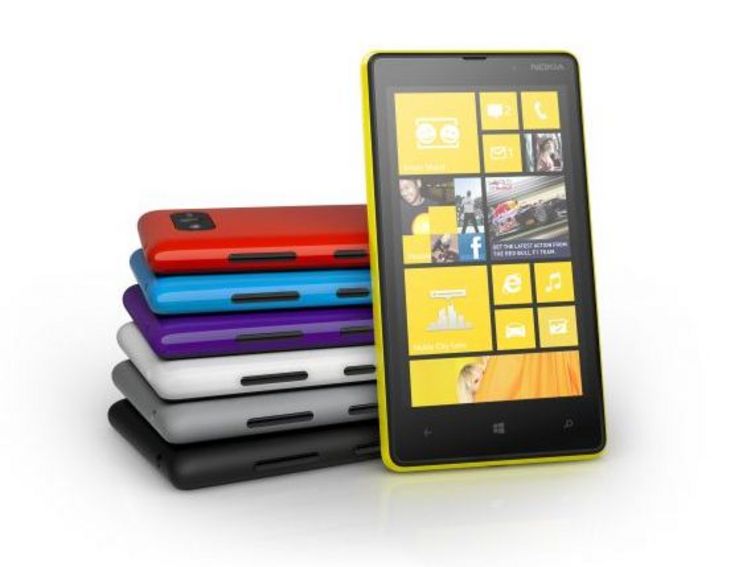
Best Windows Phone apps for 2018Best We list the important Windows Phone apps to help you choose what to download