

Whether you're a thriving small business or a corporate behemoth, printer security needs to be on your agenda. The Internet security landscape is changing and enterprise printers are no longer the simple devices they once were. In fact, with their processors, memory, storage, software and firmware, not to mention network connectivity, they face a growing number of Internet threats.
Printer manufacturers particularly HP have recognised this, adding major security features to mitigate Internet security threats. Yet when you're managing a fleet of printers, device-level security is only half the story.
A recent report on print security from Quocirca saw 61% of large enterprises surveyed admitting suffering at least one security breach because of insecure printing. Yet many organisations don't feel confident in tackling printer security, with just a quarter of respondents sure that their print infrastructure is protected from threats. Is this because the security features aren't there, or because implementing an effective fleet-wide security strategy is so demanding?
Only 30% of IT professionals recognise the printer as a security threat. Download this whitepaper for tips and tricks to keeping your organisation's network-connected printers secure.
Threats and countermeasures
Either way, the threats are very real. Unprotected printers are vulnerable devices on the enterprise network. They have a BIOS and firmware that can be exploited, leaving the device or network open to attack. They have on-board storage, which may hold or cache sensitive documents or data. Many now have built-in scanners, used to capture and send documents across the network. How can you guarantee these will only end up in the right hands?
HP has led the way in terms of countermeasures, implementing a series of technologies designed to protect enterprise printers from attack. HP SureStart checks the printer's BIOS, preventing execution of malicious code during startup and enabling the printer to fix itself if a threat is discovered. Whitelisting features ensure that only known, good, HP firmware can be loaded into memory and executed. Run-time intrusion detection monitors the in-device memory for malicious attacks, stopping them in their tracks.
Meanwhile, HP turns on drive encryption for built-in storage by default, while HP's Universal Print Driver supports 256-bit AES print job encryption. Combine that with pull-print features, where print jobs only execute when authenticated at the printer, not to mention physical security policies, and securing your printers doesn't have to be a challenge.
Protecting the Fleet
Securing a fleet of printers, however, is a whole other story. Some organisations may have dozens or even hundreds of printers to secure, often across multiple sites. Implementing and configuring these printers for a new security policy can be daunting prospect, adding heavily to the workload of a stretched IT security team. And while there are many well-established solutions for securing fleets of servers and PCs, the same can't be said of printers. Perhaps that's why some enterprises are effectively crossing their fingers and hoping for the best.
Yet HP can help, offering ways to enhance fleet security both through device-level security features, JetAdvantage management tools and the option of Managed Printing Services (MPS).
Needless to say, the security features baked into HP's LaserJet and PageWide Pro and Enterprise printers work brilliantly on a device-by-device level, but they can also ease the burden when you're managing a fleet. The key thing is that these security features are both automatic and self-fixing, detecting, protecting and repairing security holes with the minimum of user-intervention. These printers are designed to recognise tampering or intrusion, close the vulnerability down, send out alerts and, where possible, replace or repair the affected firmware. The end result? Your printers stay secure without the need for physical support or downtime. For IT or security teams handling large printer fleets, that's a definite plus.
13 steps to secure your business printers What are managed print services? Mind the printers: How to close the security gap
Meanwhile, JetAdvantage Security Manager makes the business of monitoring and managing all those printers so much easier. Working across your entire fleet of HP printers, it enables IT teams to establish a security policy and apply it rapidly to every printer, controlling security settings, closing ports, disabling access protocols, switching on encryption and auto-erase settings and a whole lot more. There are ready-made policies based on recognised industry standards to work with, and the tool will even install and monitor security certificates across the fleet, updating and renewing them as necessary. Set your policy, and JetAdvantage Security Manager implements it, automatically, on all compliant HP printers. It makes securing even the largest fleets painless.
The great thing about JetAdvantage Security Manager is that it's also proactive. On the one hand you can schedule automatic assessments, telling the tool to identify and report on any printers not complying with the policy during each assessment, then automatically applying the policy to fix security holes. If you're using a wide range of HP printers this can help you identify potentially less secure devices and pinpoint those that don't support HP SureStart, Run Time Intrusion Detection or firmware whitelisting.
What's more, it's designed for auto-discovery. Add a new HP printer to the network and JetAdvantage Security Manager should spot it and configure it immediately, so that it complies with your policy and settings. When you're adding printers to the network that's one less task on your list. In some cases, simply implementing JetAdvantage Security Manager can mean a shift from 25% of the printer fleet being compliant to 97% and more. Making the job easier means it's more likely to get done.
Print security should be a priority for every business, but all too often it's ignored. Learn how to avoid printer security breaches in this whitepaper.
The Managed Approach
Another approach is to move from self-managed printers to a Managed Printer Service, and preferably one that makes security a priority. Not only will you see all the usual benefits of MPS printer consolidation, supplier consolidation, a reduction of the workload for IT services, lower and more predictable printing costs but the MPS provider can use its skills, tools and expertise to define and implement improved security.
For example, with HP Secure Managed Print Services, HP's security consultants can assess your company's requirements and security vulnerabilities and define a print security policy that fits your business needs. They can bring in pull-printing features and workflow solutions that tackle risky user behaviours while helping you become more efficient, and identifying, managing and monitoring approaches that protect your data, documents and devices. Best of all, you may be able to consolidate fleets of printers and copiers while getting the benefits of HP's leading edge security; in terms of productivity, efficiency and security, that's a big win-win.
What's crucial is that Managed Print Services should mean more than leasing printers and ensuring ink and toner is always close to hand. It means managing your printers for you, with pro-active monitoring, maintenance and support, including security support, with firmware kept up to date and any new vulnerabilities patched. When most organisations have enough to do securing their PCs and network infrastructure, it's great to have one less thing to worry about.
In short, securing a fleet of printers doesn't have to be difficult, providing you have the right devices, tools and services in place. Printer security is too important to ignore. With HP's LaserJet and PageWide printers, there's no reason why you should want to.



-
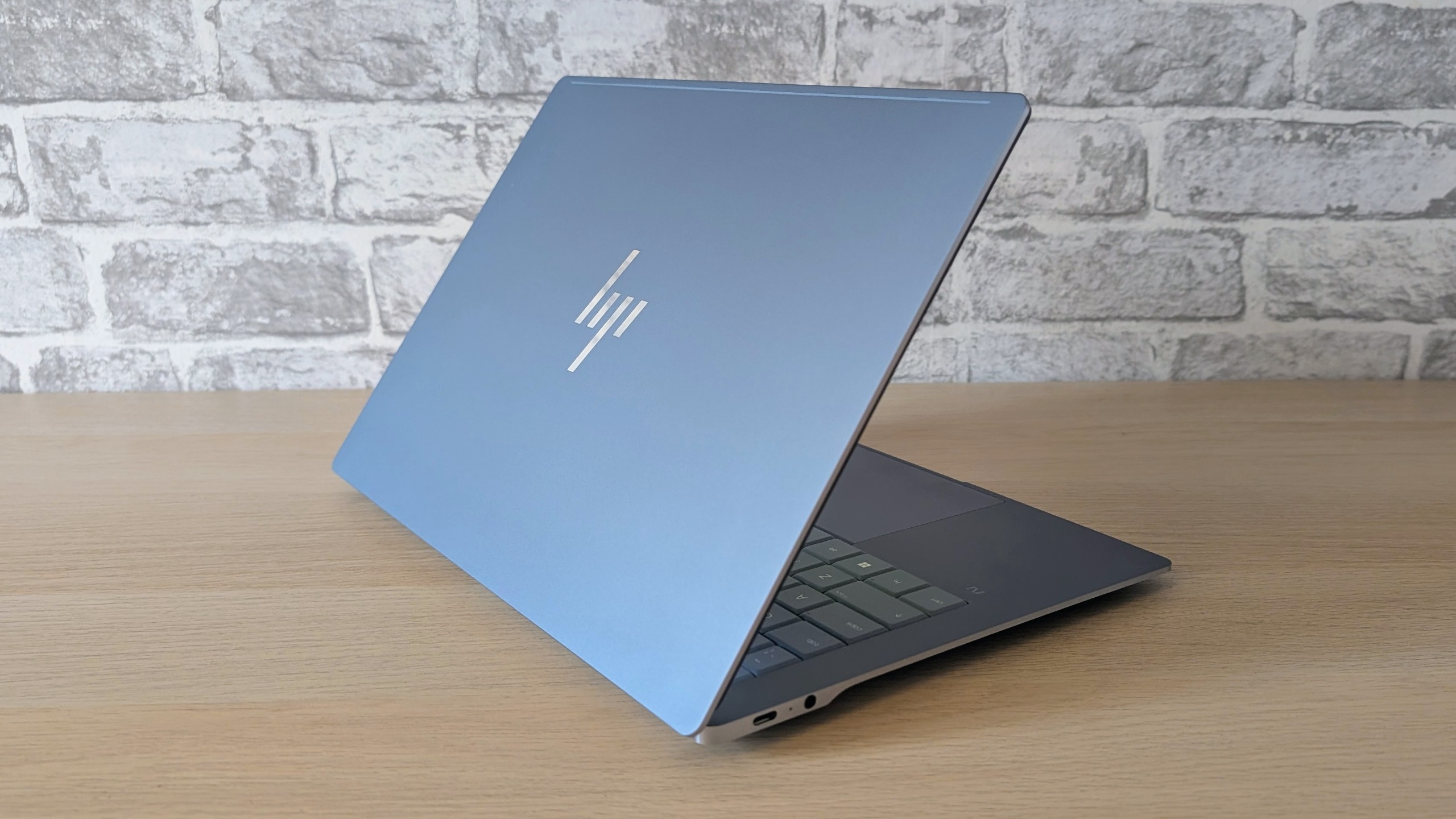 All hail the HP OmniBook Ultra 14 – the battery life king of compact laptops
Reviews As a versatile and capable daily driver, HP's cheapest Snapdragon X2-powered compact OmniBook Ultra takes some beating
-
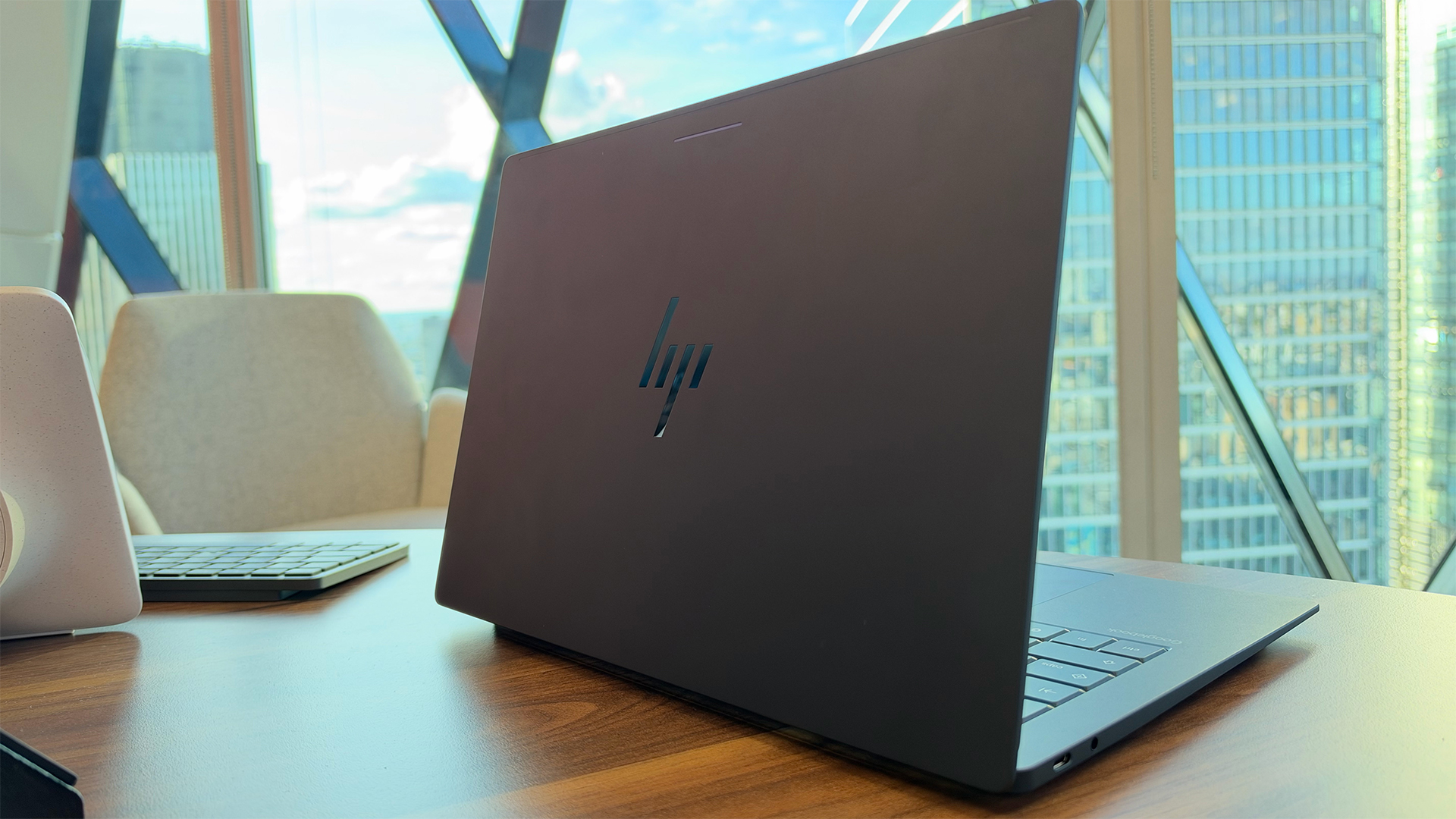 Googlebook: Everything you need to know about the new Gemini-powered laptop range – including pricing, performance specs, and release dates
News A new class of Gemini-powered laptops is here with the aim of fusing Android and Chrome
-
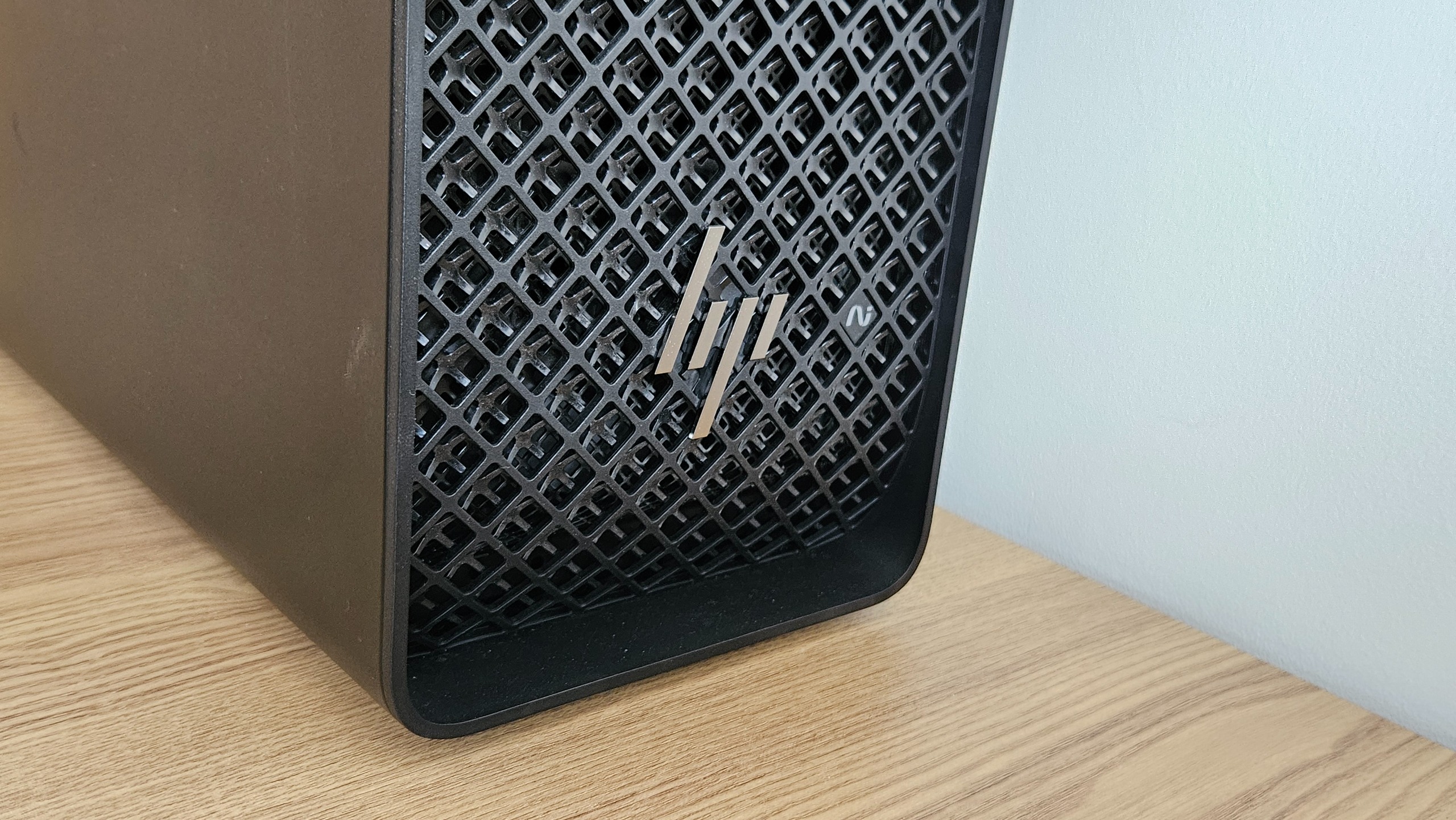 The HP Z4 G6i Workstation is a breathtaking colossus that will bring data center-grade performance to your desktop
Reviews This foray into the overcharged desktop workstation is an absolute triumph, despite the frankly ridiculous price tag
-
 Your AI strategy has a paper problem
Sponsored How multifunction, AI-enabled printers earn their place at the table
-
 The memory shortage is hitting PC sales hard, but vendor revenues are still growing at the expense of consumers
News AI-driven component shortages are hurting PC sales, but device vendors are recording solid revenue growth
-
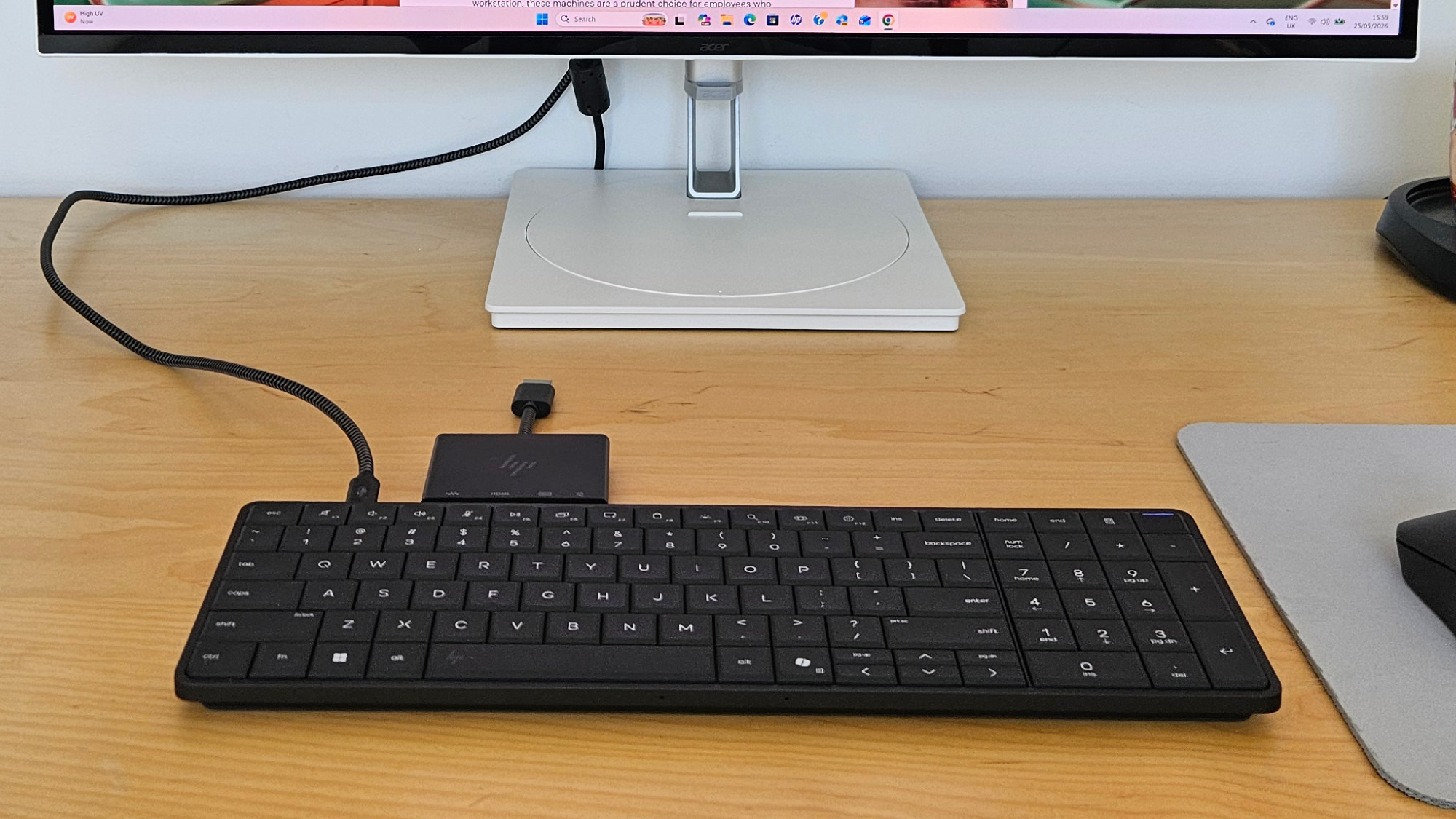 The HP EliteBoard G1a is an elegant and innovative device that blueprints a new form of mobile working
Reviews This year's most unusual enterprise device is a smart keyboard that threatens to disrupt the way you work
-
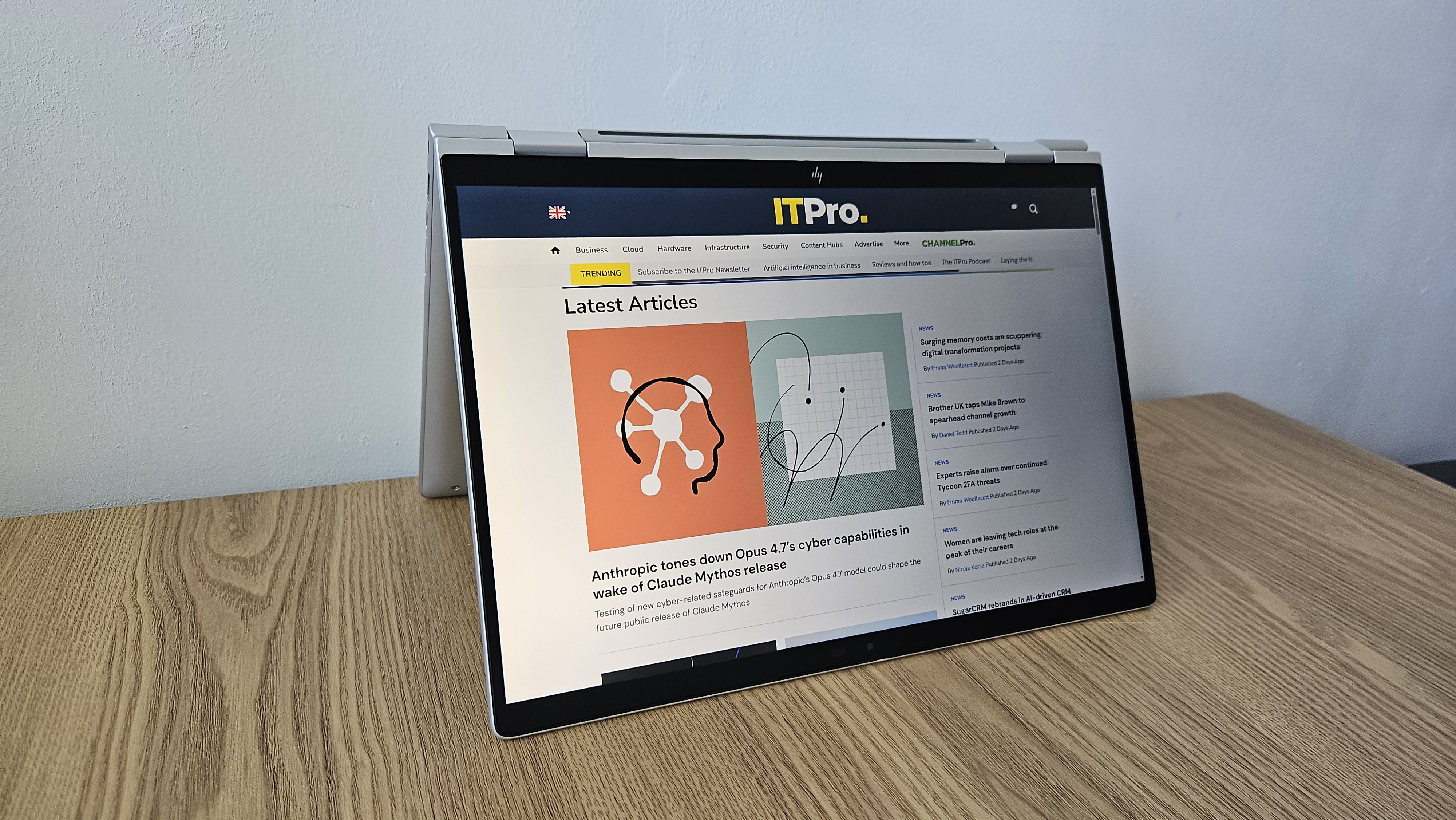 The HP EliteBook X Flip G1i offers peace of mind to paranoid professionals who crave mobile working
Reviews Looking past the lack of a multi-core roar in its Lunar Lake chip, there's very little to complain about in this mobile and security-centric hybrid machine
-
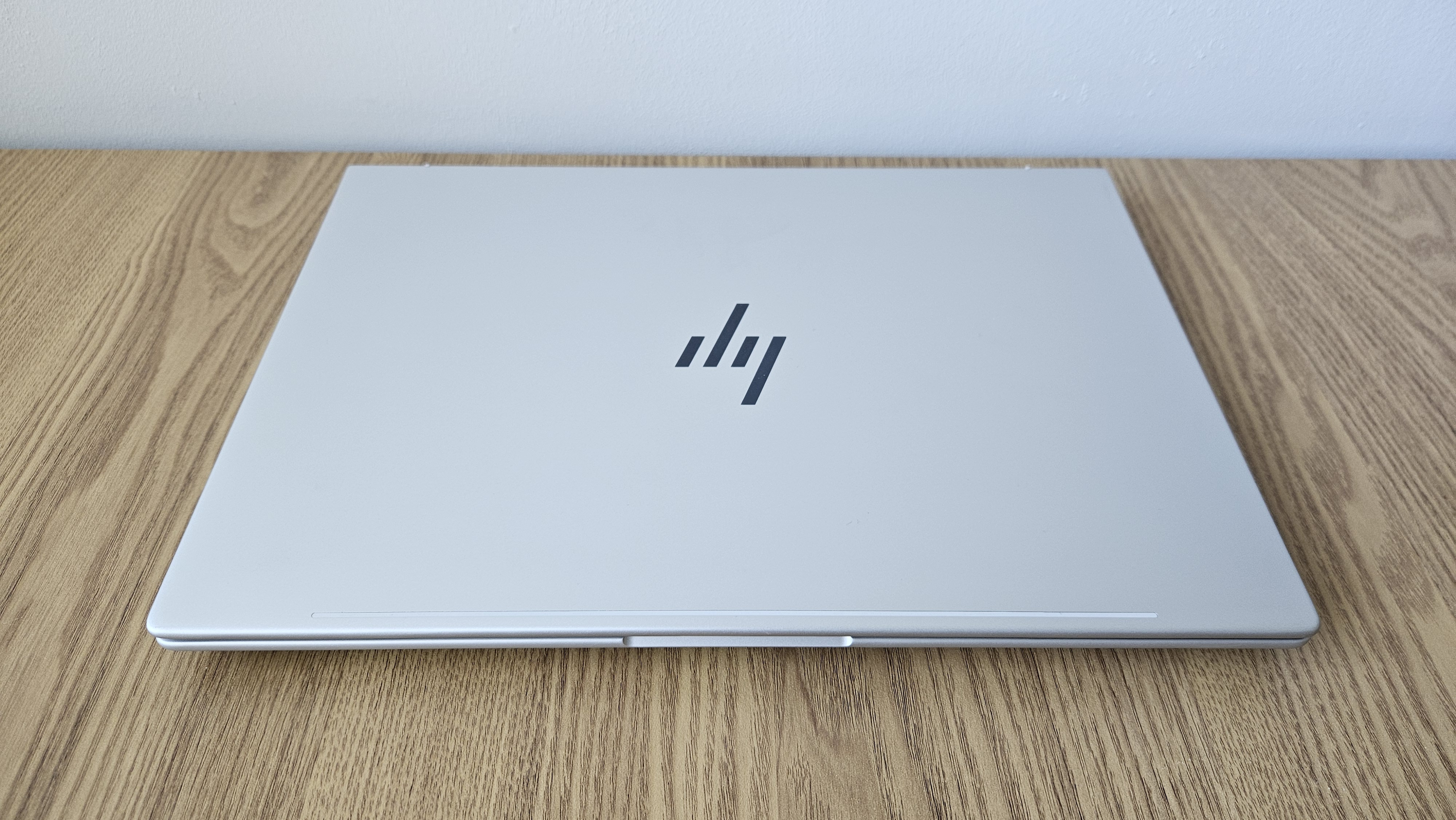 The HP EliteBook 8 G1a 16 is a portable 16-inch machine that'll keep your sensitive data under lockdown – but there's a catch
Reviews This simple and stylish 16in AMD-powered machine can help you work with peace of mind in the office or on the move, so long as you don't need to run many heavy-duty workloads


