Living with a convertible laptop: part 1
No more carrying a laptop and tablet, it's time to try something new.
I should probably be upfront and make it clear that I'm a Mac user. I haven't used a Windows computer regularly for quite some time, having bought into the wider Apple ecosystem of OS X and iOS devices. So although I've spent time with Windows 10 Pro, I haven't really used it in anger, so to speak.
What has intrigued me about Windows 10 Pro is its ability to function in a plethora of environments it doesn't matter if I'm using a desktop, a laptop or a tablet, they can all run the same operating system; a trick that Apple still hasn't pulled off. And it's that operational versatility that has made convertible and 2-in-1 devices far more attractive than they have ever been.
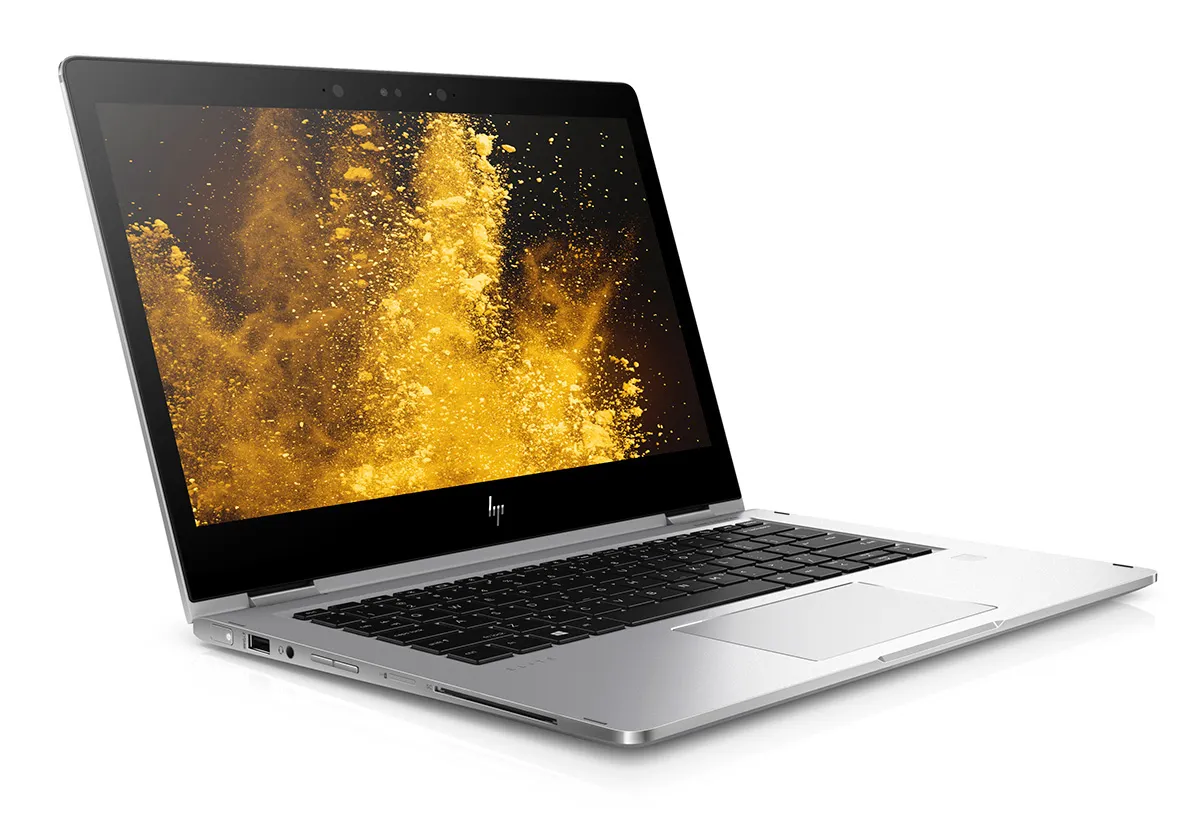
So I've decided to give a business focused convertible device a go for a while, marrying thin and light design, with high performance and versatile usability. The HP EliteBook X360 is a beautiful device with a full aluminium chassis, making the transition from a MacBook Pro completely painless in terms of look and feel. The 13.3in screen means it's roughly the same size as my old MacBook Pro while being noticeably lighter the EliteBook X360 weighs less than 1.3kg!
Given that Apple is intent on reducing the number of ports on its laptops the MacBook has just a single USB-C port, while the 13in MacBook Pro still only has two HP doesn't expect me to make such compromises with a plethora of ports around the chassis including a full-size HDMI port and smartcard reader.
From a laptop perspective the EliteBook X360 certainly seems to tick all the right boxes, while I'm getting to grips with Windows 10 Pro faster than I expected. I've set up all my virtual desktops just like OS X, and although it took me a while to realise that I need to swipe left and right with four fingers instead of three to switch desktops, the OS transition has been far less painful than I'd expected it to be.
One Windows 10 Pro feature that I'm completely sold on is Windows Hello; not that I'm in the habit of forgetting my passwords, but being able to switch the X360 on and have it recognise my face and log me in automatically is pretty cool. Obviously this only works because HP has placed an Intel RealSense camera above the screen, and that's just one of the many security features built into this machine. I can choose to augment Windows Hello facial recognition with biometric fingerprint security or even smartcard authentication after all, if the worst should happen and I lose my laptop, I want to make sure that no one can access anything on it.
If you're using a mobile device as your sole computer it needs to be ergonomically adept I spend a lot of time typing long documents, so a first rate keyboard is paramount. So far I've found both the keyboard and touchpad on the EliteBook X360 to be excellent, while the added functionality of the touchscreen is definitely something I can see myself starting to rely on.
As already mentioned, the touchpad gestures are slightly different from my old MacBook Pro, but it hasn't taken me long to adapt. And with the additional gestures and functionality provided by the touchscreen, there are many shortcuts to aid productivity and efficiency.
Early indications are that the HP EliteBook X360 is a great piece of kit for highly mobile power users it's thin, light and very easy to get on with, while Windows 10 Pro delivers some genuine advantages over OS X that I'm learning to love.
Keep in mind that I've only used the EliteBook X360 as a laptop so far, with little to no experience of it as a tablet device, but I'll definitely be doing that before my next blog post.
Sign up today and you will receive a free copy of our Future Focus 2026 report - the leading resource for IT decision-maker insight on priorities and investment areas in AI, security and more.
-
Geekom IT13 Max (2026) reviewReviews There's plenty of power and a breadth of connectivity options in this small but mighty mini PC – all underlined by an aggressively attractive price
-
AI helps Seagate sell out of exabyte hard drivesEven hard drives are in demand thanks to the AI-driven infrastructure build-out
-
The memory shortage is hitting PC sales hard, but vendor revenues are still growing at the expense of consumersNews AI-driven component shortages are hurting PC sales, but device vendors are recording solid revenue growth
-
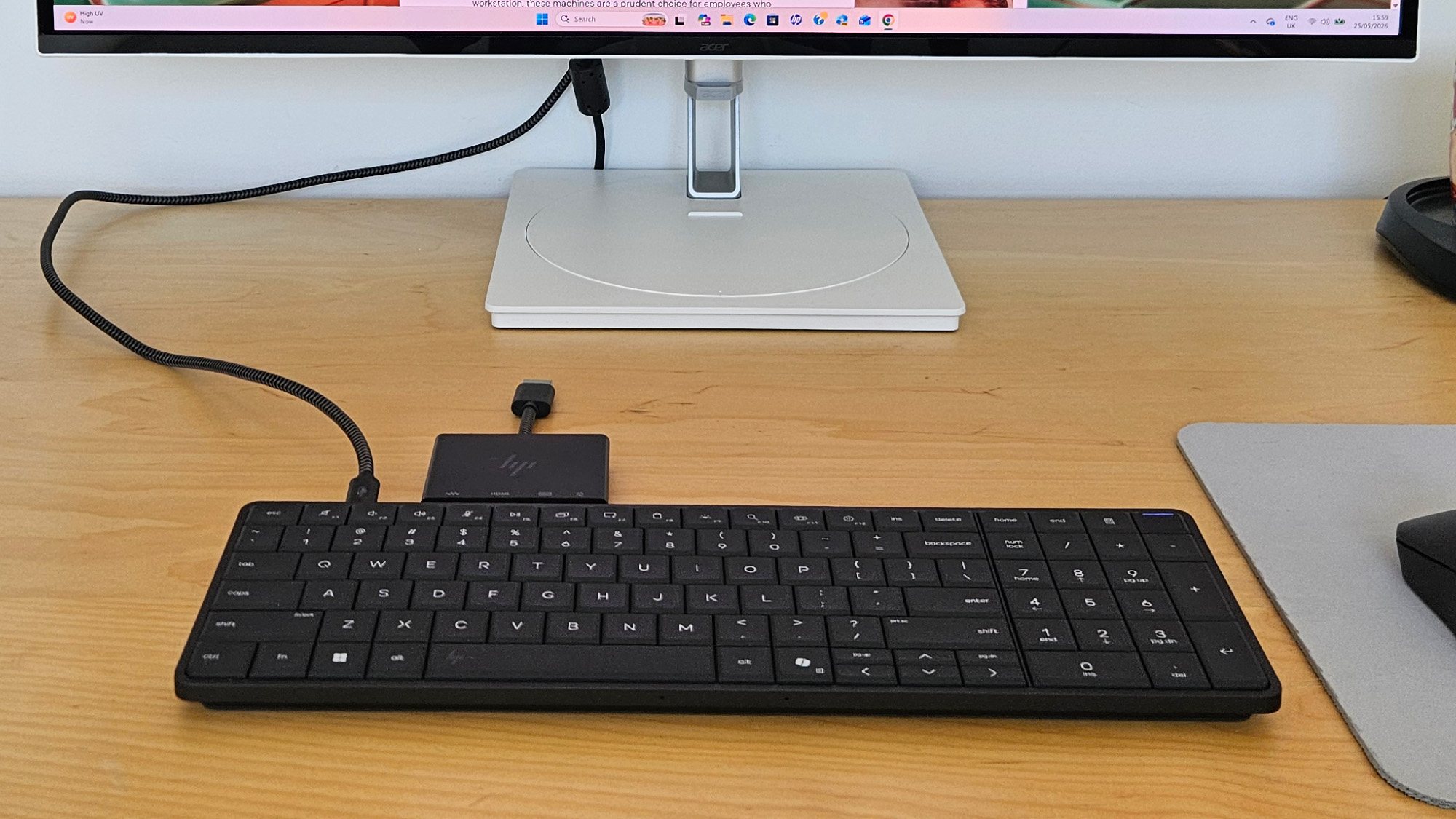
The HP EliteBoard G1a is an elegant and innovative device that blueprints a new form of mobile workingReviews This year's most unusual enterprise device is a smart keyboard that threatens to disrupt the way you work
-
Move over Chromebook – Google teases Gemini-native Googlebook range, with new laptops coming later in the yearNews Googlebooks from Acer, Asus, Dell, HP, and Lenovo will hit shelves in the fall
-
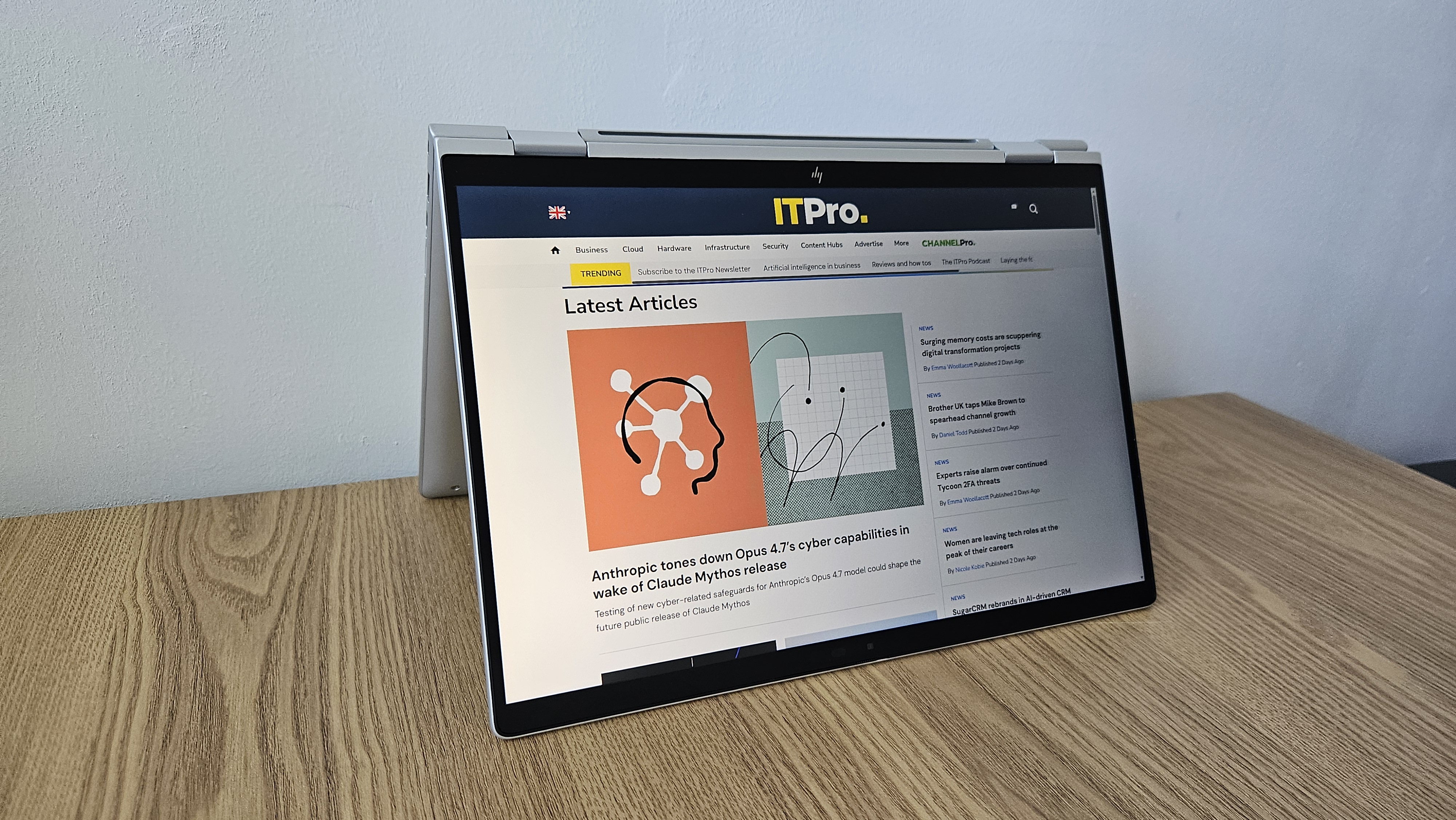
The HP EliteBook X Flip G1i offers peace of mind to paranoid professionals who crave mobile workingReviews Looking past the lack of a multi-core roar in its Lunar Lake chip, there's very little to complain about in this mobile and security-centric hybrid machine
-
The HP EliteBook 8 G1a 16 is a portable 16-inch machine that'll keep your sensitive data under lockdown – but there's a catchReviews This simple and stylish 16in AMD-powered machine can help you work with peace of mind in the office or on the move, so long as you don't need to run many heavy-duty workloads
-
HP Series 7 Pro 732xk monitor review: A game-changer for big-screen productivityReviews The Series 7 Pro 732xk majors on style and productivity-focused image quality – only motion clarity misses the mark
-
HP ProBook 4 G1a review: A no-frills business machine for the average officeReviews A serious but dull business laptop, however, HP's ProBook 4 is a decent middle-tier machine
-
The HP ZBook Ultra G1a offers truly impressive levels of performance – a genuine game-changerReviews AMD's new Ryzen AI Max+ 395 redefines what we can expect from a laptop chipset with an integrated GPU and delivers outstanding performance