Synology DiskStation DS725+ review: a near-perfect NAS for startups
This two-bay NAS balances cost, performance, usability, and scalability to perfection

-
+
Strong performance
-
+
Great OS
-
+
Excellent upgradability
-
-
Overly strict compatibility requirements

It's hard to argue against choosing a Synology NAS for a small business; the brand is the market leader for a reason, and its DiskStation DS725+ is a good example of why. Those familiar with Synology's naming convention will understand this is a '25 model year device. Although it's only a two-bay, the '7' refers to the fact that you can upgrade it with the DX525 five-disk enclosure to give you a much more capable system.
Most other manufacturers let you plug in expansion bays, but here, closer links between the DS725+ and its expansion unit mean you can use the latter to expand an existing disk array in the first. Outgrow the RAID 1 array in your DS725+, and you can add the DX525 with one or more disks and migrate to RAID 5, 6, or 10. That's a great upgrade path for a startup that wants to limit initial expenditure, without having to reinvest if their storage needs scale up.


Elsewhere, the DiskStation DS725+ isn't an especially highly specified device. There's not much wrong with its AMD Ryzen R1600 processor, or the 4GB of RAM you get as standard, but at this price, its single USB 3.2 Gen 1 port is a bit stingy. That's particularly the case given it's chiefly there to connect the DX525 if you need it – once you do, no further expansion is possible.
One other questionable feature comes at the rear, where you'll find the odd pairing of 2.5GbE and 1GbE network ports – many enclosures at this price now offer dual 5GbE. While you can bond both interfaces, we're not sure what their asymmetry means in a multi-user environment – presumably, some transactions benefit from 2.5GbE bandwidth, while some are throttled by 1GbE.
That's it for connectivity; there are no HDMI or audio ports – this NAS can't moonlight as a media centre, and it's not really ideal for surveillance applications.
The DS725+ offers two M.2 slots for NVMe SSDs, which you can use either as a stand-alone fast volume or for read/write caching of the disk array. Here, it's worth noting that Synology currently has the strictest compatibility requirements of any NAS manufacturer. You can use any SATA drive in the main bays, as long as it's not on the incompatibility list, but the operating system will generate a warning for any disk unless it's on the compatibility list. If that seems daft, you can't even use NVMe SSDs not on the list: the DS725+ wouldn't recognise two WD Black modules. Most significantly, at the time of writing, only Synology's own storage products were officially compatible. The company says it's working with third-party manufacturers to broaden this out.
One final thing to mention here is that this enclosure comes with a three-year warranty – a slight advantage when many competitors have only two year backing.
Synology DiskStation DS725+ review: Setting up
As you'd expect, it's physically easy to set up the DiskStation DS725+. It's a small and lightweight device, although it does use a separate power brick. Its lockable drive caddies are tool-less for 3.5" disks, and you get screws in the box for any 2.5" drives. You'll need to flip the enclosure onto its back to access its M.2 slots, which are also tool-free.
This NAS's memory slots are accessed by removing the right-hand drive caddy. It arrives with a single 4GB module and a free slot, making an 8GB upgrade simple and cost-effective. Beyond that, you'll need to remove the supplied module, which supports up to 32GB. While it's ideal to connect and bond both network interfaces, if you're only connecting one, it's important to check that it's the faster of the two.
At nearly five years old, release seven of Synology DiskStation Manager (DSM) is getting a little creaky – version eight is due for release this year. Even so, DSM is still arguably the best NAS operating system out there. Configuration is easy, with simple guides for volume creation at the outset. DSM defaults to Btrf file formats and the added flexibility baked into Synology Hybrid Raid, but you can specify ext4 and standard RAID 1 if you prefer. Helpfully, you can choose to skip a lengthy full drive check for new volumes, while for security, you can encrypt the entire volume from the outset, or shared folders as you create them.
We configured the system with two 6TB WD Red Plus drives in a RAID 1 array. Synology also supplied us with two 800GB SNV3400 series SSDs, which we initially configured as a separate RAID 1 storage pool.

Synology DiskStation DS725+ review: Features and apps
This NAS may not be bristling with physical features, but it makes up for it with a mature operating system and a big collection of apps – 86 at the time of our review. This is where DSM really excels, offering quality apps for a wide range of services beyond simple file serving.
The menu includes DHCP, DNS, mail, proxy, VPN, and Active Directory server apps, for example, alongside open-source resources such as Git Server, Joomla, and WordPress. There are databases, web servers, and surveillance apps, alongside the usual media and streaming services, including Plex. This being 2026, there's also now Synology AI Console, which facilitates external AI integrations with supported Synology apps.
There aren't really any omissions of note, meaning you can configure this enclosure as the hub of a small or growing business. Our only real concern here is that you might need a RAM upgrade relatively soon, especially if you're configuring multiple services alongside data access.
Synology DiskStation DS725+ review: Performance
Those expecting blistering speeds need to remember one simple fact: this NAS' fastest network port tops out at just under 300MB per second. That meant it quite quickly hit the maximum threshold during large file transfers – 5GbE ports would be twice as fast in theory. The odd thing is, however, that the DS725+ didn't seem to get the memo. While it couldn't achieve the impossible, its benchmark performance was a match for 5GbE enclosures over many of our tests.
Even when testing an uncached disk volume, the DS725+ excelled on small file operations, managing 56MB/s write speeds and nearly 60MB/s reads for 4KB operations in ATTO Disk Benchmark. It was mighty on 16KB operations, almost hitting 200MB/s reads. Only on 2MB operations did its lower network bandwidth come into play, with the DS725+ throttled to 296MB/s reads. Unusually, it didn't quite saturate its network connection when writing, achieving 272MB/s. It scored 487 on the PCMark10 Data Drive benchmark, again among the best results we've seen over a 2.5GbE connection. The SSD volume wasn't significantly quicker on benchmarks, with any differences to our disk results mostly fitting within the typical variation between benchmark runs.
Performance on benchmarks is one thing, but happily the DiskStation DS725+ could back it up with strong real-world file copy performance. We copied a mixed 11.1GB dataset to the disk volume from a Windows 11 PC. It took two minutes and 10 seconds, an excellent 92MB/s performance. Reads were even quicker, with the reverse copy complete in two minutes, at 99.2MB/s. The SSDs proved significantly faster here, nudging write speeds up to 105MB/s, and read speeds to 129MB/s – the fastest we've yet recorded on this test.
As with all the NAS devices we test, this enclosure's performance wasn't particularly stellar when reconfigured with the two SSDs on read/write cache duty for the disk volume. We'd expect this could prove faster than a disk-only volume in a multi-user scenario, but on simple transfers it just seems to create overheads, resulting in slightly slower speeds.
Synology DiskStation DS725+ review: Is it worth it?
The Synology DiskStation DS725+ isn't a bad choice for single home workers: it's quite powerful out of the box, and its 2.5GbE connection is more than good enough for typical wireless routers or small network switches. However, it's best suited to startups and micro businesses that need on-site storage that can scale. Here, the ability to add drives and memory should help it keep pace with more users, storing more data, as a small business grows. At the same time, the range of apps on offer provides a low-cost way to add network functionality, potentially delaying the need for investments in more powerful on- or off-premises solutions.
Really, this NAS's only significant weakness is that it has slower network ports than some competitors, with no expansion slot to upgrade them. That may mean it's not ideal for extremely data-intensive use, or for moderate loading in a larger business – although our benchmarks and real-world tests suggest it wouldn't be easily overwhelmed. Provided that's not a concern, it's simply excellent, offering a near-perfect balance between value, performance, and scalability.
Synology DiskStation DS725+ specifications
Type |
Barebones NAS enclosure |
Row 0 - Cell 2 |
Drive support |
2 x SATA, 2 x NVMe |
Row 1 - Cell 2 |
Raid support |
RAID0, RAID1, JBOD. With optional DX525 enclosure: RAID5, RAID6, RAID10 |
Row 2 - Cell 2 |
Dimensions (HWD) |
166x106x223mm |
Row 3 - Cell 2 |
Processor |
AMD Ryzen R1600 |
Row 4 - Cell 2 |
Memory |
4GB (32GB) |
Row 5 - Cell 2 |
Network |
1 x 2.5GbE, 1 x 1GbE |
Row 6 - Cell 2 |
Other ports |
1 x USB 3.2 Gen1 |
Row 7 - Cell 2 |
Warranty |
Three-year RTB |
Row 8 - Cell 2 |

-
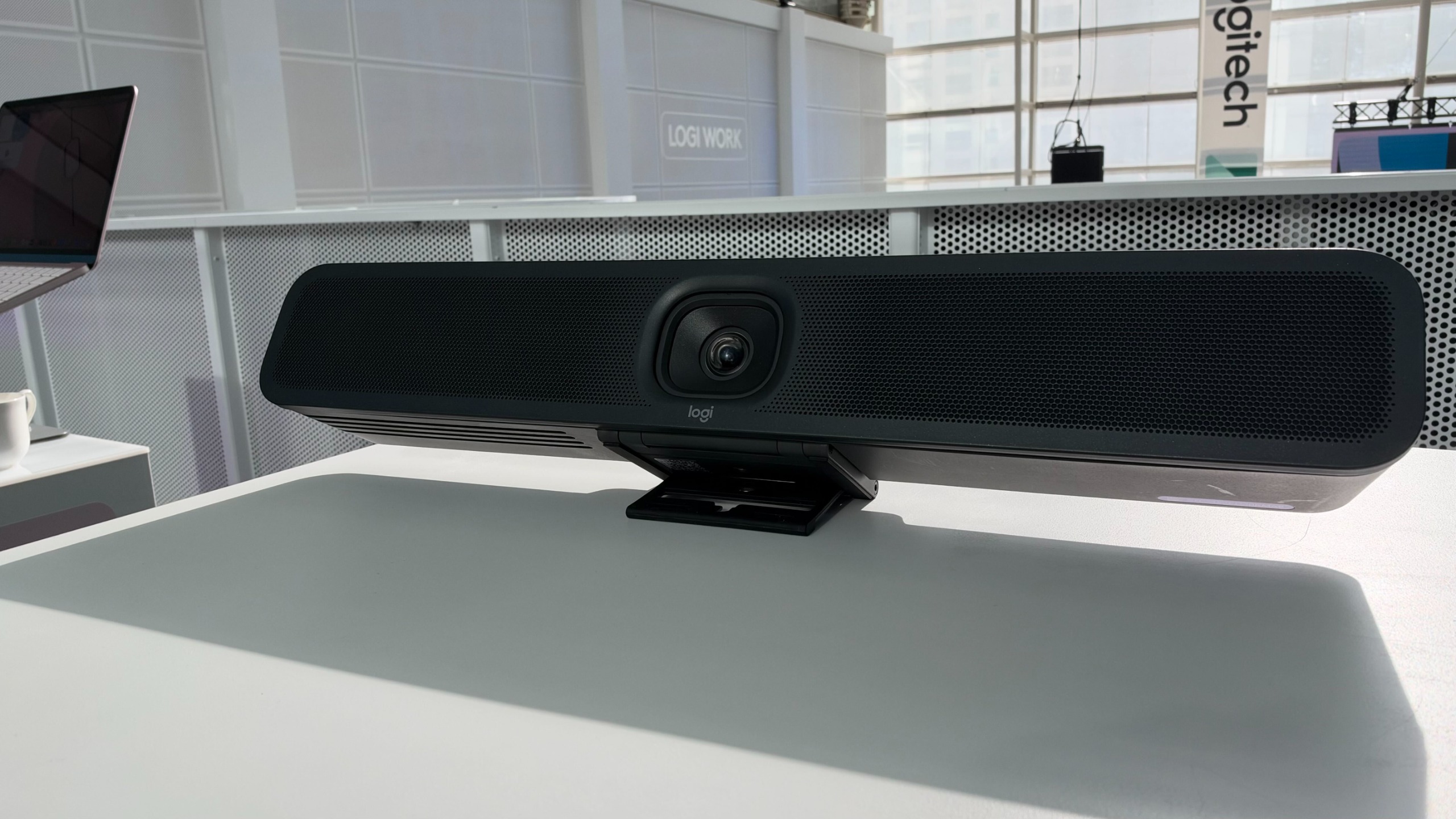 Do meeting rooms spoil the in-office experience? Logitech and its simplified Rally Bar 2 aim to fix that
News Complex configurations and poorly set-up spaces can directly affect business outcomes, according to Logitech
-
 AI agents have a mind of their own – and that’s a problem for businesses
New research shows that half of organizations are having to deal with agent behaviour that hasn't been authorized or approved.
-
 US raids laptop farms used to funnel $3 million to North Korea in fake candidate scam
The Famous Chollima operation hit organizations in the health care, communications, cyber support, retail, and manufacturing sectors


