


We were impressed with Windows Phone 7 (WP7) when it was first released. However, it was clear, even from day one, that the revamped operating system needed a lot of work to catch up with the other smartphone platforms. Following the earlier NoDo update which added cut and paste, Microsoft has now unveiled a major update to WP7, code-named Mango, that goes a long way to addressing many of our concerns.
The biggest new feature in Mango is the addition of multitasking. Until Mango, only a few select Microsoft apps could run simultaneously, but multitasking will soon be available to all third-party apps. Simply press and hold the phone's Back button to bring up a scrollable list of minimised thumbnails, each one representing an open app. Sadly the thumbnails don't update in realtime, as they do on the Blackberry Playbook. Neither can you swipe upwards to close an app, as with the Playbook and webOS phones.
Multitasking will soon be available to all third-party apps. Simply press and hold the phone's Back button to bring up a scrollable list of minimised thumbnails, each one representing an open app.
Microsoft has also added several new features to make communications easier. A Groups hub lets you communicate with several people using the method of your choice, such as SMS, email or IM, without having to use separate apps. All of the disparate messages from those services are then threaded together into a conversation view, making it easier to discern who said what and when. Again, these features have been available on rival smartphone operating systems, but it's good to see their inclusion in Mango.

Some of the most useful enhancements have been made for heavy email users, especially Exchange users. As well as the conversation view, it's possible to have multiple unified inboxes. For example, you could combine your personal webmail accounts into one inbox and your office Exchange accounts into a separate inbox. This feature will greatly appeal to anyone who uses a single phone for both work and pleasure.


-
 BlackBerry revival is officially dead as OnwardMobility shuts down
News The Texas-based startup is mysteriously shutting down and taking its ultra-secure 5G BlackBerry with it
-
 A 5G BlackBerry phone with physical keyboard is coming in 2021
News The business phone to be resurrected with OnwardMobility and FIH Mobile planning a security-savvy enterprise handset
-
 The business smartphone is dead
In-depth BlackBerry’s demise signals the end of the business-first handset
-
 Best business smartphones: The top handsets from Apple, Samsung, Google and more
Best The best business smartphones on the market today packed with work-focused features you need
-
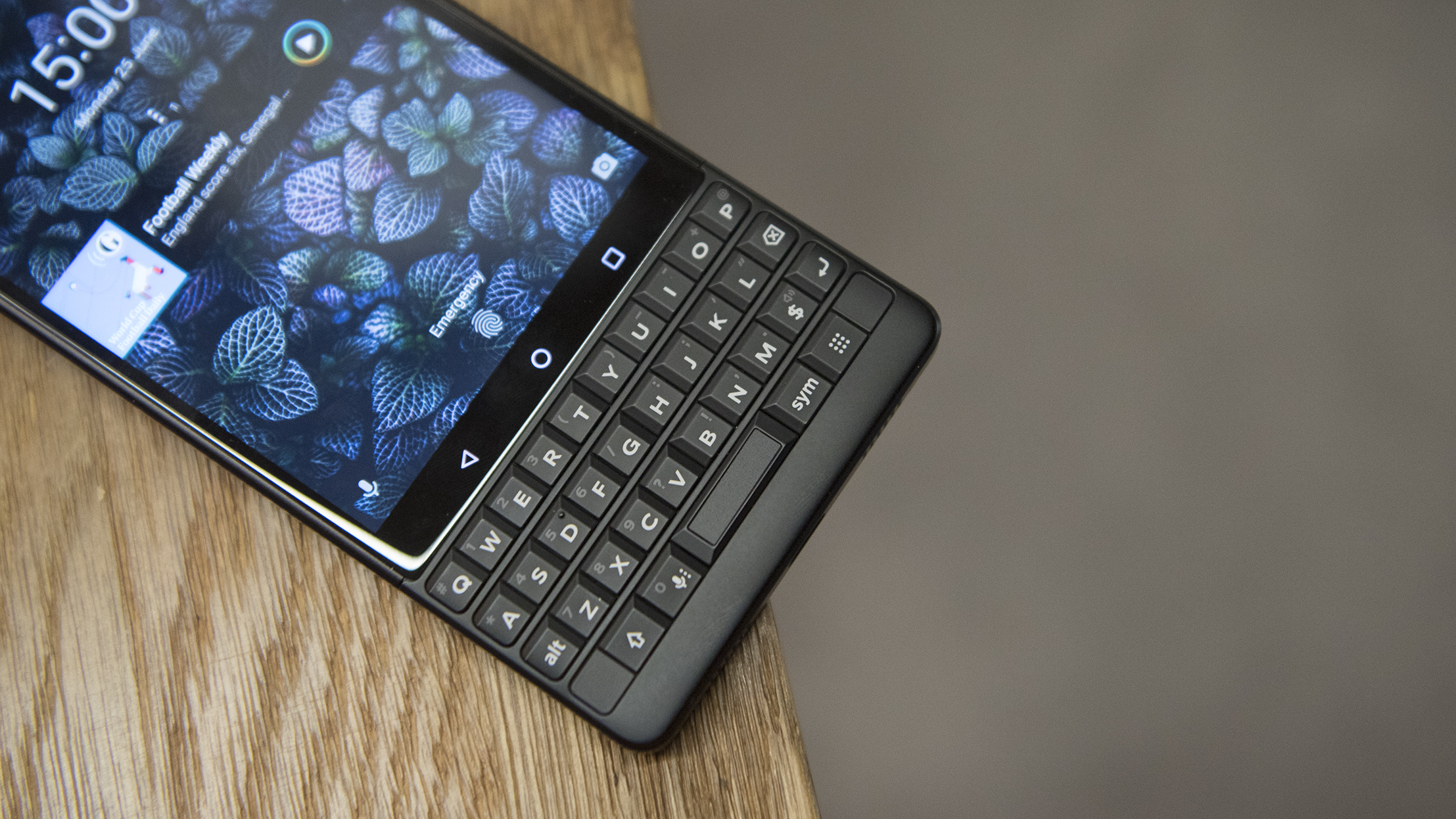 BlackBerry Key2 review: The best physical keyboard no one asked for
Reviews Despite the improvements, the flaws of BlackBerry’s Key range are still front and centre
-
 BlackBerry Motion review: Running in place?
Reviews A functional, no-frills phone with little to entice
-
 BlackBerry to axe BBOS app store
News The company is shutting down its ancillary services, starting with BlackBerry Travel and Playbook
-
 BlackBerry to launch Android phone with no keyboard
News Blackberry Motion's Locker Mode secures sensitive data on the device


