LG is the latest manufacturer to jump on the dual-core bandwagon for its latest smartphone and its new Optimus 2X uses a processor based the same dual-core ARM Cortex A9 design used in the incredible Samsung Galaxy S II.
Respectable specification aside though, it isn't the most striking handset we've ever clapped eyes on and the squared-off design is rather anonymous. That said, it feels solid enough, with a rubberised plastic back and a frameless Corning Gorilla glass screen, but we're not keen on the bulge that surrounds the digital camera lens and LED flash. This doesn't get in the way when the Optimus 2X is being held, but it puts the smartphone at an uneven angle when it's sat on a desktop in landscape orientation.

The only physical buttons are those for power and volume, with the remaining controls for Android taking the form of the usual four backlit touch-sensitive spots below the screen. Battery charging and connectivity comes courtesy of a Micro USB port at the bottom of the case, while on the top there's a micro HDMI-out, with a long cable included in the box.
The IPS LCD technology used by LG also gives a knockout image with a very wide viewing angle.
After seeing smartphones with rear-facing speakers that get muffled all too easily, we're also happy to see that the Optimus 2X's sits on its bottom edge for clear audio, whatever the smartphone's orientation.
The LG Optimus 2X's 4in screen is a little smaller than that on the Samsung Galaxy S II and HTC Sensation, but the loss of 0.3 inches makes little practical difference and the 480 x 800 resolution keeps everything crisp. The IPS LCD technology used by LG also gives a knockout image with a very wide viewing angle, but the dazzling brilliance is rather tiring in dimmer environments not least since there was no option to activate the automatic brightness control in Android's settings and the manual brightness slider was disabled. Adding the Power Control' widget to the Android Home screen does partially remedy this, since it offers quick access to the Auto' screen brightness setting, but LG did explain that our review unit was running non-final software.
Hopefully this glitch will hopefully be addressed shortly, perhaps by the upgrade to Android 2.3 Gingerbread' that's expected by the end of September.
-
 Nutanix names Sven Schoenaerts as new EMEA channel and alliances chief
News Schoenaerts’ promotion comes as the vendor moves to strengthen its partner ecosystem and drive growth across the region
-
 Business leaders are using AI to cross-check AI outputs – and that’s an accident waiting to happen
News With validating AI output an increasing problem, some business leaders are using one AI to check the output of another
-
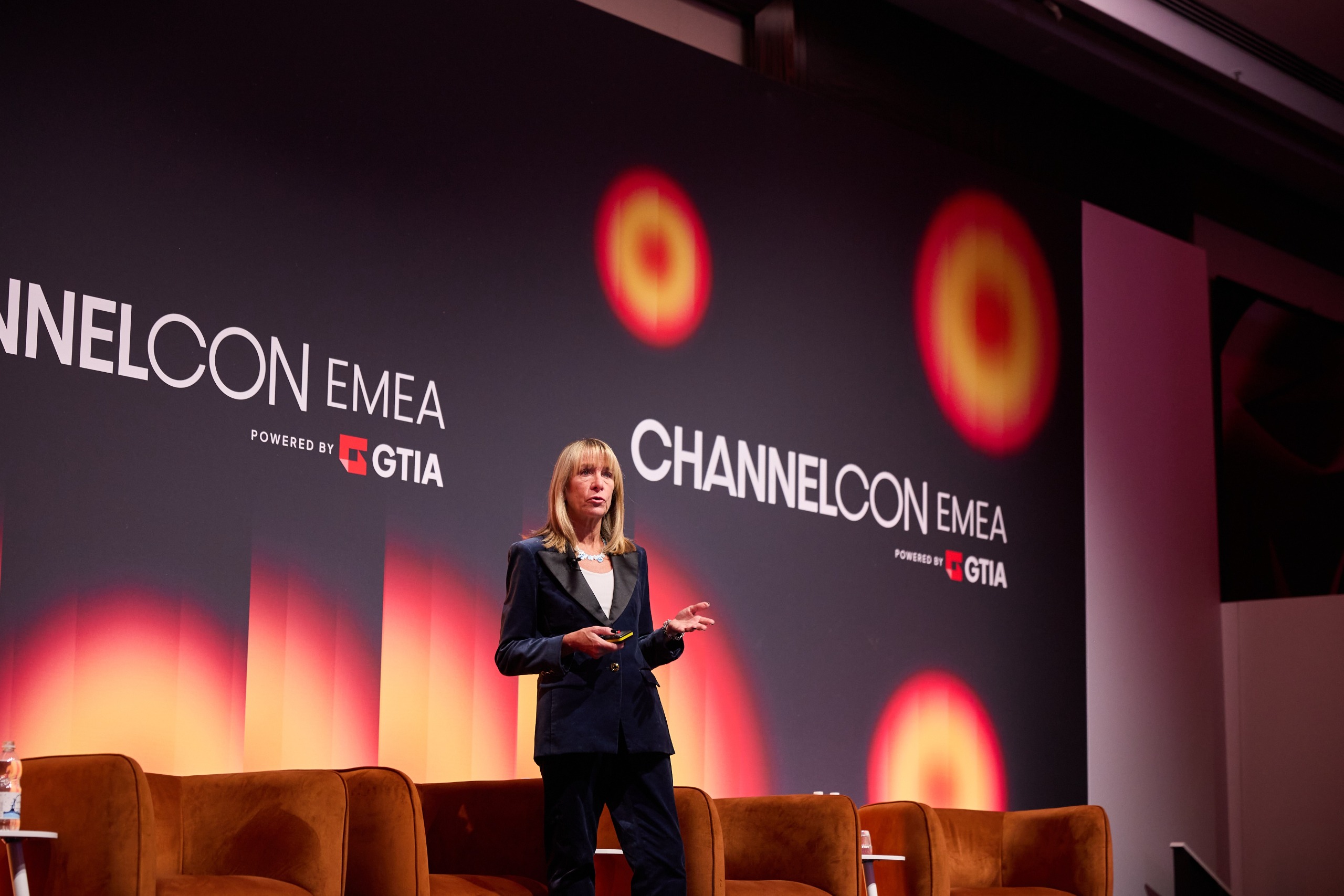 AI is rewriting the rules for MSPs in cybersecurity
News The inescapable presence of AI is changing what customers expect from MSPs, who are increasingly being pulled into business decisions that extend beyond technology


