TL;DR
- Attackers are using AI to find vulnerabilities and launch attacks faster, while business AI adoption expands the attack surface that needs protecting
- Dell PowerProtect Data Manager uses built-in anomaly detection to identify suspicious activity in backup data, combining machine learning (ML) with pattern matching and system configuration checks
- Protects key enterprise workloads, from virtual machines and Kubernetes to NAS, AI workloads, databases, and file systems
- Hardened storage, encryption, and immutable backups help organizations protect critical information against tampering and unauthorized access
- Centralized management and AI assistants help IT teams investigate threats, while recovery validation supports the restoration of trustworthy data after a cyberattack
AI is helping cybercriminals identify vulnerabilities and launch attacks faster. At the same time, businesses are bringing AI into their already complex IT environments, expanding the amount of critical data and infrastructure they need to protect.
For IT teams, cyber resilience means preparing for the possibility that an attack will succeed. And that’s where the Dell PowerProtect portfolio comes in.
It helps organizations protect critical information and recover business operations after an incident, with solutions that support hardened data protection, threat detection, and recovery.
How is AI changing the cybersecurity threat landscape?
Attackers can use AI to speed up vulnerability discovery and refine phishing campaigns, making familiar threats harder for overstretched security teams to manage.
Dell’s Cyber Resilience Insights report found that 96% of organizations acknowledge shortfalls in their cybersecurity skills or expertise. For IT teams, this makes securing backups and preparing for a successful recovery increasingly important.
1. Built-in anomaly detection identifies suspicious activity
Dell’s report found that 62% of organizations are prioritizing investment in automation and AI/ML-powered threat detection over the next 12 months.
Dell PowerProtect Data Manager includes built-in anomaly detection that uses machine learning to analyze backup metadata after backups complete, flagging suspicious activity for further investigation.
Dell PowerProtect Data Manager draws on several techniques to identify potential problems. Pattern matching compares metadata against a library of more than 5,000 known ransomware patterns, looking for suspicious filenames and extensions.
Behavioral analysis examines changes in file metadata over time, helping identify unusual activity that could indicate an unfamiliar attack. Dell PowerProtect Data Manager also checks Windows system configurations for security weaknesses that attackers could exploit, such as disabled firewalls.
Anomaly detection operates on-premises at no additional licensing cost, giving IT teams a way to identify potential compromise within their backup environments before attempting recovery.
2. A hardened foundation helps protect critical backups
Attacking backups is a common tactic. Ransomware attackers frequently target backup systems to make recovery more difficult, so protecting the underlying infrastructure is essential.
Dell PowerProtect Data Domain, a purpose-built backup appliance, supports encryption for data in transit and at rest. Multi-factor authentication (MFA) helps secure access to the platform, while single sign-on supports centralized identity management.
How does immutable storage help defend against ransomware?
Immutability helps prevent attackers from altering or deleting backup copies, preserving the data organizations need to recover.
Dell PowerProtect Data Domain also features Retention Lock, allowing administrators to protect selected backup copies from modification or deletion for a specified period. When Retention Lock Compliance is enabled, a secure system clock also helps prevent attackers from circumventing retention policies by changing the system time.
These safeguards can be particularly valuable when attackers gain access to other parts of an organization's infrastructure. Even if production systems are compromised, properly configured backup protections can help preserve the recovery copies needed to restore business operations.
3. Centralized visibility makes threats easier to investigate
An anomaly alert gives IT teams a starting point for investigation. In large organizations, working out which systems are affected can mean tracing suspicious activity across multiple workloads and backup systems.
Dell PowerProtect Data Manager’s unified dashboard provides a consolidated view of protection health across connected systems. Its anomaly detection dashboard brings suspicious signals from workloads, storage, and policies into one place, allowing administrators to investigate individual backup copies in greater detail.
From there, teams can examine potential threats, investigate false positives, and quarantine suspicious copies while deciding how to respond.
4. AI-assisted guidance helps administrators respond
Investigating a security alert can involve checking backup jobs, reviewing protection policies, and working out which action to take next. The AI Assistant within PowerProtect Data Manager helps administrators navigate these tasks, offering contextual guidance and recommendations directly within the platform.
Can AI help IT teams respond to security alerts?
Yes. An administrator investigating a suspicious backup can ask the AI Assistant to explain the anomaly, suggest possible remedies, and navigate to the relevant controls.
The assistant requires a configured, supported language model, while sensitive actions such as initiating a restore remain subject to human approval.
Administrators therefore retain control over critical decisions, with AI helping them investigate problems and respond more efficiently while maintaining a human-in-the-loop review process.
5. Recovery validation helps businesses get back to work
Restoring compromised data after a cyberattack could reintroduce the threat and cause further disruption.
- Dell PowerProtect Data Manager helps IT teams assess backup health before restoration, allowing them to inspect individual copies for anomalous activity and identify more trustworthy recovery points.
- Dell PowerProtect Data Domain also features Dell's Data Invulnerability Architecture to detect and repair storage-related faults, helping maintain the integrity of stored backup data.
Can businesses guarantee a clean recovery?
No backup solution can guarantee that every recovery point is free from threats. Regular testing and careful validation remain essential, particularly when attackers may have compromised systems before their data was backed up.
By combining threat detection with data integrity checks, Dell PowerProtect helps organizations make more informed recovery decisions and get critical business operations running again.
Discover how Dell PowerProtect helps your organization secure, detect, and recover from a cyberattack as threats become more sophisticated. US readers click here.
FAQs
How does AI make ransomware harder to defend against?
Attackers can use AI to speed up vulnerability discovery and refine phishing campaigns, which makes familiar threats harder for stretched security teams to manage. That’s why a robust cyber resilience posture should plan for the possibility that an attack succeeds. Dell PowerProtect helps organizations of all sizes secure, detect, and recover business operations with confidence.
What’s the difference between encryption and immutability for backups?
Encryption makes data unreadable to anyone without the correct key. Data immutability prevents data from being changed or deleted for a defined period. Encryption protects confidentiality; immutability helps protect data from tampering or deletion. They address different risks and can be used together.
Does anomaly detection in Dell PowerProtect Data Manager cost extra or need the cloud?
No. Anomaly detection is built into Dell PowerProtect Data Manager, runs on-premises, and comes at no additional licensing cost. It uses machine learning to analyze backup metadata after backups complete, flagging suspicious activity so IT teams can investigate before attempting a recovery.


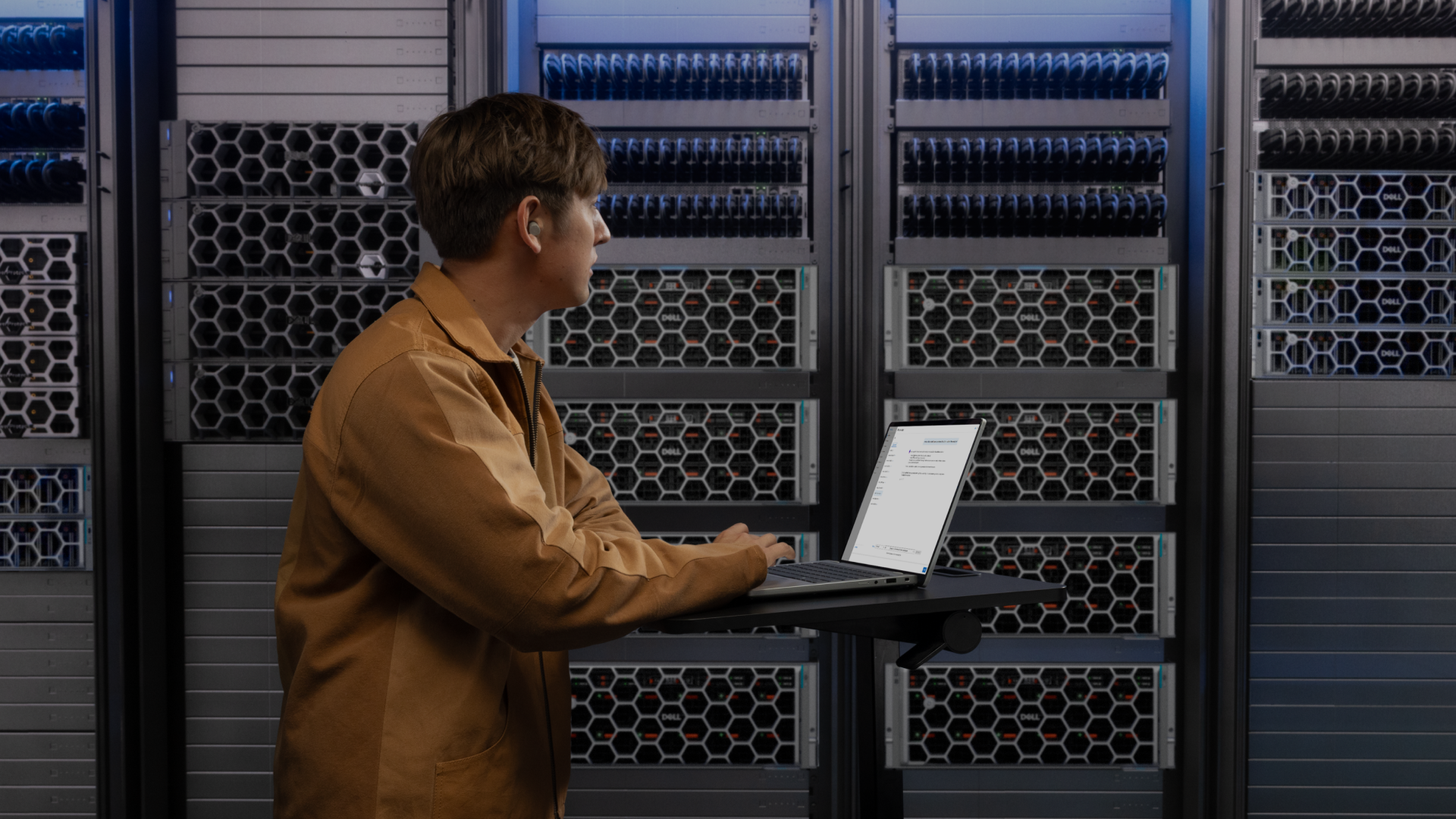 VM recovery: The race to restore thousands of virtual machines with Dell PowerProtect
 Modernizing infrastructure? Don't overlook server security
 10 future-ready security features of the Dell Pro 5 that growing businesses can rely on
 Why cyber resilience isn’t just a defence mechanism: How to create a secure foundation for innovation, too
 Top five security considerations for Generative AI (Gen AI)
 Futurum Group endpoint security trends 2023
 Top five security considerations for generative AI (Gen AI)
 AI enablement and built-in security are must-have features on modern storage environments


