In today’s device market, businesses can still choose between ‘traditional’ laptops and AI PCs – laptops that come with embedded neural processing units (NPUs) and optimized hardware to make the most of AI models run on-device.
This landscape is changing fast, however, and IDC predicts AI PCs will account for 93% of global commercial shipments by 2028, while Gartner thinks this figure will reach 98% by 2029.
All this makes it clear that IT decision makers will soon need to decide not whether they need AI PCs in the workplace, but which brand of AI PC best suits their workforce’s needs.
Before business leaders begin to allocate budget to AI PC purchases, it’s important that they understand how options such as Dell laptops will enable them to make the most of AI applications.
It’s equally important to dispel certain myths around AI PCs, particularly those that relate to their usefulness compared to traditional devices, as well as how useful they will be for future-proofing business operations.
Myth 1: You can’t run AI directly on a laptop
You don’t need cloud computing to make the most of AI, contrary to popular belief.
While there’s no doubt that public cloud AI continues to dominate and AI-enabled companies are likely to rely on cloud computing for a significant amount of the AI processing they do, there’s growing evidence that AI PCs will be a major focus in the coming years.
This doesn’t mean AI workloads are easy to run, though. Only manufacturers that design AI PCs with incredibly powerful and efficient hardware will be able to offer devices that are truly AI-ready and future-proof.
The Dell Pro Plus comes with Intel Core or Intel Core Ultra processors with built-in NPU, as well as up to 64GB of DDR5 memory, to run demanding AI PC workloads. In internal tests, Dell Technologies found the Dell Pro 14 Plus with Intel U5-236V, UMA Graphics, 16GB RAM, and 512GB PCIe SSD was 3.7x faster at AI processes than its previous generation Latitude laptop with comparable memory and storage.1
Myth 2: AI laptops are too expensive
AI laptops don’t have to be expensive.
While buying devices that can run the latest software efficiently could mean spending a lot of money up front – particularly for businesses looking to use AI on device – manufacturers that offer a broad selection of AI PCs also offer a wide variety of price points.
Dell laptops are available in a range of price points depending on the needs of businesses and individual workers. This includes the Dell Pro, Dell Pro Plus, and Dell Pro Premium, which all unlock AI functionality at different price points.
For businesses looking to adopt AI without the burden of upfront costs, Dell APEX PC as a Service (PCaaS)2 provides a flexible, subscription-based model. With APEX PCaaS, businesses can pay for AI-enabled PCs on a per-user, per-month basis, making it easier to scale technology investments as needs evolve. This approach not only simplifies budgeting but also helps businesses future-proof their IT infrastructure with predictable costs and access to the latest technology.
Myth 3: AI laptops aren’t portable or sustainable
AI laptops are just as portable and sustainable as any other comparable laptop.
The origin of this myth is the belief that high performance must come with excess weight and bulk. AI PCs come in all different shapes and sizes, however.
Take the Dell Pro 14 Plus, a sleek business-oriented laptop which tips the scales at just 1.40kg (3.09lb) or 1.55kg (3.43lb) for the 2-in-1 body. This AI laptop is intended to be durable without taking away from its usability, with a chassis subjected to military-grade testing paired with a spacious 16:10 aspect ratio screen, and highly configurable AI-optimized hardware.
The same chassis is made from responsibly-sourced materials, with a 50% recycled and low-emissions aluminium top cover and palm rest.3 Depending on the configuration, laptops in the Dell Pro portfolio may ship with batteries made with 80% less cobalt or 50% recycled cobalt.4 This shows how investing in Dell laptops for your workforce can blend positively with any environmental, social, and governance (ESG) goals you may have.
Additionally, the durability of each laptop also means employees are less likely to break devices over time, with the long lifespan of each device adding to its sustainable credentials.
Myth 4: You don’t need an NPU for AI apps
An NPU is necessary if you want to get the best performance from AI apps running on-device.
It’s true that there are a number of AI apps out there already that can be run without the specialized hardware found in an AI PC, but many apps are already putting NPUs to work with new features – and Dell laptops are ready to run them.
For example, McAfee has added a Deepfake Detector into McAfee Smart AI, capable of flagging potentially artificially-generated video content in real time. On Dell Pro Notebooks with the latest Intel® Core™ Ultra 200V series processors, this feature can run in the background while using as much as 48% less power thanks to the NPU.5
Deepfake detection is going to be increasingly important as cybersecurity teams tackle rising scams that utilize the technology. Hackers can use deepfake video calls to carry out social engineering attacks, making real-time detection of the kind McAfee Smart AI can provide on Dell laptops all the more important.
As more app developers look to harness the unique capabilities and benefits of an NPU on business laptops, it will become harder and harder to use the latest features in business software without an AI PC.
With this in mind, investing in Dell laptops isn’t just a case of giving your workforce the best experience of today’s apps but also a sorely needed step towards future-proofing your business hardware.
Myth 5: AI laptops have bad battery life
NPUs mean AI laptops have good battery life.
AI workloads can consume significant amounts of energy when run on hardware that’s not optimized for them. On an AI PC such as a Dell Pro laptop, however, the onboard NPU ensures that on-device AI functionality is run efficiently.
In fact, using the built-in NPUs means Dell laptops can efficiently run AI applications and background tasks without negatively impacting battery life. The Dell Pro 14 Plus is capable of up to 18.2 hours of battery life6, even with its performance improvements over previous generation laptops.
Instead of relying just on the NPU, Dell laptops feature a range of innovations to extend battery life. For example, the Tandem OLED display used in the Dell Pro 14 Premium is 24% more power efficient than traditional OLED displays7, and the same device uses Mini-LED Backlit Technology in the keyboard to reduce power consumption.8
In short, AI PCs can be both powerful and highly power-efficient – and Dell laptops bring this innovation to life.
If you think Dell laptops are the right call for your business, find out more on the Dell website.
US readers can visit here
UK readers can visit here
CA readers can visit here
AU readers can visit here
And there’s one more thing to know before you buy: Dell offers a price match guarantee. To learn more about the Dell price match and price guarantee, including the terms, exclusions and restrictions, US readers can click here, UK readers here, AU readers here and CA readers here.
1Dell Pro 14 Plus tested with Intel U5-236V, UMA Graphics, 16GB RAM, 512GB PCIe SSD, FHD+ Display, Windows 1124H2, and 55 Whr battery. Latitude 5450 tested with Intel U5-135U, UMA Graphics, 16GB RAM, 512GB PCIe SSD, FHD Display, Windows 1123H2, and 54 Whr battery. Based on testing using Procyon AI Computer Vision - OpenVINO benchmark test in December 2024.
2Payment solutions provided and serviced by Dell Financial Services L.L.C. or its affiliate or designee (“DFS”) for qualified customers. Offers may not be available or may vary in certain countries. Where available offers may be changed without notice and are subject to product availability, applicable law, credit approval, documentation provided by and acceptable to DFS and may be subject to minimum transaction size. Offers not available for personal, family or household use. Dell Technologies and the Dell Technologies logo are trademarks of Dell Inc. Restrictions and additional requirements may apply to transactions with governmental or public entities. Dell APEX PCaaS: At the end of the contract, the customer may renew the contract or return the equipment to DFS.
3Based on internal analysis, November 2024. 50% Low emissions recycled aluminum and 50% recycled aluminum in the top cover and palm rest.
4Based on internal analysis. 45 whr battery uses NCM technology and has 80% lesser cobalt compared to LCO technology. 40 whr, 55 whr, and 60 whr battery is made with 50% recycled cobalt.
5Based on internal analysis and testing, November 2024. McAfee’s Deepfake Detector running on devices with Intel® Core™ Ultra 200V series processors was compared to previous-generation Intel® Core™ Ultra processors. Results may vary.
6Based on testing using the Mobile Mark 2025 battery life benchmark test using Dell Pro 14 Plus with Intel U5-236V, 16GB RAM, 512GB PCIe SSD, FHD+ Non-touch 400 nits display, Windows 11, and 55 Whr battery, December 2024. For more information about this benchmark test, visit www.bapco.com. Actual battery life may be significantly less than the test results and varies depending on product configuration and use, software, usage, operating conditions, power management settings and other factors. Maximum battery life will decrease with time. The stated Watt Hour (Whr) is not an indication of battery life.
7Based on Dell internal testing, November 2024.
8Feature saves up to 3.69 hours of battery life. Based on internal analysis, November 2024.

 How resellers can turn hybrid meeting pain into repeatable revenue
 Asus Zenbook 14 (Snapdragon X UX3480Q) review

 5 reasons every AI team needs a deskside agentic AI accelerator like the Dell Pro Max with GB10
 Dell’s NVIDIA-based AI powerhouses compared: The Dell Pro Max with GB10 versus the Dell Pro Max with GB300
 AI on the edge: 5 reasons to add a deskside AI accelerator like the Dell Pro Max with GB10
 Which form factor? When to choose the Dell Pro 7 in 13in, 14in, or 2-in-1 design
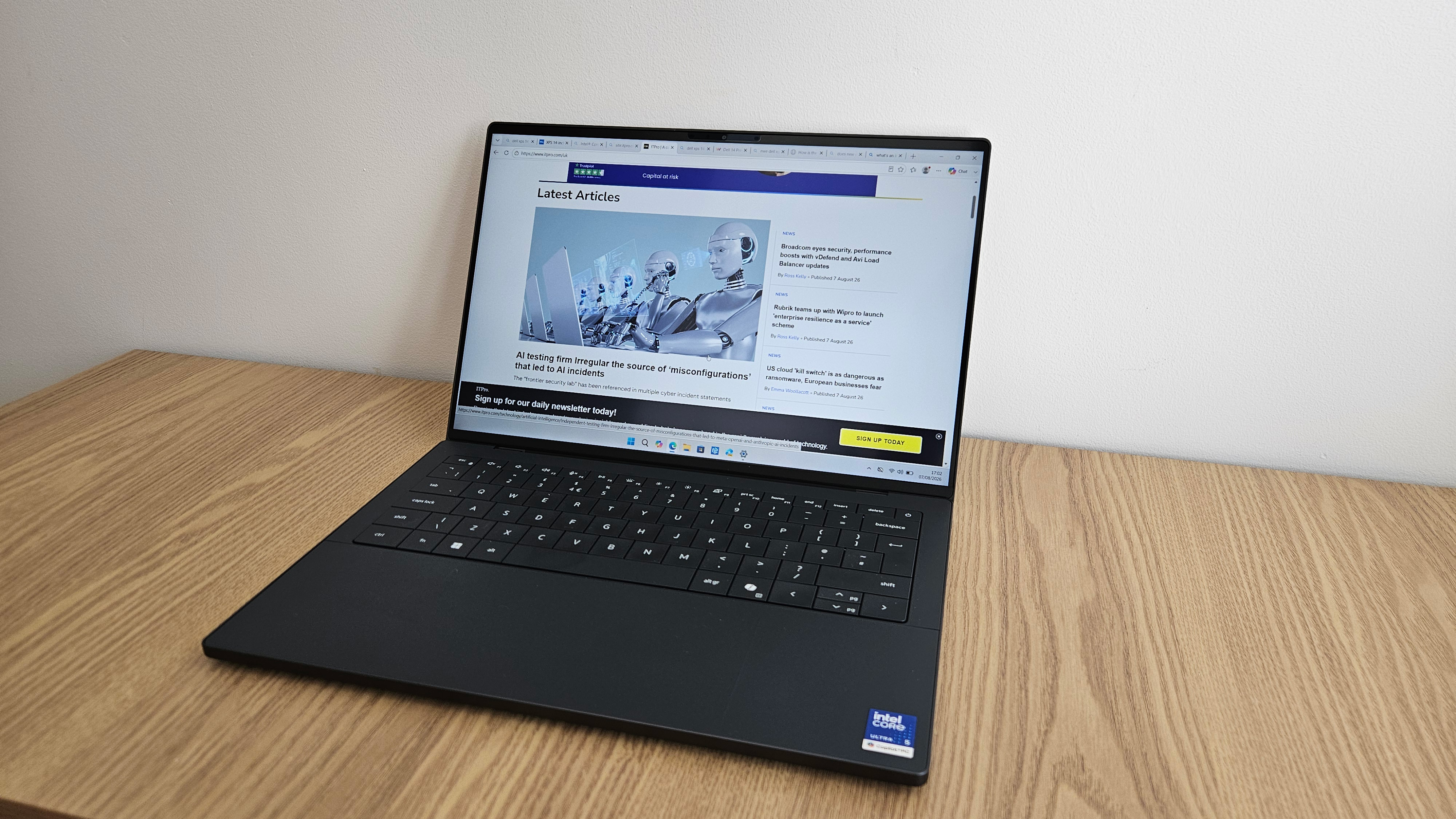 The Dell XPS 14 is back with a vengeance – but is this high-end laptop worth the premium price tag?
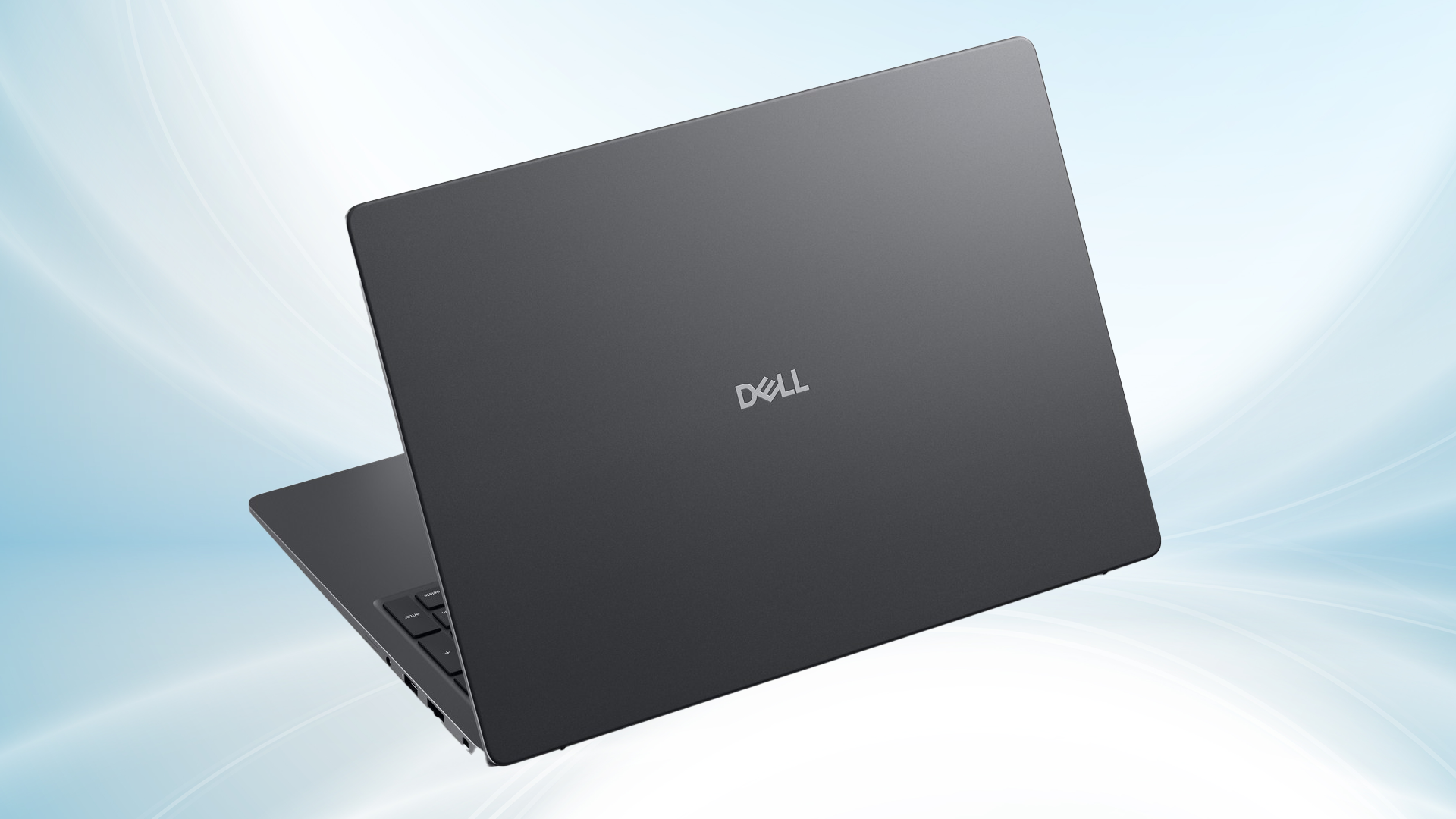 How small businesses can maximize productivity with Dell Pro laptops – even without an IT team
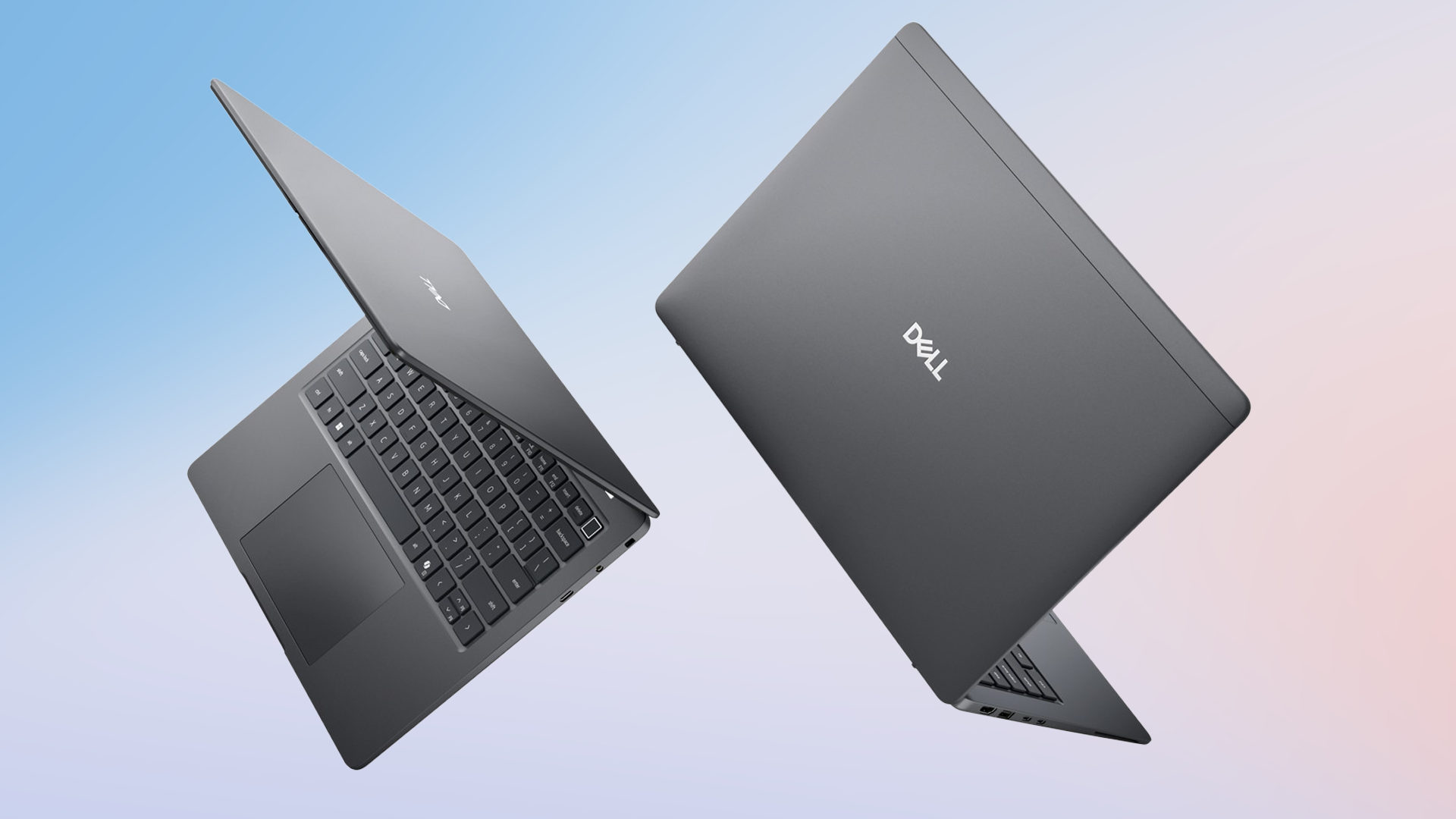 What IT leaders need to know about future-proofing with Dell Pro laptops
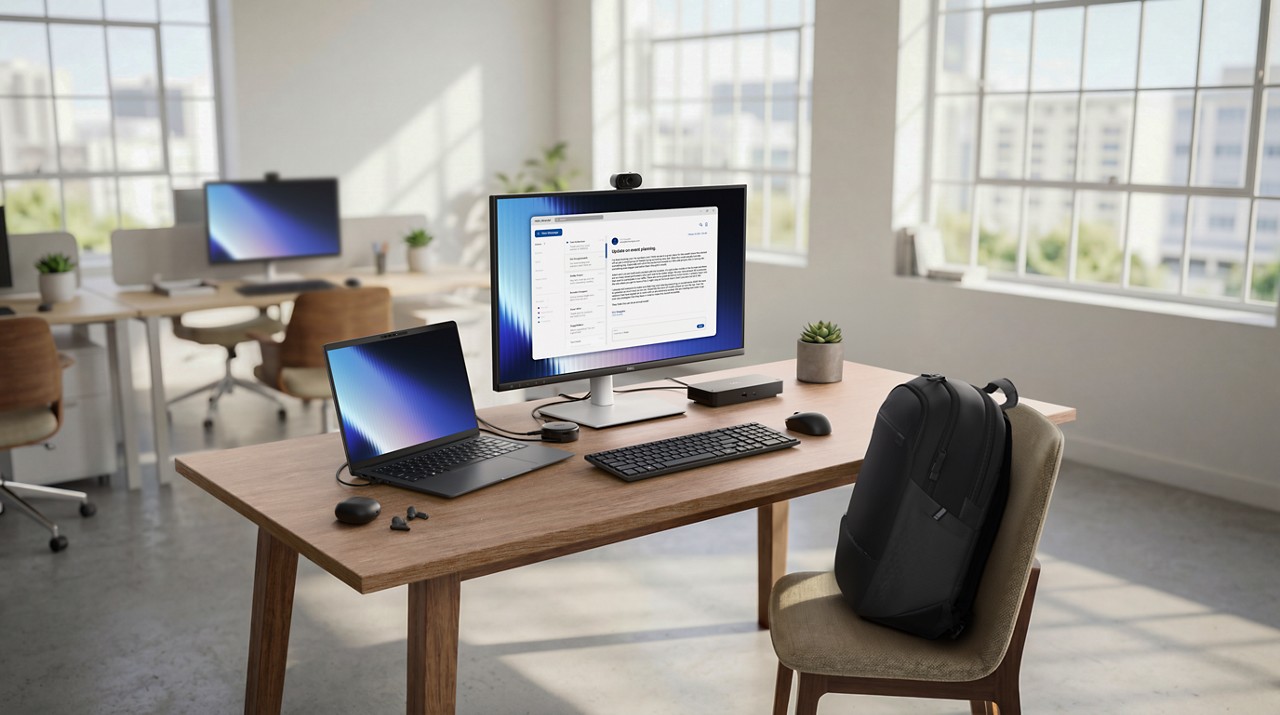 How Dell Pro 7 processors and memory are optimized for AI applications


