The excellent Samsung Galaxy Tab S11 is slightly overpriced
A brilliant lightweight tablet with a superb screen, but the competition makes it look expensive

-
+
Gorgeous slim and light design
-
+
Fantastic high-resolution screen
-
+
Bundled S-Pen
-
+
Strong software with useful AI features
-
-
Not as fast as some competitors
-
-
Relatively expensive

As with phones and TV sets, the trend in tablet design seems to be heading towards a bigger-is-better mentality. 12in and 13in screens are now commonplace, with flagship slates like the iPad Pro M5 or Samsung Galaxy Tab S11 Ultra boasting 13in or even 14.6in screens. Last year, Samsung didn't even release its usual 11in Galaxy Tab S10, focusing instead on the S10+, with a larger 12.4in panel.
Yet there's still a case to be made for a smaller tablet, particularly where low weight and mobility are paramount. You still have a device that can handle serious workloads, but that won't take up much luggage space or weigh you down while you're on the go.
In fact, no Android tablet makes this case better than the new Samsung Galaxy Tab S11. It's powerful, super portable, and has stamina to spare while weighing in at less than half a kilogram. And while it's undeniably expensive, it's also the only Android tablet fit to go up against Apple's killer combo of the 11in iPad Air M3 and iPad Pro M5.
Samsung Galaxy Tab S11: Design
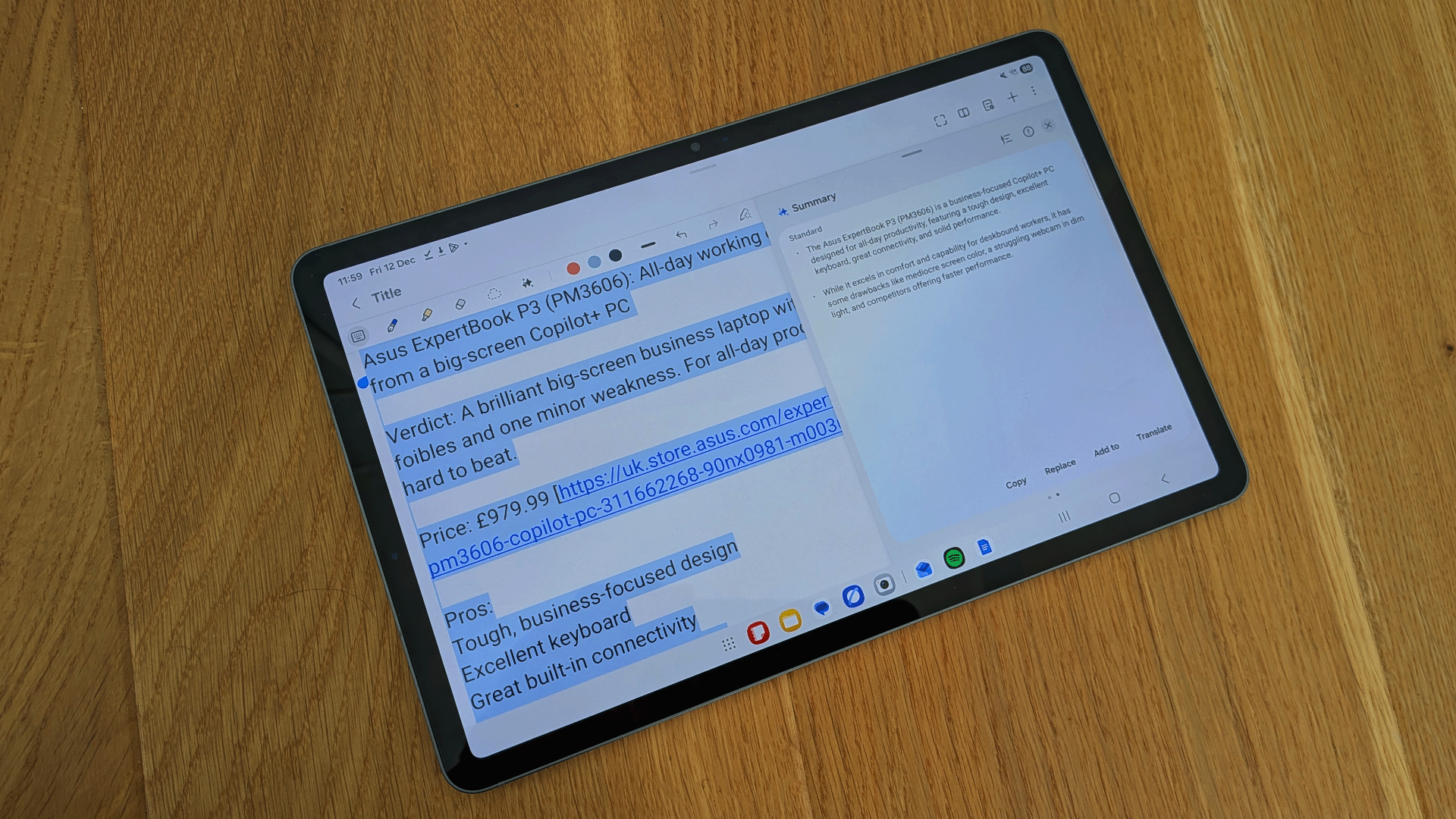
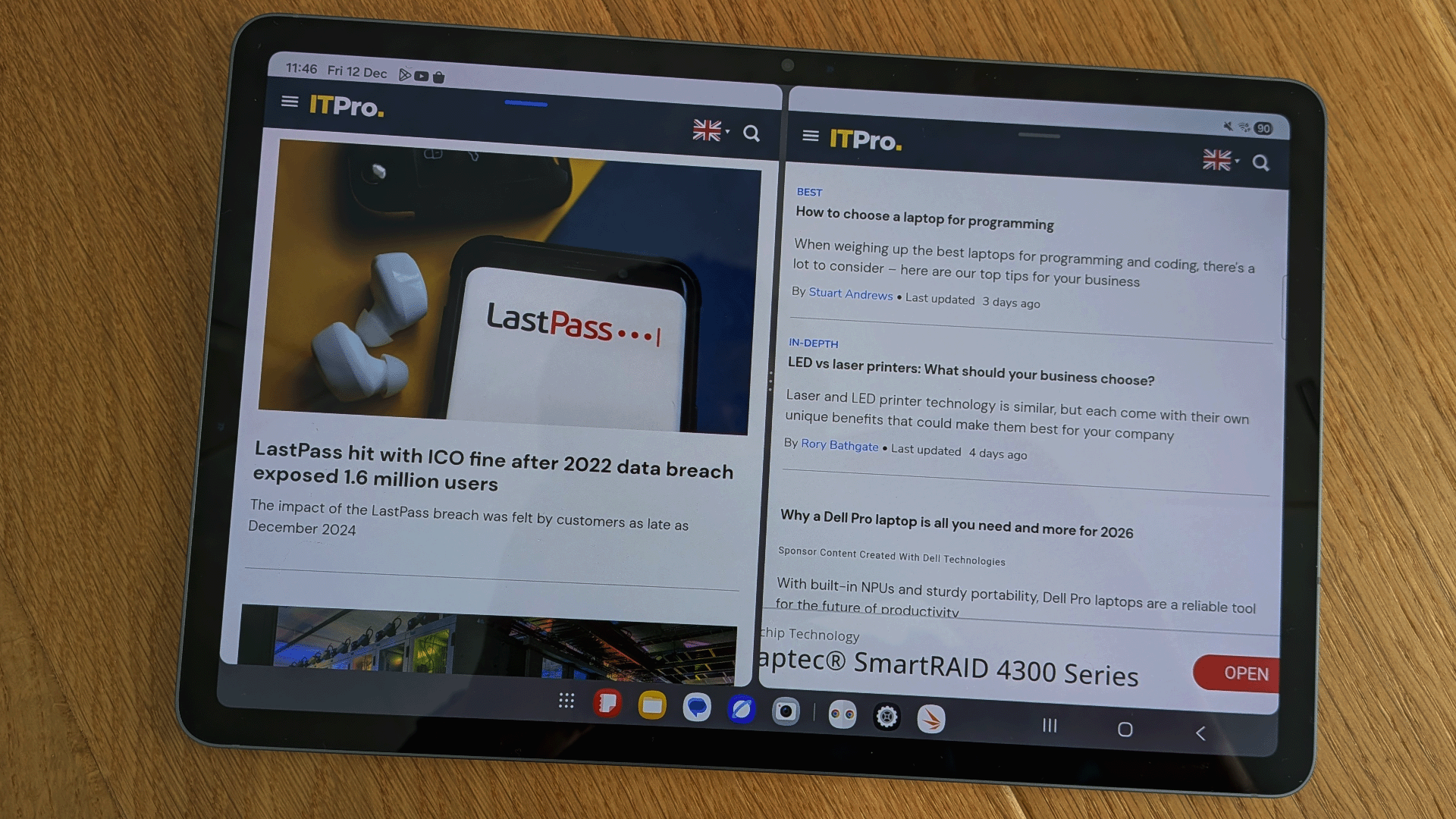
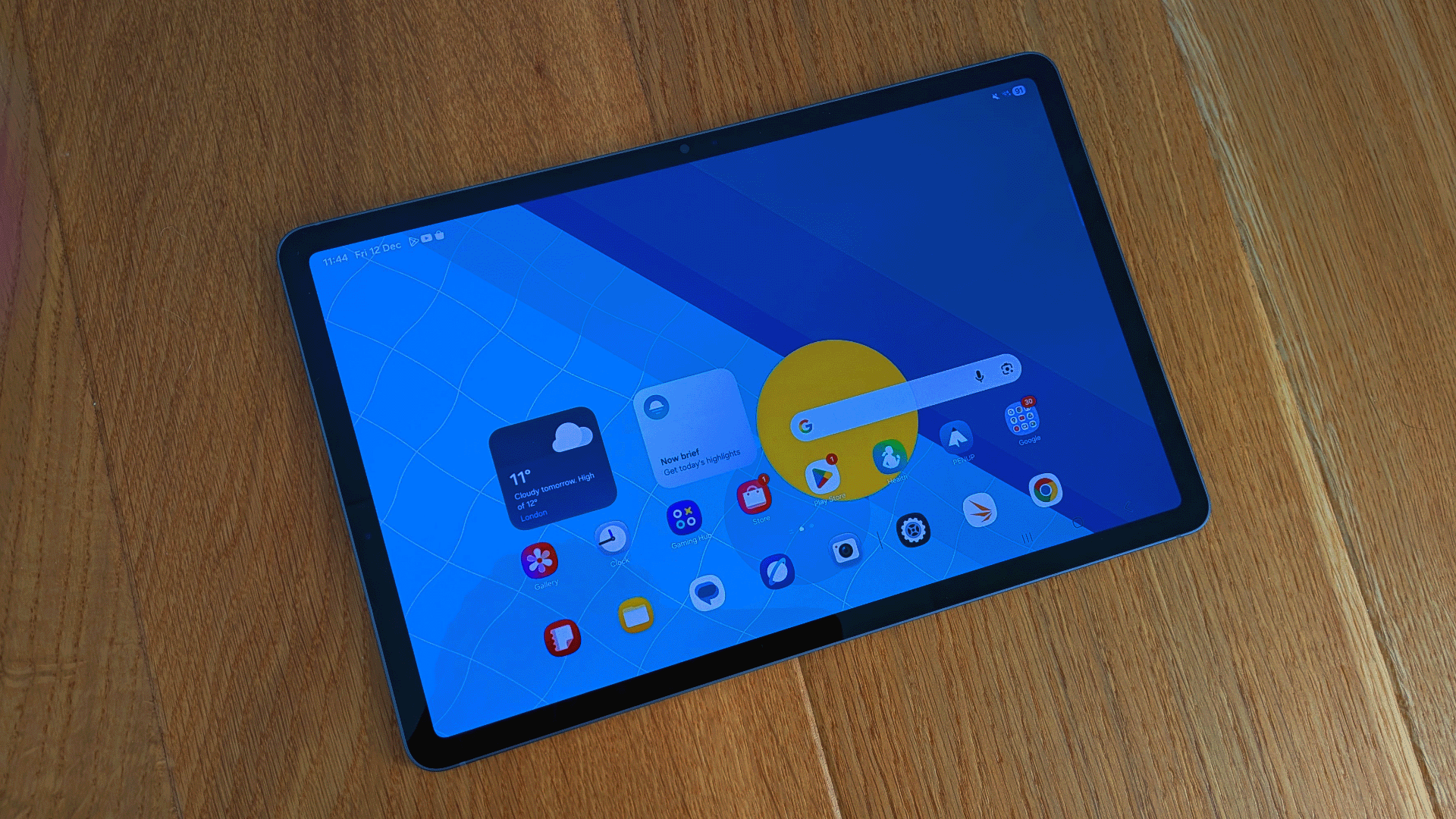
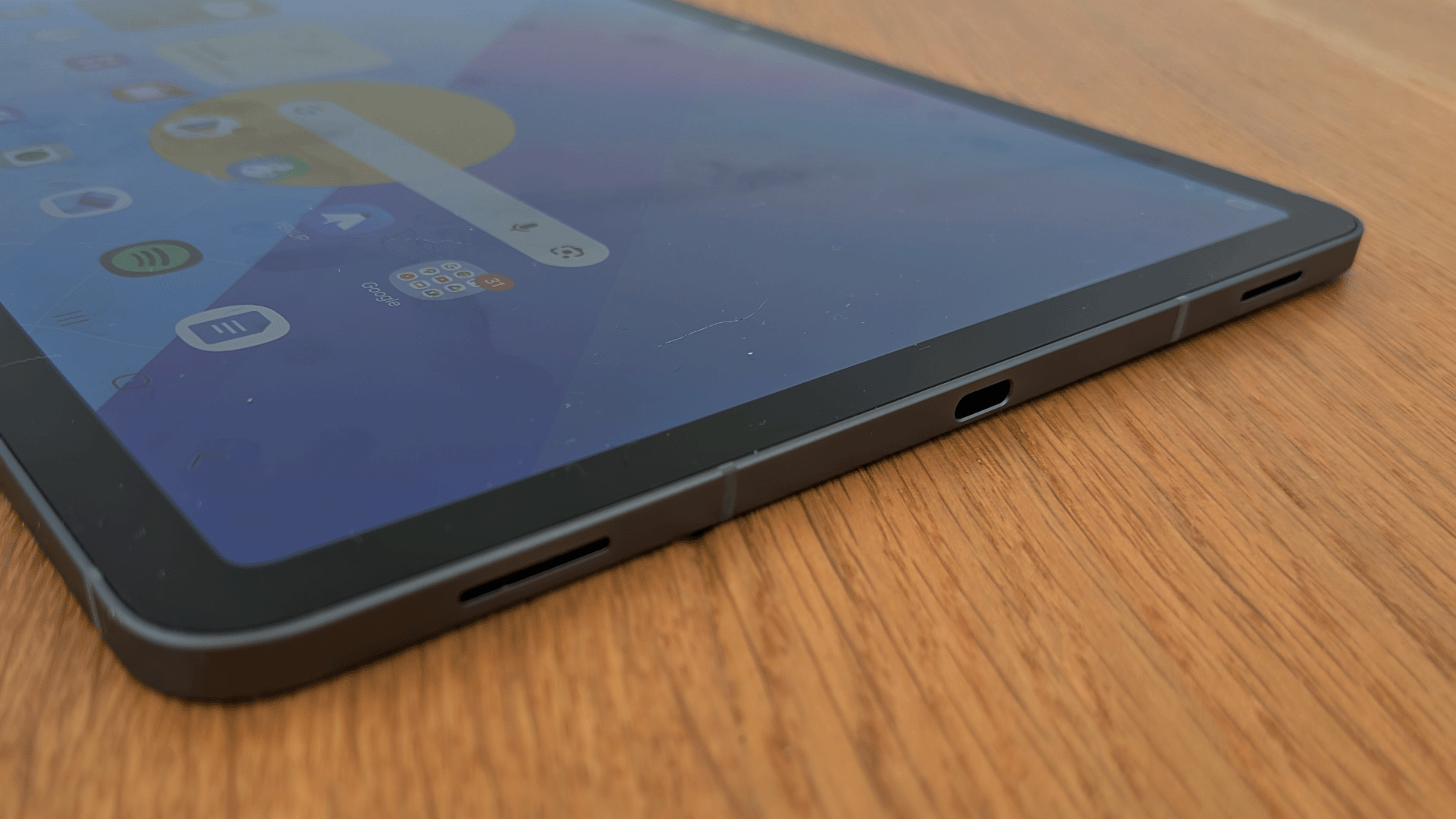
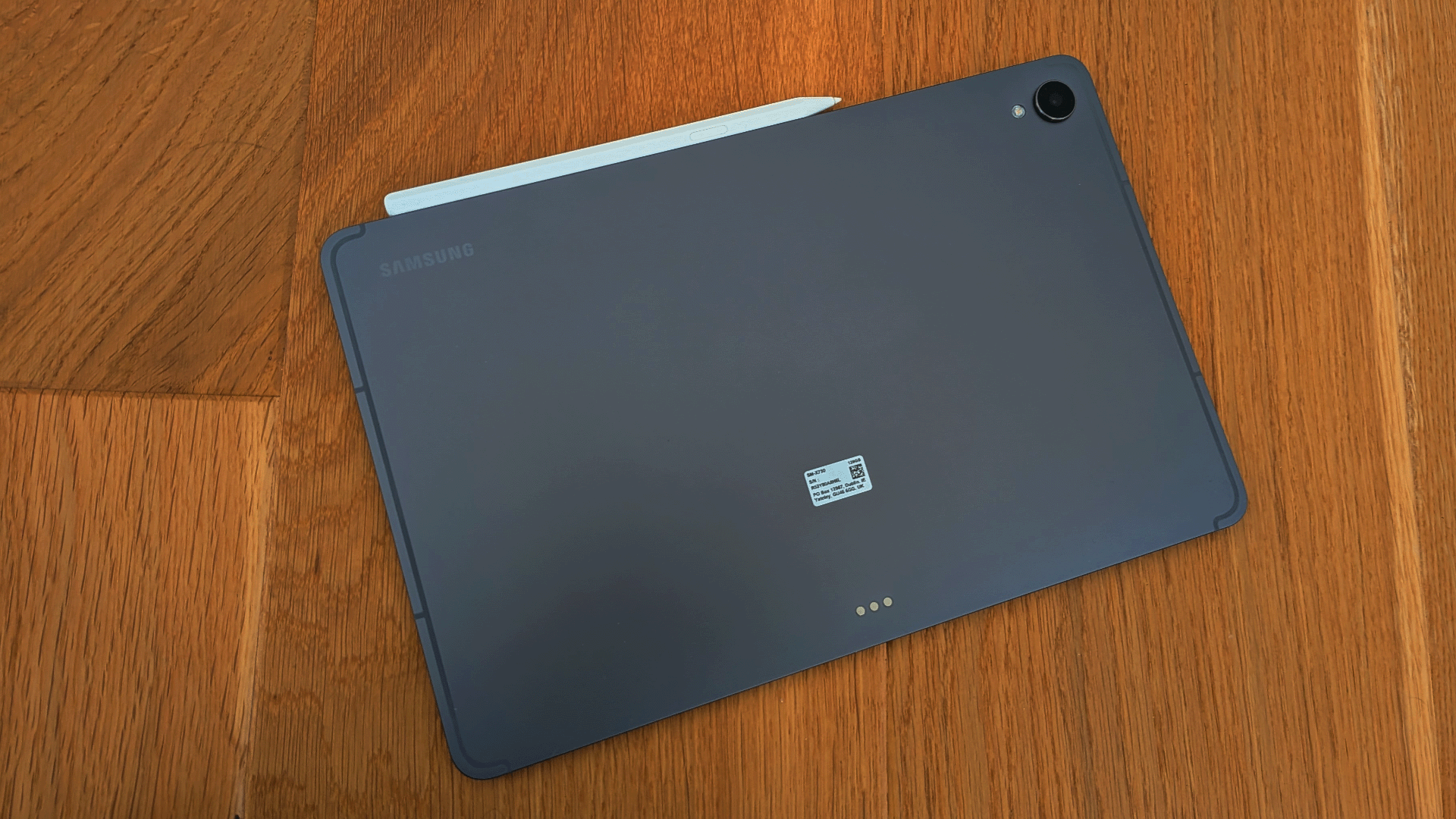
The Galaxy Tab S11 sees Samsung return to the smaller 11in form factor it last used for the Galaxy Tab S9. Indeed, it looks near-identical to the older version, in a dark grey metallic or silver metallic 'armor aluminium' frame, with a light but cleverly reinforced back and edges, slim bezels, and scratch-resistant Gorilla Glass 5 upfront. At 253.8 x 165.3 it's a fraction of a millimetre smaller on both axes than the Galaxy Tab S9, not to mention 0.4mm thinner and nearly 30g lighter. Is that a difference you can feel? Maybe not, but it still makes the Tab S11 one of the slimmest, lightest Android tablets around, not to mention smaller in surface area, thinner and lighter than the 11in iPad Air.
There are downsides to the 16:10 aspect ratio compared to Apple's roughly 3:2 format, but it has to be said that the Galaxy Tab S11 feels fantastically easy to hold and well-balanced in the hand, whether you're holding it single-handed vertically or with both hands horizontally. Plus, while it's light, it's still surprisingly robust. In fact, its IP68 rating means it's completely dust-proof and could handle submersion in up to 1.5m of fresh water for up to 30 minutes. That doesn't mean you can work while floating in the hot-tub or a hotel swimming pool, but a coffee spill or being shoved into a backpack shouldn't do it any harm at all.
As with any tablet, there's little in the way of physical connectivity; just a USB-C 3.2 Gen 1 port and a micro-SD card slot. The USB-C port can hook up to an external display via a dock or HDMI/DisplayPort adapter, while it charges at a maximum 45W wired charging speed. Otherwise, you have Bluetooth for connecting headphones, mice, and keyboards – including Samsung's £139 Book Cover Keyboard Slim – plus Wi-Fi 6E for your Internet connection. Sadly, only the Galaxy Tab S11 Ultra gets Wi-Fi 7.
Samsung Galaxy Tab S11: Display, audio and cameras
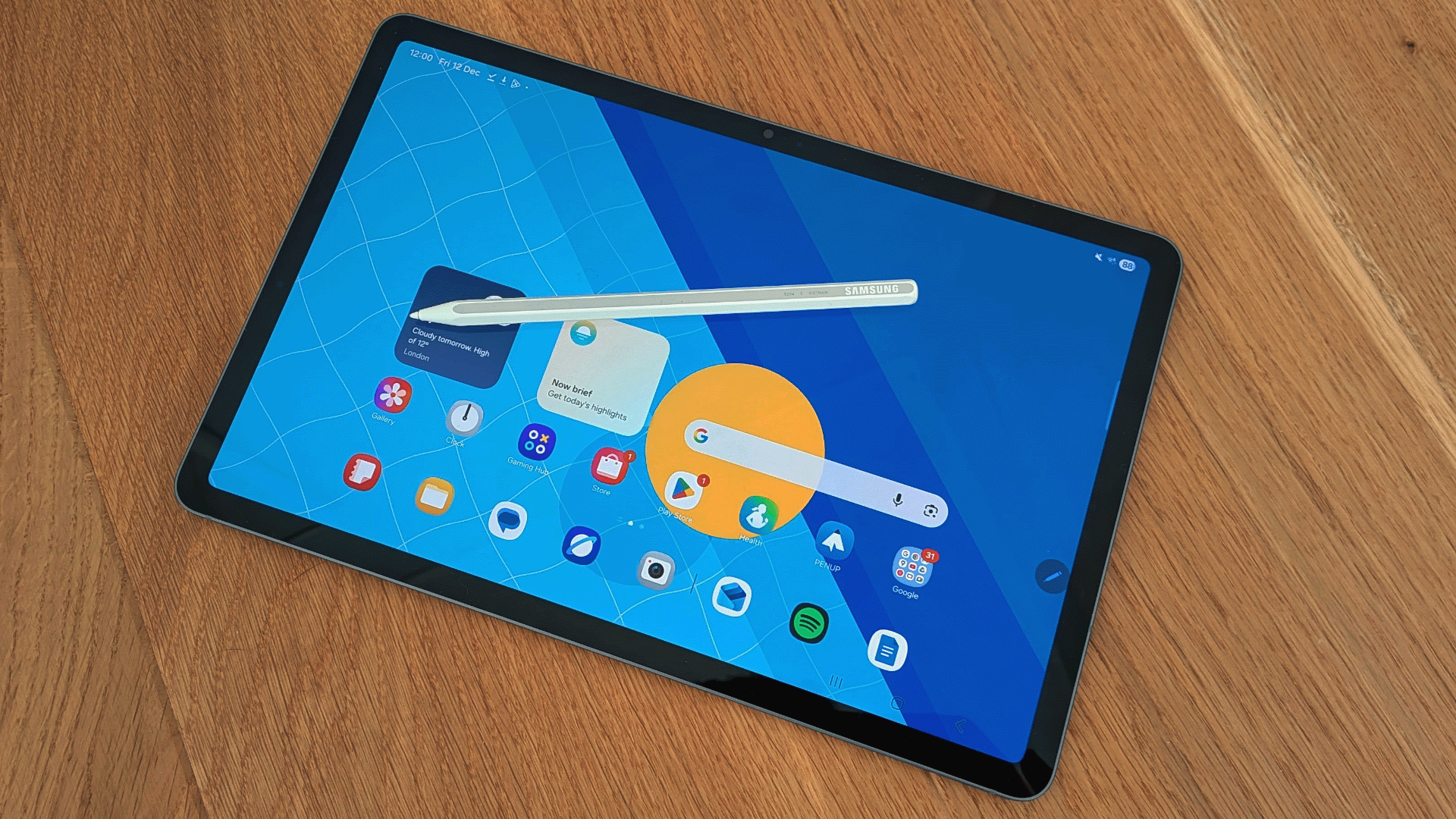
As with its bigger brother, the Tab S11 Ultra, the AMOLED 2x display on the Galaxy Tab S11 is almost predictably superb. In our colorimeter tests it covers 100% of the sRGB color gamut, with a 127.6% gamut volume, and 88.7% of DCI-P3. The 2560 x 1600 resolution makes for pin-sharp, highly detailed image quality when watching high-resolution video or viewing and editing photos, and colors are extremely vibrant, particularly in the default Vivid color mode. Thanks to the 120Hz refresh rate, you can scroll through documents or webpages at lightning speed without a pause or flicker to be seen.
As for brightness, we measured a maximum output of 435nits in normal lighting, rising to 978nits with a torch beam shining in the light sensor, so you shouldn't have a problem seeing the screen in anything bar fierce sunlight. With HDR content, it can hit peaks of 1600 nits, and with HDR10+ support it certainly looks spectacular. In fact, I'm not sure there's a better tablet for late night movies and Netflix binges if you're travelling for work. The 16:10 format isn't always perfect for viewing single websites or working on a single document, but it's perfect for side-by-side views when multitasking and a better fit than 3:2 for streaming video.
The audio, meanwhile, is ludicrously and almost supernaturally meaty. There's a limit to how much bass a tablet can product, but there's definitely weight and presence to the tone, not to mention some impressive clarity and detail. It's great for video calls, of course, but almost begs you to pump up the volume if you are streaming after work is done – though ideally not on public transport.
Tablet cameras are widely considered to be something of a joke, but Samsung's tend to be usable and practical. The Galaxy Tab S11 is a bit too big to be used for shooting video or casual snaps, but the rear-facing camera can take detailed, well-exposed images in a wide-range of lighting, and works well for quick document scans or taking photos of invoices and receipts. The front-facing camera has a slightly lower resolution and a slower lens, but still does a fine job of capturing your face for video calls. You can look professional on screen and keep track of a meeting without lugging a laptop around.
Samsung Galaxy Tab S11: Software and accessories
Android is often a poor cousin to iPad OS when it comes to tablet functionality, but Samsung has spent the last decade or so refining its UI to make it work effectively on bigger screens. Not only is the One UI one of the most effective and feature-packed interfaces for productivity and multitasking, but it can switch with a keyboard and a trackpad or mouse attached to the desktop-style DEX UI.
Here you have something close to a Windows interface, complete with floating windows, multiple desktop views, and a taskbar at the bottom. Hook your Galaxy Tab S11 up to an external screen, and you have a viable platform for some pretty complex productivity tasks, though you may still find file management and access to cloud resources a barrier, and you may not be able to use all your normal apps – though Microsoft 365 and Google's Workspace Apps both work pretty well in this format.
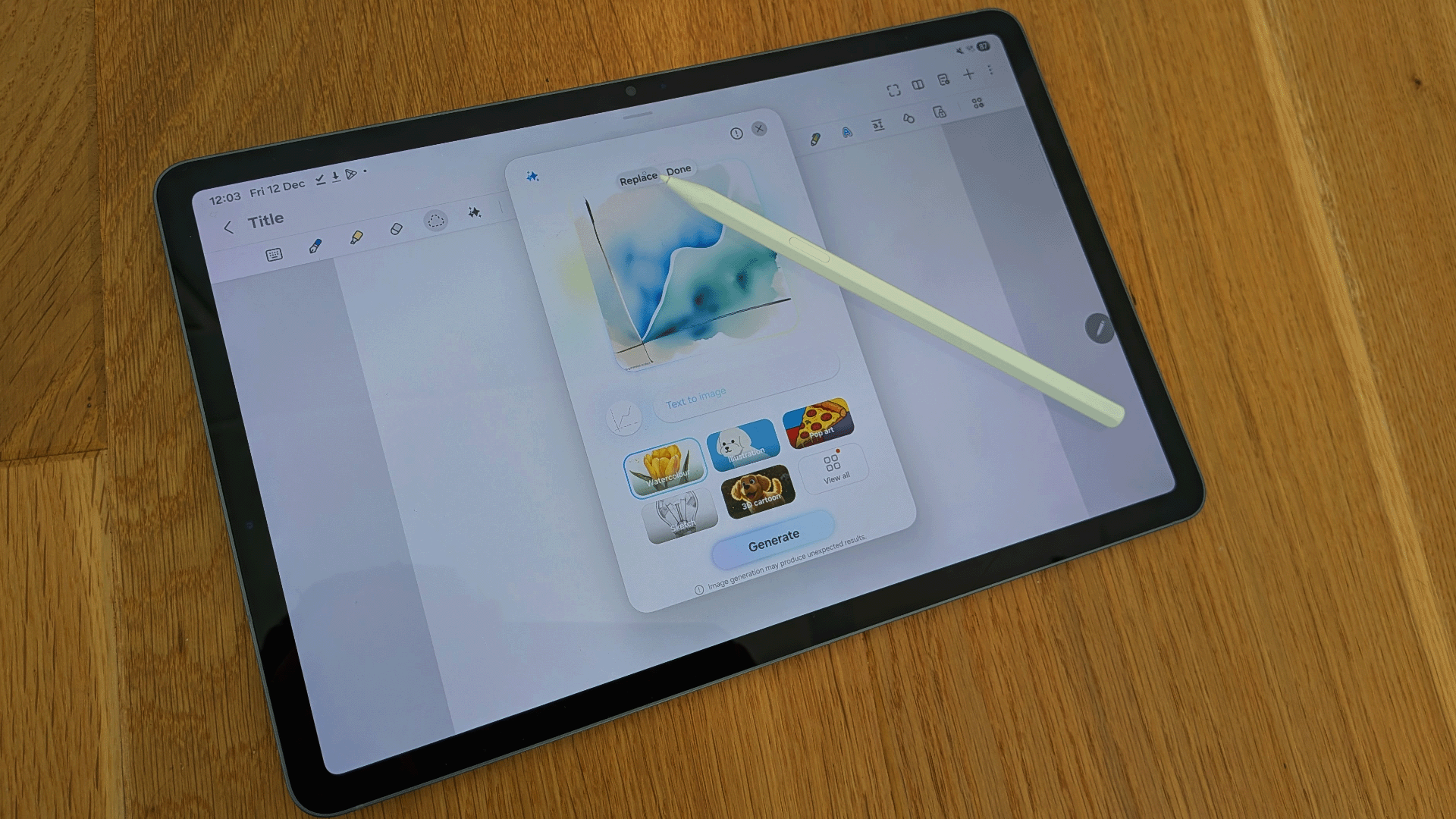
Another thing the Galaxy Tab S series has going for it is the inclusion of Samsung's S-Pen stylus with every device. It transforms the Galaxy Tab S11 into a superb tool for taking notes or marking up documents, and can also be effective if you're working in image or video editing apps.
However, Samsung's big software push this generation is – you guessed it – on AI enhancements. Some features, such as Circle to Search and the Gemini app, will be familiar from Samsung or Google smartphones, but Samsung has also integrated generative AI editing tools into its Gallery app, plus a Sketch to Image tool that enables you to add new elements to photos by sketching them in with the S-Pen. Meanwhile, there are tools to auto-format, summarize, and spell-check notes, plus Writing Assist tools that can translate, proofread, and restyle your text. Given Apple's tablets are currently running low on genuinely useful AI features, Samsung has a slight advantage here, for however long it lasts.
Samsung Galaxy Tab S11: Specs and performance
The Tab S10 Plus and S10 Ultra set new standards for performance on Android tablets, and the S11 Ultra and S11 don't disappoint on this front. Both share the same MediaTek Dimensity 9400+ processor, with a single high-performance ARM Cortex-X925 core running at up to 3620MHz, three Cortext-X4 cores running at 3300Mhz and 4 energy-efficient Cortex A720 cores running at 2400MHz. There's an ARM Mali-G925 Immortalis MP12 GPU running at 3620MHz, and the only real difference between the two tablets is that the S11 Ultra has either 12GB or 16GB of RAM, while the S11 has 12GB across its 128GB, 256GB, and 512GB variants.
In Geekbench 6 there's not much to separate the two. In fact, the S11 scored 2768 in the single-core benchmark and 8950 in the multi-core test, beating the S11 Ultra's scores of 2699 and 8434. What's more, this puts the S11 ahead of the S10 Ultra, too, with 2159 and 7154. With its Snapdragon 8 Elite processor the OnePlus Pad 3 is even faster, scoring 3130 and 9083, but not to the extent that you'd notice much difference. With a score of 2447 in 3D Mark's Steel Nomad Lite test, the Tab S11 is also something of a 3D graphics powerhouse. In the tablet realm, only the OnePlus Pad 3, iPad Air, and iPad Pro score much higher, though the S11 Ultra has the edge here, scoring 2555.
Sadly for Samsung, neither the Galaxy Tab S11 or S11 Ultra can beat Apple's finest on performance. With its desktop-class M5 processor the iPad Pro is significantly faster, and the M3-packing iPad Air has a speed advantage, too. The iPad Pro scores 4193 and 16777 in Geekbench 6, while the M3 iPad Air scores 3117 and 11948. The Samsung can handle a wide range of demanding Android apps, but it doesn't have that kind of power. Nor can Android match iPad OS's impressive gallery of professional-grade creative and productivity apps.
On the plus side, battery life is impressive. With its 8400mAh battery the S11 keeps going for 14 hours and 11 minutes in our usual HD video rundown test, not quite matching the 17 hours and 21 minutes of the S11 Ultra or the 15 hours and 33 minutes of the OnePlus Pad 3, but still improving on the 13 hours of the S10+. It's also fairly quick to recharge, hitting 38% in half an hour of charging.
Samsung Galaxy Tab S11: Is it worth it?
This is a great, relatively compact Android tablet, blessed with a fantastic screen and solid performance. It's a shame that it's outperformed and – in some respects – outclassed by the OnePlus Pad 3, meaning you have to weigh up whether you can compromise on performance and a longer battery life to get a slimmer and lighter design.
At its £799 RRP the Tab S11 also feels slightly overpriced. You can buy the equivalent iPad Air for £499 to £599, or the Pad 3 for around £500. Recent sales have seen the price fall to £649, making the Tab S11 a more attractive deal, but it's a shame that Samsung is charging so much when the competition is so good and so affordable.
For some business users, the portability and bundled S-Pen will be worth the premium, while Samsung's software and AI features remain the best on Android. Yet with rivals upping their game, you can't help feeling that Samsung either needs to match them at every level or take a look at bringing down the cost.
Samsung Galaxy Tab S11 specifications
CPU |
MediaTek Dimensity 9400+ |
Row 0 - Cell 2 |
Display |
11in Dynamic AMOLED 2x, 2560 x 1600 resolution |
Row 1 - Cell 2 |
Cameras |
Rear: 13MP – f/2, Front: 12MP – f/2.4 |
Row 2 - Cell 2 |
RAM |
12GB |
Row 3 - Cell 2 |
Storage |
128GB |
Row 4 - Cell 2 |
Ports |
Type-C (USB 3.2 Gen 1) |
Row 5 - Cell 2 |
Dimensions (HWD) |
253.8 x 165.3 x 5.5mm |
Row 6 - Cell 2 |
Weight |
469-471g |
Row 7 - Cell 2 |
Battery |
8400mAh |
Row 8 - Cell 2 |
Operating system |
One UI 6.1.1 on Android 16 |
Row 9 - Cell 2 |

-
 Atlassian introduces 'always-on' capabilities for agentic development workflows
News Customers can now adopt and scale governed agentic workflows right across the AI software development lifecycle
-
 Agents have hit the mainstream in software engineering, but security and governance practices aren’t evolving fast enough
News The number of agent-related security incidents is rising and shows no sign of slowing down, according to Harness
-
 Nebula appoints Jack Bell as strategic partner acquisition manager
News The new hire brings eleven years of telecoms industry experience to the vendor’s channel team


