1080p webcams: Smarten up your video calls with these external cameras
Is it worth spending over £100 on a webcam or should you save your money?
The Aukey raises a question that Logitech won’t like: is it worth paying almost £100 for a 108op webcam when you can buy something this good for £28? It’s tough to justify, even though the Aukey can’t quite match Logitech’s webcams for quality; it’s crisp enough, but detail isn’t captured to the same level, and its colours lean towards the conservative, pastel scale. Even Donald Trump would come out looking pasty on this webcam.
However, in a 100m sprint for quality, the Aukey would only be a few steps behind the Logitechs, which is quite an achievement for the price. What you don’t get is Logitech’s software support, with no utilities that let you control the colour intensity or the field of view.
That means you’re stuck with a wide viewing angle, so you’ll need to move within a foot or so of the camera to fill the frame during calls. This is too close if you’re using a big, widescreen monitor – or even a 27in screen. The good news? At whatever distance, the two mics picked up audio well.
You can take control of the focus – to switch between auto and manual – and brightness, but that’s it. The autofocus worked seamlessly too, so that manual focus adjustment is largely academic.
Note the lack of a privacy cover, but a blue LED appears when the camera is active. At 81mm wide and 25.5mm deep, it’s also the most compact and travel-friendly model on test.
The Aukey PC-W3 isn’t perfect, but for £28 it will deliver a huge upgrade over most laptops’ built-in offerings.
Aukey PC-W3 1080p Webcam specifications
| Resolution | 1080p |
| Framerate | 30fps |
| Field of view | Not stated |
| Microphone | Dual microphones |
| Cable | 1.8m |
| Dimensions (WDH) | 81 x 26.5 x 25.5mm |
| Warranty | 2yr RTB warranty |
Sign up today and you will receive a free copy of our Future Focus 2025 report - the leading guidance on AI, cybersecurity and other IT challenges as per 700+ senior executives
Adam Shepherd has been a technology journalist since 2015, covering everything from cloud storage and security, to smartphones and servers. Over the course of his career, he’s seen the spread of 5G, the growing ubiquity of wireless devices, and the start of the connected revolution. He’s also been to more trade shows and technology conferences than he cares to count.
Adam is an avid follower of the latest hardware innovations, and he is never happier than when tinkering with complex network configurations, or exploring a new Linux distro. He was also previously a co-host on the ITPro Podcast, where he was often found ranting about his love of strange gadgets, his disdain for Windows Mobile, and everything in between.
You can find Adam tweeting about enterprise technology (or more often bad jokes) @AdamShepherUK.
-
Trump's AI executive order could leave US in a 'regulatory vacuum'News Citing a "patchwork of 50 different regulatory regimes" and "ideological bias", President Trump wants rules to be set at a federal level
-
TPUs: Google's home advantageITPro Podcast How does TPU v7 stack up against Nvidia's latest chips – and can Google scale AI using only its own supply?
-
How to turn on Bluetooth for Windows 10In-depth A step by step guide to turning on Bluetooth in Windows 10 and easily connect your keyboard, mouse, headphones, or printer
-
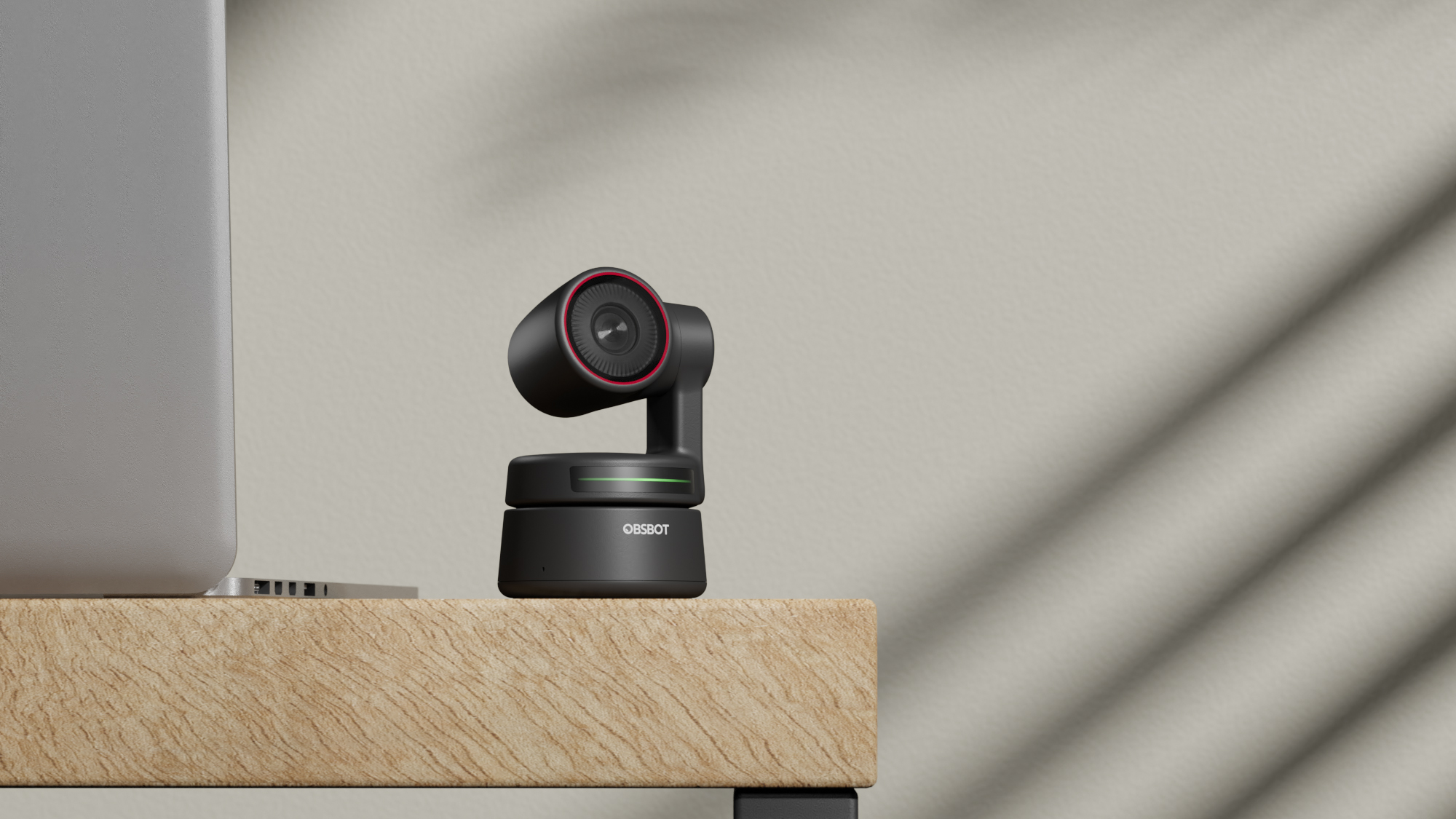

Obsbot Tiny 4K review: AI-enabled video callingReviews This ingenious webcam offers all the features and quality most people will ever desire – for a price
-
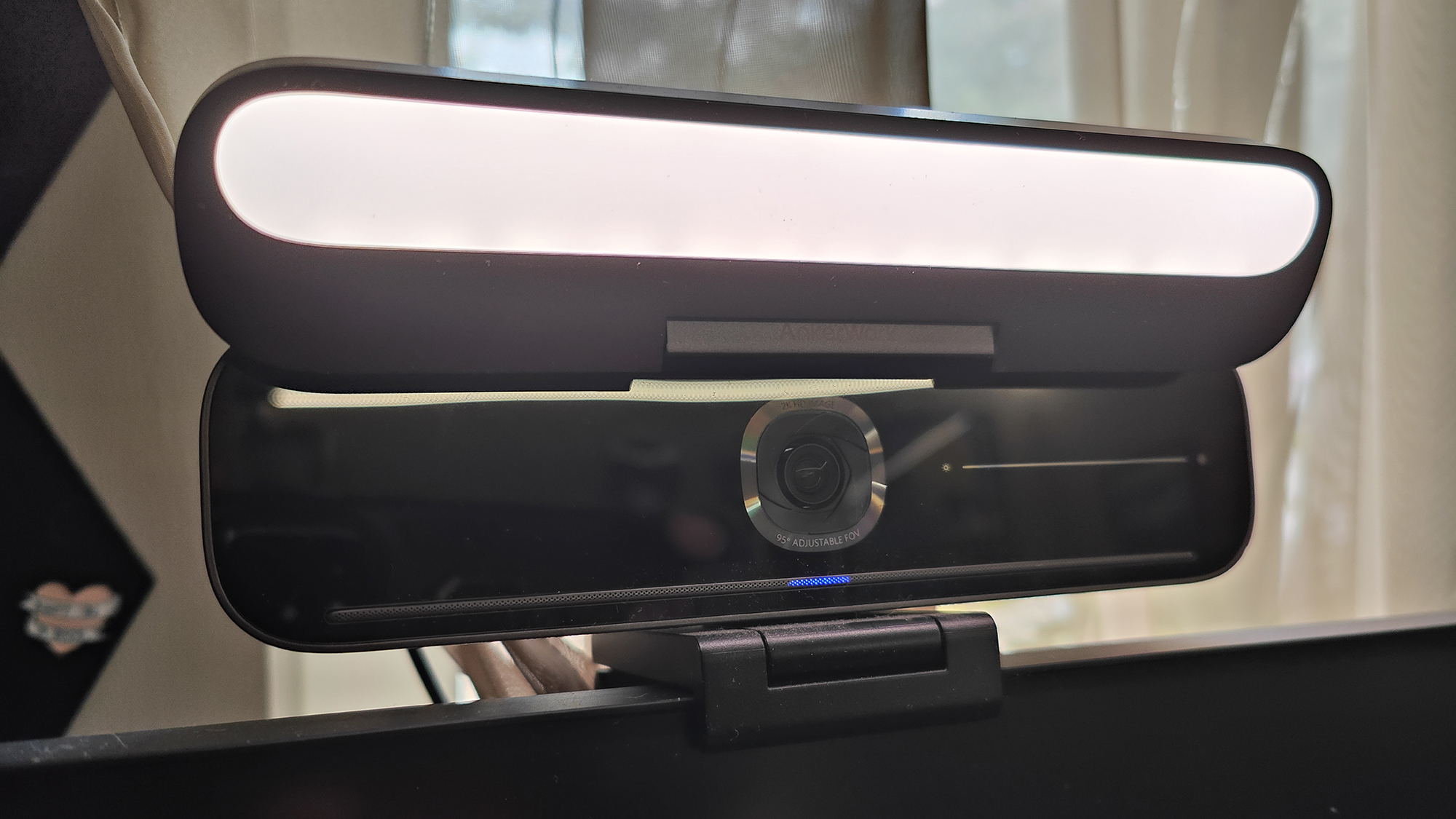

Ankerwork B600 Video Bar review: Perfect for home or officeReviews A near perfect all-in-one solution for video conferencing at home or the office
-
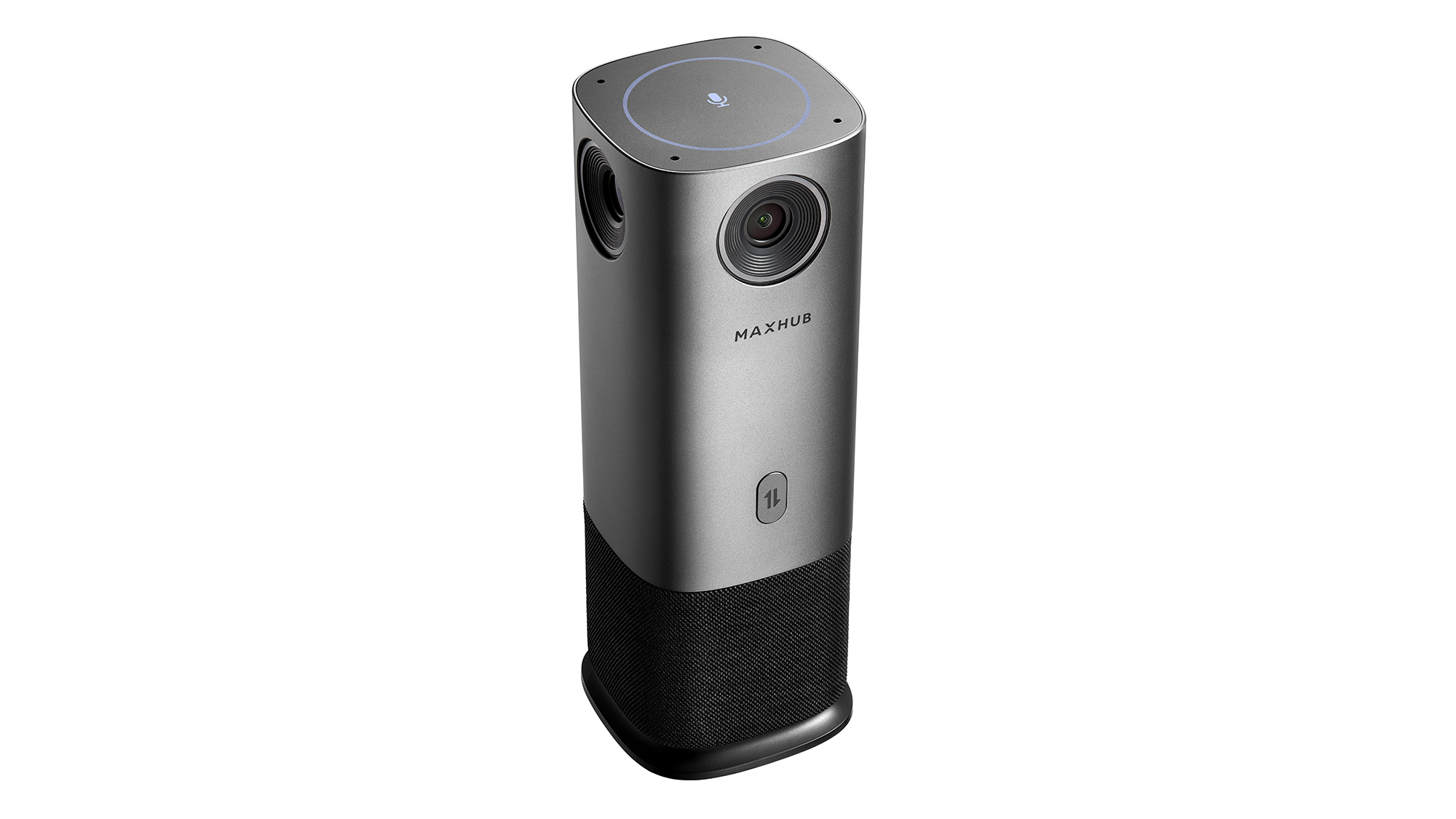
Maxhub UC M40 review: The big pictureReviews Maxhub’s clever little panoramic camera delivers video meetings at a great price
-
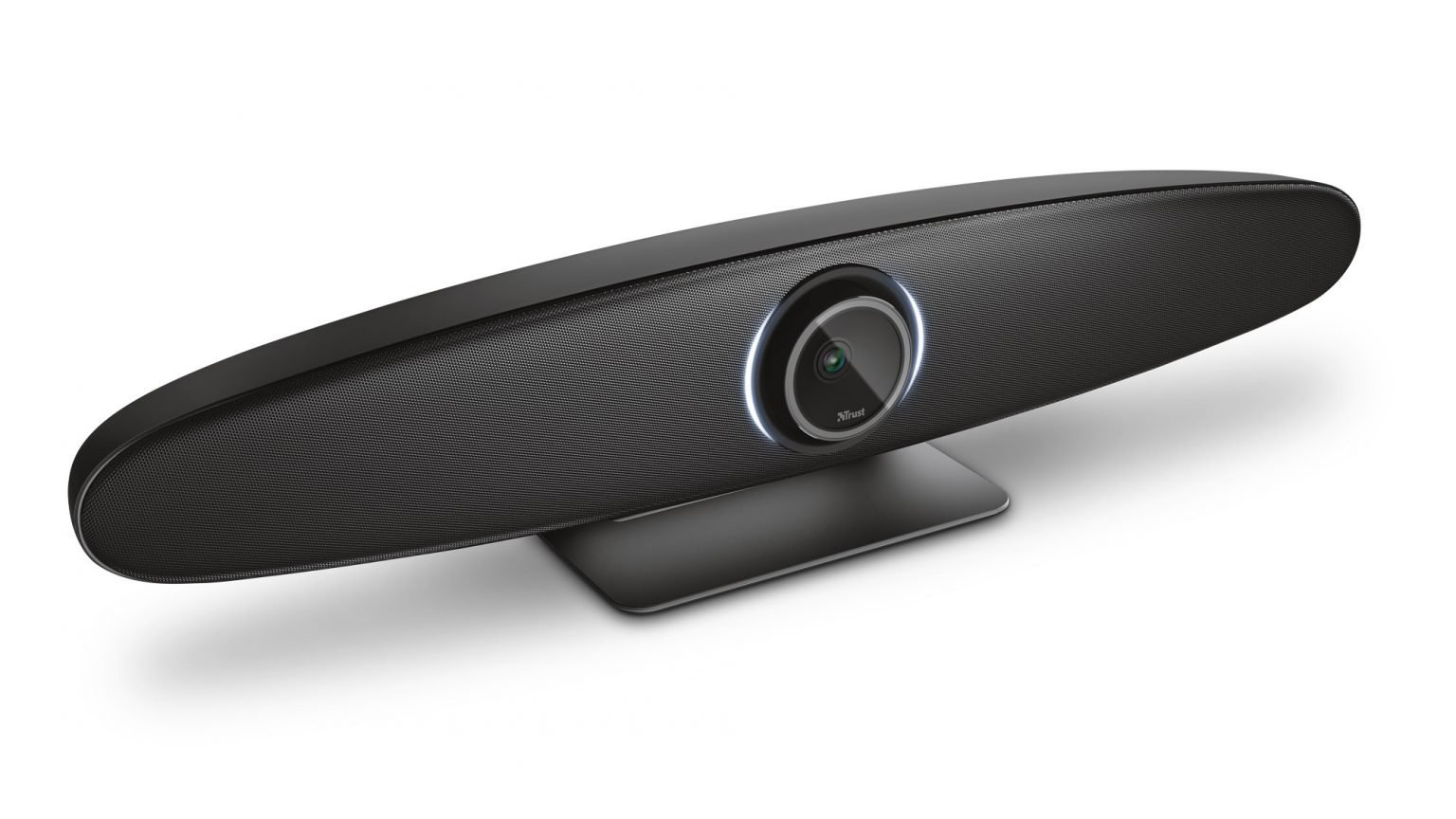
Trust Iris review: A mighty lozenge of video conferencing goodnessReviews An affordable business video solution with top-notch image quality and clever speaker tracking features