
TL;DR
- Enterprise data is spread across systems and environments, but production AI needs reliable access to the right information
- Dell AI Data Platform brings storage engines, data engines, and orchestration together to turn enterprise data into AI outcomes
- RAG and agentic AI make data quality, freshness, accessibility, and governance critical
- Becoming AI-ready does not always mean centralizing everything. Organizations need to decide what should move and what can remain distributed
AI adoption is widespread, but many organizations still struggle to move beyond pilots. The challenge is making enterprise data usable for production.
When McKinsey surveyed enterprises in August 20256 88% of respondents said their organizations were using AI to carry out at least one business function, while only around a third had begun scaling their AI programs.
A key challenge is making the underlying data usable, governed, and accessible to AI workloads.
Any given production AI application may need information spread across cloud platforms, data centers, various SaaS applications, databases, and file systems. These sources often have different owners, formats, freshness, and access requirements.
Much of the AI conversation understandably focuses on frontier models and the next GPU generation. IT leaders also need to know whether their workloads can reliably reach the enterprise data they depend on.

1. Define the AI workload
Any attempt to map every piece of enterprise data at once can quickly become overwhelming and often fail. A more practical approach is to start with a specific AI workload and work backward.
Take an internal customer service assistant, for example. It may need account information from a CRM, pricing from a database, support tickets from a SaaS platform, and product documentation stored as files. Each source may have a different owner and format, with freshness and permissions to consider.
Starting with the workload gives IT teams a defined set of data requirements to investigate, instead of trying to untangle the entire data estate at once.

2. Map where the required data lives
Where does that data live today?
IT teams need to understand who owns the data, how current and complete it is, and which applications can access it. Sensitive customer, financial, and employee data may require tighter controls.
Build a practical map for each use case, covering data sources, owners, access requirements, and obvious gaps. This gives IT teams a clearer view of whether an AI pilot can withstand real production conditions.
3. Check: Could fragmented data undermine the workload?

Fragmented data can limit what an AI application can see. AI is powerful because it can connect information across sources, but fragmentation can undermine that advantage.
The issue is especially important for retrieval-augmented generation (RAG), in which an AI system retrieves external information to provide context for a large language model (LLM).
For example, an employee asking whether a customer qualifies for a discount may need information from a CRM, current pricing data, and policy documentation. If one source is inaccessible or out of date, the assistant sees an incomplete picture.
Access controls add another layer of complexity. Employees should not gain broad access to sensitive data simply because an AI workload can reach it. Existing permissions and governance still need to apply.
Agentic AI—systems that can act with relative autonomy across complex tasks—raises the stakes. An agent may take action based on incomplete, stale, or improperly permissioned information.
Before moving to production, IT teams should identify where missing, stale, or improperly permissioned data could undermine the workload.
4. Decide what data needs to move
When data is fragmented, centralization may seem like the obvious answer. For many enterprises, it is neither practical nor necessary.
Data is distributed because of application architecture, cloud strategy, security requirements, and years of operational decisions. Moving or copying it can create new storage needs and governance challenges.
When can data stay where it is?
Federated access lets applications query multiple systems without first moving every dataset to one location.
Dell AI Data Platform supports this approach through its Starburst-powered Dell Data Analytics Engine, which is designed to query distributed data sources without creating another central copy.
Centralization can still make sense for some workloads. The broader goal is to decide what genuinely needs to move and what can be accessed where it already resides.
5. Build a governed path from enterprise data to AI
Federated access addresses data movement, but it does not solve the whole problem. Data still needs to be prepared, organized, governed, and protected before an AI workload can use it.
Dell AI Data Platform brings storage engines, data engines, and orchestration together to turn enterprise data into AI outcomes. It provides an open, modular foundation across the AI lifecycle, with governance and cyber-resiliency capabilities across the platform. It can work with Dell’s broader compute, storage, networking, software, services, and cybersecurity portfolio.
How can businesses prepare data for AI?
Dell Data Orchestration Engine helps discover, enrich, transform, and prepare structured, unstructured, and multimodal data for AI workloads.
Together, the platform’s storage engines, data engines, and orchestration capabilities help organizations move from knowing where data lives to making it usable for production AI.
The goal is to reduce disconnected steps between raw enterprise information and the AI systems that depend on it, while keeping governance and protection in place throughout the process.
6. Test: Will the setup hold up in production?

Getting enterprise data ready for AI does not require a sweeping overhaul on day one.
The ultimate test is whether the setup can handle day-to-day business. A defined workload helps IT teams identify the data it needs, where that data lives, and which governance issues may arise.
From there, organizations can decide which data needs to be moved or prepared and which can remain distributed and accessed in place.
Be sure to plan for production conditions. A pilot built on unusually clean data may not reveal the problems that appear when real users, changing records, permissions, and workloads enter the picture.
If Dell AI Data Platform could be the right AI data solution for your business, learn more on the Dell website:
-
 Alibaba Cloud's European push continues with first public cloud region in the Netherlands
News With two new data centers in the Netherlands, the company said it can provide the infrastructure, performance, and data residency that customers are asking for
-
 40,000 staff exposed in 'severe' Department of Homeland Security breach
News A hacktivist group claims it gained access to DHS systems using compromised user credentials


-
 SPECIAL EDITION: Future-proofing the modern enterprise in an AI-centered world
Sponsored podcast The Global Chief Technology Officer and Chief AI Officer of Dell Technologies, John Roese, discusses the Modern Enterprise Readiness Report and how businesses can close the execution gap.
-
 5 cyber resilience questions every IT leader should ask during Cybersecurity Awareness Month
Sponsored Cybersecurity Awareness Month is a good opportunity for IT leaders to ask a simple question: could my business actually recover from a serious cyberattack?
-
 One platform, four enterprise AI data challenges solved: Inside Dell AI Data Platform
Sponsored Your production AI will only be as good as the data it uses. Here’s how to get your data ready.
-
 Getting ready for production AI – Part 2: How to turn enterprise data into AI-ready pipelines
Sponsored Production AI depends on data pipelines that stay current, governed, and ready for retrieval.
-
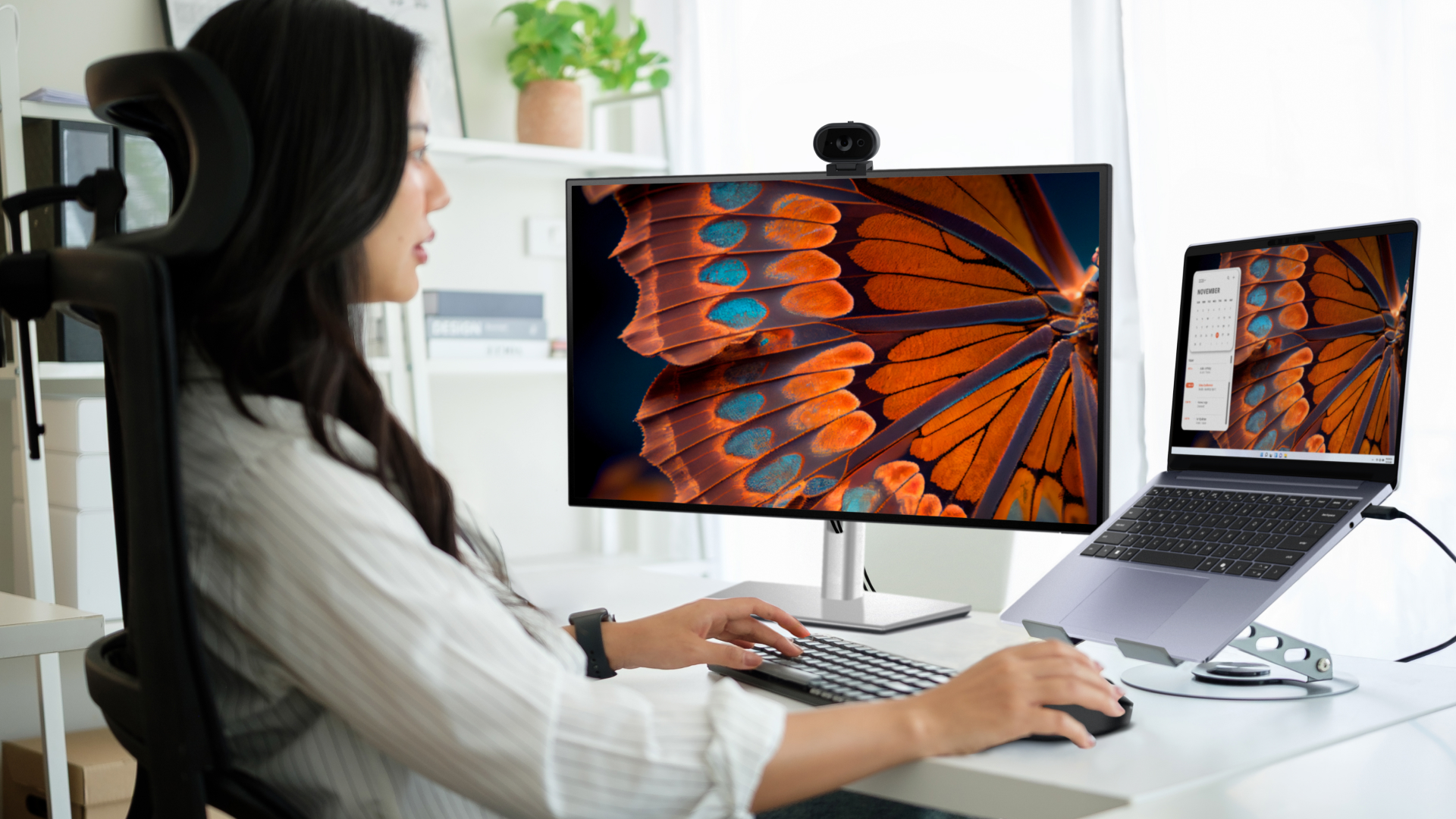 The Dell Pro 7 2-in-1: Your questions answered
Sponsored The Dell Pro 7 family offers both clamshell professional-grade laptops and 2-in-1 options, with a suite of configurable specs and features.
-
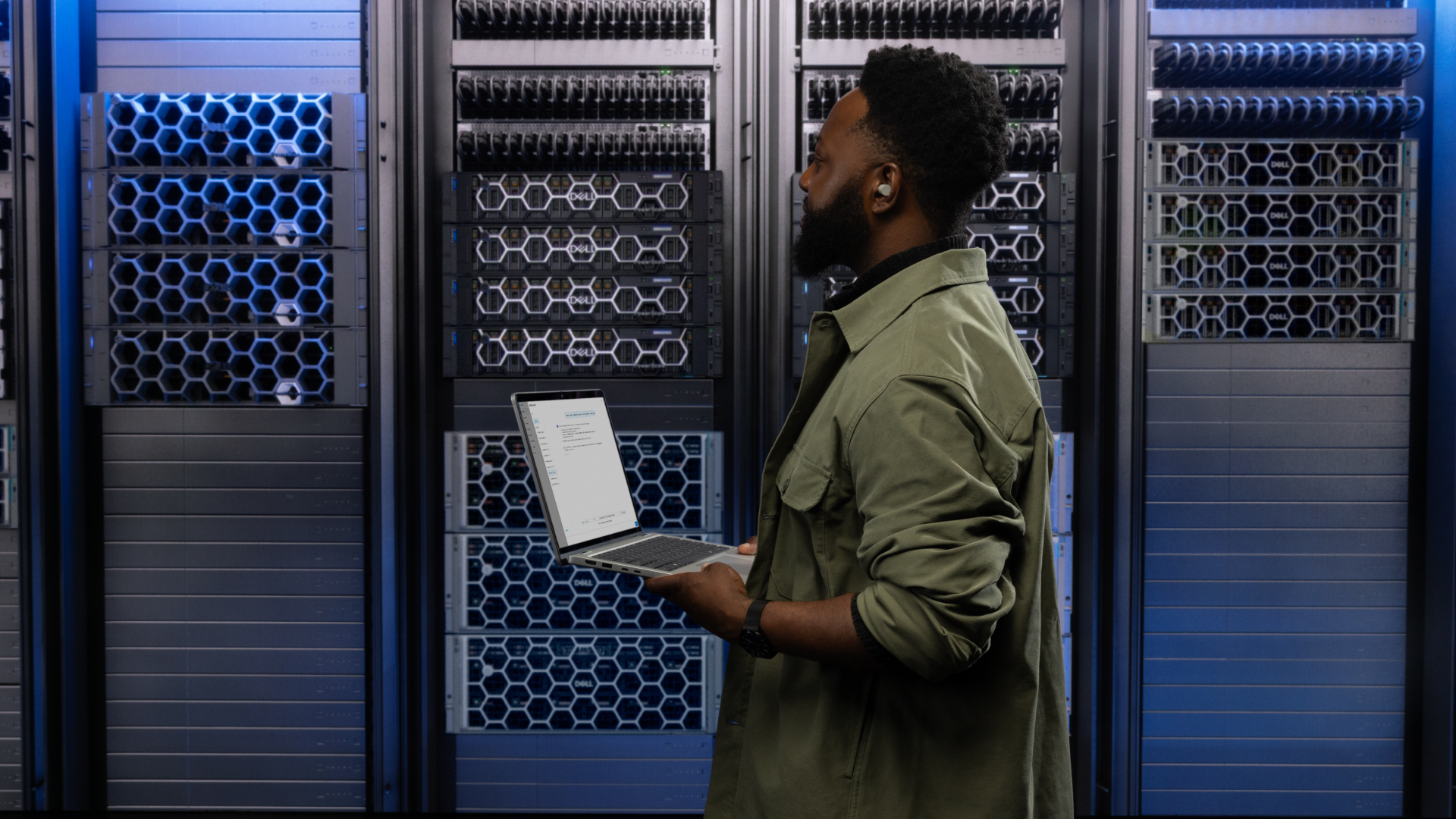 4 ways businesses are using Dell PowerProtect One to go beyond backup and build recovery-ready operations
Sponsored PowerProtect One provides a unified cyber resilience platform. But how can you make full use of its powerful features?
-
 10 reasons to choose the Dell Pro 5 for your business
Sponsored The Dell Pro 5 laptop is a productivity powerhouse, hitting the sweet spot businesses like yours
-
 How small-business leaders can work anywhere more securely with Dell Pro laptops
Sponsored A modern secure, workplace needs modern, secure laptops. We take a look at the security features available with the Dell Pro range of business laptops.


