

-
 Boards are worried about data leak mishaps, but unwilling to invest in cyber training
News Report shows leaders are putting spending behind cloud and AI while neglecting security training
-
 The rack is the unit of compute
How GIGABYTE’s GIGAPOD NVIDIA Vera Rubin NVL72 turns 240 kilowatts (kW) of liquid-cooled infrastructure into a turnkey blueprint for agentic AI


-
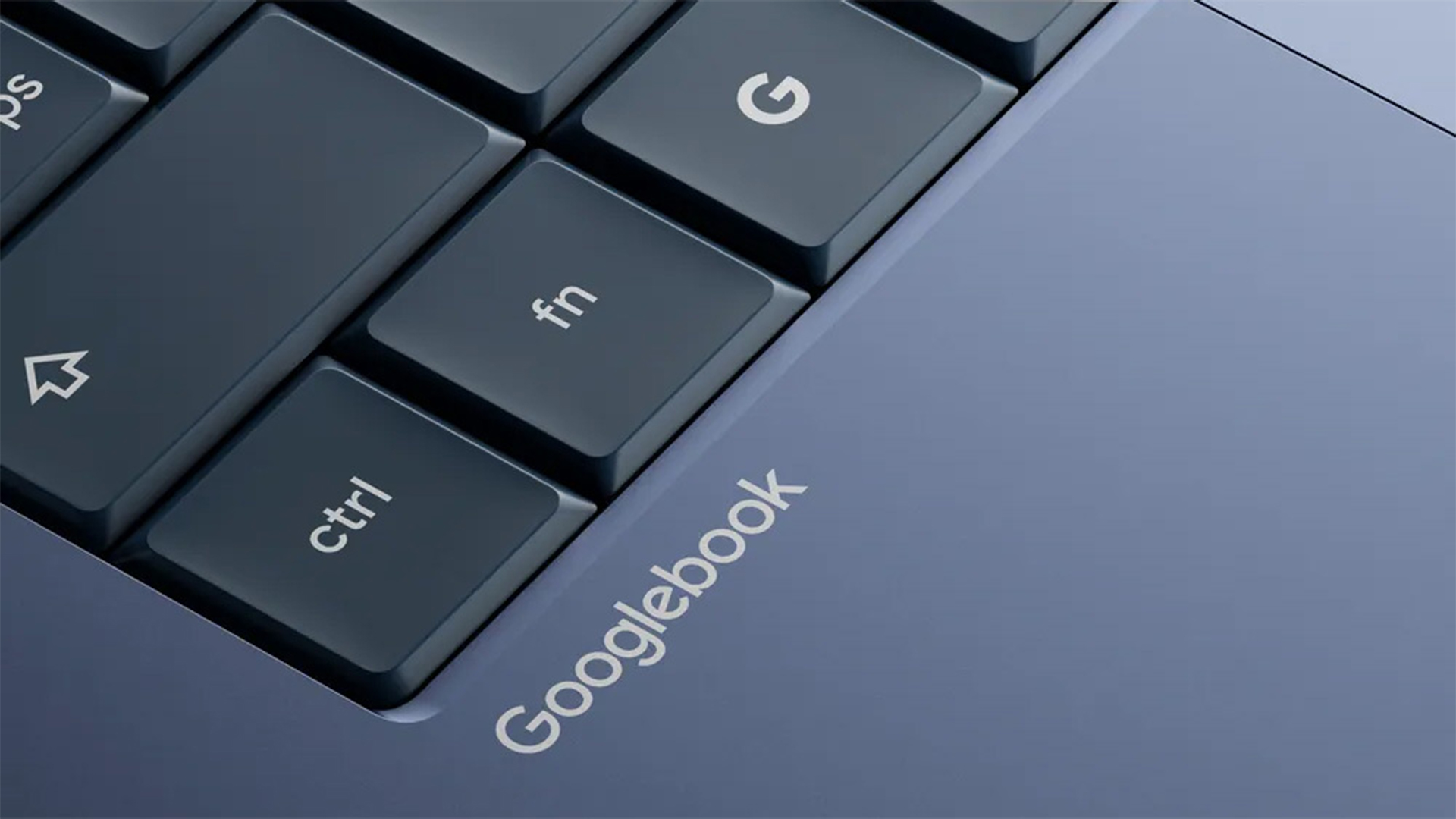 Move over Chromebook – Google teases Gemini-native Googlebook range, with new laptops coming later in the year
News Googlebooks from Acer, Asus, Dell, HP, and Lenovo will hit shelves in the fall
-
 Flaw in Chrome’s Gemini Live gave attackers access to user cameras and microphones
News The in-browser AI assistant loads differently in the side panel, rather than a regular tab, exposing users to risks
-
 Everything you need to know about Google and Apple’s emergency zero-day patches
News A serious zero-day bug was spotted in Chrome systems that impacts Apple users too, forcing both companies to issue emergency patches
-
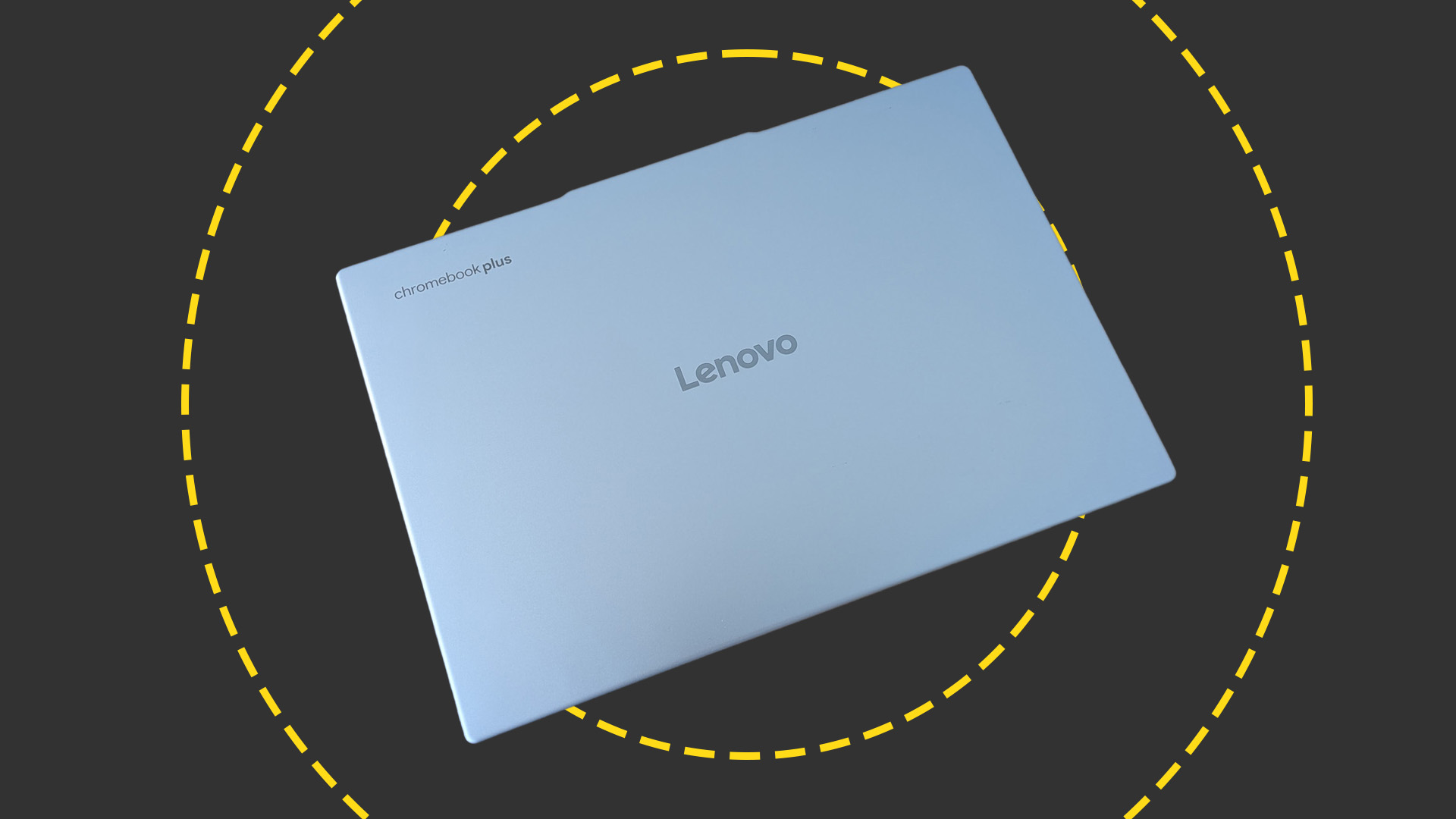 Possibly the best around – the Lenovo Chromebook Plus 14 (Gen 10) is a stellar option for businesses looking to pilot Chromebooks
Reviews The Lenovo Chromebook Plus 14 is a beautifully put-together, AI-ready Chromebook with excellent performance, good battery life, and a fantastic OLED screen
-
 Google breakup plans would ‘hurt America’s consumers, economy, and technological leadership’, senior exec claims
News Google has struck back against US regulators, claiming that plans to dismantle the company would "hurt the economy".
-
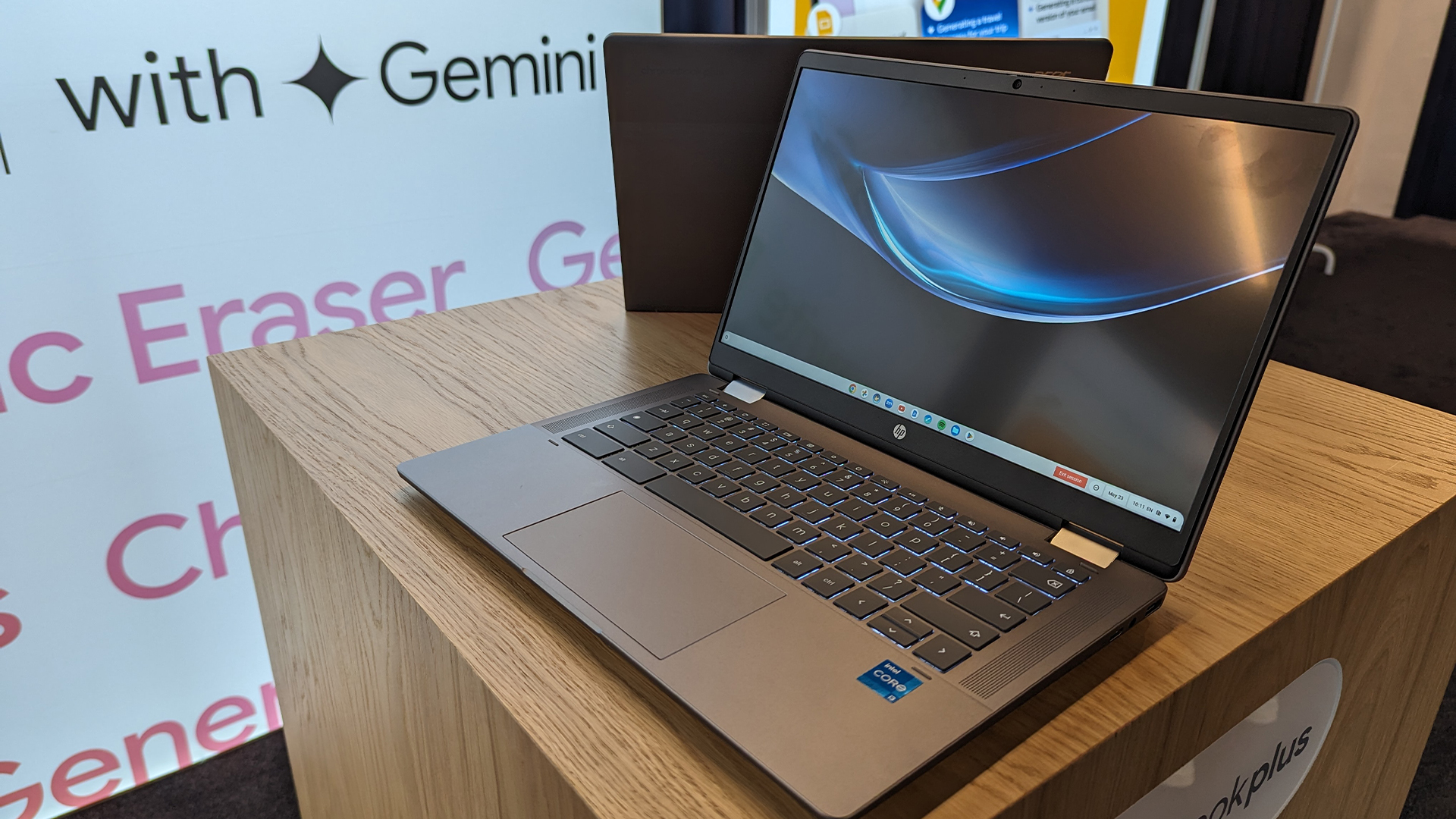 Chromebook Plus devices are getting an AI boost with Gemini — and we’ve had an early preview
News New AI features in Chromebook Plus devices will help supercharge user productivity
-
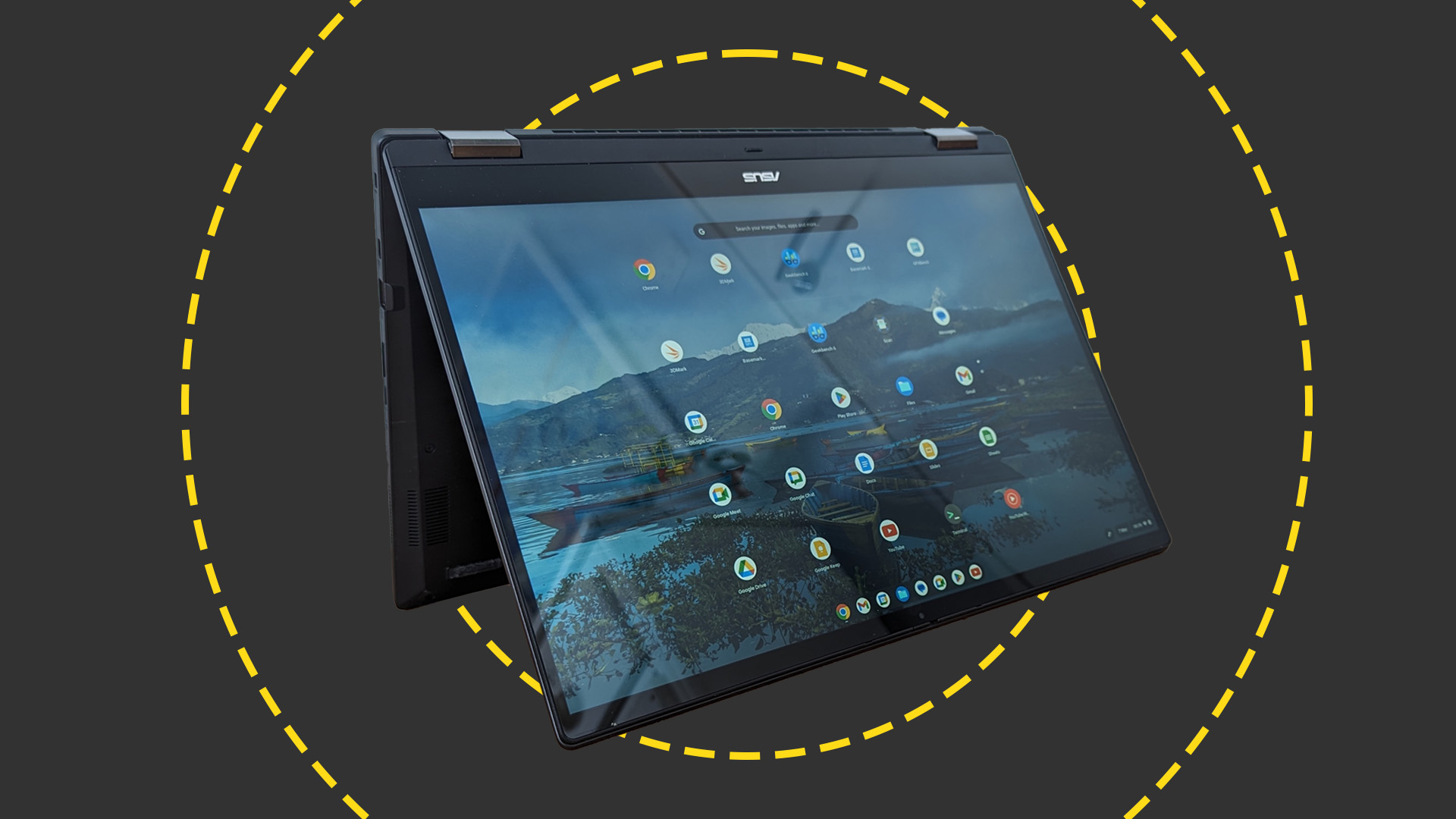 Asus Chromebook Enterprise Flip CB5 review: A big-screen Chromebook built for business
Reviews Good design, strong ergonomics, impressive performance, and a bigger screen make this a brilliant, business-ready Chromebook for long working days
-
 The business guide to Chromebook Plus
In-depth Google's Chromebook Plus initiative is driving a new wave of business-ready Chromebooks, but what does Chromebook Plus mean, and is it worth buying one for work?


