

Work habits have changed a lot over the last couple of decades. Ubiquitous desktop and mobile computers have untied employees from their office desks, with a gradual move towards “road warriors” working wherever they can find somewhere to rest a laptop and remote employees operating at their place of residence. The 2020 pandemic has massively accelerated this shift towards working from home, so that now companies may have most of their employees outside the traditional office space. But this makes for a hugely complicated environment for managing employee devices to keep them updated, secure and free from faults.
The diversification of locations has been accompanied by a diversification of devices. In many cases desktops have been replaced by laptops, giving workers increased flexibility in terms of where and when they work. Putting aside the valid concerns about never being able to stop working, even on holiday, generally workers are happy with the increased flexibility and potential for improved work-life balance from the many new ways of contributing labour outside the traditional office.
The shift to mobile working has been inexorable. In 2017, a report by the Trades Union Congress (TUC) revealed that 1-in-16 people in the UK were working from home during 2016, a rise of eight percent over the previous year. Around the same time, analysis by Strategy Analytics predicted that the global mobile workforce would rise from 1.45 billion in 2016 to 1.87 billion in 2022, making up 42.5 percent of workers worldwide. But the pandemic has accelerated this transition so that, by June 2020, 42% of the US labour force was working from home. There’s a good chance many of them won’t go back as restrictions lift, having proven that they can remain productive without needing to be tied physically to the office.
Aside from the increased exposure to cybersecurity threats for work devices being used outside the office, there is the greater difficulty of IT technical support across such a broad range of places. If employees’ work locations are not within walking distance of the system administrator’s office, all management of the IT estate must be performed remotely. This includes keeping software up to date, diagnosing problems that employees encounter with their IT equipment, and providing fixes. If a remote machine that is on the corporate network via a VPN becomes compromised, it may also be necessary to quarantine that system, so it doesn’t infect other computers.
The mixture of device types – fixed to desks and mobile – further accentuates these difficulties. In the office, employees are likely to have a limited range of desktop brands and configurations, with a uniform software installation, or at least a qualified list of options. But add in mobility and this will require a greater selection of devices. You may set up an employee working from home with a desktop and the standard office configuration, but more likely it will be a notebook, and there could be a number of different types offered depending on whether the employee needs desktop-like power or longer battery life.
Systems administrators need to be able to manage all these different device types from afar and have complete confidence about the behaviour of the system they are accessing. This requires a common configuration basis that is specifically designed to enable a uniform level of manageability across devices with different specifications and abilities at the user level. The administrator can then be sure that updates, fixes and monitoring will be applied in a reliable fashion, so the employee can enjoy a dependable level of support of a similar nature to what would have been available in the office.
This is where Intel’s vPro® platform can form the essential basis an organisation needs to keep its employees adequately supported. The Intel vPro® platform provides business-grade manageability across a broad range of device types, from laptops and desktop PCs to kiosks, and even digital signage. The administrator can monitor and repair all these systems in the same way, whether they are out of band, on-premises or off-premises.
A key element of the Intel vPro® platform is Intel Active Management Technology (AMT), which incorporates tools to discover, monitor, repair, restore and help protect systems. Intel AMT features include the ability to remotely power up and reset computers through an encrypted interface. If a remote system’s boot device is proving problematic, it is possible to redirect the boot process remotely. The administrator can also get pre-boot access to BIOS settings, to assist when these need adjustments. Network traffic can be programmed to filter certain types of data. Alerts can be set up around policies, so the IT department can watch for unusual or unwanted activities on the system. Particularly useful for support is the ability to access the remote computer’s unique identifier, hardware asset details, and event logs. This is not stored on the boot drive but within dedicated memory, so can even be accessed when the system refuses to boot properly or is turned off. This enables support for problems that would traditionally have required a physical visit from the IT team. Intel’s cloud-based Endpoint Management Assistant (EMA) can provision and manage AMT.
The technology enabling the vPro® platform is built into a range of Intel® Core™ i5, i7 and Xeon processors, for mobile as well as desktop. So it will be possible to supply a worker with precisely the system they need for their employment scenario – be it traditional in-office, use on the road, or working from home. With the world of employment so radically transformed during the pandemic, and unlikely to be the same ever again, there has never been a greater need for dependable remote management. Using the Intel vPro® platform, the IT department can support employees in the same way wherever they are, giving them the peace of mind they need to work with confidence under all circumstances.
Learn more about the Intel vPro® platform and how it can help your business.
-
 Need a fleet of solid Windows business laptops? Modernize with the Dell Pro 3
Sponsored Aging laptops can nix a small business’s efficiency and productivity, but the Dell Pro 3 can help bring you up to date
-
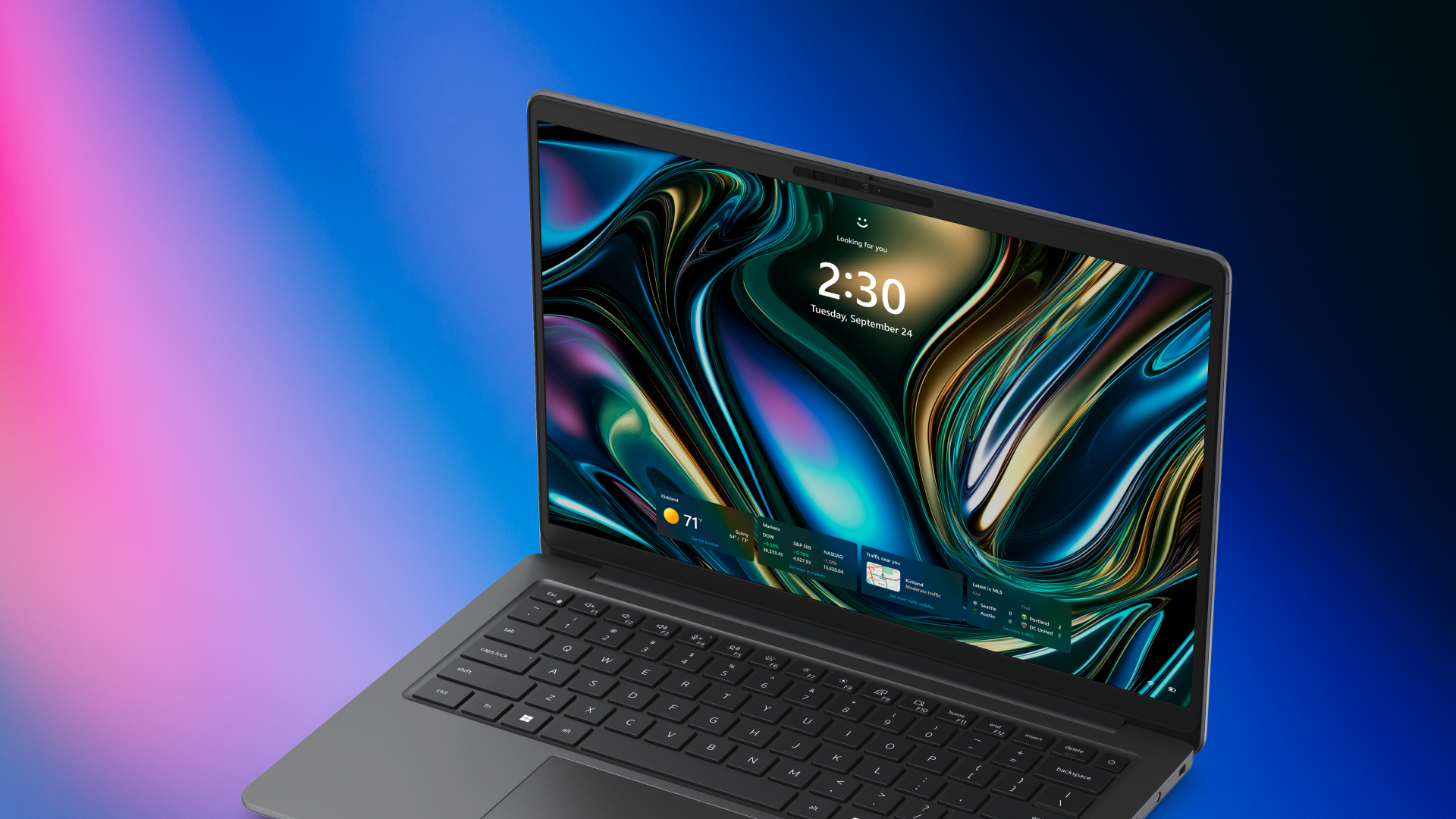 5 features that make the Dell Pro 7 the ultimate travel laptop for business professionals
Sponsored Discover five Dell Pro 7 features for business professionals on the move: lightweight design, privacy display options, premium collaboration tools, battery life, and layered security


-
 The US government's Intel deal explained
News The US government has taken a 10% stake in Intel – but what exactly does the deal mean for the ailing chipmaker?
-
 US government could take stake in Intel as chip giant's woes continue
News The move would see increased support for Intel’s manufacturing operations
-
 Intel to axe 24,000 roles, cancel factory plans in sweeping cost-cutting move
News Despite better than expected revenue in its Q2 results, the chip giant is targeting a leaner operation
-
Intel makes high-level hires while factory workers are warned of layoffs
News The company is appointing four senior executives as part of efforts to refocus on engineering and customer relationships
-
 Intel layoffs confirmed as CEO eyes 'sustainable growth'
Intel’s new CEO Lip-Bu Tan has confirmed the company will be cutting its headcount in response to sluggish revenue.
-
 The gloves are off at Intel as new CEO plots major strategy shift
News Intel’s incoming CEO has some big plans for the firm’s business strategy, sources familiar with the matter have told Reuters, with more job cuts looming on the horizon.
-
 Everything you need to know about Lip-Bu Tan, Intel’s new CEO
News Intel has announced its next CEO in the wake of Pat Gelsinger's retirement, naming former board member Lip-Bu Tan as its new leader months after he quit.
-
 Intel CEO Pat Gelsinger announces retirement
News Gelsinger’s departure comes amid a tumultuous period at Intel


