Fujitsu ScanSnap N1800 review
A touchscreen network scanner might sound like a gimmick, but it's a surprisingly useful business tool as Simon Handby finds out in our review.
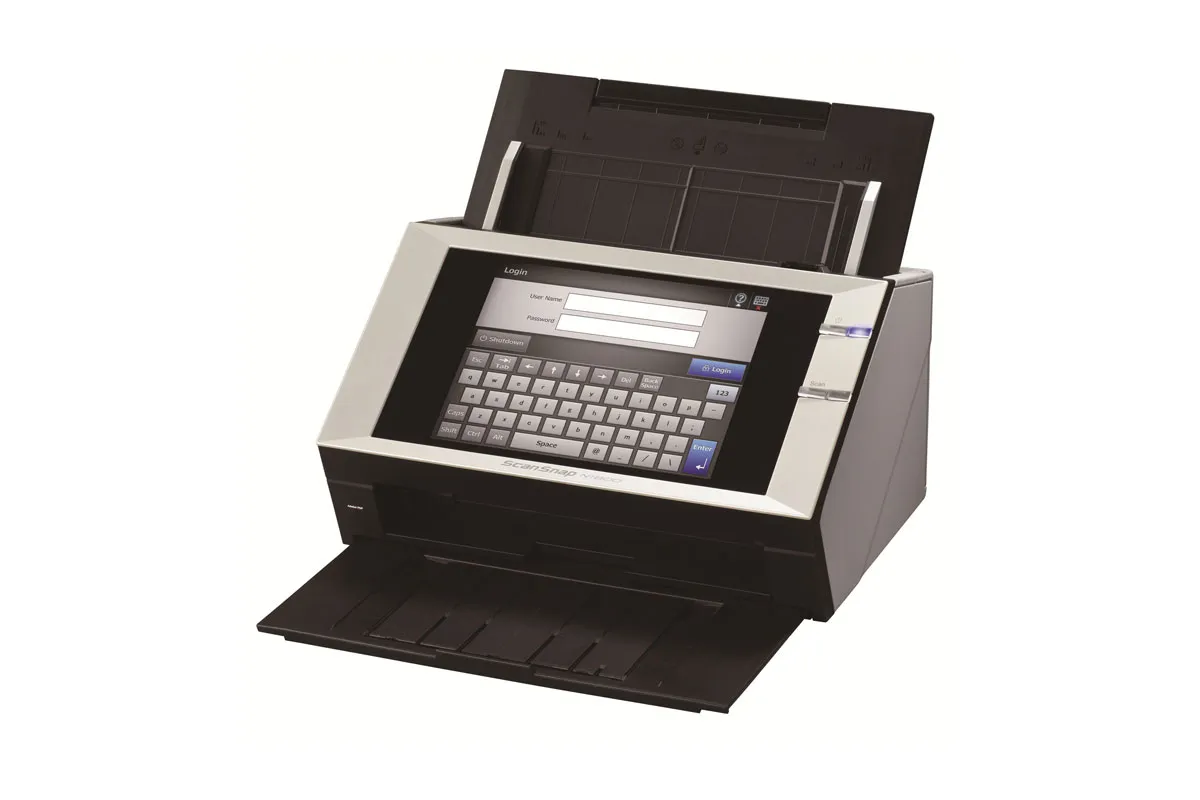
While the N1800 is full of useful features, administrators might initially find it tricky to master. Most users will find it easy to use, however, and in practice it's likely to cost less to buy and support than a document scanner attached to a host PC – particularly given that everything except paper jams and maintenance can be dealt with remotely. Deploying the N1800 can provide a low-fuss way to distribute scanning throughout the enterprise, but it's not perfect, and we wish it felt a little more robust.

As a stand-alone device the N1800 doesn't need a host PC. Instead it's set up by following a wizard on the resistive touchscreen, which in use turns out to be accurate and quick to respond. The setup wizard is fairly self-explanatory, but the complexity of the scanner means that if you intend to implement all of its features you could spend some time working them all out. The full operators' guide, supplied as a PDF, has more than 500 pages.
Administrators are catered for with a network scanner admin tool... it's possible to connect to any N1800 in the network and access all of its administrative functions.
Administrators are catered for with a network scanner admin tool, which is downloaded directly from the N1800 via a web interface that doesn't work properly in Chrome we had to switch to Internet Explorer. Using the tool, it's possible to connect to any N1800 in the network and access all of its administrative functions, during which time would-be users are locked out it's important to remember to logout when finished.
From a user's perspective, the N1800 is far more straightforward. Once authenticated, staff simply load up a document and use the touchscreen to select a scan destination from those that you've configured. Once a document has been captured, they can if they wish use the screen to review each page before accepting the result and sending it to the destination. Scans are acceptably fast, with a 10-page simplex job taking 47 seconds at 200dpi. A 20-side duplex scan combining a mix of colour and black and white originals took just under one and a half minutes to complete.

-
 Advania targets fresh growth with new UK chief executive
News The seasoned technology veteran will lead the IT services provider into its next phase of growth and transformation
-
 OpenAI says some researchers are blowing through $7,000 in AI tokens every day – but it’s a price the company appears willing to pay
News OpenAI has revealed that researchers now spend around $600 each day on AI tokens amidst a surge in agentic coding. Some, meanwhile, are using upwards of $7,000 worth of tokens per day.
-
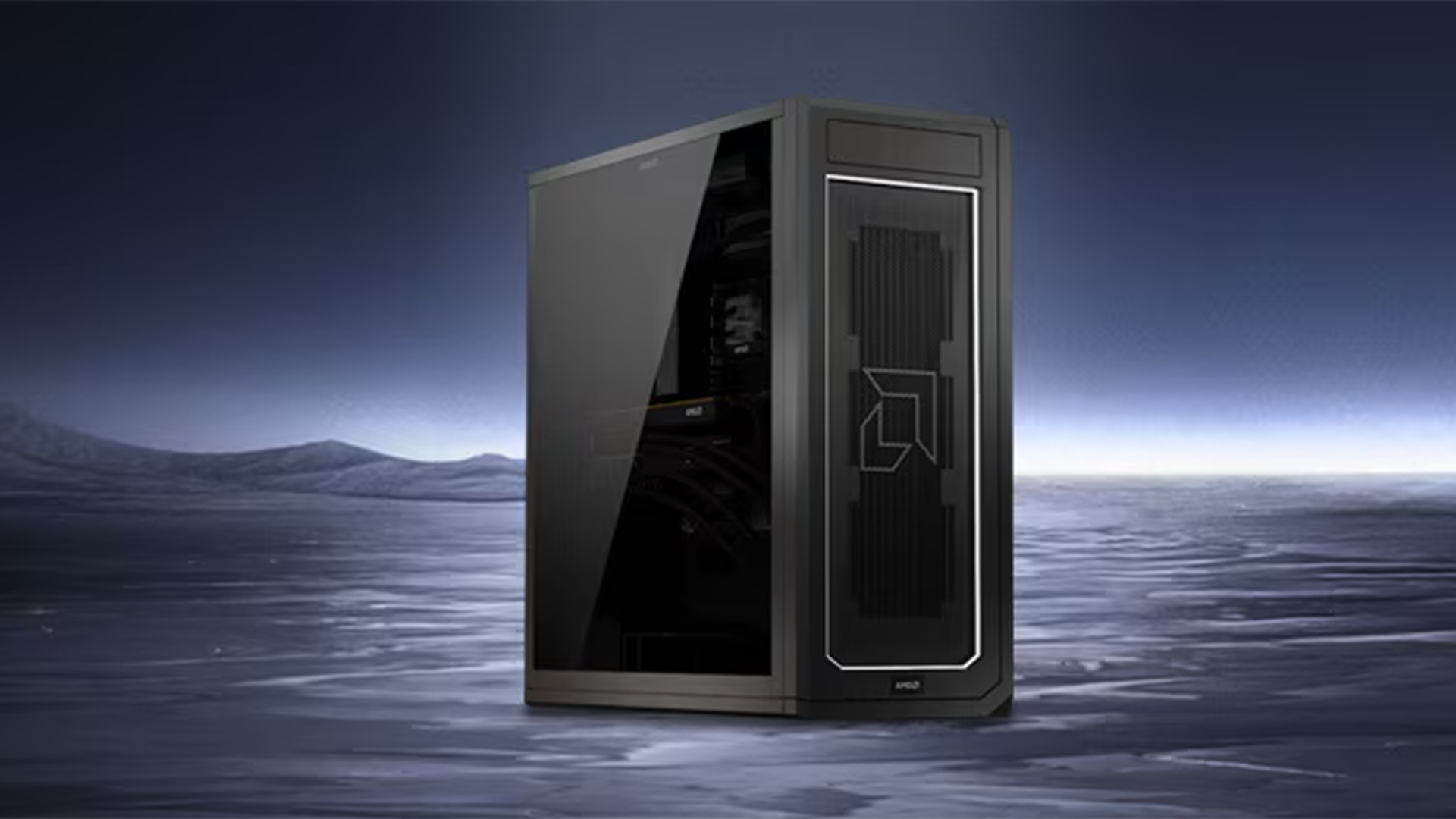 ‘This is about as close as you can get to a personal supercomputer’: AMD has Nvidia in its crosshairs with the Threadripper Halo AI workstation
News The new device boasts 3.4x the total system memory compared to the Nvidia DGX Station, according to AMD


