Minisforum N5 Max review: This on-premises AI appliance is built to serve data and AI workloads
This five-bay NAS is optimized for AI workloads, but it feels a little rough around the edges

-
+
Strong performance
-
+
Sound thermal management
-
-
Terrible operating system
-
-
High price

If Minisforum is a new brand to you, don't look away yet. We're quite familiar with its mini PCs, which have been known to see off pricier models from big-name competitors in the past. The N5 Max is something different; effectively a standard NAS enclosure powered by a very powerful, AI-optimiszed mini PC. It's a bold device for a small, specialist brand to launch, so it's breathtaking that it should come so close to being brilliant.
This NAS' hardware specification underlines the point that it's not just aimed at storage. It's powered by an AMD Ryzen AI Max+ 395 processor, a 16-core beast that integrates Radeon 8060S graphics. This potent chip is optimised for AI workloads, and partnered here with 64GB of unified memory. While it might lack the outright grunt of a dedicated GPU with VRAM, it should offer greater headroom to run more complex models than possible even on a 32GB card.
Minisforum hasn't overlooked the storage part of this NAS. In a neatly packaged device it's provided five slots for 3.5" SATA disks, along with five M.2 slots for NVMe SSDs – one of these is already occupied by a factory-fitted system disk. Around the case you'll find two 10GbE Ethernet ports and a collection of USB sockets that includes two 80Gb/s USB 4 connectors.


Minisforum N5 Max review: Setting up
While this NAS doesn't have the quality feel we've seen from rivals, particularly UGREEN, it's still an impressively packaged and seemingly well-made device. The one exception to this might be its lockable disk caddies, on which the snap-in rails feel a bit reluctant to come out. Worse, when removing one caddy, its release lever snapped under very little force, subsequently leaving it hard to fit and remove.
Elsewhere things are more impressive. The SSD slots and other hardware are all contained in a compute module that slides entirely out of the NAS. Somehow Minisforum has found room for an onboard power supply and some impressive cooling hardware, although you need to unscrew half of it to add SSDs. Overall this is a strongly packaged system, combining lots of storage and processing with a power supply in a unit little bigger than a conventional four-bay NAS. For our storage testing we fitted five 2TB WD Red Plus disks and created a RAID 5 array. We also fitted two SSDs in a RAID 1 array – later we retested using one SSD as a read cache for the disks.
Minisforum N5 Max review: Features and apps
Unfortunately, this NAS arrives pre-installed with Minisforum's proprietary Miniscloud operating system. This feels very much like an early release – which it is – and lacks the polish you'd want from an expensive device to which you might be entrusting valuable data. One major annoyance is that you can't use it to administer the N5 Max via a web interface, instead needing to install the Miniscloud app.
If you're familiar with NAS operating systems, you'll know that mature ones such as Synology Disk Manager offer a good balance between built-in features, expansion through apps, and further customisation through containerised servers. At the time of our review, Miniscloud had no app ecosystem and lacked even some basic features such as config backups and restore. SMB access used different user accounts from other remote features, and the whole environment felt a bit haphazard. While we were able to test storage and AI performance in Miniscloud without major issues, we didn't fully grow to trust it, and experimented with both TrueNAS and Open Media Vault as a replacement.
Whatever operating system you're using, you'll need to configure an environment to run local AI models. We used an Ollama container optimised with the ROCm backend, which would in theory make the most of the onboard GPU. We recreated this across Miniscloud, TrueNAS and OMV, while also installing the AMD-backed Lemonade environment on OMV. This allowed us to explore local models optimised for this processor's NPU, which itself offers 50 trillion operations per second – exceeding the qualification for a Microsoft Copilot+ PC. We also used Lemonade to compare a Vulkan back end, which in some cases may be faster even for AMD chips.
Minisforum N5 Max review: Storage performance

This NAS is all about performance, and for the most part the news is very good. We tested it using a 10GbE QNAP switch, although the 5GbE port on our test PC acted as a bottleneck. Even so, it managed a peak score of 843 in PCMark10's Data Drive benchmark, significantly more than we saw from the impressively fast UGREEN DXP4800 Plus.
We also measured strong scores on the ATTO disk benchmark. Under Miniscloud, this NAS could almost saturate our test PC's 5GbE interface from 64KB file operations or above, managing data transfers above 590MB/s. One oddity was that it was consistently slightly slower to read, topping out at around 560MB/s.
This NAS' disk and SSD volumes could read and write data to and from a Windows PC at around 145MB/s – much more impressive than it sounds given that our test data set contains around 11,000 tiny files alongside a few hundred medium and very large ones. The speeds we measured edged up to 165MB/s when repeated for a disk volume with SSD caching.
These results were impressive enough, but this NAS was even faster when reinstalled with TrueNAS. It became the first device we've tested to write our entire 11GB dataset to disk in less than a minute, with the disk volume hitting a massive 202MB/s even without SSD caching. We couldn't detect any impact on storage performance from AI workloads, suggesting the powerful processor would more than cope with a busy multi-user environment.
Minisforum N5 Max review: AI Performance
You won't buy this NAS just for its storage performance, but its AI behaviour takes a little more unpicking. We found that it was broadly impressive on lightweight generative models such as Llama 3.2 3b, and even more so on mid-weight mixture of experts (MoE) models, optimised to provide fast performance on systems with constrained memory bandwidth. That fits this setup perfectly, as – while fast – its 8533 MT/s DDR5 memory is no match for dedicated VRAM.
This comparative bottleneck means that the Minisforum N5 Max's Strix Halo architecture isn't so well suited to dense models. Midweight dense models including Gemma 4 31b ran much more slowly than their nearest MoE equivalents – in this case Gemma 4 26b. We test all AI models with the same prompt: an instruction to write a technical feature covering benchmarking. Using Ollama and GPU acceleration, we recorded around 44 tokens per second (T/s) for Gemma 4 26b, but only around 9T/s for Gemma 4 31b.

Our Llama 3.2 3b results provide a good comparison with dedicated graphics hardware. We recorded around 72T/s on the N5 Max, and just under 30T/s on a reference PC with a high-end processor and integrated graphics. We also ran this model on a gaming PC with an Nvidia GeForce RTX 5070 graphics card, which delivered a result at 316T/s.
While that shows the advantage of a powerful GPU with video RAM, it also reveals its major limitation: with just 6GB of VRAM, our gaming PC wouldn't run the midweight models without offloading much of the work to the CPU, which is much slower. In practice, the N5 Max would show them a clean pair of heels.
With 64GB of unified RAM, one of this NAS' major advantages should be that it can run larger models with GPU acceleration when compared to a high-end graphics card with 32GB of VRAM. Unfortunately, it's not quite that straightforward. By default, its BIOS imposes a GPU memory ceiling of around 30GB. You can increase this only up to a maximum 48GB, which in practice made it challenging to run models like Llama 3 70b with 4-bit quantisation – which requires around 45GB or more once you factor in context memory and other overheads. We'd hope this might change with a future BIOS update, but there wasn't one available at the time of our testing.
We achieved our most interesting results using gpt-oss 20b, a MoE model with strong reasoning and tool use, aimed at consumer hardware. This delivered a rapid 40+ T/s with GPU acceleration using the ROCm backend. We retested it under Lemonade with NPU acceleration, but it only reached 18.9T/s. Finally, we tried a version with MXFP4 quantisation on the Vulkan backend, getting a huge performance jump to 72.9T/s.
We didn't see a similar jump for other models, tested in the same environment, that used the more common Q4_K_M quantisation rather than MXFP4. The likely explanation is that Vulkan's current llama.cpp implementation has a mature, native compute path for MXFP4, whereas Q4_K_M reportedly still requires an extra conversion step before the GPU can use it, slowing the inference down.
Minisforum N5 Max review: Is it worth it?
This final AI test served as a reminder that local AI environments are far from mature, and that it can take determined testing, tweaking, and comparison to get the best performance from even straightforward hardware – let alone a NAS with high-end specs.
That sums up our experience with the Minisforum N5 Max – it feels like a great idea that's come too soon. While it packs strong enough hardware to back up its promise of big AI and storage performance, it comes with an under-baked operating system, and invites you into an ecosystem that still feels fragmented, technical and at times downright confusing.
If you're highly technical, or already quite experienced with configuring local AI environments, the Minisforum N5 Max might be very useful as an always-on, fairly capable AI workhorse. It's an impressive performer if you need it for storage, too. However, given our experience, we'd be inclined to either spend the money on a PC setup with a mid-range 32GB graphics card, or wait for Miniscloud and the wider local AI environment to grow into something more polished.
Minisforum N5 Max specifications
Type |
Barebones NAS enclosure |
Row 0 - Cell 2 |
Drive support |
5 x SATA, 5 x NVMe (4 free) |
Row 1 - Cell 2 |
RAID support |
RAID0, RAID1, RAID5, RAID6, RAID10, JBOD |
Row 2 - Cell 2 |
Dimensions (HWD) |
199x202x252mm |
Row 3 - Cell 2 |
Processor |
AMD Ryzen AI Max+ 395 |
Row 4 - Cell 2 |
Memory (MAX) |
64GB (64GB) |
Row 5 - Cell 2 |
Network |
2 x 10GbE |
Row 6 - Cell 2 |
Other ports |
2 x USB 4, 1 x USB 3.2 Gen2, 1 x USB 2.0, 1 x HDMI |
Row 7 - Cell 2 |
Warranty |
Two year RTB |
Row 8 - Cell 2 |

-
 ‘This is a massive change’: PagerDuty wants to supercharge incident response with a new SRE agent and command center
News The new Paige agent from PagerDuty will act as a digital assistant for teams battling incidents
-
 ‘Organizations need to help developers grow alongside the technology’: Dejected devs lament career prospects amid AI advances
News A new survey has found that AI is fundamentally changing the developer role and many are getting anxious
-
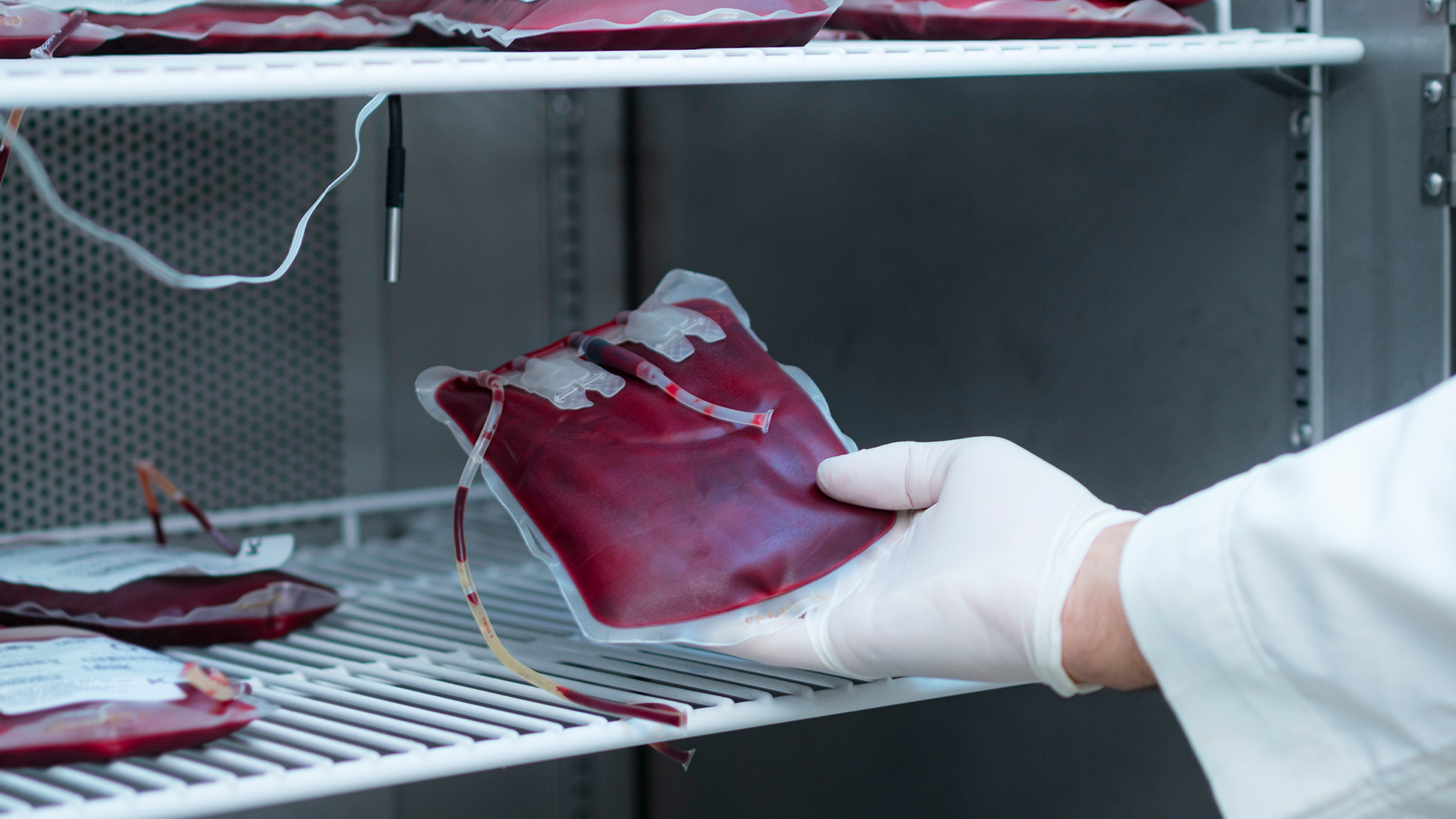 French blood service hit by cyber attack threatening to turn stocks into “black pudding”
News The attack on cold rooms at Coolworld happened the same night as attacks on fridges in Benelux and Sweden


