
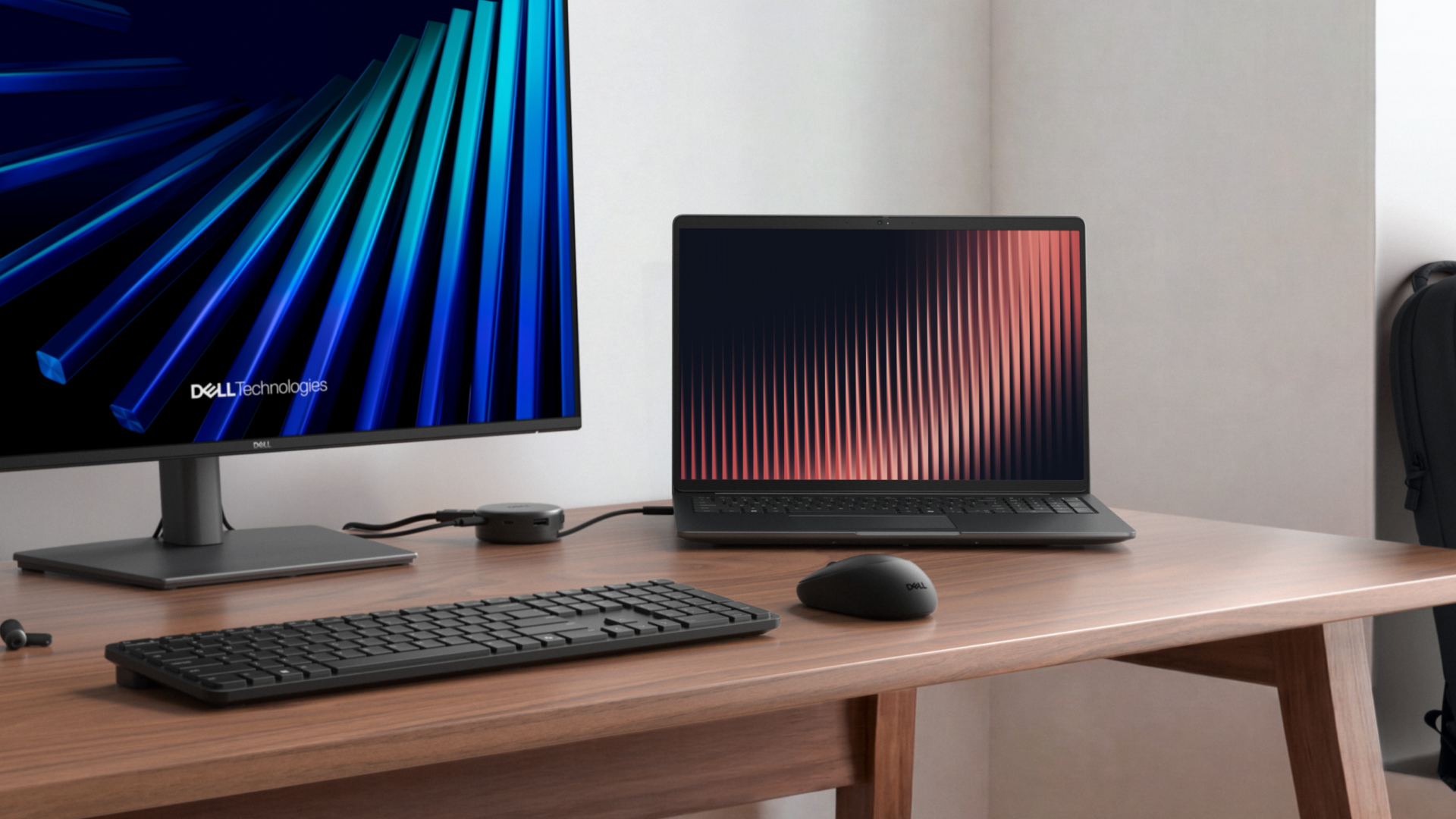
For many organizations and their employees, hybrid work is now a fact of life. Any business looking to equip its workforce with new laptops needs to look for devices that lean into the unique opportunities and benefits inherent to this style of work.
This is especially true given the long-term lifecycles of business devices. It’s important that leaders make the right hardware purchasing decisions now, so that their workforce can enjoy years of dependable and adaptable devices.
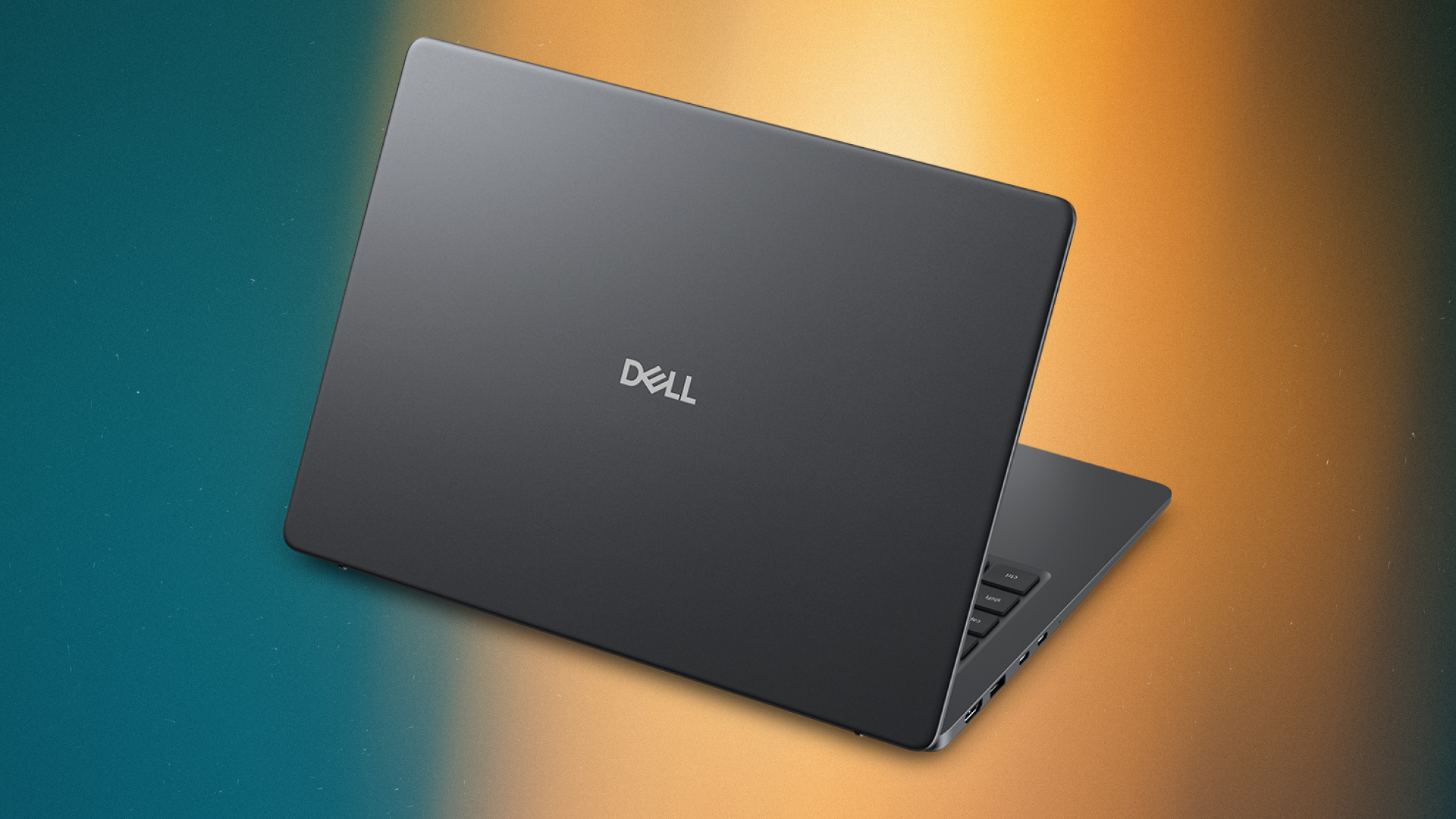
The Dell Pro 5 and Pro 7 were designed expressly with hybrid work in mind. With new, thinner-than-ever designs and the latest hardware under the hood to ensure workers on the go don’t have to compromise on performance, these laptops are intended for the modern worker in every sense.
TL;DR
- Dell Pro 5 and Pro 7 come with extended battery life, enabled by intelligent design features.
- The Dell Pro 5 and Pro 7 come with sophisticated chips and hardware innovations that help users carry out demanding workloads without sacrificing performance.
- The NPU in either device processes AI workloads far more efficiently than a CPU or GPU could, with a much lower effect on battery life.
- The embedded NPU within the Dell Pro 5 and Pro 7 can run AI operations in the background, seamlessly enhancing the user experience and enabling advanced features.
- Dell Pro 5 and Pro 7 laptops are protected against common attacks and secured with additional hardware-layer protection, to ensure work on the go is safe as well as productive.
1. Stop worrying about battery life
First and foremost, the Dell Pro 5 and Pro 7 laptops can slot seamlessly into a working day. Dell has equipped each with long-lasting batteries that also take up less space. This allows these devices to offer heroic battery life for the working day at the same time as being Dell’s thinnest and most portable commercial laptop ever.1
For example, the Dell Pro 5 offers up to 22 hours of battery life2 – more than enough to complete intensive enterprise tasks throughout the day, and still have battery for tasks on the commute home – while being up to 11% thinner than its predecessor.3
Beyond the battery itself, Dell has packed the Dell Pro 5 and Pro 7 with intelligent features that help them use as little energy as possible. This includes a mini-LED backlit keyboard option, allowing employees to work in dimly-lit environments without increasing their power consumption, as well as a variable refresh rate panel, which intelligently reduces the power draw of the display depending on the task the user is working on.
2. Embrace portable performance
It used to be the case that desktops were for compute-intensive tasks and laptops were relegated to light, browser-based work and simpler software such as word processors. Thankfully, those days are long behind us.
The Dell Pro 5 is a true enterprise workhorse and the most powerful Dell Pro laptop ever made. It’s equipped with next-gen Series 3 Intel® Core™ Ultra processors or AMD Ryzen™ AI PRO 400 series processors, as well as flagship LPCAMM2 memory expandable up to 64GB, which work in tandem to deliver enterprise-ready performance without lag.
Performance doesn’t end at raw processing power, either. The Dell Pro 5 and Pro 7 can be equipped with WWAN, to connect the laptop to 5G networks. This allows it to act as a truly portable workstation for enterprise needs, whether you’re on the train or at a work site without a dedicated Wi-Fi connection.
For style, performance and portability, the remarkably thin Dell Pro 7 is a sleek powerhouse. The thinnest laptop in the Dell Pro family, it features Series 3 Intel® Core™ Ultra or AMD Ryzen™ AI Pro 400 series processors, fast LPDDR5X memory, and premium options such as up to WUXGA+ OLED displays, up to 8MP HDR+ IR cameras, and optional touchscreens for exceptional conferencing and on-the-go work experiences.
Both devices also come with neural processing units (NPUs) built in, for running on-device AI applications and accelerating machine learning tasks that the CPU and GPU would otherwise have to handle. This allows complex AI workloads to run on both devices without having a detrimental impact on battery life, and opens the Dell Pro 5 and Pro 7 up to the latest AI features within enterprise apps.
3. Take AI with you wherever you go
AI PCs are already becoming the norm, according to firms like Gartner. Demand for these devices, Kaiso Research and Consulting noted, is being driven by the huge enterprise demand for AI-native workloads within tools such as 3D design.
As noted above, the Dell Pro 5 and Pro 7 are AI-enabled devices from the moment they’re turned on. This means they can take full advantage of Microsoft Copilot+ features, such as live transcription, and they’re ready to process whatever AI workloads are added into existing enterprise software as time goes on as well.
McKinsey and Company reports 88% of businesses are now using AI in at least one business function, with 38% either scaling or having fully scaled AI across the organization. As workers become more reliant on AI tools, it’s likely that demand to integrate AI within the hybrid work experience will also rise – necessitating the use of laptops that can run AI both in the cloud and offline.
This dovetails with those businesses that are interested in deploying AI models at the edge, to provide workers with private AI functionality such as chats about company data or local text-to-speech generation.
For the best of Copilot+ embedded features that run offline, the Dell Pro 5 and Pro 7 will shine.
4. Travel securely
One of the greatest risks of hybrid work is the increased likelihood of exposing company data by mistake via attacks such as shoulder surfing.
Both the Dell Pro 5 and Pro 7 are configurable with privacy screens, which keep prying eyes from seeing the content on the laptop screen by default.
The Dell Pro 5 also comes with optional Dell ControlVault3+ (CV3+)4, a security chip within the device that keeps sensitive user data isolated from the rest of the laptop in case of a cyber attack that compromises the device.
All sensitive tasks such as biometric checks happen via the chip, ensuring that enterprise data on a Dell Pro 5 is as secure on a commute as it is on a company desk. Another benefit of CV3+ is intelligent security features such as ‘Fingerprint Self-Learning’, which gradually increases the sophistication of the user’s biometric data to become even more secure the more it’s used.
If you think Dell Pro is the right choice for your business, find out more on the Dell website: US readers click here, AU readers here, CA readers here, and UK readers here.
1Based on internal analysis, February 2026. Percentage reduction varies by laptop model.
2Disclaimer if needed: Based on testing using the Mobile Mark 30 battery life benchmark comparing Dell Pro 5 14 and Dell Pro 14 Plus, April 2026. Dell Pro 5 14 was tested with Intel 368H vPro CPU, UMA graphics, 32GB LPCAMM2 memory, WUXGA Non-Touch OLED display (dark mode) and 70 Whr battery. Dell Pro 14 Plus was tested with Intel U5 236V vPro CPU, UMA graphics, 16GB LPDDR5x memory, WUXGA Non-touch Super Low Power display, and 55Whr battery. For more information about this benchmark test, visit www.bapco.com. Actual battery life may be significantly less than the test results and varies depending on product configuration and use, software, usage, operating conditions, power management settings and other factors. Maximum battery life will decrease with time. The stated Watt Hour (Whr) is not an indication of battery life.
3Based on internal analysis, February 2026. Data is based on comparison with Dell Pro Plus launched in CY25. Compared to Dell Pro Plus. Based on internal analysis, February 2026.
4Available on select models.
-
 A spate of cyber attacks has rocked Japan
News With over 100 cyber attacks impacting major sectors this year, Japan’s ruling party is calling for an emergency taskforce to strengthen AI defenses
-
 Top takeaways: The AI tokenomics challenge
Feature Why invisible metering, compounding agentic workflows, and production scale turn enterprise AI into an open tab – and how leaders can govern for measurable value


-
 Is your data ready for the AI rush? Questions IT leaders should ask before scaling AI
Sponsored IT leaders face an array of considerations when embarking on an AI initiative, but what areas should they prioritize?
-
 8 reasons the NVIDIA-powered Dell Pro Precision with GB10 could become every AI developer’s favorite tool
Sponsored How Dell Pro Precision with GB10 puts frontier-level AI compute on your desk (and could save you money on token spend)
-
 $3k a day on tokens? Dell’s deskside agentic AI Accelerators will save you money on AI development
Sponsored Enterprises are facing rising AI bills, but it doesn’t have to be that way
-
 Dell Pro 5 or Dell Pro 7? How to choose the right laptop for your employees
Sponsored Office powerhouse or master of mobile working? The choice is yours. Find out if you should buy the Dell Pro 5 or Dell Pro 7 for your business
-
 How the Dell Pro 5 & Dell Pro 7 laptops add a layer of security for better hybrid working
Sponsored Secure your hybrid workforce with Dell Pro laptops, featuring robust silicon-level hardware protection that safeguards critical data below the operating system
-
 5 reasons every AI team needs a deskside agentic AI accelerator like the Dell Pro Max with GB10
Sponsored The Dell Pro Max with GB10 can help enterprises kickstart and scale their agentic AI adoption journey
-
AI on the edge: 5 reasons to add a deskside AI accelerator like the Dell Pro Max with GB10
Sponsored The Dell Pro Max with GB10 series brings high-performance compute straight to your desk
-
 Dell’s NVIDIA-based AI powerhouses compared: The Dell Pro Max with GB10 versus the Dell Pro Max with GB300
Sponsored The Dell Pro Max with GB10 and GB300 workstations are the perfect devices to help supercharge AI innovation


