Best business tablets 2025
We take a look at some of the best business tablets around, from Apple's iPad Pro to Microsoft's Surface Pro


The market for the best business tablets has exploded over the last 12 months, with great options available from the likes of Apple, Samsung, and Microsoft. But, looking beyond the mainstream players, there is a world of wonderful alternatives and innovative new variations, such as E-ink tablets, which offer the feel of pencil and paper in a digital format.
Mixing the best bits of a laptop with the capabilities of a smartphone, the tablet is a fantastic option for your workers, particularly in this age of hybrid work, where more flexible and portable devices are in demand. Over the last 12 months, ITPro has tested and reviewed some of the best business tablets around to help you make an informed choice ahead of your next hardware refresh.
What to look for
When choosing a business tablet, it’s important to consider what specific roles or functions it’s going to be used for, as this will influence what features you will need to look for and the level of performance you’ll require.
Apple, Samsung and Huawei often use their own first-party silicon to power their devices, but you’ll also find tablets with third-party processors. Qualcomm Snapdragon chips are almost always the most reliable of these, while the MediaTek processors often found in cheaper devices are usually best avoided if you need top performance. For organisations that want a device they can give to front-line workers to host specific business apps, however, these cheaper devices may be a cost-effective solution.
Due to their mobile nature, it’s also worth thinking about the connectivity of your device. Opting for a tablet with support for the latest Wi-Fi 6 or 6E standard will future-proof your device and allow it to make the most of business-grade wireless infrastructure. If you’re offering devices to mobile workers who need access to mobile broadband when out on the road, then it’s advisable to pick a 5G-enabled model over a device that’s limited to 4G for similar reasons.
Best business tablets 2026

The Pro model of iPad has been around for a decade, and its initial aim was to provide a laptop-like experience in tablet form. However, it's only now with the M5 model that we get close to that. From the CPU to the keyboard quality, the iPad Pro is a bona fide business machine that we felt comfortable using as a full work device.
One of its best features is the magnetic keyboard, which includes a sturdy stand. Many tablets let themselves down when it comes to cases and keyboards, but the iPad excels with an easy-to-adjust case and a neat set of keys. It may not be 'MacBook Pro quality,' but we found the tablet keyboard to have plenty of travel, a nice muffled clack, and a very responsive trackpad.
Add the stylus, and you have arguably the best tablet around. In fact, the stylus is probably the star of the show – particularly if you are into illustration. It's smooth and glides across the screen. And the thickness of the pen itself is comfortable in the hand. It doesn't replicate the feel of pen on paper, but instead makes digital drawing a worthy alternative.
However, for business use, arguably the most interesting feature of the M5 iPad is its ridiculously long battery life. In our looped video test, the Pro lasted 18hrs and 12mins, longer than both the Samsung Galaxy S11 Ultra and the OnePlus Pad 3.
Read our full Apple iPad Pro review for more information.

Value for money, a large screen, super accessories... the OnePlus Pad 3 is, in our view, the pound-for-pound champion of the tablet world – and certainly the best Android tablet available. It's big, it's fast, it lasts long, and it's relatively cheap. There is no other model on the market that can beat the Pad 3 across all those metrics. It is a stone-cold killer.
It's superbly designed, with a neatly rounded frame and a cool navy blue finish. The in-display camera is unobtrusive, the shiny OnePlus logo is understated, and the overall look is professional. Add the Folio case and the all-black stylus, and you have a strikingly beautiful work machine.
The stylus, too, is one of the best; smooth on screen, highly responsive, and easy to connect to the main tablet (magnetically connects and charges at the top). While it can't replicate the feeling of pencil on paper like the Remarkable or the Huawei MatePad, it is already a great stylus to draw and doodle with.
And, the OnePlus Pad 3 has a decent mixture of standard and quietly useful AI tools. You can use the one-device AI to have text read out in a dull voice; it will send you to sleep, there doesn't seem to be any options for changing the voice, but it is pretty easy to do for web content or news apps. All in all, a solid business tablet.
Read our full OnePlus Pad 3 review here

Arguably the most business-focused device on the list, the Surface Pro is a surefire hit for those who want Windows on a tablet. The latest Surface Pro (number 11) is faster than most mainstream laptops, and has a longer battery life than previous Surface models (16hrs, 28mins). It even went through a whole workday without needing a charge.
The Surface's signature keyboard has also been upgraded for the 11, with a new party trick; it can operate wirelessly from a distance, enabling more flexible options for your workspace. It also charges while attached to the tablet portion of the Surface Pro. And, despite some limited travel, the keyboard has a lovely, fast, and clicky feel.
Read our full Microsoft Surface Pro 11 review here

A lot of work has gone into Huawei's Harmony operating system, and that is very apparent in its MatePad range of tablets – we reviewed the MatePad 11.5 S model and were very impressed with the quality of its interface and app store.
Admittedly, there are plenty of things you will ignore, and it isn't an exact replacement for your beloved Google apps, but there are lots of new apps to really love. Plenty of which are great business-centric tools.
One of these apps is GoPaint, Huawei's alternative to Procreate or Android's Sketchbook app. Matched with its PaperMatte display and innovative M-Pen, GoPaint is a brilliant, fully stocked illustration tool that we couldn't fault.
It is worth thinking about the stylus when it comes to tablets, and the M-Pen is a cut above the rest. You get that pencil-on-paper feel, it's very responsive, connects easily to the tablet, and feels great in the hand. What's more, it has extra controls, such as a pop-up to change functions and a button on the top to open different apps – brilliant extra functions just a click away.
Read our full Huawei MatePad 11.5 S review here

E-Ink tablets exploded onto the scene in 2023, promising the feel of real pencil on paper in a digital form. ITPro has been testing devices from Kindle to the Supernote, but it's the Remarkable Paper Pro, and its gorgeous color-ink screen, that has made it onto the best list.
It isn't a tablet in the traditional sense; you can browse the web, there are no apps, there are no ways to buy anything, and that means there are no distractions, which is one of Remarkable's main selling points. You can shut yourself off from the world and focus on your work.
The 11.8in screen uses 'gallery' display technology that uses color pigments to mimic ink being moved around. The colors are not vibrant, as such, they're more akin to newspaper print. And there is a slight lag compared to Kaleido displays. When you draw in color, there will also be a flash, almost like lightning in an old video game, where the screen registers the new color or erases unwanted scribbles. This is how the display refreshes, and it does so to add the new input. It is a joy to use; a perfect digital tablet for distraction-free thinking/doodling.
Read our full Remarkable Paper Pro 2 review here
You pay a hefty price for the latest Samsung Galaxy Tab S10 tablet and its wondrous AI features. But there is a cheaper option -- the Galaxy Tab S10 FE (fan edition). You pay a lot less, and only really compromise on size and a small drop in performance.
Samsung's One UI is arguably the most polished version of Android tablet OS, and that is highlighted well in the smaller version of its Galaxy Tab S10 -- the FE is a perfect example of downsizing your premium hardware into a budget offering. Here, AI features are in easy reach, and the S-Pen performance is just as good as it is on the original models.
There are plenty of options for affordable tablets for business, particularly from Lenovo and OnePlus, but the Galaxy Tab S10 FE is a winner in our eyes – a superior option for business users.
Read our full Samsung Galaxy Tab S10 FE review here
FAQs
What is a business tablet?
Tablets are traditionally consumer-focused devices that offer users a smartphone-like experience on a larger screen. But with a few accessories and some clever apps, they can be used as main drivers for work. Whether that's as a lightweight laptop alternative with a keyboard or a digital drawing pad for creatives.
Business tablets mostly provide flexibility with mobile data and easy Wi-Fi connectivity, allowing workers to do their jobs on the go. They can be used in data centers to monitor systems or as part of a presentation. In essence, the business tablet is a standard tablet – just with extra tools and software to make it compatible for you and your organization.
Should I consider an E-ink tablet?
'E-ink' is short for 'electronic ink', and it is used in several new tablets that offer more paper-like drawing capabilities. These tablets, such as the Amazon Kindle Scribe and the Supernote, are essentially e-readers that can be used for note-taking with mostly gray screens.
Some newer models, such as the Remarkable Paper Pro (see above) offer color options, though these are far more limited than what one would find on a traditional tablet. But the technology is evolving fast, and they are a great option for note-takers and journalers.
Can a tablet replace a laptop?
The answer to this is very much dependent on what your business does. If you need lots of processing power, RAM, and storage space, then the answer is a resounding no. But if you need something more flexible, with the ability to connect to the internet from seemingly anywhere, then a tablet can replace your laptop.

-
 5 reasons every AI team needs a deskside agentic AI accelerator like the Dell Pro Max with GB10
Sponsored The Dell Pro Max with GB10 can help enterprises kickstart and scale their agentic AI adoption journey
-
 10 reasons to choose the Dell Pro 5 for your business
Sponsored The Dell Pro 5 laptop is a productivity powerhouse, hitting the sweet spot businesses like yours


-
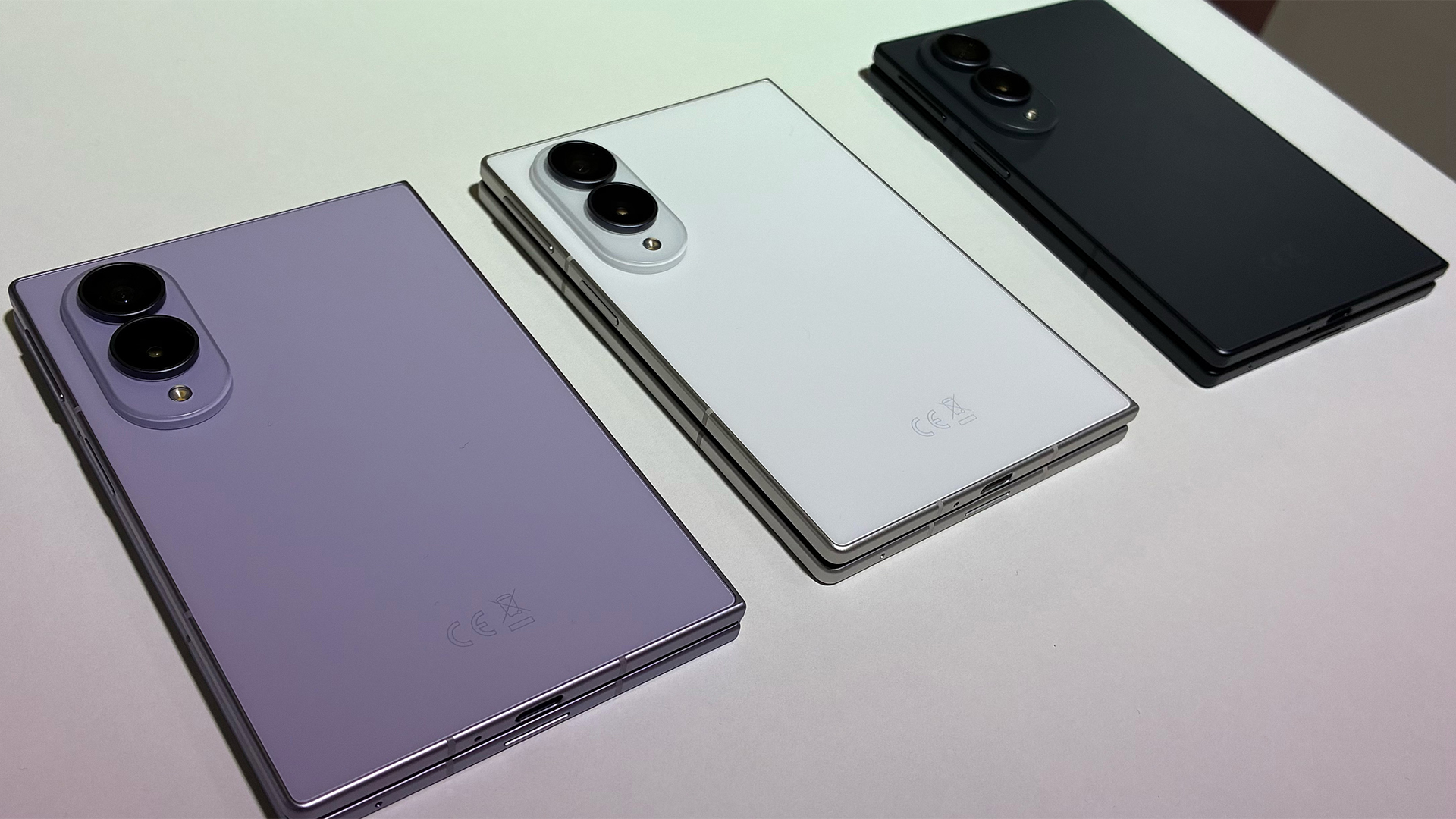 Samsung tests new shapes and materials for a more durable and immersive Galaxy Z Fold 8 line-up
News A new titanium structure reinforces the Samsung Galaxy Z Fold 8 Ultra, while the standard 8 sports a 3:4 ratio for more immersive content consumption
-
 The memory shortage is hitting PC sales hard, but vendor revenues are still growing at the expense of consumers
News AI-driven component shortages are hurting PC sales, but device vendors are recording solid revenue growth
-
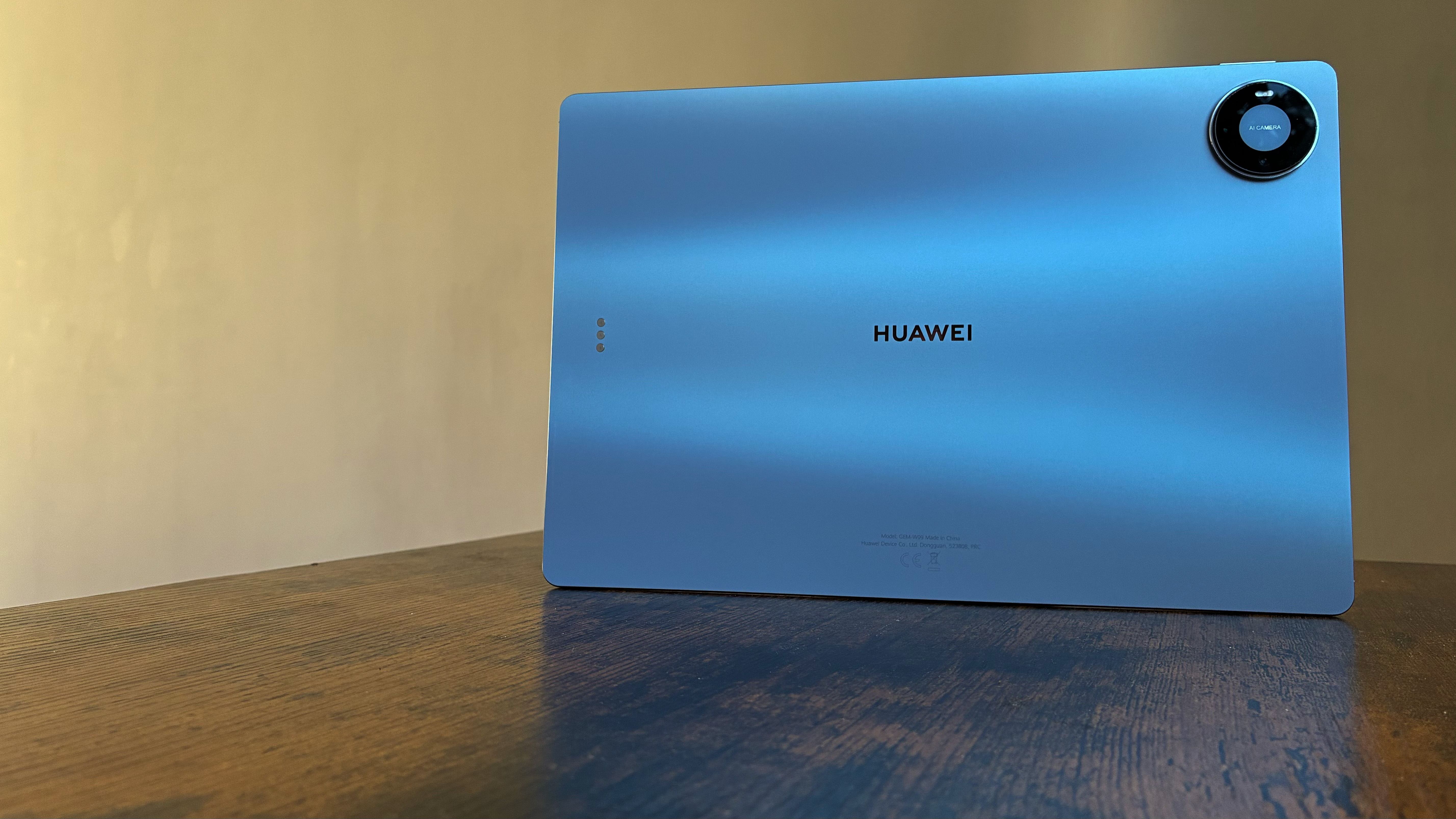 The Huawei MatePad Pro Max is incredibly thin, superbly built, and ready to power your creative potential
Reviews A bona fide creative powerhouse and arguably one of the best around for creators
-
 AI demand driving up Apple prices, says Cook
News Tim Cook says that rising component costs mean consumers have to pay more
-
 The Samsung Galaxy Book6 Enterprise Edition will make life easier for IT departments – and they'll love the battery life
Reviews A powerful, yet reliable laptop, but the real pull is the Enterprise features that ease deployment and remote management
-
 Dell sets the stage for a MacBook Neo showdown with budget XPS 13 laptop range
News The XPS 13 and MacBook Neo could be slugging it out in the budget hardware space
-
 Microsoft reveals Surface Pro and Surface Laptop for Business with Intel Core Ultra 3 series processors
News New 13in Pro and Laptop claim big performance improvements and vast AI capabilities
-
 Apple turns 50: here are ITPro's favorite devices
Opinion From a garage in California to one of the world’s most celebrated companies, Apple has spent five decades building some of our favorite tech products


