The Dell 16S is a fresh mid-range laptop with premium aspirations – but does it do enough to deliver value?
The stylish Dell 16S replaces the previous-gen Dell Plus laptops, but can its compromises on features and price tempt you away from the higher-end options?

-
+
Clean design
-
+
Snappy keyboard
-
+
Good port selection
-
-
Unimpressive IPS display
-
-
Slow SSD write speeds
-
-
Poor value

Confused by Dell's laptop naming scheme? You're not the only one. Last year, the company scrapped its entire portfolio, including the XPS branding, to release new machines under the Dell, Dell Plus, and Dell Pro labels. Now, XPS is back with a bang, while the Dell Plus laptops have been scrapped – in their place is the Dell 14S and Dell 16S, the latter of which we've gotten our hands on.
These mid-range productivity-centric devices are designed to be everyday workhorses that won't hit the performance heights of the higher-end laptops, but they've still captured that premium essence and will be much more friendly on your IT budget. As such, our 16S has the latest Intel 300 Series processor and an eye-catching shell. Will its £1,500 pricing be enough to tempt you away from the near-double-in-price XPS 16?


Dell 16S review: Design and display
Dell's choice of a clean and crisp Frost Blue chassis coating underlines this laptop's appeal to a more general audience, rather than a high-up executive or power user. While it's also available in a darker, less exciting grey tone, the playful charm and freshness give you a completely different outlook.
That's not to say it isn't as robust as you'd want from a Dell laptop, with its sturdy two-tone CNC-machined recycled aluminum chassis exuding a much-needed sense of durability. A nice touch is the contrast between the clouded, frosty coating on the palm rest, base, and lid against a sharper and reflective metallic lining along the sides – giving it some additional character. While an oddly square-shaped touchpad blends into the chassis, the charcoal-toned keycaps are a contrast too far and clash with the machine's freshness, as does the plastic casing around the display, undermining that premium feel. There's no flex on the lid, thankfully, which means it's at least functionally strong.
The machine's dimensions are about in line with comparable 16-inch laptops, including the HP EliteBook 8 G1a 16, and it's more compact than the Dell 16 Premium, while its 1.77kg weight is around the middle-of-the-road. For a 16in machine, you shouldn't have many portability problems.
While the 2,560 x 1,600-pixel 120Hz IPS display (equating to a below average 189 pixel-per-inch sharpness) is bright enough, registering a decent 352cd/m2 brightness in our display testing, there are a few shortcomings in terms of its color accuracy. While you can expect near-100% (or maximum) coverage of the sRGB spectrum in many modern laptops, the Dell 16S only achieves 89.1%. The results aren't much better for color accuracy for photo or video editing, with 65.1% and 70.1% coverage of the Adobe RGB and DCI P3 spectra. Combine this with a poor black level of 0.3cd/m2 and a contrast ratio of 1,178:1, it's evident that – while suitably bright – the display is among the weakest that we've tested over the course of the previous and current generation.
Dell 1S review: Performance and battery life

With the latest specs, you'd expect the Dell 16S to impress. Our configuration came fitted with a mid-powered eight-core Intel Core Ultra 7 355 processor alongside an Intel Graphics card, 16GB LPDDR5X RAM and a 512GB SSD. Performance is solid in and of its own right and it's about in line with the mobile processors you'd find in the previous generation's cohort.
Benchmarking with Geekbench 6 rendered a decent set of single-core and multi-core results of 2,683 and 11,052 respectively. We'd describe this as solid, if not unspectacular. The chipset is just about on the weaker end of the Intel 300 Series spectrum – and is comfortably outpaced by the best 200 Series chips. Take the Dell 16 Premium (Intel Core Ultra 7 255H), which scored 2,803 and 16,016 – or the Lenovo Yoga Pro 9i Gen 10 Aura Edition (Intel Core Ultra 9 285H), which scored 2,743 and 12,057.
Graphics performance was also respectable, with the Intel Graphics chip scoring 24,616 in our OpenCL benchmark – this is a little under the minimum we'd see with the Intel Arc Graphics chip, which could potentially reach above 30,000. For an entry-level GPU in a mid-range laptop, it's absolutely fine and will support basic-to-moderately intensive tasks without much problem. Where we were extraordinarily disappointed, however, was in SSD write speeds. While the 512GB SSD can read data at an average 5,280MB/s, it reads data at 255MB/s – which is borderline defective. We normally get results in the range of 2,500-6000MB/s.
The Dell 16S' battery life, meanwhile, is slightly better than many 16-inch machines we've tested recently, many of which can only reach 10-11 hours. Lasting 12hrs and 57mins, it's better than either the aforementioned Dell (10hrs and 20mins) and Lenovo (8hrs and 58mins) laptop, for example. There are one or two models that can outrun this; however, the Dell 16S is not able to outlast the AMD-powered HP EliteBook 8 G1a 16 (14hrs and 29 mins), for instance.
Dell 16S review: Features

The keyboard in the Dell 16S offers a bog-standard, solid and satisfying typing experience with minimal complaints. While certainly more generic than the exquisitely designed zero-lattice keyboard you'll find in the XPS or previous-generation Dell machines, there are few complaints about it. The off-centered placement to accommodate a numberpad will take some getting used to if you're used to centrally-aligned typing, but it's otherwise snappy, responsive, and each keystroke has a sufficiently deep travel distance.
The expansive touchpad, on the other hand, is oddly square-shaped rather than the more common rectangular form you'll find in most laptops. Its depth means that you can't perform left- or right-click actions without shifting your hands away from their position on the keyboard, while the button clicks are each a little lightweight. It's suitably responsive, however, and offers the perfect balance of smoothness and friction so that your finger feels comfortable while also not slipping on ice.
Connectivity is very good, meanwhile, with two USB-C ports with Thunderbolt 4 (40 Gbps), one HDMI 2.1 port, and two USB-A 3.2 Gen 1 ports (one on each side), as well as a 3.5mm headphone jack. There's also a little LED indicator next to the USB-C ports on the left-hand side to indicate when power is connected. We would much prefer a USB-C port on either side, however, to give you more flexibility, and there's no room for an SD Card reader. You'll also get the latest Bluetooth 6.0 and Wi-Fi 7 wireless standards – and they work well with stable connections.
Beyond the usual collection of Windows 11 AI features, thanks to a 49TOPS integrated NPU, there's very little in terms of bells and whistles available. The Dell Optimizer app is a console that lets you manage your device if you want a different skin to Windows Settings, while Dell offers a number of additional optional third-party software upgrades as well as two tiers of hardware support, at an additional cost, during the purchase process.
Dell 16S review: Is it worth it?
We've had a mixed experience using the Dell 16S, with plenty of positives including a fresh design, snappy keyboard, and healthy selection of ports, but there are too many flaws to suggest that it offers value for money at its current price.
The display, for instance, is less-than-ideal if you want to work with media in a professional sense. It's bright and crisp enough for day-to-day usage, but underperformed when we lifted the lid off the hood. Performance, too, is just about fine – but won't really challenge the highest-end machines out there right now. One suitable comparator is the Acer Swift 16 – which is just £300 more but includes an OLED screen, a much better CPU, double the RAM and SSD space.
You can argue it's worth pushing your budget up to £2,000 so you can afford the highest-end 16S, with a monstrous Intel Core Ultra 9 386H processor (slightly better than the Acer's CPU) and 32GB RAM – but you're still stuck with the same display, and for that amount of money you're really looking for something that can dazzle you.
What you're paying for in the Dell 16S is its sophisticated and robust chassis that boasts a strong design and a guaranteed level of physical reliability – while still being enjoyable to work with on a day-to-day basis. While the Dell 16S has ambitions to punch above its weight, it doesn't excel in any single area and doesn't offer the best value considering its underwhelming display.
Dell 16S review: Specifications
Processor |
Intel Core Ultra 7 355 (8 cores) |
Row 0 - Cell 2 |
RAM |
16 GB LPDDR5X |
Row 1 - Cell 2 |
Graphics card |
Intel Graphics |
Row 2 - Cell 2 |
NPU |
Integrated (49 TOPS) |
Row 3 - Cell 2 |
Storage |
512GB SSD |
Row 4 - Cell 2 |
Screen |
16in IPS HDR 120Hz, 2,560 x 1,600 |
Row 5 - Cell 2 |
Ports |
USB-C x2, HDMI 2.1 x1, USB-A 3.2 Gen 1 x2, 3.5mm audio jack |
Row 6 - Cell 2 |
Connectivity |
Wi-Fi 7, Bluetooth 6.0 |
Row 7 - Cell 2 |
Operating system |
Windows 11 Home |
Row 8 - Cell 2 |
Dimensions (WDH) |
14.05 x 9.9 x 0.6 inches (356.8 x 251.4 x 15.3 mm) |
Row 9 - Cell 2 |
Weight |
1.77 kg |
Row 10 - Cell 2 |
Battery capacity (Wh) |
70 Wh |
Row 11 - Cell 2 |

-
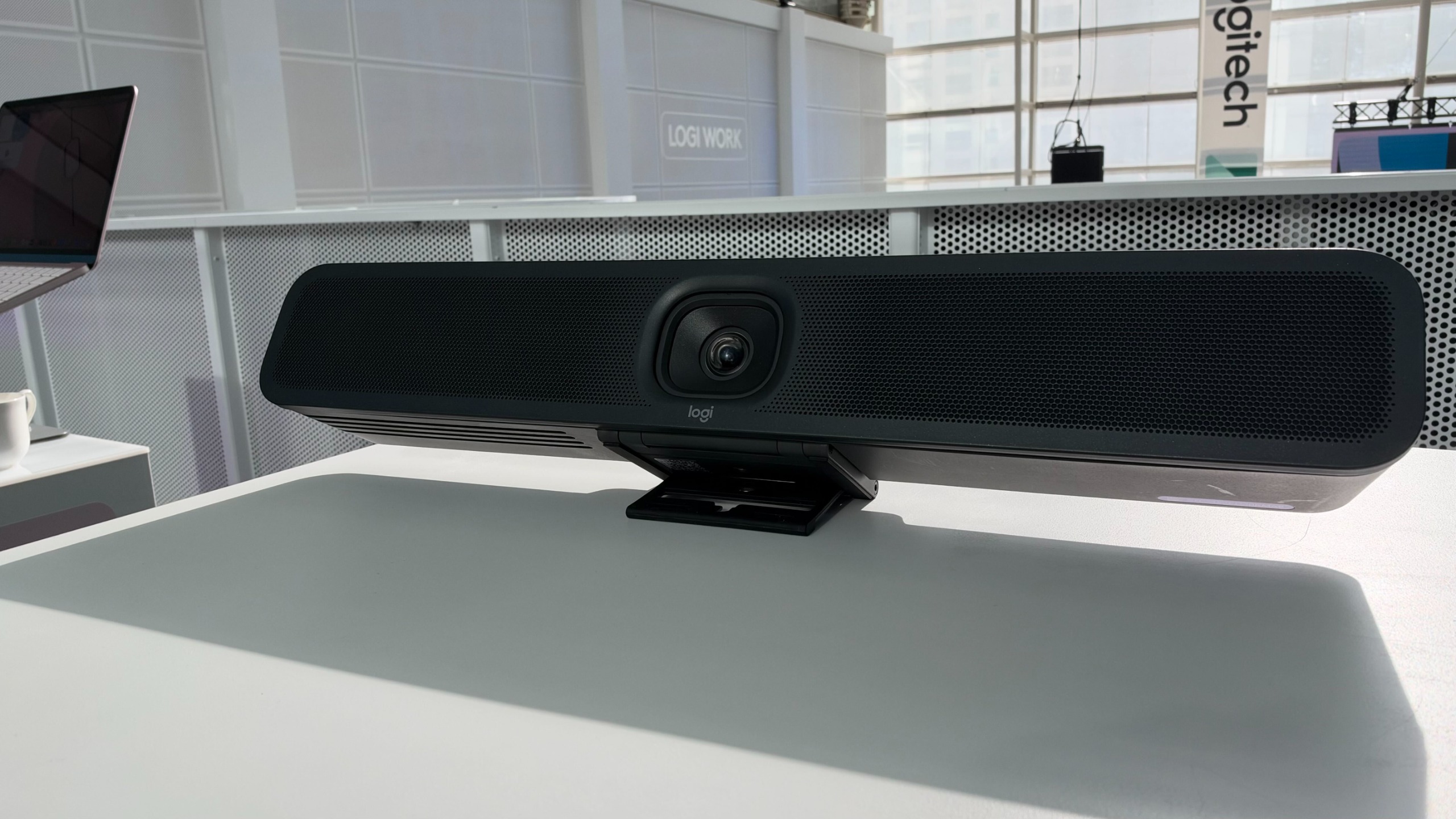 Do meeting rooms spoil the in-office experience? Logitech and its simplified Rally Bar 2 aim to fix that
News Complex configurations and poorly set-up spaces can directly affect business outcomes, according to Logitech
-
 AI agents have a mind of their own – and that’s a problem for businesses
New research shows that half of organizations are having to deal with agent behaviour that hasn't been authorized or approved.
-
 US raids laptop farms used to funnel $3 million to North Korea in fake candidate scam
The Famous Chollima operation hit organizations in the health care, communications, cyber support, retail, and manufacturing sectors


