Facebook reveals wrist-based hardware for augmented reality
The social network is working on a wearable prototype that uses haptic technology
Facebook has unveiled a prototype for a wearable device that can be used as a control for augmented reality systems.
The device is still in development at Facebook's Reality Labs (FRL) - formally Oculus Research - and is part of its work to find alternative methods of 'human-computer interaction' (HCI).
The software used by the prototype is described by Facebook as "wrist-based input combined with usable but limited contextualised AI". It's a form of haptic technology where sensors measure electrical motor nerve signals that run up the wrist to the fingers. The device looks like a very bulky watch, presumably as it is housing lots of these sensors.
The idea is to develop an interface for augmented reality that doesn't involve touchscreens or physical keyboards, allowing users to better interact with and control the virtual layers created by a device.
"The future of HCI demands an exceptionally easy-to-use, reliable, and private interface that lets us remain completely present in the real world at all times," the company said in a blog post. "That interface will require many innovations in order to become the primary way we interact with the digital world."
The software has two critical elements that the FRL team is still developing. The first is 'contextually-aware AI', which is used to translate the commands and actions of a user based on the situation or environment they are in. The second is technology that allows for effortless communication with a system - this is an approach Facebook calls 'ultra-low-friction input'.
Facebook's chief technology officer, Mike Schroepfer, said the prototype has "amazing potential" for making devices more accessible. Schroepfer also shared two videos of the technology in action, with one highlighting both its 'low-friction input' and its contextual AI with a virtual keyboard.
Sign up today and you will receive a free copy of our Future Focus 2026 report - the leading resource for IT decision-maker insight on priorities and investment areas in AI, security and more.
The Hasso Plattner Institut (HPI) in Berlin has also conducted research into haptic technology for virtual and augmented reality. The institute developed a prototype in 2018 for Microsoft's HoloLens that integrated haptic force feedback by using electrical muscle stimulation.
Bobby Hellard is ITPro's Reviews Editor and has worked on CloudPro and ChannelPro since 2018. In his time at ITPro, Bobby has covered stories for all the major technology companies, such as Apple, Microsoft, Amazon and Facebook, and regularly attends industry-leading events such as AWS Re:Invent and Google Cloud Next.
Bobby mainly covers hardware reviews, but you will also recognize him as the face of many of our video reviews of laptops and smartphones.
-
TfL takes Oyster photocard systems offline following breachNews Security experts warn the Oyster photocard breach could lead to follow-up attacks on victims
-

Irish credit unions hit by data breach after IT provider compromisedNews Wellington IT reportedly delayed alerting customers by multiple weeks
-

Practical ergonomics guide for educationWHITEPAPER Save energy, focus, and promote overall well-being
-

Microsoft hikes Bing Search API prices to “reflect technology investments”News Microsoft cited recent high-profile investments in Bing as justification for the price increases
-
Google Docs integrates leading programming languages for slicker presentationsNews The collaboration app will soon allow for better code sharing between teams, with in-tool formatting for a number of languages
-
Windows 11 tips and tricks for IT professionalsIn-depth Like many systems, Windows 11 has a slate of hidden tips and tricks for users looking to ramp up productivity
-
Latest Microsoft Edge updates target employee onboarding, preventing malware attacksNews Microsoft unveiled a wide range of upgrades and features for its flagship browser at its annual Ignite conference this week
-
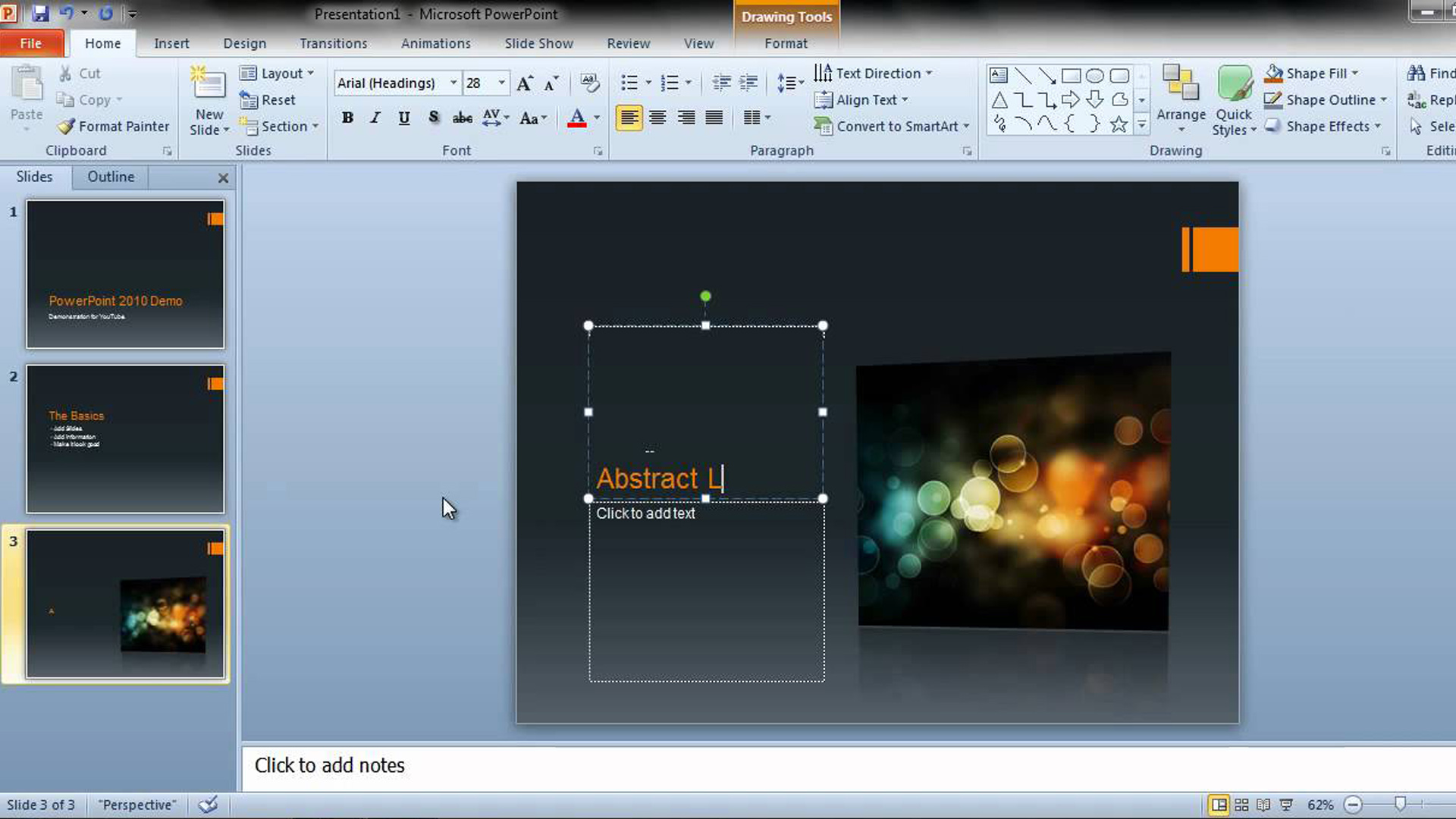
PowerPoint picture tools for effective presentationsIn-depth As pictures are worth a thousand words, we take a look at picture editing tools to enhance your PowerPoint presentations
-
How to insert a tick or a cross symbol in Microsoft Word and ExcelTutorials Learn six quick and easy methods to insert a tick or cross symbol in Microsoft Word and Excel, including using the Symbol menu and keyboard shortcuts
-
The best Microsoft Office alternatives: Free, paid, and online mobile office suitesTutorials We run down the best Microsoft Office alternatives available, so you can decide whether it’s time to jump ship