The Asus ExpertBook Ultra is a gorgeous ultra-thin laptop that houses a killer Intel Panther Lake processor
A brilliant slimline laptop, combining an incredibly light body and dazzling OLED screen with Panther Lake performance

-
+
Stylish, tough and ultralight chassis
-
+
Fantastic OLED screen
-
+
Great CPU and GPU performance
-
+
Over 20 hours of battery life
-
-
Loose hinge on test sample
-
-
1080p webcam isn't the best

Up until now, Asus's ExpertBook series has gone big on usability, performance, security, and connectivity, but not so much style or glamour. It's been a series of hard-working professional laptops, not showstealers. That changes with the new ExpertBook Ultra. This is a gorgeous ultra-thin, ultra-light laptop that still manages to house a killer spec based around Intel's latest Panther Lake processors. It's built for business, but it's going to look good while it's hard at work.


Asus ExpertBook Ultra: Design
In fact, the ExpertBook Ultra has less in common with existing ExpertBook designs than it does with Asus's thin-and-light Zenbook line, and particularly last year's superb, slightly underappreciated Zenbook A14. Both laptops feel ludicrously thin and weigh in at under 1kg, and both come with a lovely ceramic-look finish, though the ExpertBook uses a magnesium alloy shell with a Nano-Ceramic coating rather than the Ceraluminium hybrid material it's used in the past.
If anything, the ExpertBook Ultra looks and feels more refined than the Zenbook A14. The body feels more rigid, yet it's even slimmer at just under 11mm. It's easy to pick up one-handed and sling into a bag, yet it meets MIL-STD-810H certification and uses matte Corning Gorilla Glass Victus on the screen. The top-firing speakers and their grills add a little extra to the deck, and there's a new LED light bar next to the hinge, which glows on startup but doesn't appear to do a whole lot elsewhere. Perhaps most importantly, there's more ventilation underneath the unit, reflecting that, internally, this is a very different beast.
There's just one grumble about the physical design, and it may be limited to our test sample. On ours, the hinge feels slightly looser than we'd normally expect, especially towards the end of the range when tilted backwards. Still, this is a pre-release sample, and we'd be surprised if this were a widespread issue.
You might expect that such a thin-and-light device takes a minimalist approach to connectivity, but the ExpertBook Ultra packs in everything you need to connect to a desktop setup except for an Ethernet port, with two Thunderbolt 4/USB-C ports (one on either side), two USB 3.2 Gen 2 ports (ditto), an HDMI 2.1 port and even a 3.5mm headphone socket. With Wi-Fi 7 onboard, there's no desperate need for Ethernet in many circumstances, and you also have Bluetooth 5.4 if you want to connect a wireless mouse or headset.
Keyboards have sometimes been a weakness for Asus laptops, but the last few years have seen some huge improvements, and the brand now has some of the best keyboards you'll find on a Windows device. The ExpertBook Ultra's is a great example. The action is light but pretty firm with a likeable tactile response, and there's zero flex in the deck while you're typing. The keys are flat, and there's not much in the way of any pitch, but the good-sized palmrests on either side of the trackpad provide a decent level of support.
We could quibble about the undersized Ctrl and Tab keys or the way that delete has shifted left to make space for a fingerprint reader/power button, but we'll take the hit because the fingerprint reader is so effective, fast, and useful. It's a keyboard that's ready for some serious workloads.
The touchpad is another hit. It takes up almost the entire vertical space between the bottom of the keyboard and the edge of the deck, and is just under 13cm wide. The surface is glass and perfectly smooth, and it's flawless in its tracking and consistently responsive. In terms of sheer usability, the ExpertBook Ultra is one of the finest thin-and-light PCs we've tested.
Asus ExpertBook Ultra: Display

Asus hasn't skimped in any way on the display. It's a 14in OLED panel with a 16:10 aspect ratio and a 2880 x 1800 resolution, and it delivers the kind of pin-sharp clarity and contrast you'd want when working on spreadsheets, multitasking, or watching 4K video. In fact, while the ExpertBook Ultra isn't pitched as a 'creator' laptop, the screen is more than capable of handling that kind of work.
Unusually, it uses a Tandem OLED setup, stacking light-emitting layers for added brightness, color performance, and overall efficiency. This seems to work; we measured the maximum SDR brightness level at 642.2cd/m2, and it covers 100% of the sRGB color gamut with a 145% gamut volume and 98% of the DCI-P3 color gamut with a 102% volume. Contrast is faultless, and color accuracy is good enough for anything, with a Delta-E of 0.54. This screen is almost wasted running black text on white backgrounds; you need to fire up Netflix or YouTube and watch some 4K HDR video just to see it shine.
Doing so will also give you a chance to appreciate the Dolby Atmos sound, which is surprisingly clear, meaty, and immersive, given the small amount of space the speakers have to work with. It grows slightly harsh at high volumes, and whomping bass is in short supply, but it's well-tuned for voice chats and conference calls and pretty good for streaming video or background music at low to medium volumes.
The front-facing webcam is the one area where the sense of first-rate quality falls slightly. Images are bright and exposure well managed even in less than perfect light conditions – the sort we're all getting now on days when the rain seems endless. However, the picture's also grainy and even blotchy at times, and not particularly sharp. It's still fine for professional calls and meetings, but fine doesn't seem quite good enough on a laptop that excels almost everywhere else.
Asus ExpertBook Ultra: Performance
Any comparisons with the Zenbook A14 end here, because where that was a fairly underpowered, energy-efficient device based on a Snapdragon X Plus processor, this is a far more performant machine based on Intel's latest Panther Lake tech. Our test sample isn't even packing the high-end Core X9 Ultra CPU, which is an available spec.
Instead, it uses the mid-range Core X7 Ultra 385H. This has four P-Cores, 8 E-Cores and another 4 low-power E-Cores running at speeds of between 1.5GHz and 4.8GHz. With the same core count, only 300Mhz separates it from the faster chip. It's also blessed with a 50 TOPS NPU and the same Arc B390 GPU as the Core Ultra X9.
Combined with 32GB of DDR5 RAM and a 2TB PCIe 5.0 SSD, the Core Ultra X7 385H does a surprisingly good job of keeping up with the Core Ultra X9 388H in the Asus Zenbook Duo. In Geeekbench 6 it scores 2818 in the single-core test and 16015 in the multi-core, against 2900 and 16920 from the Asus with the higher-end chip. In PC Mark 10, it scores 6529 against the Zenbook Duo's 7213.
Only in the Cinebench R24 rendering benchmark is there much clear water between the two, with the ExpertBook scoring 122 (single-threaded) and 838 (multi-threaded) to the Zenbook Duo's 127 and 929. Given that the Zenbook Duo is one of the fastest laptops we've tested that's not pitched as a creative workstation, that's quite an impressive feat. Remember: this is an ultraportable laptop, not a powerhouse, and these scores put it comfortably ahead of AMD Ryzen AI and Qualcomm Snapdragon X-based rivals.

Also keep that in mind while we talk about the 3D performance. The ExpertBook Ultra scores 6232 in the 3DMark TimeSpy benchmark and 1142 in the more demanding Steel Nomad test. That's down from 7140 and 1343 from the Zenbook Duo, but still much faster than anything we've tested running integrated graphics bar the HP ZBook Ultra G1a with its 40 compute unit Radeon 8060S GPU. That's a proper mobile workstation, so it hardly counts as a fair fight.
With non-graphics benchmarks Panther Lake still trails the mighty M4 processor inside the current MacBook Air. However, Panther Lake comes out on top in 3D benchmarks, where the M4 scores in the region of 880-890 in the Steel Nomad benchmark.
As we've seen with the Zenbook Duo, Panther Lake does a fantastic job of balancing performance and energy efficiency. The ExpertBook Ultra confirms it. While having a large 70Wh battery plays its part, this laptop managed to survive 20 hours and 57 minutes of our video rundown test – an exceptional result for a laptop of this type. What's more, it recovers almost half its battery (49%) with a quick 30-minute recharge.
Asus ExpertBook Ultra: Is it worth it?
We've reviewed some good ExpertBook laptops before, but the Ultra takes the line to a whole new level. This laptop's built and specified to compete with the big hitters of the thin-and-light form factor; laptops like the old Dell XPS 13, HP EliteBook X, and MacBook Air. The fact that it can go toe-to-toe with any of them, even beating them in areas, shows exactly how strong this laptop is. It's a premium device with pricing to match, and so out of reach of some businesses and budgets, but if you're in the market for a high-end ultraportable the ExpertBook Ultra is up there with the best.
Asus ExpertBook Ultra specifications
Display |
14in 2880-1800 resolution tandem OLED touchscreen, 30-120Hz |
Row 0 - Cell 2 |
Processor |
Intel Core Ultra X7 385H |
Row 1 - Cell 2 |
GPU |
Intel Arc B390 |
Row 2 - Cell 2 |
RAM |
32GB LPDDR5X |
Row 3 - Cell 2 |
Ports |
2x Thunderbolt 4/USB-C, 2x USB 3.2 Gen 2 Type-A, HDMI 2.1 |
Row 4 - Cell 2 |
Camera |
1080p IR webcam with Windows Hello |
Row 5 - Cell 2 |
Storage |
2TB PCIe4 SSD |
Row 6 - Cell 2 |
Connectivity |
Wi-Fi 7, Bluetooth v5.4 |
Row 7 - Cell 2 |
Weight |
0.99Kg |
Row 8 - Cell 2 |
Dimensions |
311 x 212 x 10.9mm |
Row 9 - Cell 2 |
Battery Capacity |
70Wh |
Row 10 - Cell 2 |
Operating System |
Windows 11 Home |
Row 11 - Cell 2 |

-
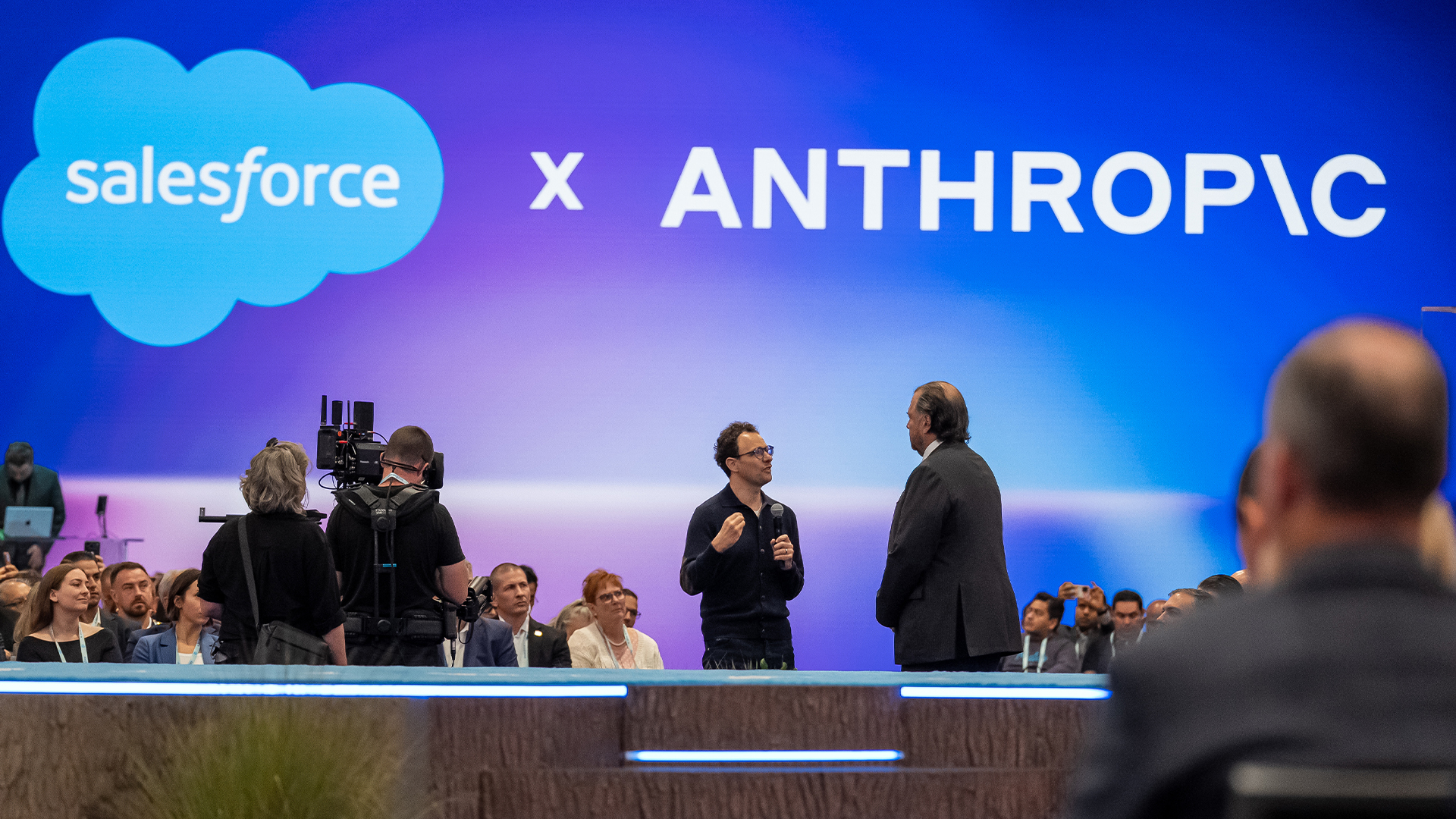 Dreamforce 2026 showed AI safety is the new big tech battleground
News Differing outlooks on AI safety risks have become clear as leading tech figures hit an impasse on responsible development
-
 ‘It’s going to make software so much better’: Marc Benioff and Jensen Huang aren’t sold on the ‘SaaSpocalypse’ – AI will take the industry to the next level
News Reports on the death of SaaS has been greatly exaggerated, according to the Nvidia and Salesforce chiefs – but big changes are still looming for software providers
-
 Dreamforce 2026 live: All the news, updates, and announcements from day one
Keep tabs on all the news and announcements in our live coverage from Dreamforce 2026


